
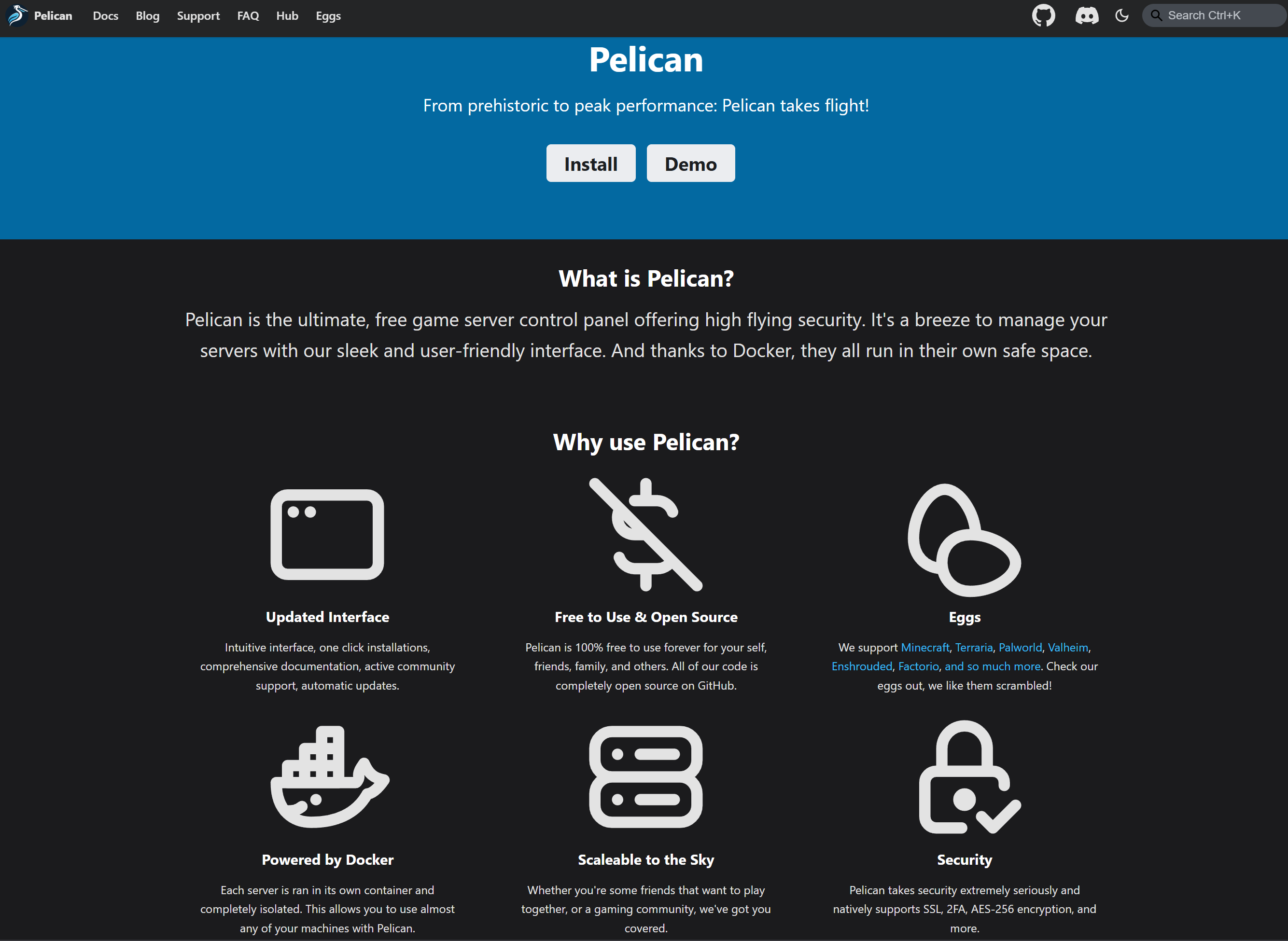
Pelican on Cloudron - free game server control panel offering high flying security.
-
- Main Page: https://pelican.dev/
- Git: https://github.com/pelican-dev/panel
- Licence: . AGPL v3.0
- Docker: Yes
- Demo: https://demo.pelican.dev/login
- Summary: Use this panel to deploy games on your server
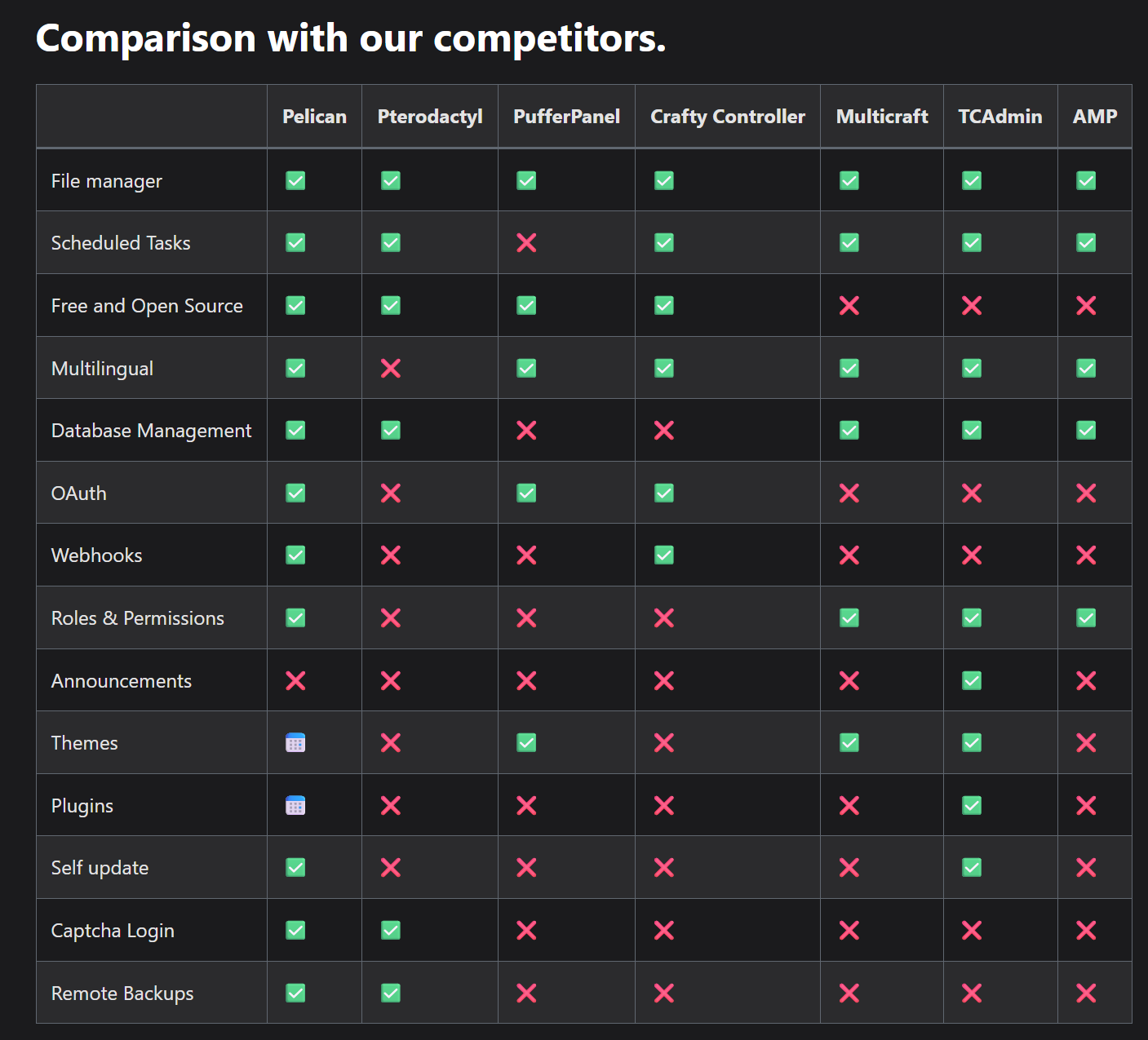
- Notes: The range of games it supports is fantastic. It is still in beta. Pelican forked from Pterodactyl.
- Alternative to / Libhunt link: e.g. https://alternativeto.net/software/pterodactyl/
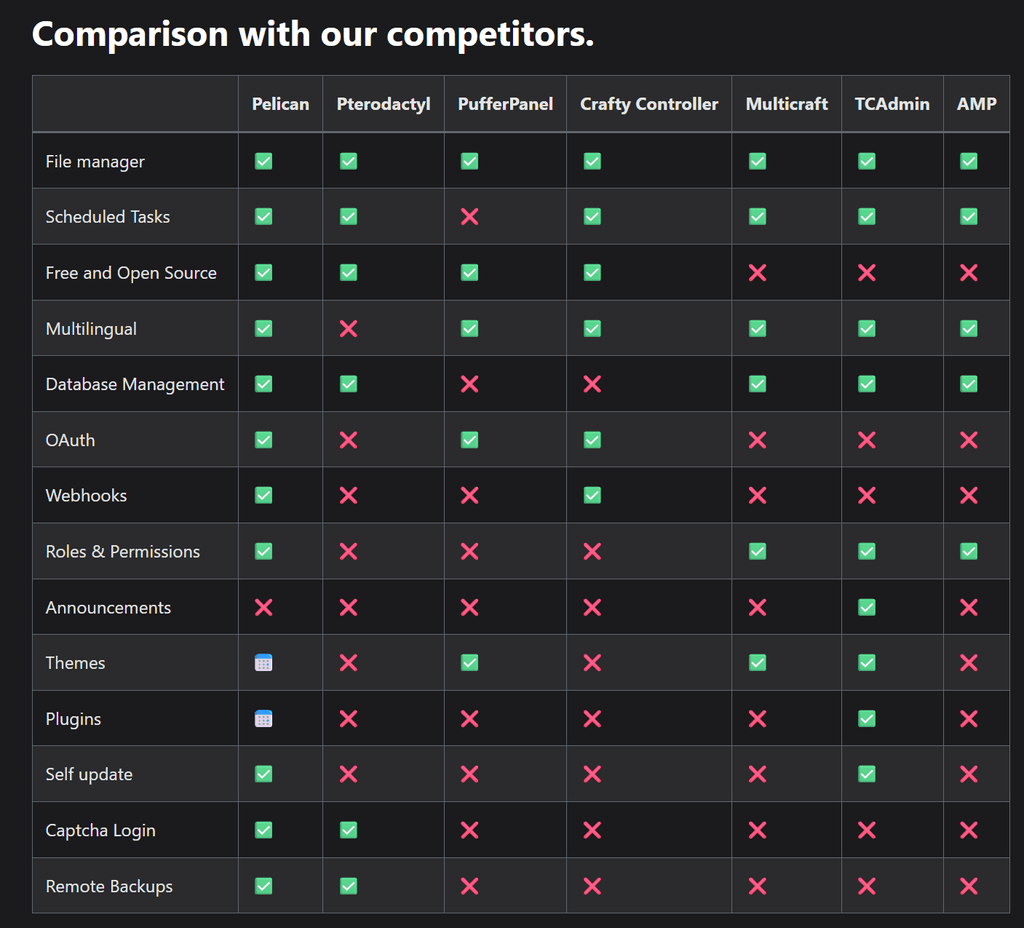
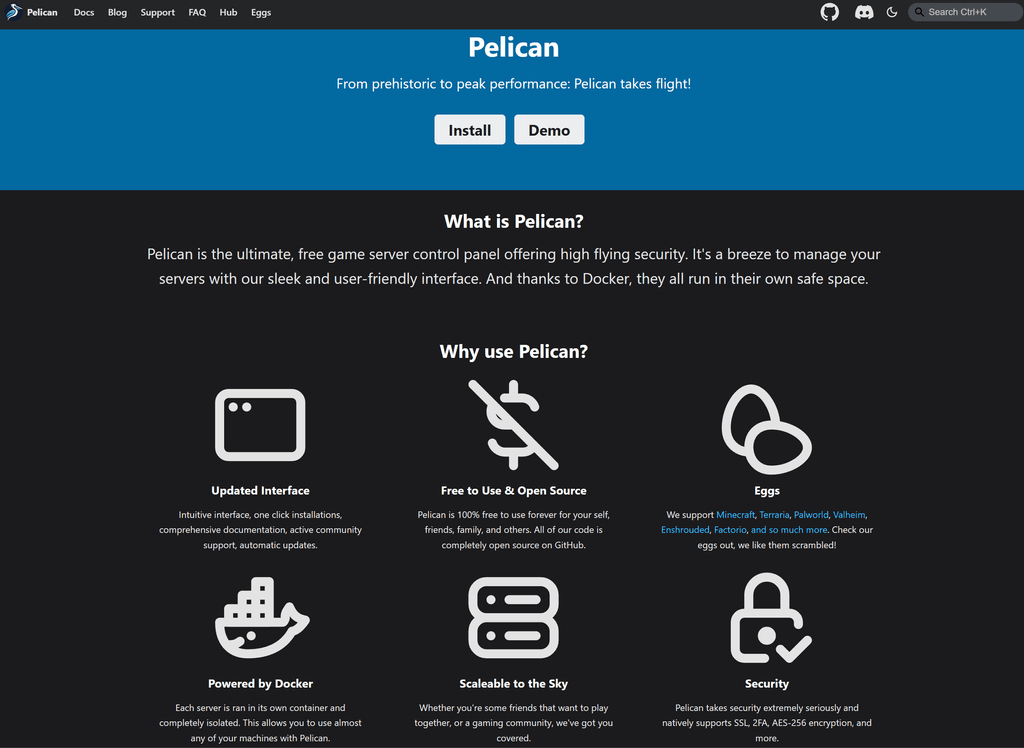
- Screenshots:

-
L LoudLemur referenced this topic on
-
J joseph marked this topic as a regular topic on
-
We attempted to package this but failed. (First packaging attempt)
If somebody else wants to try, this is what we learned:
# Lessons from Attempting to Package Pelican Panel for Cloudron


## Key Lessons Learned
Here are the top 5 things that caused the most trouble:

- **Health Check Stalls**: Pelican's slow startup (e.g., DB migrations, asset compilation) often times out Cloudron's health checks. Extend the Dockerfile's `HEALTHCHECK --start-period` to 120s+ for real use, or use a temporary dummy (e.g., `CMD true`) to bypass for debugging—revert it later to avoid false "healthy" states.
- **Env Var Management**: Cloudron rejects an "environment" array in the manifest (validation error: "Unknown property"). Hardcode defaults in Dockerfile `ENV` lines, then manually edit `/app/data/.env` via SSH post-install to inject Cloudron placeholders like `${MYSQL_HOST}` (get them from `cloudron inspect --app <fqdn>`).
- **Manifest Validation Issues**: Cloudron is strict—unsupported fields fail installs outright. Stick to the official schema (check [Cloudron docs](https://cloudron.io/documentation/custom-apps/manifest/)), test with JSON validators, and remove extras like custom env sections.
- **Git Merge Conflicts**: Editing files locally vs. directly on GitHub leads to push rejections. Always run `git pull origin main` before changes, and resolve conflicts by manually editing/removing markers (e.g., `<<<<<<< HEAD`, `=======`, `>>>>>>>`).
- **Image Registry Choices**: GHCR (GitHub Container Registry) can have pull/auth issues in Cloudron; Docker Hub is more reliable for public images. Ensure the manifest's "dockerImage" matches your pushed tag, and verify pulls locally before installing.

## Useful Code Snippets
These are anonymized examples that helped during troubleshooting. Adapt them to your setup.

### Basic CloudronManifest.json (Validated, No Invalid Fields)
```json
{
  "id": "dev.pelican.panel",
  "title": "Pelican Panel",
  "version": "1.0.0-beta22",
  "description": "Open-source game server management panel",
  "tagline": "Manage your game servers with Pelican",
  "website": "https://pelican.dev",
  "icon": "logo.png",
  "healthCheckPath": "/",
  "httpPort": 80,
  "manifestVersion": 2,
  "dockerImage": "yourusername/pelican-panel:latest",
  "addons": {
    "localstorage": {},
    "mysql": {},
    "sendmail": {}
  },
  "postInstallMessage": "After installation, please visit https://${DOMAIN}/installer to complete the setup."
}
Dockerfile Snippets (Key Sections for Env, Health Check, and Storage)
# Default ENV vars (add after FROM php:8.2-fpm-alpine)
ENV APP_ENV=production
ENV APP_DEBUG=false
ENV APP_URL=https://${APP_DOMAIN}
ENV APP_KEY=base64:your-generated-key-here  # Generate with: docker run -it php:8.2-fpm-alpine php -r "echo 'base64:' . base64_encode(random_bytes(32));"
ENV DB_CONNECTION=mysql
ENV DB_HOST=127.0.0.1
ENV DB_PORT=3306
ENV DB_DATABASE=pelican
ENV DB_USERNAME=root
ENV DB_PASSWORD=secret
ENV MAIL_DRIVER=sendmail
ENV MAIL_FROM_ADDRESS=admin@${APP_DOMAIN}
ENV MAIL_FROM_NAME="Pelican Panel"

# Production HEALTHCHECK (extend start-period for slow startups)
HEALTHCHECK --interval=30s --timeout=10s --start-period=120s --retries=3 \
  CMD curl -f http://localhost/ || exit 1

# Dummy HEALTHCHECK (debug only - auto-passes)
# HEALTHCHECK --interval=5s --timeout=3s --start-period=10s --retries=3 \
#   CMD true || exit 0

# Storage symlinks for Cloudron persistence (add in RUN)
RUN ln -s /app/data/.env /var/www/html/.env && \
    ln -s /app/data/storage /var/www/html/storage && \
    chown -R www-data:www-data /var/www/html /app/data
Post-Install SSH Commands for Fixes
# SSH to server, then:
cloudron logs --app your-app-fqdn  # Check high-level logs
docker ps | grep pelican  # Get container ID
docker logs <container-id>  # Detailed app logs
docker exec -it <container-id> /bin/sh  # Enter container
# Inside: apk add nano; nano /app/data/.env  # Edit env vars
# Then: php artisan migrate --force; supervisorctl restart all
# Exit and: cloudron restart --app your-app-fqdn
Final Notes
- Testing Tip: Run the image locally (
docker run -p 80:80 yourimage) before Cloudron to verify health checks and env vars. - Why It's Tricky: Pelican (Laravel-based) needs precise env setup and can be slow to boot—manual SSH tweaks were essential.
- Sharing: If you build on this, post updates here or on Pelican's GitHub.
- Testing Tip: Run the image locally (
Hello! It looks like you're interested in this conversation, but you don't have an account yet.
Getting fed up of having to scroll through the same posts each visit? When you register for an account, you'll always come back to exactly where you were before, and choose to be notified of new replies (either via email, or push notification). You'll also be able to save bookmarks and upvote posts to show your appreciation to other community members.
With your input, this post could be even better 💗
Register Login