
Enabling the MiroTalk meetings API (success!)
-
In case this is useful to anyone else:
I wanted to gain access to the full meetings and token APIs at
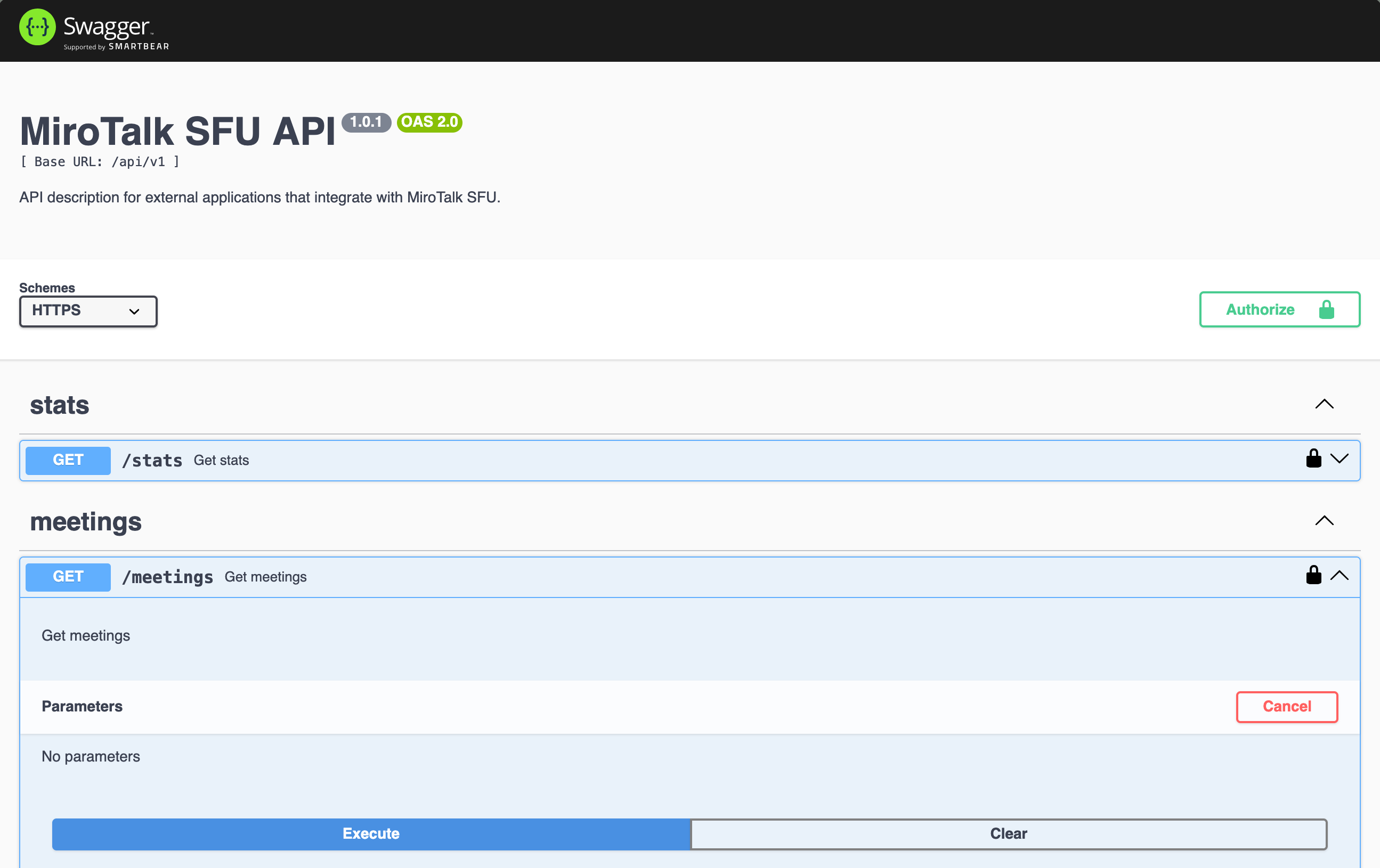
my-server.com/api/v1/docs/: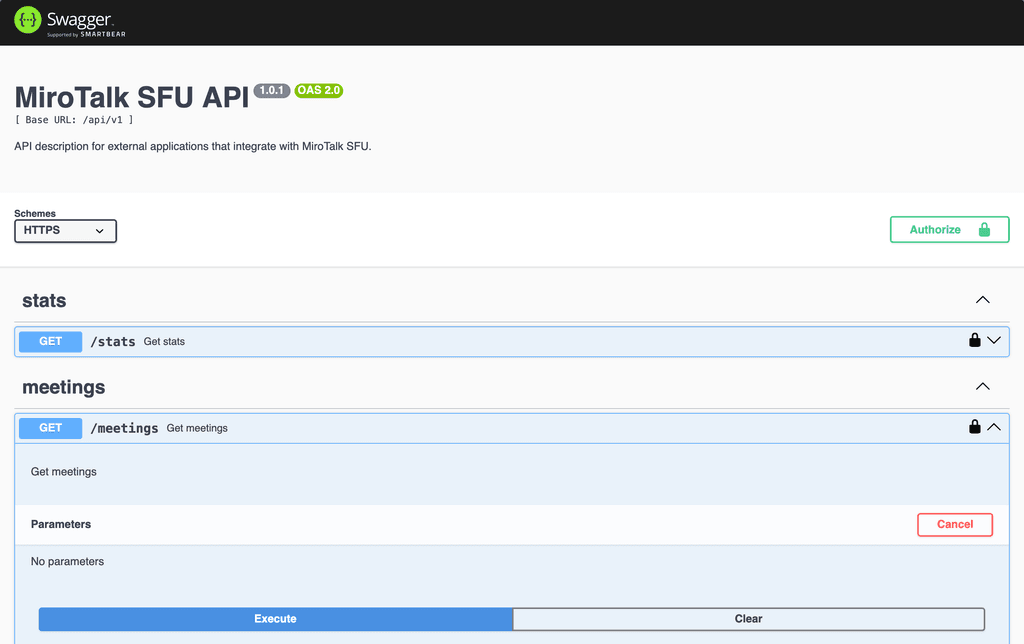
Since I was able to access the page above, it looked at first like everything was already set and ready to go!
However, I soon learned that this was not the case:
{"error":"This endpoint has been disabled. Please contact the administrator for further information."}
This made me think that I needed to use the secret in
/app/data/api_secretto access the API. But it didn't work (same error message as above).It turns out I needed to add the following to the
/app/data/envfile:API_ALLOW_MEETINGS=true
API_ALLOW_TOKEN=trueOnce I restarted the server, I was rewarded with a new error!
{"error":"Unauthorized!"}
This unauthorized error shows up because, I believe, the
/app/data/api_secretis not used for the meetings or token APIs. You need to ALSO add the following to your/app/data/envfile:API_KEY_SECRET=yourVerySpecialSecret
Finally, you can click the
Authorizebutton in the swagger / MiroTalk SFU API page (shown above), and addyourVerySpecialSecretto the input box there. After that, you have access to your own MiroTalk SFU API!Update to add: You can find a complete list of possible
envsettings here:https://github.com/miroslavpejic85/mirotalksfu/blob/main/.env.template
-
Thank you, @canadaduane for the great analysis!

In case it’s helpful, here are some examples of API usage in different languages:
- JavaScript
- PHP
- Python
- Bash
You can find full working examples here:
https://docs.mirotalk.com/mirotalk-sfu/api/

Hello! It looks like you're interested in this conversation, but you don't have an account yet.
Getting fed up of having to scroll through the same posts each visit? When you register for an account, you'll always come back to exactly where you were before, and choose to be notified of new replies (either via email, or push notification). You'll also be able to save bookmarks and upvote posts to show your appreciation to other community members.
With your input, this post could be even better 💗
Register Login