
Problem with web login on Chrome browser
-
Hi,
I'm writing another topic a little related to the certificate, and I do not know if other people have a similar problem.
For the past month I have noticed that on a Windows computer, I happen to have 11.
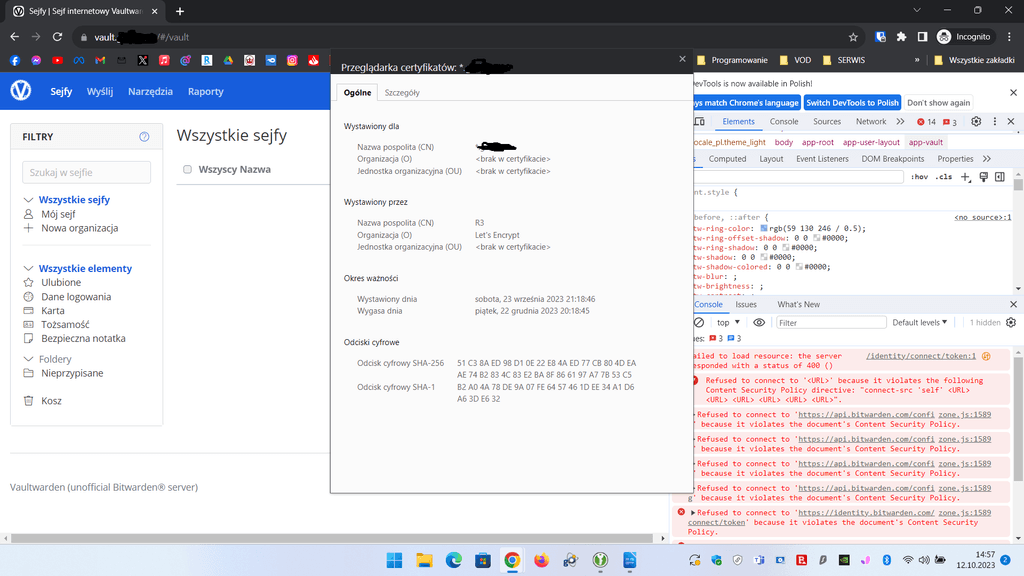
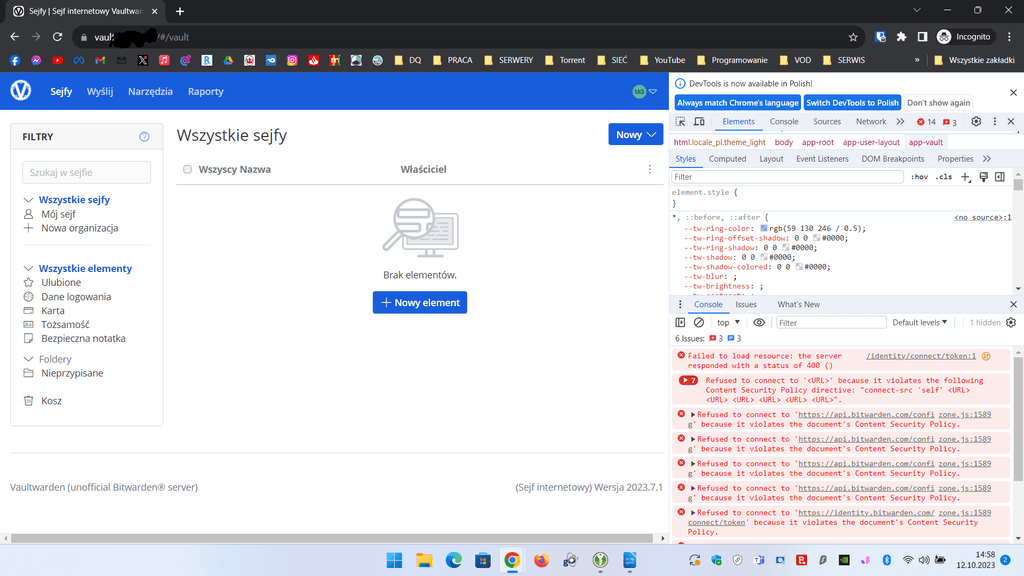
Having the certificate from Let's Encrypt and enabled protection built into Chrome when logging into the manager via web, it doesn't want to load the database at all. Testing on a laptop where I have Linux Mint - it works without a problem.Going back to Windows 11, for the test I turned off protection in Chrome - it started to load the database correctly.
After this test, I thought I would upload the paid certificate that I still have until November (RSA4096) it started to load the database correctly with protection enabled in Chrome on Windows 11.
I'm wondering why Let's Encrypt on Windows with Chrome protection enabled is affecting the Vaultwarden malfunction
 Adding to that, in the desktop app and the browser extension works without a problem.
 -
Something I think is related to the security header
-
Why do you think the errors are certificate related? From the screenshots, the errors are CSP related. The browser is blocking calls to
bitwarden.comand rightly so, since the thing is selfhosted and doesn't requirebitwarden.comWith R3 we have ECC 384 encryption is a problem with logging in precisely because of CSP and with an incorrect token as in the screen shot above. And switching to paid with RSA 4096 encryption works without any problem.
-
Sorry for the previous posts.
It just turns out that something may have been up with Chrome on Windows.
On September 6, they released a new version 117, where they disabled SHA-1 fingerprint, and since then I've had problems with the token on Let's Encrypt certificates with ECC 384bit.
Only today after updating to version 118, it just started working as it should properly even in the „Enchanced protection” mode in the security built into Chrome.


Hello! It looks like you're interested in this conversation, but you don't have an account yet.
Getting fed up of having to scroll through the same posts each visit? When you register for an account, you'll always come back to exactly where you were before, and choose to be notified of new replies (either via email, or push notification). You'll also be able to save bookmarks and upvote posts to show your appreciation to other community members.
With your input, this post could be even better 💗
Register Login