
LDAP for Win10 Authentication/Authorization with pGina
-
tl;dr:
Has anybody got a working setup for using pGina for Win10 Authentication/Authorization with the Cloudron built-in LDAP-Server?Hi everybody,
I am currently trying to generate a setup for a client where he can have his primary user-management in Cloudron as he will mostly use the Web-Services anyway. The client now requested that the Login for his Windows10 machines should also use the same login.
One Google-Search (and 2 ChatGPT prompts) later I found that there is the pGina Project which allows to do just that.
After following some Tutorials and tinkering around with the setup, I can get my machine to Authenticate to the LDAP Server correctly:

However the Authorization part does not work currently:
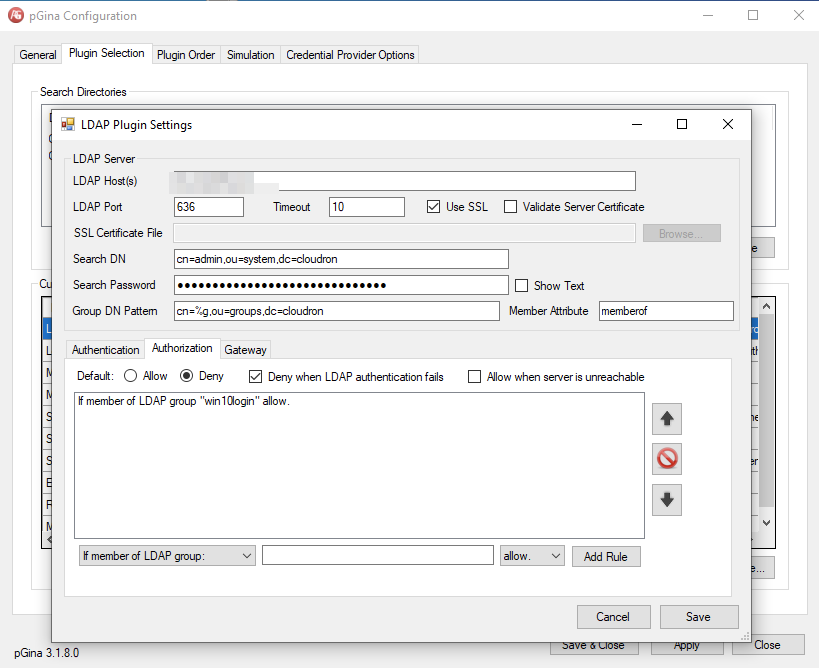
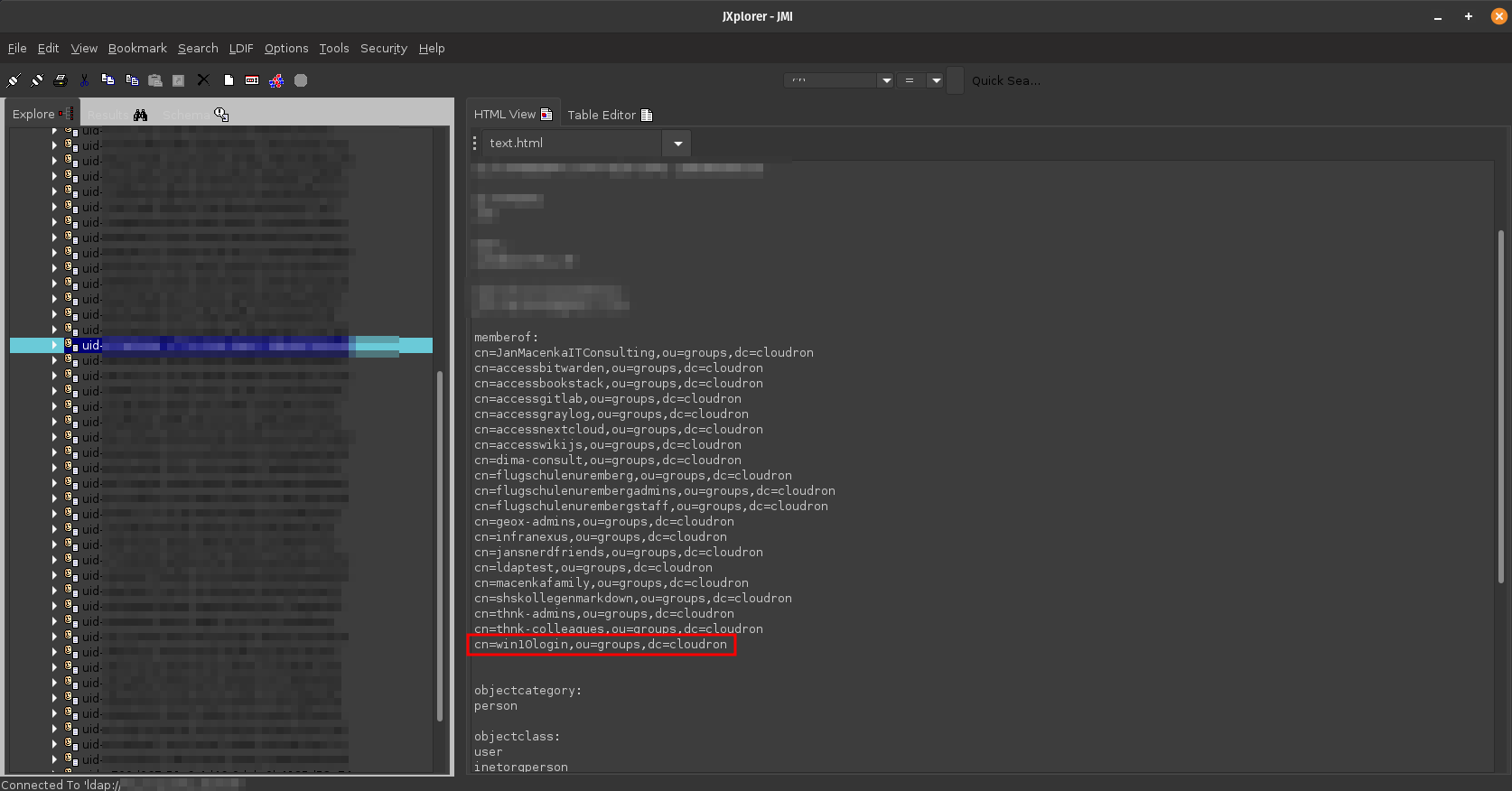
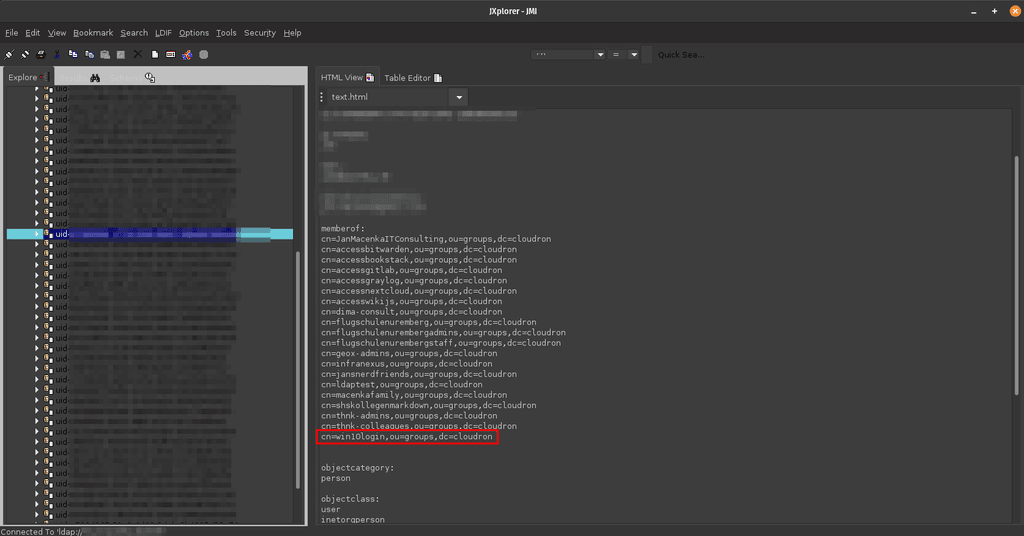
If in the Authorization Rule-Set, I set Default to allow, it will allow access without checking if my given user is part of the Group, that I care about as specified in the rule-set below. Which is not the behavior I want to have.I can check with other tools like JXplorer that the User I am testing actually is in the group I care about:
Did anybody try something similar and succeed here? Would love to get your insights on this

Best regards,
Jan

Hello! It looks like you're interested in this conversation, but you don't have an account yet.
Getting fed up of having to scroll through the same posts each visit? When you register for an account, you'll always come back to exactly where you were before, and choose to be notified of new replies (either via email, or push notification). You'll also be able to save bookmarks and upvote posts to show your appreciation to other community members.
With your input, this post could be even better 💗
Register Login