Cloudron makes it easy to run web apps like WordPress, Nextcloud, GitLab on your server. Find out more or install now.


Skip to content

Discuss

1.3k Topics 10.7k Posts

Feedback, suggestions, anything else Cloudron related

  • What do you do?

    Pinned
    74
    7 Votes
    74 Posts
    52k Views
    robiR
    @nostrdev so glad you investigated when I recommended Cloudron. Glad to have you here.
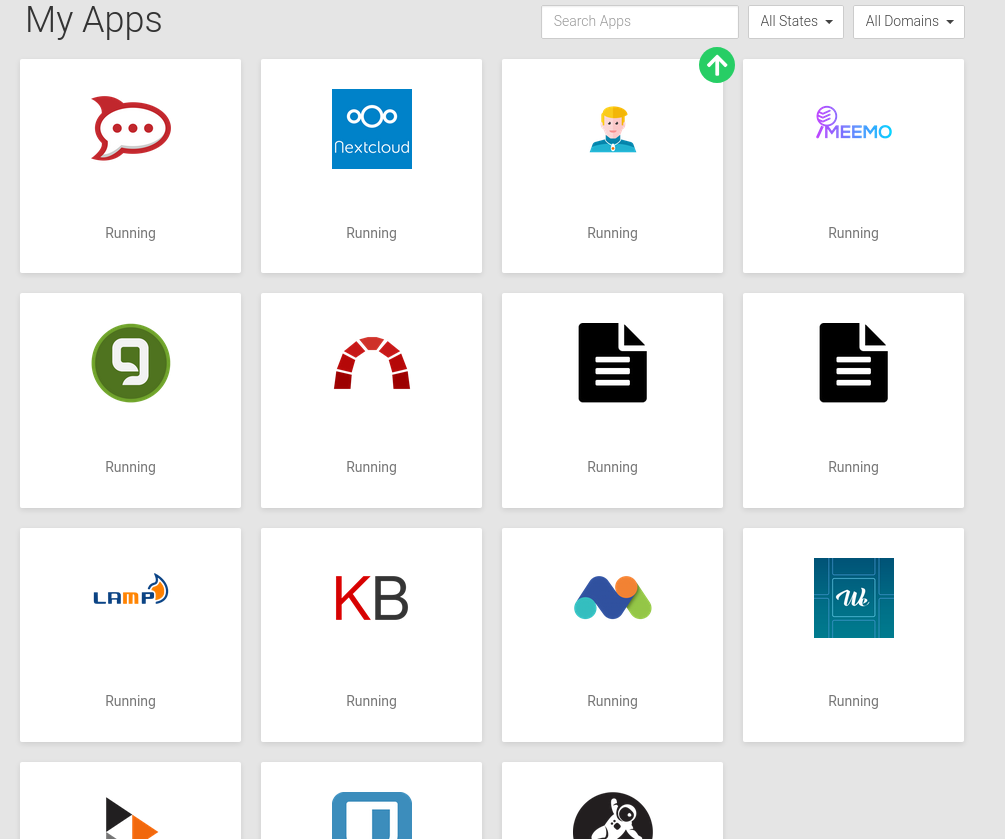
  • Show me your dashboard :)

    Pinned
    65
    2
    6 Votes
    65 Posts
    37k Views
    T
    @scooke just following the documentation for self development/deploy, it is still basically docker and there are good basic container to start from. I had a some more but moved to my local running TrueNas Scale and using OCID from cloudron.
  • Application unexpectedly missing in Backup

    backups scheduler
    6
    1 Votes
    6 Posts
    260 Views
    nottheendN
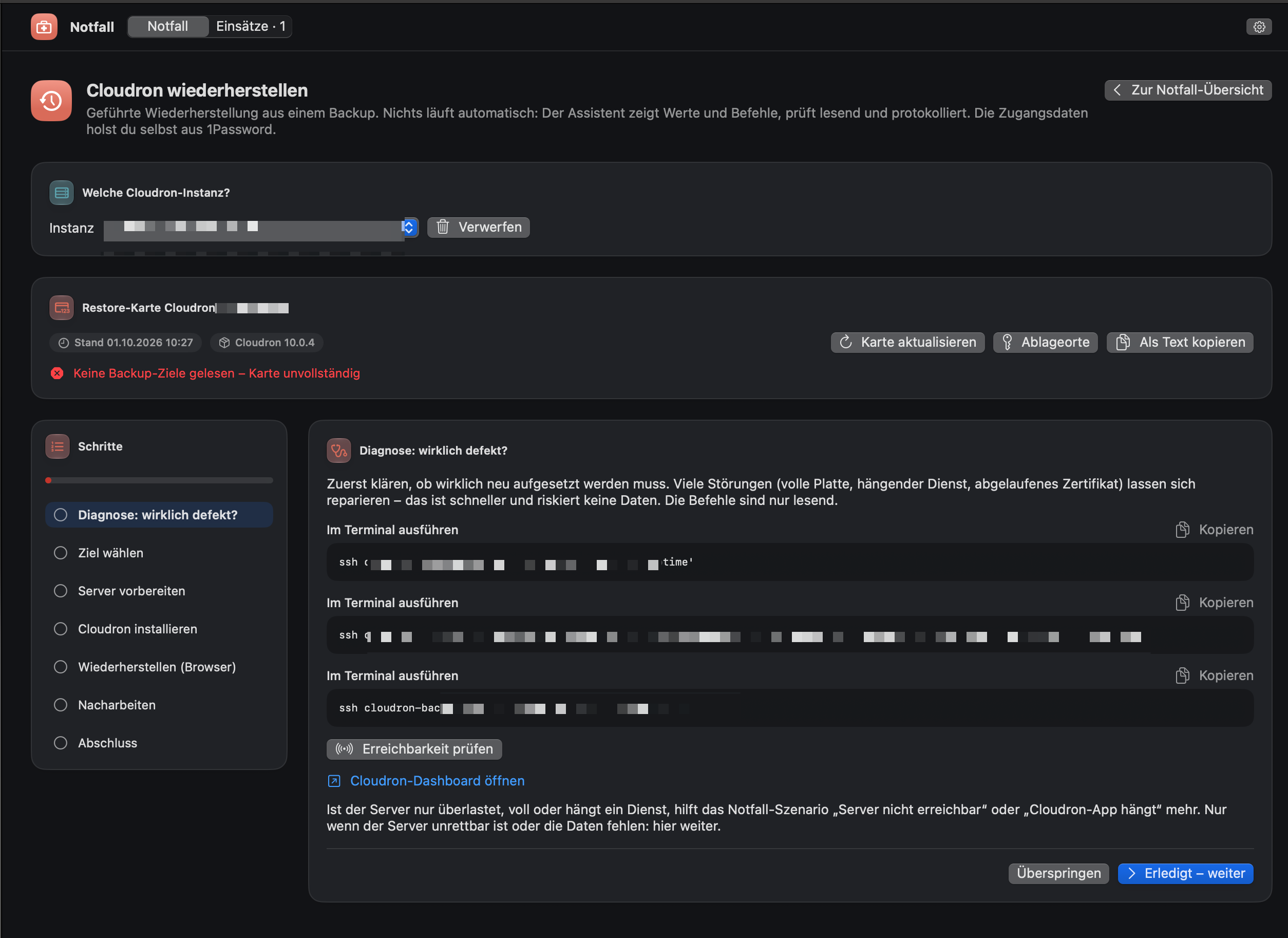
    Update: All apps in error state after Cloudron restore After restoring Cloudron, all my apps ended up in an error state. I've been digging into the logs and wanted to share what I found in case it's relevant to my setup or helps others. The key error from the app task log: Error: ENOENT: no such file or directory, scandir '/mnt/managedbackups/<uuid>/2026-06-10-000001-121/app_<myapp>.<mydomain>_v3.12.2' So during the restore, Cloudron tries to download the app backup from /mnt/managedbackups/..., but that path doesn't exist. This then causes the task to crash with an AssertionError rather than a clean BoxError, which is probably also worth flagging as a minor bug. I suspect this is related to my specific setup: I have an external backup location that is no longer mounted (as described earlier in this thread). Cloudron appears to be pointing the restore at that unmounted path. Resolution that worked for me: Explicitly restoring each app from its most recent backup (rather than letting the automatic restore run) resolved the error state. Ideally, this should be the default behaviour during a Cloudron restore anyway, restoring from the most recent available backup, so this might be worth looking into. Happy to provide more details if useful.
  • Proper Way to Reboot via Bash/Crontab

    Moved
    3
    1 Votes
    3 Posts
    28 Views
    S
    @james Thanks so much! I'll do that
  • Download caching when updating apps

    3
    0 Votes
    3 Posts
    101 Views
    humptyH
    @joseph Perfect
  • Bug report

    Moved
    8
    2 Votes
    8 Posts
    104 Views
    girishG
    @dark thanks for your report. I looked into them. For transparency, here is our assessment. All the reported issues require the attacker to already have an admin token / compromised admin password. All the issues below are not reproducible as a (compromised) normal user. Also. the issues were reproduced on the demo instance, which of course has the admin username/password displayed in public. We found the report to be thorough and with clear explanation on how to reproduce the problems. From our side, we ack the bugs and have made the following fixes: Problem: Full SSRF via applinks. This is about adding an internal IPs as an applink. Our analysis: Linking to internal apps is a legitimate feature. An applink is fundamentally a bookmark and there's nothing wrong with pointing it at 192.168.1.50 or an internal app. Applinks REST response only returns label and icon not contents of a site. You can't really infiltrate EC2 metadata etc and neither can you make non GET requests. Our fix: We have added a fix now to block server internal IPs like localhost and docker internal network. Problem: SQL injection via dynamic column names. This is about being able to send arbitrary field names in the REST APIs. Our analysis: Indeed, our query builders, should only use field names which are in the db and are part of an allow list. Our fix: We have added allow list to all our model code Problem: 2FA/TOTP BYPASS via skipTotpCheck: true Our analysis: I think this is because the demo instance does not allow you to set a TOTP. It doesn't show an error currently when this happens and leads the user to believe an OTP was set. For the demo server, we can't allow users to set a TOTP because it will make it unsuable for others. Our fix: We will show an error like we show in other places. But also, the password login routes have already been removed in Cloudron 10 (which is yet to be released). That route exists as a backward compat for the CLI. Cloudron only supports OIDC device auth for the CLI from Cloudron 10. Problem: Stored XSS via branding footer Our analysis: right. This issue has been present since ages and our demo instance always has someone putting some alert() or some stupid HTML in there periodically... Our fix: We give in to the non-stop reports about this... We use dompurify now. Thanks for the report again. Very clear and solid notes. I also took the chance to update https://www.cloudron.io/security.html and https://www.cloudron.io/.well-known/security.txt
  • Migration of apps with LDAP users?

    1
    3 Votes
    1 Posts
    162 Views
    No one has replied
  • Cloudron and Swap File Use

    Moved
    14
    0 Votes
    14 Posts
    1k Views
    jamesJ
    Hello @sponch It depends on your provider how he initializes the Ubuntu system. A good guide is https://docs.redhat.com/en/documentation/red_hat_enterprise_linux/8/html/managing_storage_devices/getting-started-with-swap_managing-storage-devices#recommended-system-swap-space_getting-started-with-swap According to the Red Hat guide, 4GB SWAP for a 32GB RAM system is the minimal recommended.
  • NostrVPN

    9
    2
    5 Votes
    9 Posts
    907 Views
    marcusquinnM
    @girish that's true! thankfully never had any Cloudron security breaches, but the existence of all apps is visible to the public web, and with AI now able to find zero-day exploits so quickly, data-security risks are increasing one way to mitigate that is if the apps were limited to access only from those with access to it via their mesh vpn maybe it's already possible with asking AI to set all that up, but i'm just thinking out loud for the ordinary person that might not want to tinker with that and just have it as a an option out of the box
  • How to Setup LinkStack on Cloudron

    linkstack linktree littlelink tutorial custom-apps
    15
    5 Votes
    15 Posts
    3k Views
    jdaviescoatesJ
    I just tried them too - so easy! Can literally copy paste it all as is and then it's done! @gengar
  • remotestorage.io

    3
    2 Votes
    3 Posts
    2k Views
    rosanoR
    @seeker Community app now available https://forum.cloudron.io/topic/15473/bind-git-backed-web-apps
  • Affected: Copy Fail CVE-2026-31431

    Moved ubuntu security cve
    3
    3 Votes
    3 Posts
    1k Views
    J
    https://cert.europa.eu/publications/security-advisories/2026-005/ is maybe a better link
  • What happens before a backup is "created"?

    Moved backup retention tasks system timezone
    4
    0 Votes
    4 Posts
    620 Views
    nottheendN
    Thank you @james! And I just realised, that "Last run:" refers to the end of the creation of the backup. Now things match again
  • Apps for file management/sharing/syncing

    29
    7 Votes
    29 Posts
    4k Views
    W
    @stalecontext i've build an image on docker Hub: https://hub.docker.com/repository/docker/wazolab/copyparty Also i've opened 2 issues on your repo: https://git.cathedral.gg/Ben/copyparty-cloudron-app/issues/1 https://git.cathedral.gg/Ben/copyparty-cloudron-app/issues/2
  • 14 Votes
    7 Posts
    2k Views
    I
    @james I think this post worth to add on our documentation.
  • API for SSL certificate per domain

    Moved
    7
    0 Votes
    7 Posts
    1k Views
    potemkin_aiP
    Hey @james , it's not what I'm looking for - I need an already issued SSL certificate to be planted into Cloudron, automatically. The command I've reverse-engineered and provided earlier works, so I stick with it for now. Hopefully, an official stable, documented API to appear soon.
  • 0 Votes
    25 Posts
    2k Views
    L
    @timconsidine thanks. This was on my own version. I haven't got round to trying yours yet Tim, but yours is the one people should try.
  • Presales Q's

    2
    1 Votes
    2 Posts
    421 Views
    jamesJ
    Hello @dimtar Currently, there is no Cloudron build in method for that. You can always put a firewall in front of Cloudron and only allow access via a certain IP-Addresses ranges or a VPN. See https://docs.cloudron.io/installation/home-server and https://docs.cloudron.io/installation/intranet . You can run a completely firewalled installation with valid SSL certs.
  • I have killed the Wandering Monster

    ai bug
    10
    2 Votes
    10 Posts
    907 Views
    J
    @loudlemur I didn't write the skills . But @james is a good candidate for feedback .
  • NetBird - installation and my experience

    11
    2
    3 Votes
    11 Posts
    26k Views
    S
    @dantheman thanks for the write up. It looks like there are fans of this and firezone. I do not know enough to know what would be best, but I love this as an option to provide apps to specific users AND also as a means of backing things up locally.