
Web terminal font changed after update to 9.1.3
-
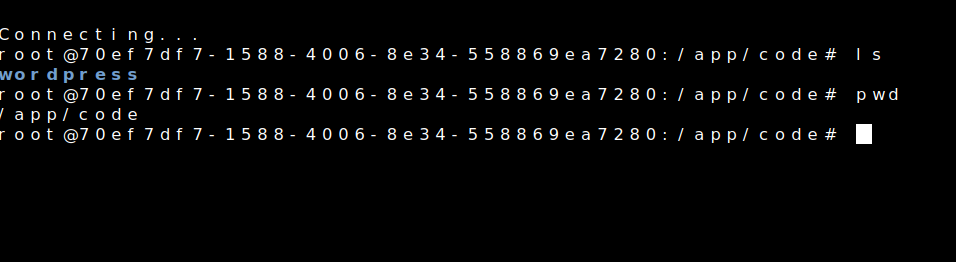
After updating Cloudron to version 9.1.3, I noticed that the font in the web terminal inside applications has changed.
Is there any way to change the font or configure a different one?
Unfortunately, the new font is quite hard for me to read. The previous one worked much better for me.
-
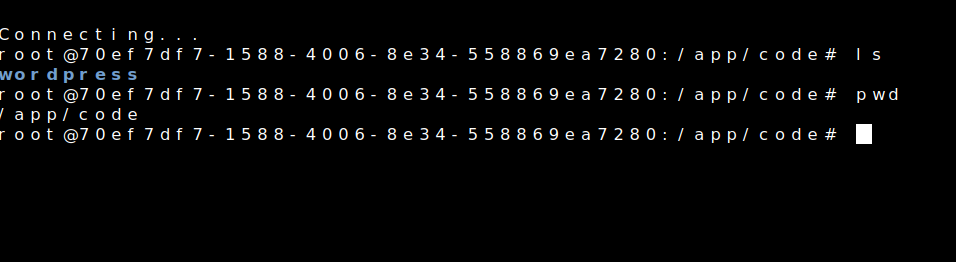
So the current terminal sets the font to
monospacewhich should pick up the monospace font setting from the system. On typical linux systems this would beNoto Sans Monomost likely. But we don't ship any monospace font as such. Can you check which monospace your system settings have? -
I am using Firefox on Arch Linux.
The default monospace font on my system is
Noto Sans Mono.Output of
fc-match monospace:
NotoSansMono-Regular.ttf: "Noto Sans Mono" "Regular"I also have several other monospace fonts installed (Meslo Nerd Font Mono, FiraCode Nerd Font Mono, DejaVu Sans Mono, Liberation Mono, etc.), but the default monospace resolves to Noto Sans Mono.
Before updating Cloudron to version 9.1.3 the font in the web terminal was fine and easy for me to read.
After the update it changed to a different monospace font which is harder for me to read. I will also try testing it in another browser.




Hello! It looks like you're interested in this conversation, but you don't have an account yet.
Getting fed up of having to scroll through the same posts each visit? When you register for an account, you'll always come back to exactly where you were before, and choose to be notified of new replies (either via email, or push notification). You'll also be able to save bookmarks and upvote posts to show your appreciation to other community members.
With your input, this post could be even better 💗
Register Login