
RomM App For Cloudron
-
With the help of the amazing devs @ the RomM Discord (Not linked as they have everything on their site below) I was able to port their beautiful ROM manager to Cloudron. See the below for details!
RomM App
Your beautiful, powerful, self-hosted rom manager and player.
- RomM Site
- Cloudron App Source (With install instructions until it gets published!)
- Demo Site (Demo Site only hosts public domain and / or copy-left ROMs!)
Scan, enrich, and browse your game collection with a clean and responsive interface.
With support for multiple platforms, various naming schemes and custom tags, RomM is a must-have for anyone who plays on emulators.
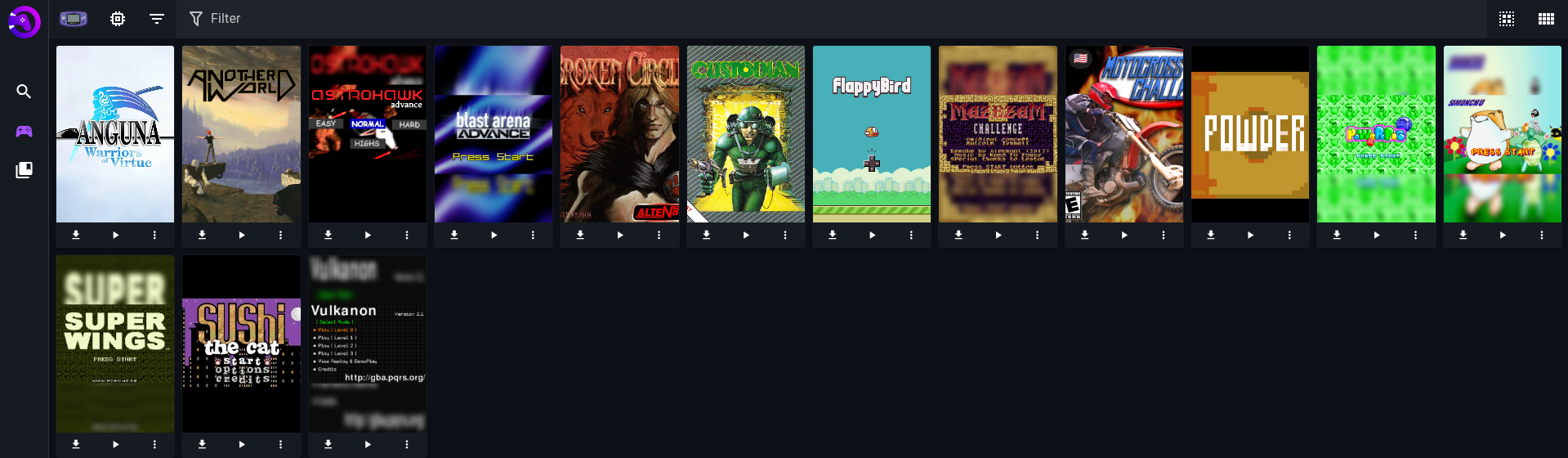
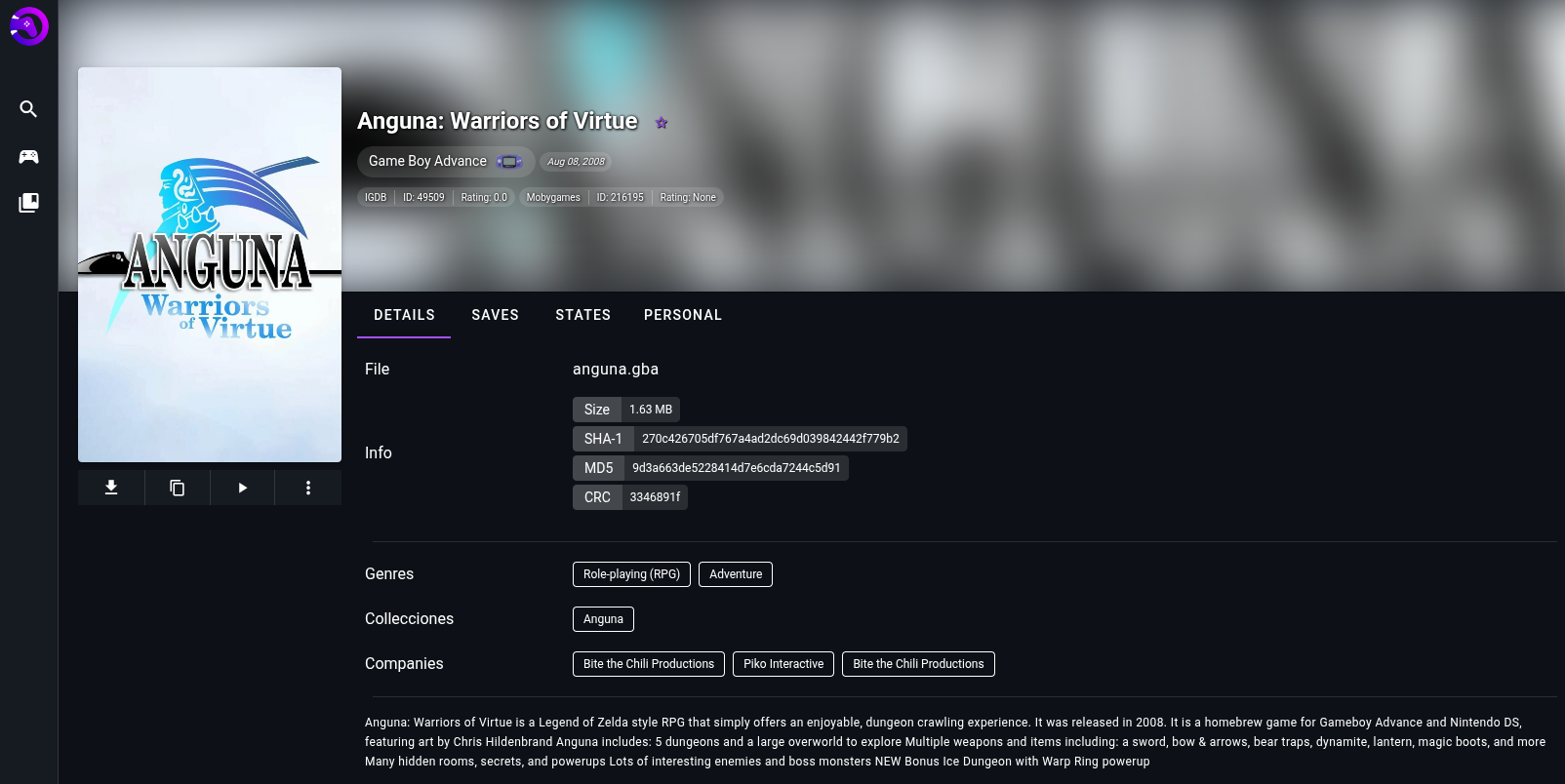
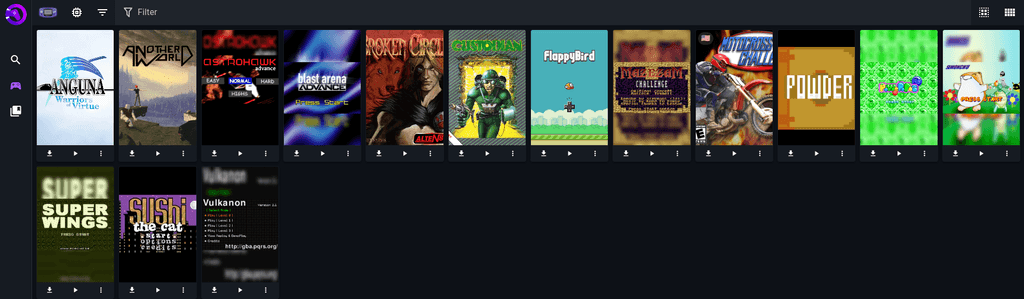
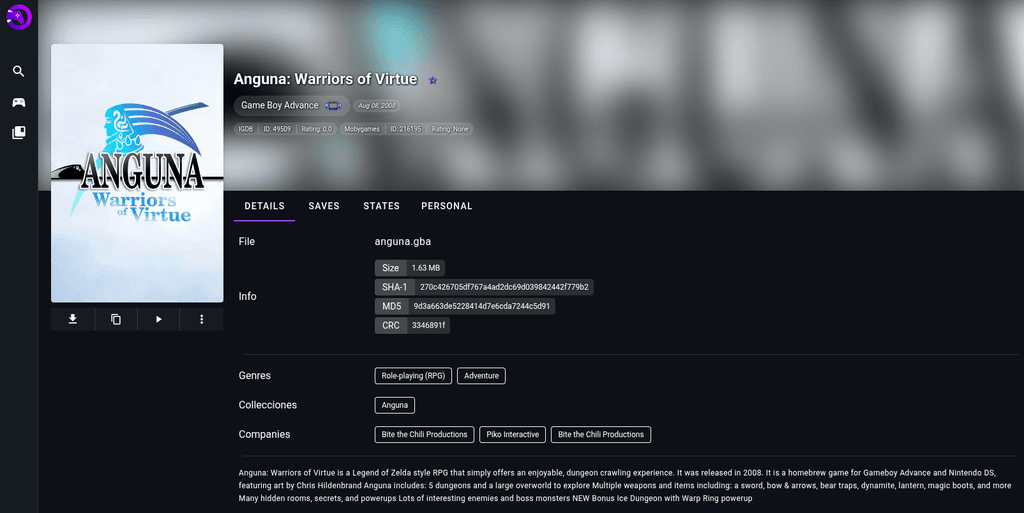
RomM is an All-in-one app for managing your classic / retro game collection.Screenshots:
Known Issues:
- [FIXED]
Currently due to how RomM works, I had to symlink the special library and config folders. this causes some issues in cloudron's app file-explorer but should still work fine via SSH or FTP. - [FIXED]
Looks like due to parent dockerfile conflicts, updating the app seems to wipe library data. I am working to rebuild the parent dockerfile to remove the volume tags so they can be properly moved to /app/data
-
 N nebulon moved this topic from App Wishlist on
-
For Cloudron App Store, the packages are generally written from scratch and don't have external deps i.e they are pinned to specific versions etc.
-
Basically on Cloudron apps should be derived from the Cloudron base image, to ensure all required tools are included. Otherwise some Cloudron features will not work correctly.
But also the app versions have to be pinned to specific releases, otherwise rebuilding a package from a tag can result in different images each time if some upstream images change.
Since you start with
mitchellurgero/romm:local-cloudron-changesmaybe you have those pinned there, but not sure where that is defined. -
Basically on Cloudron apps should be derived from the Cloudron base image, to ensure all required tools are included. Otherwise some Cloudron features will not work correctly.
But also the app versions have to be pinned to specific releases, otherwise rebuilding a package from a tag can result in different images each time if some upstream images change.
Since you start with
mitchellurgero/romm:local-cloudron-changesmaybe you have those pinned there, but not sure where that is defined.@nebulon I am working with the ROMM devs to fix a couple bugs I've found while packaging the app, however all cloudron features seem to be working as expected. Cloudron's image was not used in the current testing build I've been working on but I am sure if it's absolutely needed I could recreate the romm docker images using cloudron's base image.
Is it absolutely neccessary to be published that it uses cloudron's base image though?
-
Ah yes, all apps in the Cloudron app library would have to be based on the Cloudron base image. This has various reasons. Since our base image does have a lot of things pre-installed, you can probably try if using
FROM cloudron/base:4.2.0@sha256:46da2fffb36353ef714f97ae8e962bd2c212ca091108d768ba473078319a47f4just works? -
Ah yes, all apps in the Cloudron app library would have to be based on the Cloudron base image. This has various reasons. Since our base image does have a lot of things pre-installed, you can probably try if using
FROM cloudron/base:4.2.0@sha256:46da2fffb36353ef714f97ae8e962bd2c212ca091108d768ba473078319a47f4just works? -
@murgero do you have the source repo, if any for
mitchellurgero/romm:local-cloudron-changes?@nebulon I'm still rebuilding it to use the cloudron base image, currently my source tree (though not up to date) is https://git.cloudron.io/murgero/romm-cloudron. This is likely to change when the rewrite is done, waiting for upstream to merge a patch that fixes a crucial bug to get this working on cloudron.
-
I put some effort today to package this app. I'm putting a link here to my repo, but it's not complete. Still need to figure out if I can get OIDC working and need to work on the config file and make use of /app/data. I took some ideas from what @murgero last showed and the official romm dockerfile, but built it using cloudron packaging format examples and supervisord.
https://git.cloudron.io/eyecreate/romm
I'll post here when I make any changes. Would love feedback from those knowing more about OIDC how to get it working.Edit: cloudron gitlab has been spotty so here is a mirror: https://git.eyecreate.org/eyecreate/cloudron-romm
-
I put some effort today to package this app. I'm putting a link here to my repo, but it's not complete. Still need to figure out if I can get OIDC working and need to work on the config file and make use of /app/data. I took some ideas from what @murgero last showed and the official romm dockerfile, but built it using cloudron packaging format examples and supervisord.
https://git.cloudron.io/eyecreate/romm
I'll post here when I make any changes. Would love feedback from those knowing more about OIDC how to get it working.Edit: cloudron gitlab has been spotty so here is a mirror: https://git.eyecreate.org/eyecreate/cloudron-romm
-
Okay, I made some progress since I last wrote: I fixed some bugs preventing app from working and found a way to get OIDC working too. Now I need to put some effort into using the app and make sure everything is working, especially the remote api services and fix my bad use of secret key.
-
Made some more progress today: I put some env vars in a file that can be written by user for api keys, added missing workers for jobs, and pulled in precompiled emujs and ruffle from release image. Some things are not set up right still so emujs doesn't work, but one step closer. I'll also look into adding the TURN support for netplay in latest version.
-
Okay, I made some more updates today: one step back to take two steps forward. I realized there was another dockerfile in the romm github when trying to figure out why a number of things weren't working. That dockerfile was for production, unlike the one I was looking at. I decided to use more of the processes they have there to try and get the missing features: I needed to use nginx instead of the node dev server and compile some custom modules for nginx. While I was making these changes, I made other parts of the docker build process more mult-stage. The end result is downloading roms and using the emulator work now. Next I'll see what it'll take to get netplay working and check more features out. I feel like I've gotten close to finished!
-
4.7.0 is released! I tested the rom patching and it seems to work now. I have nothing left to develop and get working now. Will do a polish pass on packaging, but hopefully this can either get into the cloudron app store or upcoming community app.


Hello! It looks like you're interested in this conversation, but you don't have an account yet.
Getting fed up of having to scroll through the same posts each visit? When you register for an account, you'll always come back to exactly where you were before, and choose to be notified of new replies (either via email, or push notification). You'll also be able to save bookmarks and upvote posts to show your appreciation to other community members.
With your input, this post could be even better 💗
Register Login