
TinaCMS on Cloudron - Git-backed headless content management system (CMS)
-
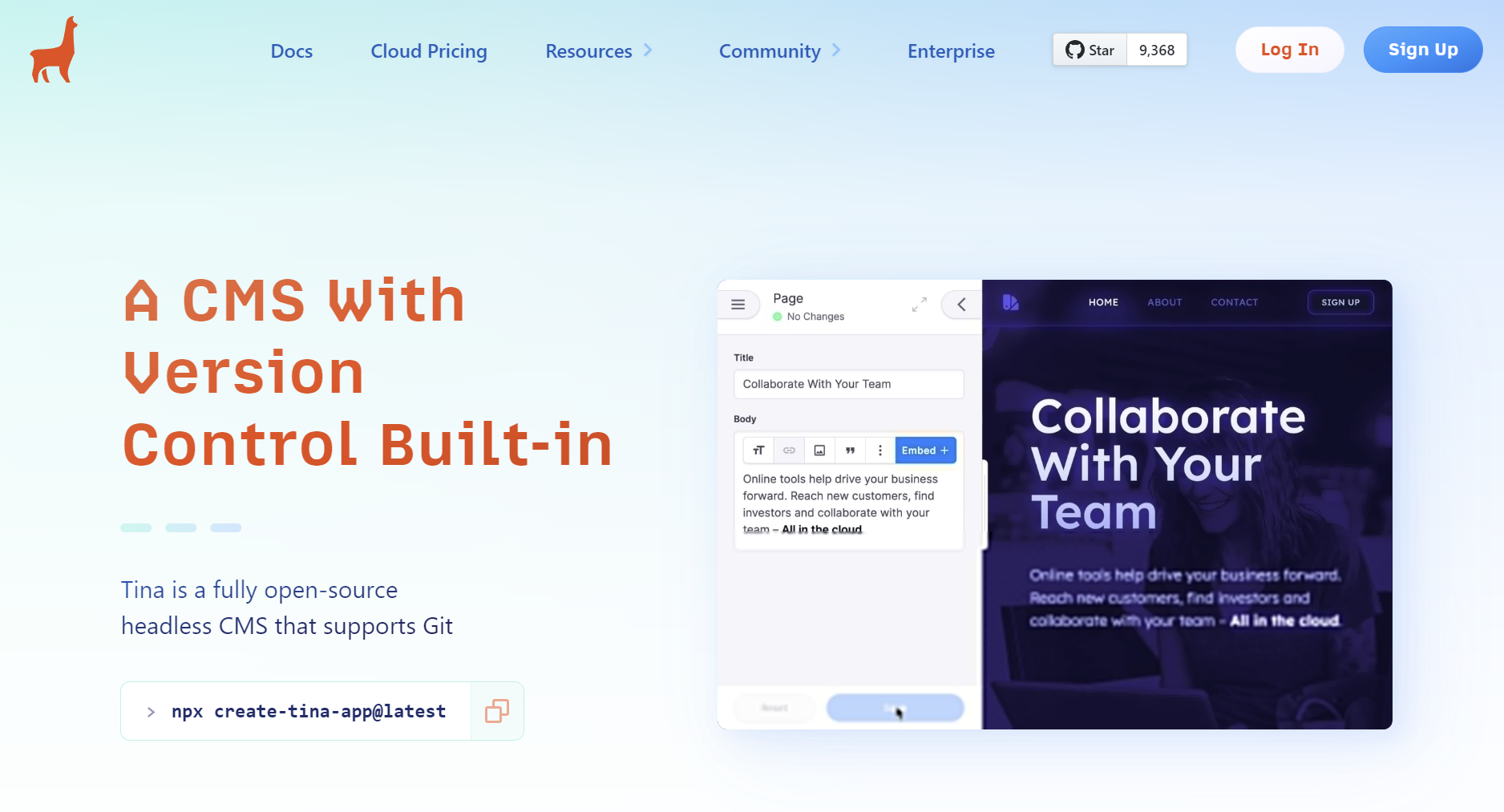
TinaCMS used to be Forestry. It is a Content Management System which is platform agnostic and offers basic or visual editing and synchronization with Git.
Frameworks-Agnostic
Tina supports all frameworks and static site generators.Git-Sync
Similar to Forestry, Tina commits content changes to your repository.Basic or Visual Editing
Tina's basic editing mode is similar to editing content with Forestry. Tina also supports visual editing which shows a live preview of your site as you edit content.Multi-Branch
Create new branches and switch between them right from the Tina UI.Open-Source and Extensible
Tina is very customizable and extensible due to it's open-source nature.Local Development
TinaCMS can be run locally alongside your site. You can make changes to your content models and fields, and see the results immediately.Licence: Apache v2.0
https://tina.io/docs/
https://github.com/tinacms/tinacms
Demo: https://app.tina.io/quickstart
Docker: Couldn't see oneThere is a very nice set of comparisons between TinaCMS and others at the bottom of the main page.
-
If your users want to edit their astro / svelte websites, this is a sweet tool. There have been updates since this was first requested. Lets support TinaCMS on Cloudron!
Since the self-hosting auth went fully open-source ~late 2023, main changes are maintenance-focused.
Categorized ImprovementsCategoryDetailsCompatibility- Next.js 15 & React 19 support (v17.0.2)
- TinaCMS core sync to 3.5.1
- ESM examples updated
- Schema tools bumpsSecurity- Next.js patched for DoS CVEs (2025-55184, 2025-67779) in v15.0.1Maintenance- Ongoing dependency alignment
- Refined auth providers (DefaultAuthJSProvider)
-
TinaCMS Self-Hosted on Cloudron: Lessons Learned & Blockers
TL;DR: After ~20 hours of work across multiple sessions, we were unable to get TinaCMS self-hosted edition fully working as a Cloudron custom app. The admin UI loads and authentication works, but the GraphQL API fails to serve schema data. Below are the key findings for anyone attempting this — either as a custom app or as a potential Cloudron package.What We Built
A Docker image based on cloudron/base:4.2.0 running TinaCMS's self-hosted Next.js starter with:MongoDB adapter (mongodb-level) instead of the default SQLite (Cloudron provides MongoDB as an addon)
NextAuth credential-based login using tinacms-authjs
GitHub as the Git provider for content storage
Pre-built admin UI baked into the Docker image at /public/admin/index.htmlArchitecture:
Browser → Cloudron reverse proxy → :8000 → Next.js (pages router)
↓
/api/tina/gql (GraphQL)
↓
TinaCMS backend


MongoDB GitHub API
(schema cache) (content CRUD)What Works
Health check endpoint (/api/health)
Admin UI loads at /admin/index.html
NextAuth login/logout (credentials provider via TinaAuthJSOptions)
API route responds with JSON ({"error":"Unauthorized"} for unauthenticated requests — correct behaviour)
Content repo on GitHub receives pushes
Docker image builds and deploys cleanlyWhat Doesn't Work
The GraphQL endpoint (/api/tina/gql) returns "Unable to complete request" for all authenticated queries. The schema is never indexed into MongoDB.Showstoppers Encountered (In Order)
- Image Upload Size (413 Errors)
Problem: Cloudron's built-in upload limit blocks large Docker image pushes via the web UI.
Solution: Use podman (or Docker) to push images to Docker Hub, then cloudron update --image. - MongoDB Adapter Swap
Problem: TinaCMS defaults to SQLite (level). Cloudron provides MongoDB but not SQLite persistence across restarts.
Solution: Replace with mongodb-level package. Use CLOUDRON_MONGODB_URL and CLOUDRON_MONGODB_DATABASE environment variables. - Build-Time vs Runtime Split
Problem: tinacms build requires a live MongoDB connection for schema indexing. Docker builds don't have database access.
Solution: Split into two phases:
Docker build: pnpm run build:next only (compiles Next.js)
Runtime: Schema indexing must happen inside the running container- Health Check Configuration
Problem: TinaCMS has no built-in health endpoint. Cloudron requires one.
Solution: Create /pages/api/health.ts returning 200 OK. Set healthCheckPath: "/api/health" in CloudronManifest.json. - ESM Module Compatibility (The Big One)
Problem: Multiple packages in TinaCMS's dependency tree are ESM-only (mongodb-level → abstract-level, nanoid@5, react-dnd-html5-backend). Next.js pages router API routes use CommonJS. This causes ERR_REQUIRE_ESM at runtime.
Attempted fixes:
transpilePackages in next.config.js — doesn't help because TinaCMS bundles database separately via esbuild
Pre-bundling mongodb-level with esbuild into a single CJS file — fixes that one package but others appear
Downgrading nanoid to v3 via pnpm overrides — fixes nanoid but react-dnd-html5-backend takes its place
What finally worked: Upgrading Node.js from 18 (Cloudron base) to 22, which supports require() of ESM modules nativelyKey insight: The Cloudron base image (cloudron/base:4.2.0) ships Node 18 with a hardcoded PATH. To use Node 22:
dockerfileRUN npm install -g n && n 22 && rm -rf /usr/local/node-18.18.0
ENV PATH="/usr/local/bin:/usr/local/sbin:/usr/sbin:/usr/bin:/sbin:/bin"
6. NextAuth Route Missing
Problem: The TinaCMS self-hosted starter's [...routes].ts uses AuthJsBackendAuthProvider with TinaAuthJSOptions, but there was no corresponding /api/auth/[...nextauth].ts route to handle login.
Solution: Create the NextAuth catch-all route using the same TinaAuthJSOptions config.
7. Schema Indexing
Problem: tinacms build --skip-cloud-checks (without --skip-indexing) fails inside the container with "The service was stopped / Unable to build". The schema is never populated in MongoDB, so all GraphQL queries fail.
Status: Unresolved. This is where we stopped.
8. Memory Requirements
Cloudron's default memory allocation (256MB or 512MB) is insufficient. The app needs at least 2–4GB during schema indexing. OOM kills manifest as silent 500 errors.Key Files
FilePurposeCloudronManifest.jsonhealthCheckPath, runtimeDirs, memory limit, addonsstart.shBridges Cloudron env vars (CLOUDRON_MONGODB_URL → MONGODB_URI), generates NEXTAUTH_SECRET on first runDockerfileNode 22 via n, two-stage build, prod-only depstina/database.tsMongoDB adapter configpages/api/tina/[...routes].tsGraphQL endpoint with AuthJsBackendAuthProviderpages/api/auth/[...nextauth].tsNextAuth login handlerpages/api/health.tsCloudron health checkAdvice for Custom App Installers
Start with Node 22. Don't waste time on ESM workarounds.
Allocate 4GB RAM minimum for the app during setup.
Use Docker Hub (or GHCR) as an intermediary for image pushes — never the Cloudron web upload.
Test locally with podman run before every deploy. The Cloudron update cycle is 5–10 minutes.
The schema indexing problem is the critical unsolved piece. TinaCMS expects tinacms build to run with database access, but this is difficult in Cloudron's immutable container model.Advice for Cloudron Packagers
TinaCMS is not packaging-friendly. It conflates build-time code generation with runtime schema indexing. There's no clean separation.
The MongoDB adapter (mongodb-level) works but adds ESM complexity. Consider whether SQLite with persistent storage (/app/data) might be simpler.
tinacms build needs a running database. Either:Run it as a post-start hook before Next.js starts
Or find a way to pre-generate the schema and load it at startupAuth is tightly coupled. tinacms-authjs expects both the GraphQL route and the NextAuth route to use the same TinaAuthJSOptions factory — which itself requires the database client.
Memory: Budget 1GB steady-state, 2–4GB for indexing operations.Environment Reference
Cloudron base: 4.2.0
Node.js: 22.22.0 (via n)
TinaCMS: 2.10.1
Next.js: 14.2.35
next-auth: 4.24.13
tinacms-authjs: 5.0.9
mongodb-level: (bundled via esbuild)
pnpm: 10.30.xPosted in the hope of saving someone else 20 hours. If you've successfully packaged TinaCMS for Cloudron, please share your approach!
- Image Upload Size (413 Errors)
-
TinaCMS Self-Hosted on Cloudron: Lessons Learned & Blockers
TL;DR: After ~20 hours of work across multiple sessions, we were unable to get TinaCMS self-hosted edition fully working as a Cloudron custom app. The admin UI loads and authentication works, but the GraphQL API fails to serve schema data. Below are the key findings for anyone attempting this — either as a custom app or as a potential Cloudron package.What We Built
A Docker image based on cloudron/base:4.2.0 running TinaCMS's self-hosted Next.js starter with:MongoDB adapter (mongodb-level) instead of the default SQLite (Cloudron provides MongoDB as an addon)
NextAuth credential-based login using tinacms-authjs
GitHub as the Git provider for content storage
Pre-built admin UI baked into the Docker image at /public/admin/index.htmlArchitecture:
Browser → Cloudron reverse proxy → :8000 → Next.js (pages router)
↓
/api/tina/gql (GraphQL)
↓
TinaCMS backend
MongoDB GitHub API
(schema cache) (content CRUD)What Works
Health check endpoint (/api/health)
Admin UI loads at /admin/index.html
NextAuth login/logout (credentials provider via TinaAuthJSOptions)
API route responds with JSON ({"error":"Unauthorized"} for unauthenticated requests — correct behaviour)
Content repo on GitHub receives pushes
Docker image builds and deploys cleanlyWhat Doesn't Work
The GraphQL endpoint (/api/tina/gql) returns "Unable to complete request" for all authenticated queries. The schema is never indexed into MongoDB.Showstoppers Encountered (In Order)
- Image Upload Size (413 Errors)
Problem: Cloudron's built-in upload limit blocks large Docker image pushes via the web UI.
Solution: Use podman (or Docker) to push images to Docker Hub, then cloudron update --image. - MongoDB Adapter Swap
Problem: TinaCMS defaults to SQLite (level). Cloudron provides MongoDB but not SQLite persistence across restarts.
Solution: Replace with mongodb-level package. Use CLOUDRON_MONGODB_URL and CLOUDRON_MONGODB_DATABASE environment variables. - Build-Time vs Runtime Split
Problem: tinacms build requires a live MongoDB connection for schema indexing. Docker builds don't have database access.
Solution: Split into two phases:
Docker build: pnpm run build:next only (compiles Next.js)
Runtime: Schema indexing must happen inside the running container- Health Check Configuration
Problem: TinaCMS has no built-in health endpoint. Cloudron requires one.
Solution: Create /pages/api/health.ts returning 200 OK. Set healthCheckPath: "/api/health" in CloudronManifest.json. - ESM Module Compatibility (The Big One)
Problem: Multiple packages in TinaCMS's dependency tree are ESM-only (mongodb-level → abstract-level, nanoid@5, react-dnd-html5-backend). Next.js pages router API routes use CommonJS. This causes ERR_REQUIRE_ESM at runtime.
Attempted fixes:
transpilePackages in next.config.js — doesn't help because TinaCMS bundles database separately via esbuild
Pre-bundling mongodb-level with esbuild into a single CJS file — fixes that one package but others appear
Downgrading nanoid to v3 via pnpm overrides — fixes nanoid but react-dnd-html5-backend takes its place
What finally worked: Upgrading Node.js from 18 (Cloudron base) to 22, which supports require() of ESM modules nativelyKey insight: The Cloudron base image (cloudron/base:4.2.0) ships Node 18 with a hardcoded PATH. To use Node 22:
dockerfileRUN npm install -g n && n 22 && rm -rf /usr/local/node-18.18.0
ENV PATH="/usr/local/bin:/usr/local/sbin:/usr/sbin:/usr/bin:/sbin:/bin"
6. NextAuth Route Missing
Problem: The TinaCMS self-hosted starter's [...routes].ts uses AuthJsBackendAuthProvider with TinaAuthJSOptions, but there was no corresponding /api/auth/[...nextauth].ts route to handle login.
Solution: Create the NextAuth catch-all route using the same TinaAuthJSOptions config.
7. Schema Indexing
Problem: tinacms build --skip-cloud-checks (without --skip-indexing) fails inside the container with "The service was stopped / Unable to build". The schema is never populated in MongoDB, so all GraphQL queries fail.
Status: Unresolved. This is where we stopped.
8. Memory Requirements
Cloudron's default memory allocation (256MB or 512MB) is insufficient. The app needs at least 2–4GB during schema indexing. OOM kills manifest as silent 500 errors.Key Files
FilePurposeCloudronManifest.jsonhealthCheckPath, runtimeDirs, memory limit, addonsstart.shBridges Cloudron env vars (CLOUDRON_MONGODB_URL → MONGODB_URI), generates NEXTAUTH_SECRET on first runDockerfileNode 22 via n, two-stage build, prod-only depstina/database.tsMongoDB adapter configpages/api/tina/[...routes].tsGraphQL endpoint with AuthJsBackendAuthProviderpages/api/auth/[...nextauth].tsNextAuth login handlerpages/api/health.tsCloudron health checkAdvice for Custom App Installers
Start with Node 22. Don't waste time on ESM workarounds.
Allocate 4GB RAM minimum for the app during setup.
Use Docker Hub (or GHCR) as an intermediary for image pushes — never the Cloudron web upload.
Test locally with podman run before every deploy. The Cloudron update cycle is 5–10 minutes.
The schema indexing problem is the critical unsolved piece. TinaCMS expects tinacms build to run with database access, but this is difficult in Cloudron's immutable container model.Advice for Cloudron Packagers
TinaCMS is not packaging-friendly. It conflates build-time code generation with runtime schema indexing. There's no clean separation.
The MongoDB adapter (mongodb-level) works but adds ESM complexity. Consider whether SQLite with persistent storage (/app/data) might be simpler.
tinacms build needs a running database. Either:Run it as a post-start hook before Next.js starts
Or find a way to pre-generate the schema and load it at startupAuth is tightly coupled. tinacms-authjs expects both the GraphQL route and the NextAuth route to use the same TinaAuthJSOptions factory — which itself requires the database client.
Memory: Budget 1GB steady-state, 2–4GB for indexing operations.Environment Reference
Cloudron base: 4.2.0
Node.js: 22.22.0 (via n)
TinaCMS: 2.10.1
Next.js: 14.2.35
next-auth: 4.24.13
tinacms-authjs: 5.0.9
mongodb-level: (bundled via esbuild)
pnpm: 10.30.xPosted in the hope of saving someone else 20 hours. If you've successfully packaged TinaCMS for Cloudron, please share your approach!
What We Built
A Docker image based on cloudron/base:4.2.0Why 4.2.0 ?
I use 5.0.0.
Supports more recent NodeIf you're happy, share your repo and maybe someone can take a look.
- Image Upload Size (413 Errors)
-
Hey, Tim! Thanks for looking.
Why 4.2.0? Looking back, it is what the TinaCMS self-hosted starter's Dockerfile used, and we didn't think to question it until we were deep in ESM hell. We ended up having to install Node 22 via n and nuke the base image's Node 18, which is exactly the kind of thing a newer base image would have avoided. If 5.0.0 ships with Node 20+ that alone would eliminate Showstopper #5 (the ESM compatibility hydra that ate most of our time).
The repo: Here it is: https://github.com/OrcVole/tinacms-cloudron
Fair warning: it's in a "works up to the last mile" state. The Docker image builds, health checks pass, admin UI loads, auth works, and the GraphQL API returns JSON. But schema indexing into MongoDB never completes, so the editor can't actually load content. If someone familiar with TinaCMS internals (or Cloudron base 5.0.0) wants to take a crack at that final piece, the groundwork is all there.
Would switching to base 5.0.0 and its native Node fix the indexing step too? That's the bit we never got past. The tinacms build --skip-cloud-checks command (without --skip-indexing) just prints "The service was stopped / Unable to build" with no useful error output. -
Hey, Tim! Thanks for looking.
Why 4.2.0? Looking back, it is what the TinaCMS self-hosted starter's Dockerfile used, and we didn't think to question it until we were deep in ESM hell. We ended up having to install Node 22 via n and nuke the base image's Node 18, which is exactly the kind of thing a newer base image would have avoided. If 5.0.0 ships with Node 20+ that alone would eliminate Showstopper #5 (the ESM compatibility hydra that ate most of our time).
The repo: Here it is: https://github.com/OrcVole/tinacms-cloudron
Fair warning: it's in a "works up to the last mile" state. The Docker image builds, health checks pass, admin UI loads, auth works, and the GraphQL API returns JSON. But schema indexing into MongoDB never completes, so the editor can't actually load content. If someone familiar with TinaCMS internals (or Cloudron base 5.0.0) wants to take a crack at that final piece, the groundwork is all there.
Would switching to base 5.0.0 and its native Node fix the indexing step too? That's the bit we never got past. The tinacms build --skip-cloud-checks command (without --skip-indexing) just prints "The service was stopped / Unable to build" with no useful error output.it's in a "works up to the last mile" state.
I've got a few of those, so understood

Would switching to base 5.0.0 and its native Node fix the indexing step too?
I've found that the answer to that type of question is only ever discovered by trying it !
I have a few other projects on/behind, but I might take a look. But please don't let that stop anyone else doing so.
-
Came across a need to help a freiend with a simple build, so I am attempting a Cloudron package of TinaCMS.

EDIT : alpha version runs - now working on making it release ready
-
TinaCMS-based Cloudron app now exists, but a quick note on positioning: TinaCMS is not an out-of-the-box full-featured CMS. It needs configuring, and Tina themselves mainly document it around content-model/schema setup plus general site configuration.
What I’ve built is about 90% TinaCMS, but configured as a generic, customizable brochure-website editor aimed at non-technical users, rather than e.g. a docs site or an e-commerce site.
The implementation is quite opinionated, so it may not suit everyone’s preferences or use case.
I’m not releasing it as a Community App for general use yet, as I want more testing and a few more tweaks first. That said, if someone has a strong use case and genuine interest, I can make it available on request.

Hello! It looks like you're interested in this conversation, but you don't have an account yet.
Getting fed up of having to scroll through the same posts each visit? When you register for an account, you'll always come back to exactly where you were before, and choose to be notified of new replies (either via email, or push notification). You'll also be able to save bookmarks and upvote posts to show your appreciation to other community members.
With your input, this post could be even better 💗
Register Login