
Cloudron 7.0.1: Mountpoint for backup shows error (but works)
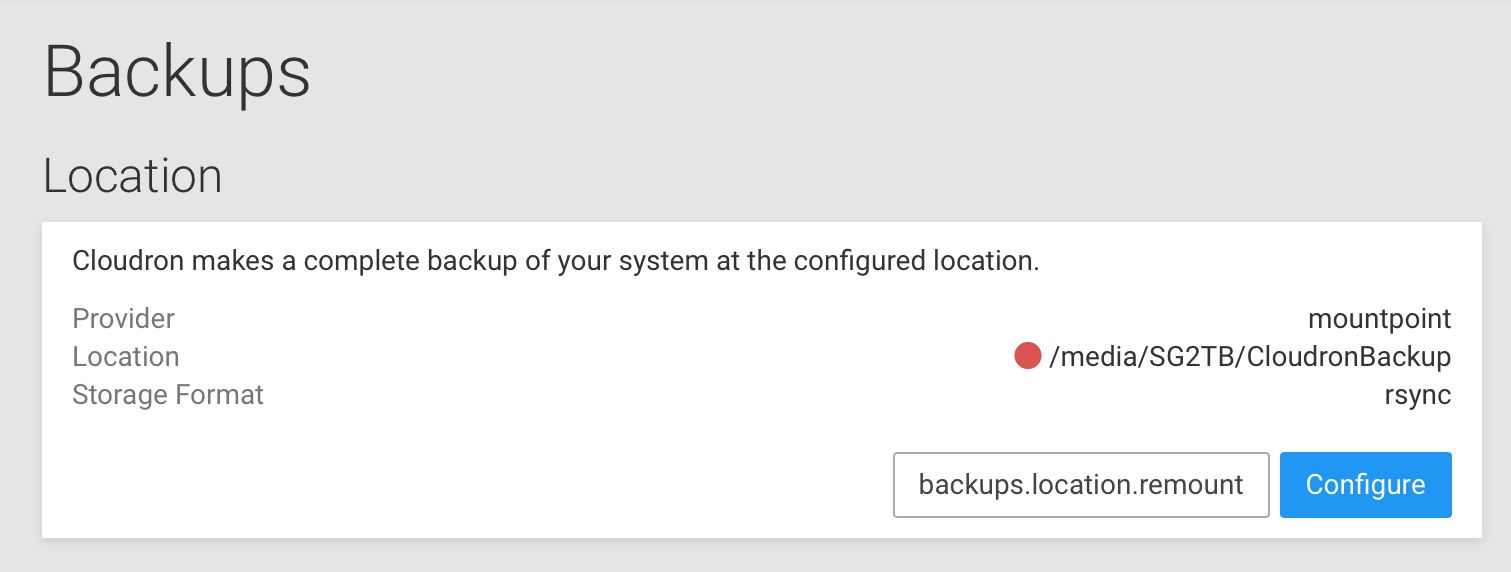
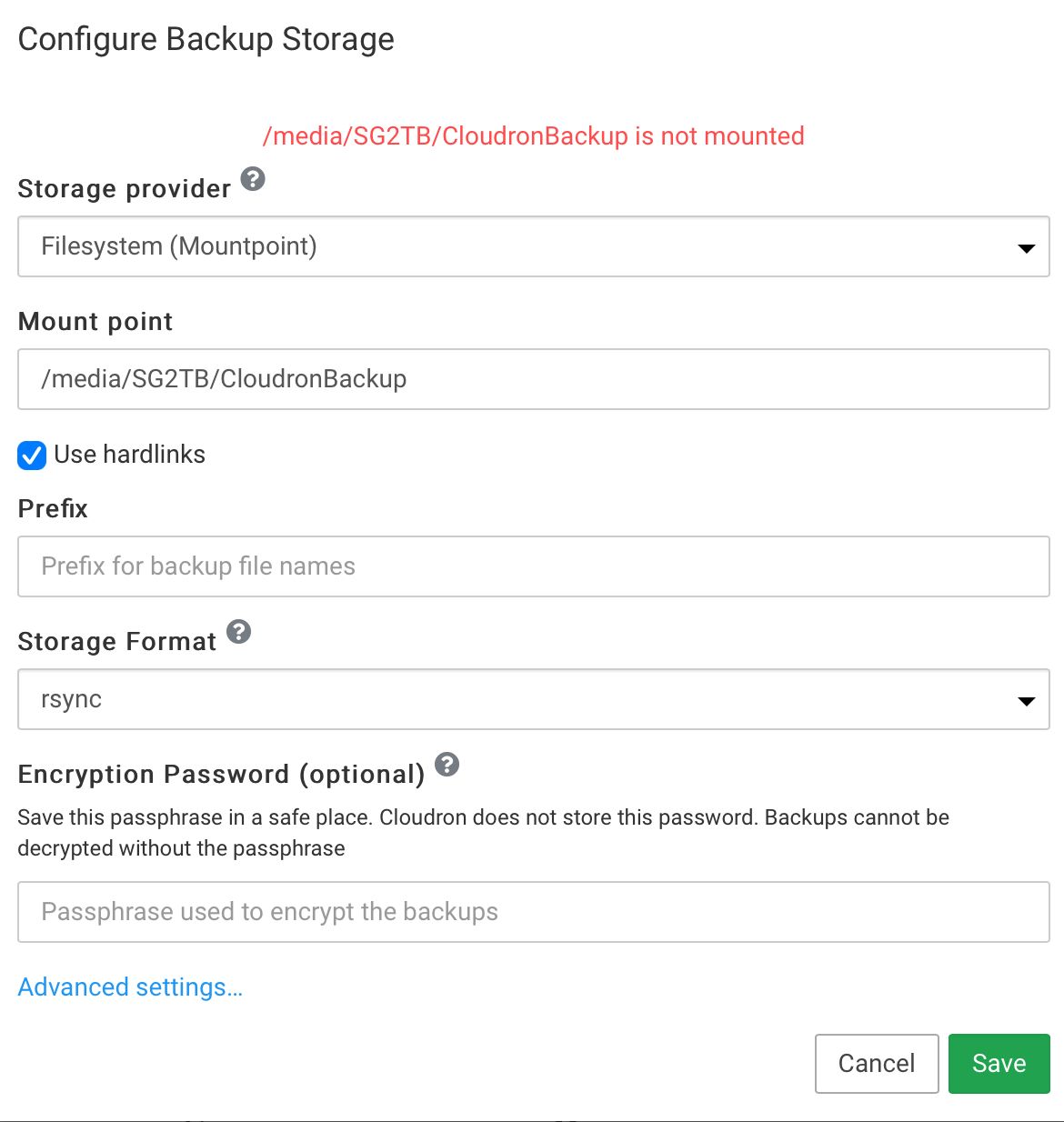
-
@necrevistonnezr given that the remount button lacks the translation, can you hard refresh your dashboard?
@nebulon Did a hard refresh after clearing cache, the button is now correctly named - but still doesn't seem to do much (there's a spinning movement, the red dot before the path remains unchanged, though).
If I "Configure" and "Save", I still get the same error message as mentioned above. -
@nebulon Did a hard refresh after clearing cache, the button is now correctly named - but still doesn't seem to do much (there's a spinning movement, the red dot before the path remains unchanged, though).
If I "Configure" and "Save", I still get the same error message as mentioned above. -
@necrevistonnezr can you manually remount this with
systemctl restart mnt-cloudronbackup.mountand if that fails, check the journalctl logs. -
@nebulon I enter this where?
If I enter it after ssh-ing into my server, I get aFailed to restart mnt-cloudronbackup.mount: Unit mnt-cloudronbackup.mount not found. -
@necrevistonnezr ah true, your setting is specifying the mountpoint. I have to check this remount feature again for this use-case where the mountpoint is not managed by the Cloudron directly.
-
@nebulon Ah, I get it, this setting assumes I have configured a backup mountpoint in
Volumes, correct?
So I can configure a Volume named "Backup" in "Volumes" and then point the Backup just to "Backup"?@necrevistonnezr the mountpoint backend here is not related to Volumes as such. As you rightly mentioned, it assumes a mountpoint, managed by the admin itself. In your case you have to mount
/media/SG2TB/CloudronBackupmanually, and manage it via/etc/fstabor such, if I get your use-case right. -
Thanks for the update!
I use a filesystem backup (now: ‚mountpoint‘) with rsync:
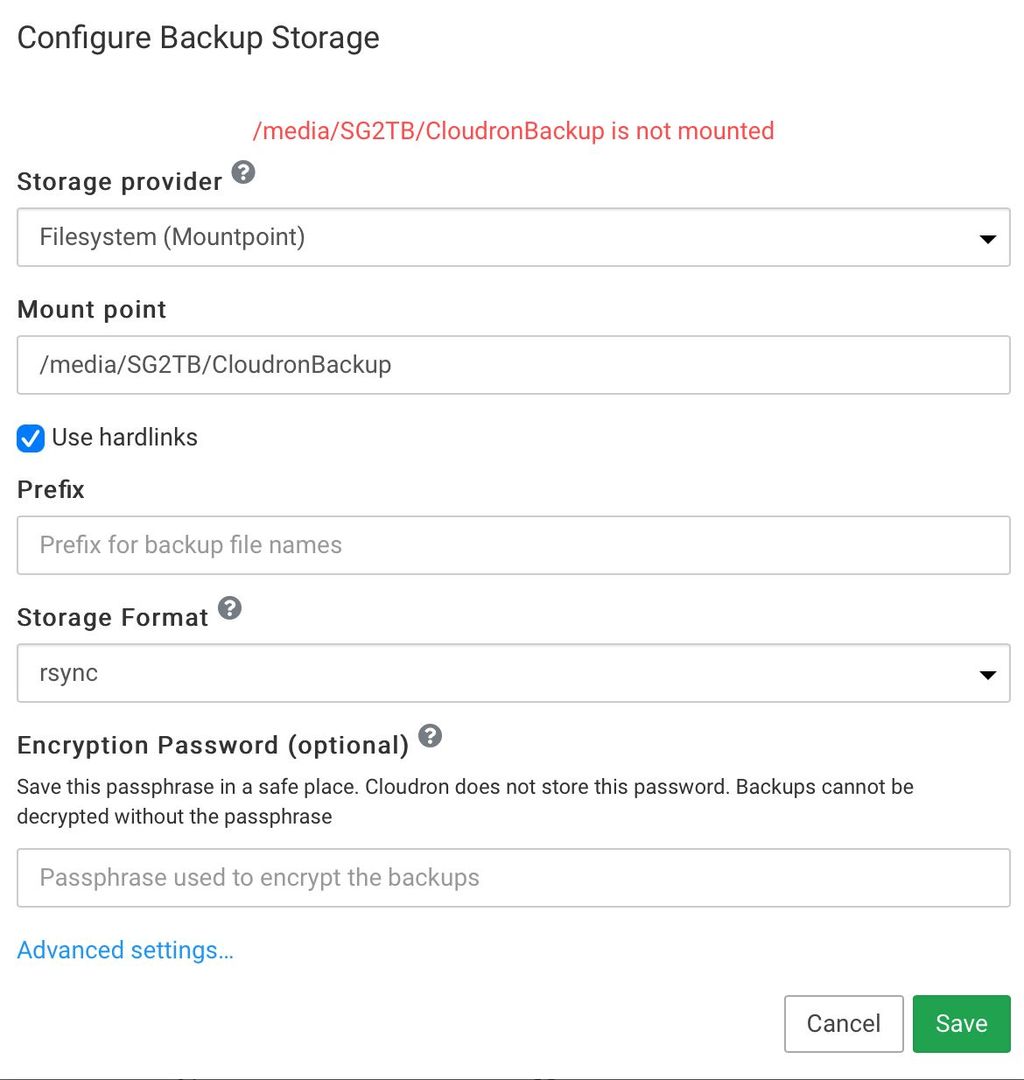
When I configure backup and press save, it gives me an error „not mounted“:
The „remount“ button is weirdly named and does not seem to do anything ATM:
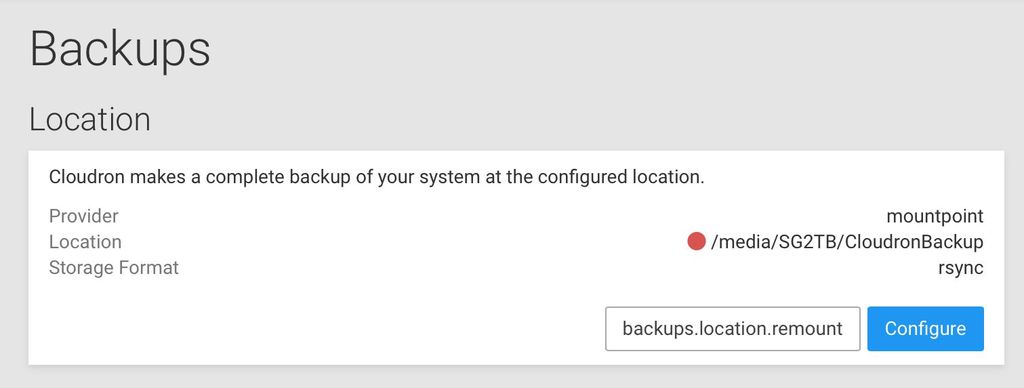
The backup works though!
-
@necrevistonnezr What is the output of
mountpoint -- /media/SG2TB/CloudronBackupon the server ? -
@girish
/media/SG2TB/CloudronBackup is not a Mount point
Mind you thatCloudronBackupis just a folder on my 2nd harddrive which is mounted as/media/SG2TB -
@necrevistonnezr Make
/media/SG2TBthe mountpoint andCloudronBackupbe the prefix. That should make it all work.@girish said in Cloudron 7.0.1: Mountpoint for backup shows error (but works):
@necrevistonnezr Make
/media/SG2TBthe mountpoint andCloudronBackupbe the prefix. That should make it all work.CloudronBackuporCloudronBackup/? I still would like them in a subfolder -
@girish said in Cloudron 7.0.1: Mountpoint for backup shows error (but works):
@necrevistonnezr Make
/media/SG2TBthe mountpoint andCloudronBackupbe the prefix. That should make it all work.CloudronBackuporCloudronBackup/? I still would like them in a subfolder -
@necrevistonnezr yes, the prefix means subfolder in the context of filesystem and mountpoint . So,
CloudronBackupshould work.@girish Excellent, as always. Works!



Hello! It looks like you're interested in this conversation, but you don't have an account yet.
Getting fed up of having to scroll through the same posts each visit? When you register for an account, you'll always come back to exactly where you were before, and choose to be notified of new replies (either via email, or push notification). You'll also be able to save bookmarks and upvote posts to show your appreciation to other community members.
With your input, this post could be even better 💗
Register Login