Cloudron makes it easy to run web apps like WordPress, Nextcloud, GitLab on your server. Find out more or install now.


Skip to content
  • Old CPU / No GPU / Ollama Language Model?

    Ollama ollama gemma qwen
    13
    1 Votes
    13 Posts
    412 Views
    L
    @andreasdueren Thank you for Hermes! It is a great choice for us and it also tells a funny chicken joke! hermes-4.3-36b Sure! Here's a clucktastic one: Why did the chicken join a band? To learn how to make some "eggcellent" beats! (If you want more, just say the word!)
  • 0 Votes
    6 Posts
    3k Views
    nebulonN
    the new package now disables the max body check for the nginx within the app. I couldn't quite reproduce the issue in my setup, not sure how you ended up with such big queries, but hopefully it fixes your case.
  • 1 Votes
    12 Posts
    17k Views
    nottheendN
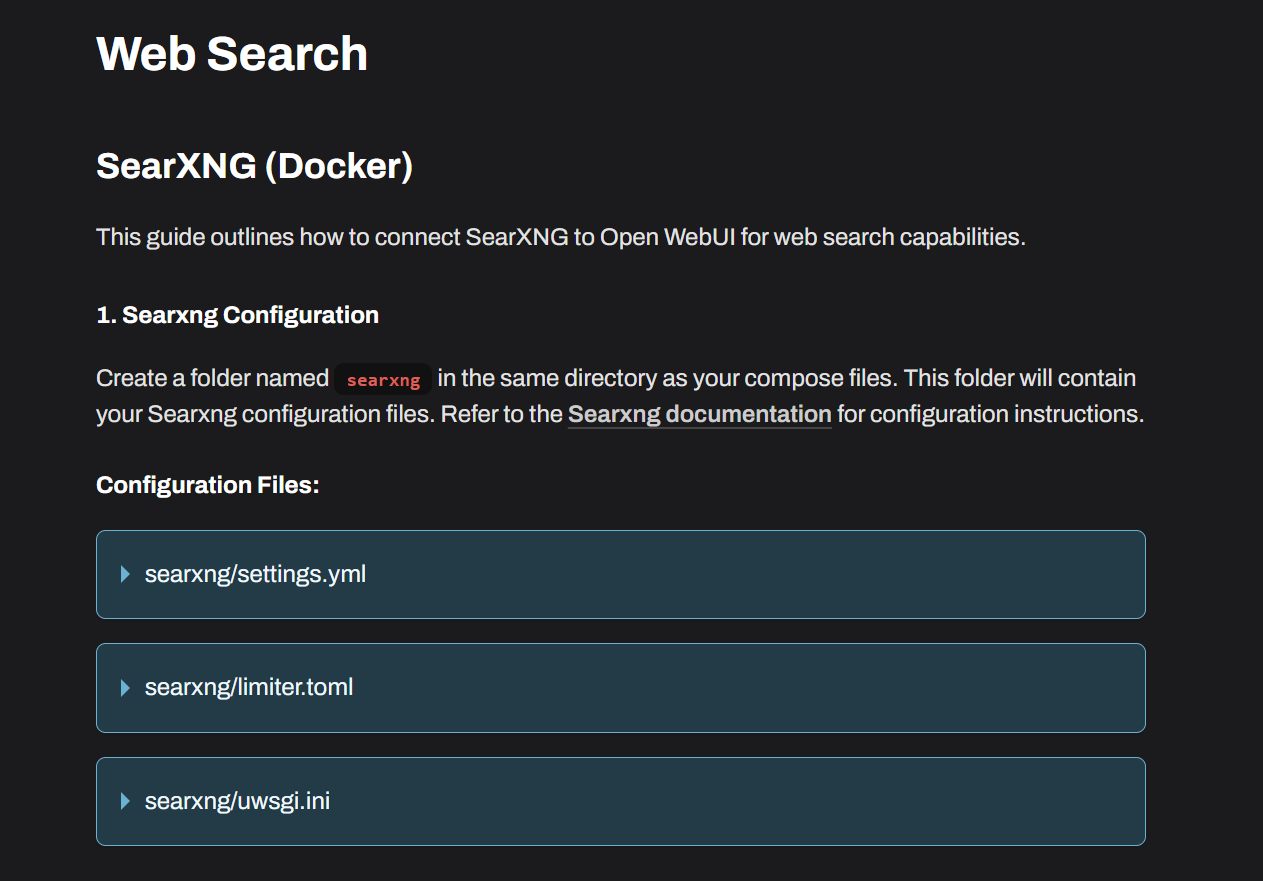
    If you're as lazy as I am, here is the summary of the brilliant insights from this thread: Enable 'json' in SearXNG (will not make the search interface public): Open settings.yml for editing, e.g. via File Manager Add json in search under formats Example: formats: - html - json <-- add this Note the Port in of SearXNG Configure OpenWebUI App to use SearXNG as web search: In OpenWebUI, go to Admin Settings → Web Search Enter URL: Paste the Searxng URL but replace <searx app id> and <searx port> (App id to be found from cloudron dashboard; port as noted above, default port is probably 8888. ) http://<searx app id>:<searx port>/search?q=<query>&language=auto&time_range=&safesearch=0&categories=social+media,map,it,general,science,news&format=json This bypasses OAuth internally so that OpenWebUI directly accesses SearXNG