
WordPress App Stuck on “Starting” After Migration (Crashing)
-
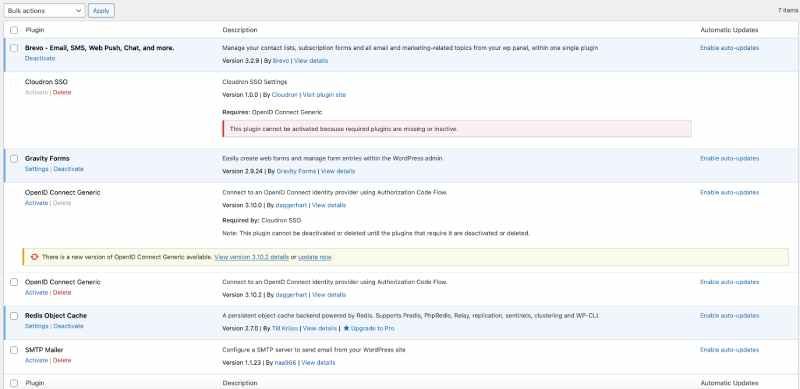
I’m having an issue with my developer WordPress app on my live website. I developed it and then moved it to my live root domain. After setting everything up, problems started with my plugins.
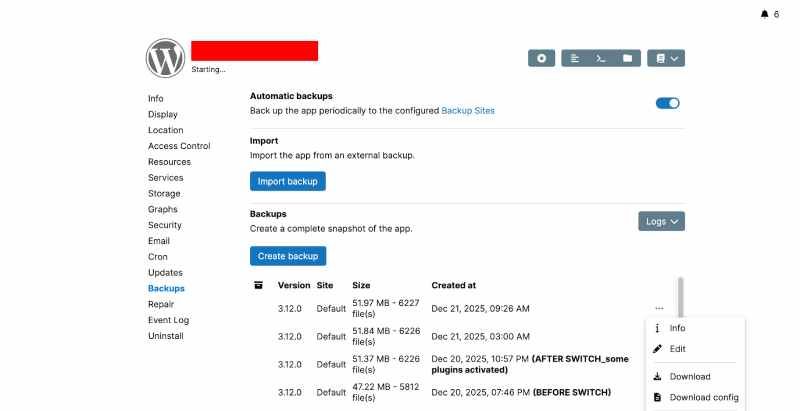
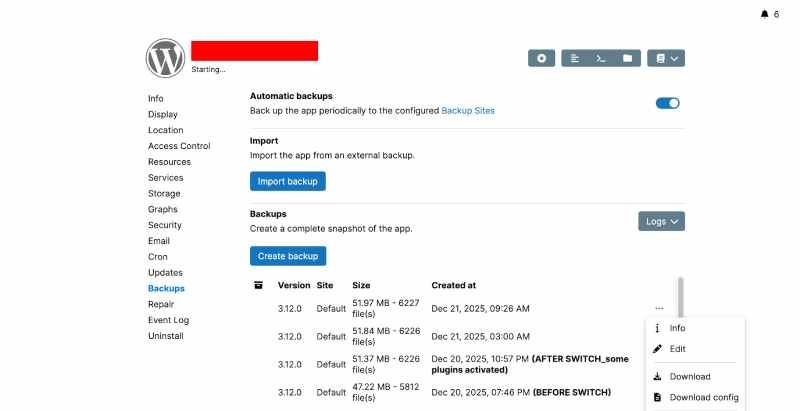
I also tried to set up a redirect from www to the root domain, but it just stays on “Starting” and never completes. I’ve tried troubleshooting, but nothing has worked so far, and I was forced to recover from the backup.
The same problem also occurs when I try to assign more memory.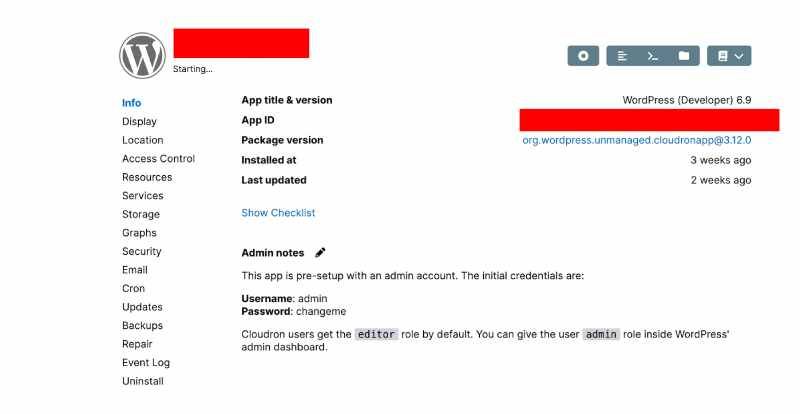
-
I built a new website on a subdomain, then later moved it to the root domain. After the move, problems started. To get the site online, I deactivated plugins, but every time I tried to set up the www redirect or increase the memory limit, the app would get stuck on “Starting.” In the end, the issue was caused by the SSO plugin. I restored a fresh installation from backup, increased the memory limit to 512M in wp-config.php, and fixed the SSO plugin by changing Requires Plugins: openid-connect-generic to Requires Plugins: daggerhart-openid-connect-generic. After that, everything worked normally. Thanks, everyone for the help.
-
I’m having an issue with my developer live WordPress app. I developed it and then moved it to my live root domain. After setting everything up, problems started with my plugins.
I also tried to set up a redirect from www to the root domain, but it just stays on “Starting” and never completes. I’ve tried troubleshooting, but nothing has worked so far, and I was forced to recover from the backup.
The same problem also occurs when I try to assign more memory.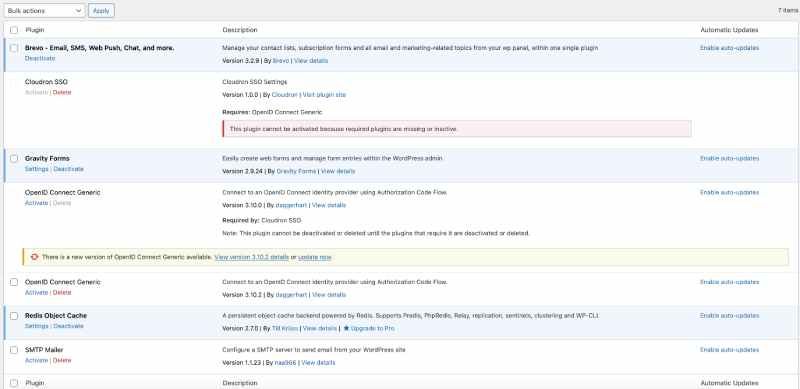
-
 J james moved this topic from Support on
-
I’m having an issue with my developer WordPress app on my live website. I developed it and then moved it to my live root domain. After setting everything up, problems started with my plugins.
I also tried to set up a redirect from www to the root domain, but it just stays on “Starting” and never completes. I’ve tried troubleshooting, but nothing has worked so far, and I was forced to recover from the backup.
The same problem also occurs when I try to assign more memory. @andzi4 said in WordPress App Stuck on “Starting” After Migration (Crashing):
After setting everything up, problems started with my plugins.
Please elaborate. What kind of problems did you encounter?
Generally speaking, Cloudron is not the most suitable utility for WP site migrations. Think of it as being the underlying "web hosting" but not the heart of the web application itself. Some people here may disagree but that's how I do it and I never have issues of this nature. Back-up and site migration should be done by a more specialised solution. That way you'll only ever need Cloudron to provide with an EMPTY fresh WP install and THAT it does without any problems ;o)
-
I built a new website on a subdomain, then later moved it to the root domain. After the move, problems started. To get the site online, I deactivated plugins, but every time I tried to set up the www redirect or increase the memory limit, the app would get stuck on “Starting.” In the end, the issue was caused by the SSO plugin. I restored a fresh installation from backup, increased the memory limit to 512M in wp-config.php, and fixed the SSO plugin by changing Requires Plugins: openid-connect-generic to Requires Plugins: daggerhart-openid-connect-generic. After that, everything worked normally. Thanks, everyone for the help.
-
J james has marked this topic as solved on

Hello! It looks like you're interested in this conversation, but you don't have an account yet.
Getting fed up of having to scroll through the same posts each visit? When you register for an account, you'll always come back to exactly where you were before, and choose to be notified of new replies (either via email, or push notification). You'll also be able to save bookmarks and upvote posts to show your appreciation to other community members.
With your input, this post could be even better 💗
Register Login