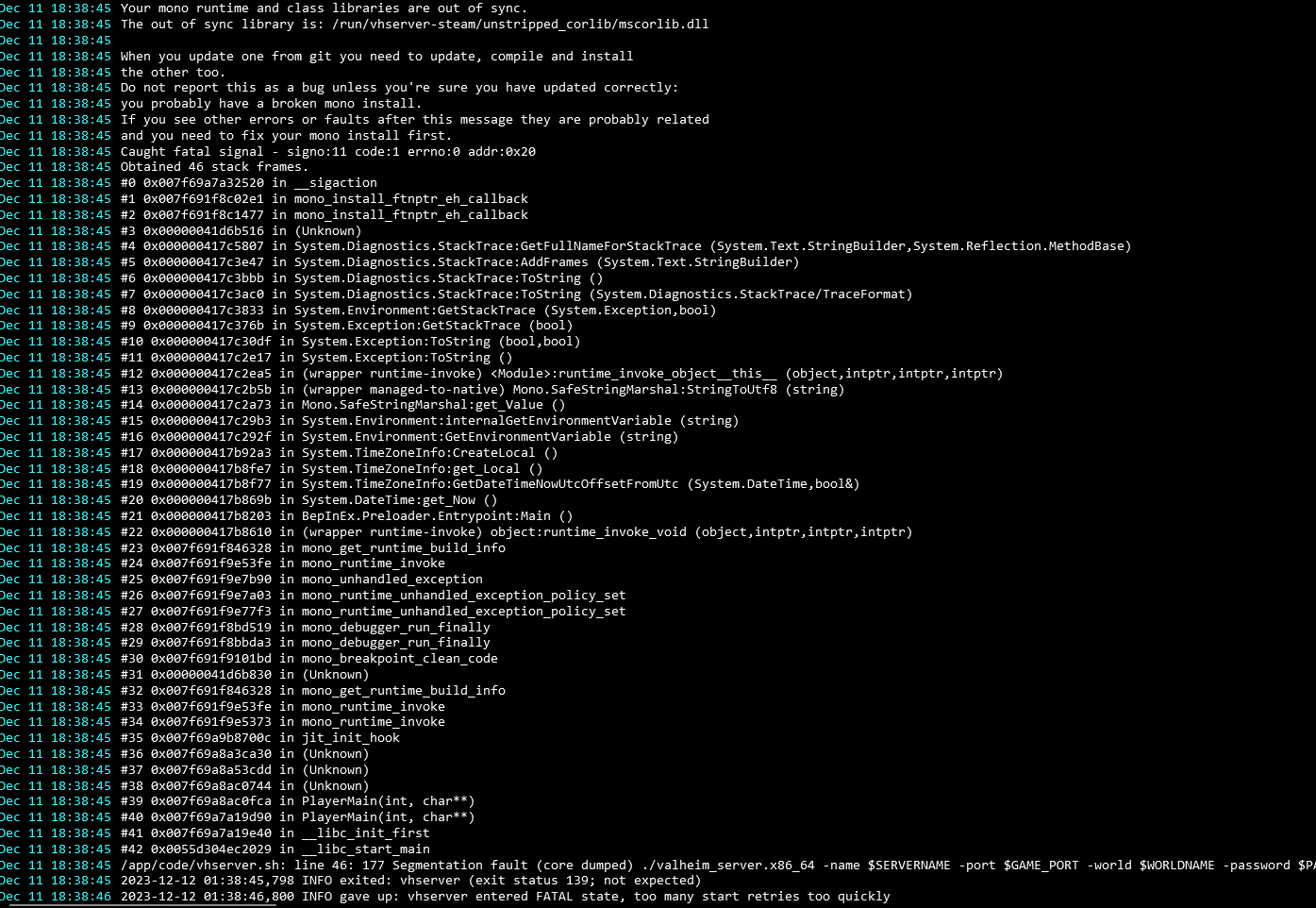
Ok, Im not sure why but I had to uninstall Valheim and then reinstall valheim
Once I did I re-enabled modsupport then imported the .CFGs and .dlls and now its working
Thanks!
I would not add this as default.
The server files are on read-write in /run/vhserver-steam/ so you can modify them yourself.
I pinged one of the Valheim devs with your url @robi and if this is a valid fix they will implement this as default.
Or more refactor that to be a dynamic value and not static.
@privsec this would be done via the in-game console.
https://valheim.fandom.com/wiki/Console_Commands
Please read the wiki since you need to enable the in-game console first.
@privsec Valheim servers do not have MOTD (Message of the day). I don't know if there is a mod for that.
But right now the vanilla server does not support this.
@nebulon @brutalbirdie Thank you for the effort though I thought an option for the docker container would be the best or easiest way
It is after all still an early access game and runs but still more stable than some other games / mods, I can still remember Arma2 Dayz mod, there you had to restart the server, otherwise it was just more horrible after 5 hours of play, because just too many objects that could not be unloaded were present.
but definitely many thanks
@nebulon said in How do I get started with Valheim hosted on Cloudron?:
@makemrproper if you install the package as is, then you can just put the IP (as far as I know the game client does not support DNS lookups yet) when connecting to a server.
There is also an option to pass a commandline argument via steam in the LaunchOptions, I don't have my PC handy to look it up, but @BrutalBirdie gave me that tip.
DNS for direct connect is supported since a few updates if I remember correctly.
Yes you will need the game to play it.