
How to change the PrivateBin template on Cloudron
-
I think the documentation could be improved with some screenshots of a worked example.
For example, PrivateBin is meant to come with a dark theme. How do we change it to that?
@LoudLemur If you go to the file manager for you PrivateBin app you can change line 41 to be what you want. https://github.com/PrivateBin/PrivateBin/wiki/Templates (same link the cloudron docs provide) the PrivateBin repo provides examples of templates so you can add those. Below is lines 40 and 41 if you want to use the bootstrap dark template do the same thing.
; template to include, default is "bootstrap" (tpl/bootstrap.php)
template = "bootstrap-dark"
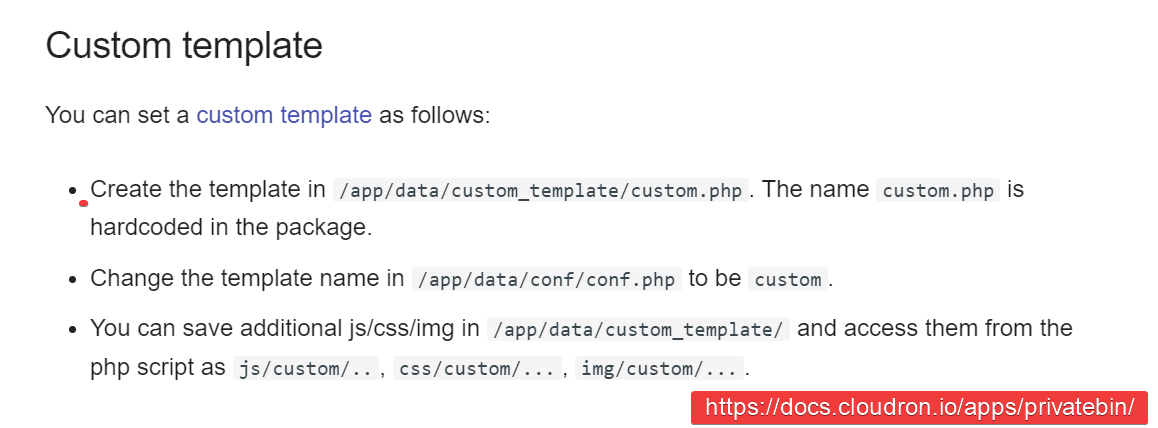
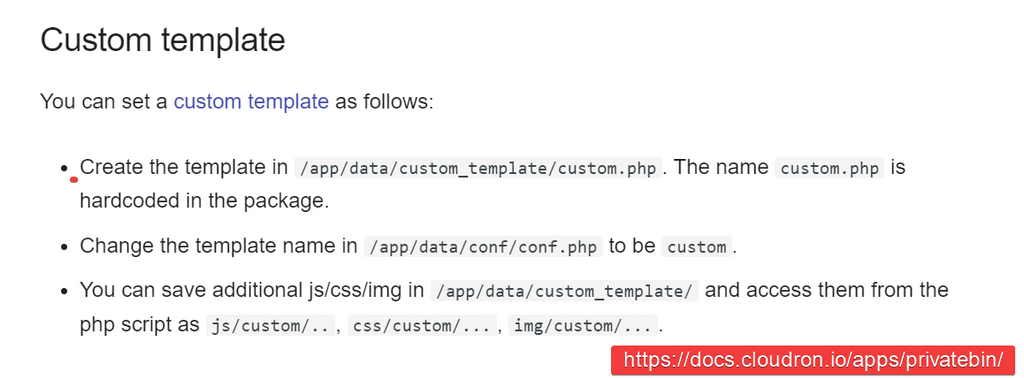
The Cloudron docs then go into what you need to do if you want to create your own template to use with PrivateBin. You would create the custom.php template and add it to the file manager in /app/data/custom_template/custom.php and then go back into the conf.php file and change line 41 to be the below.
template = "custom"

Hello! It looks like you're interested in this conversation, but you don't have an account yet.
Getting fed up of having to scroll through the same posts each visit? When you register for an account, you'll always come back to exactly where you were before, and choose to be notified of new replies (either via email, or push notification). You'll also be able to save bookmarks and upvote posts to show your appreciation to other community members.
With your input, this post could be even better 💗
Register Login