
Server Away
-
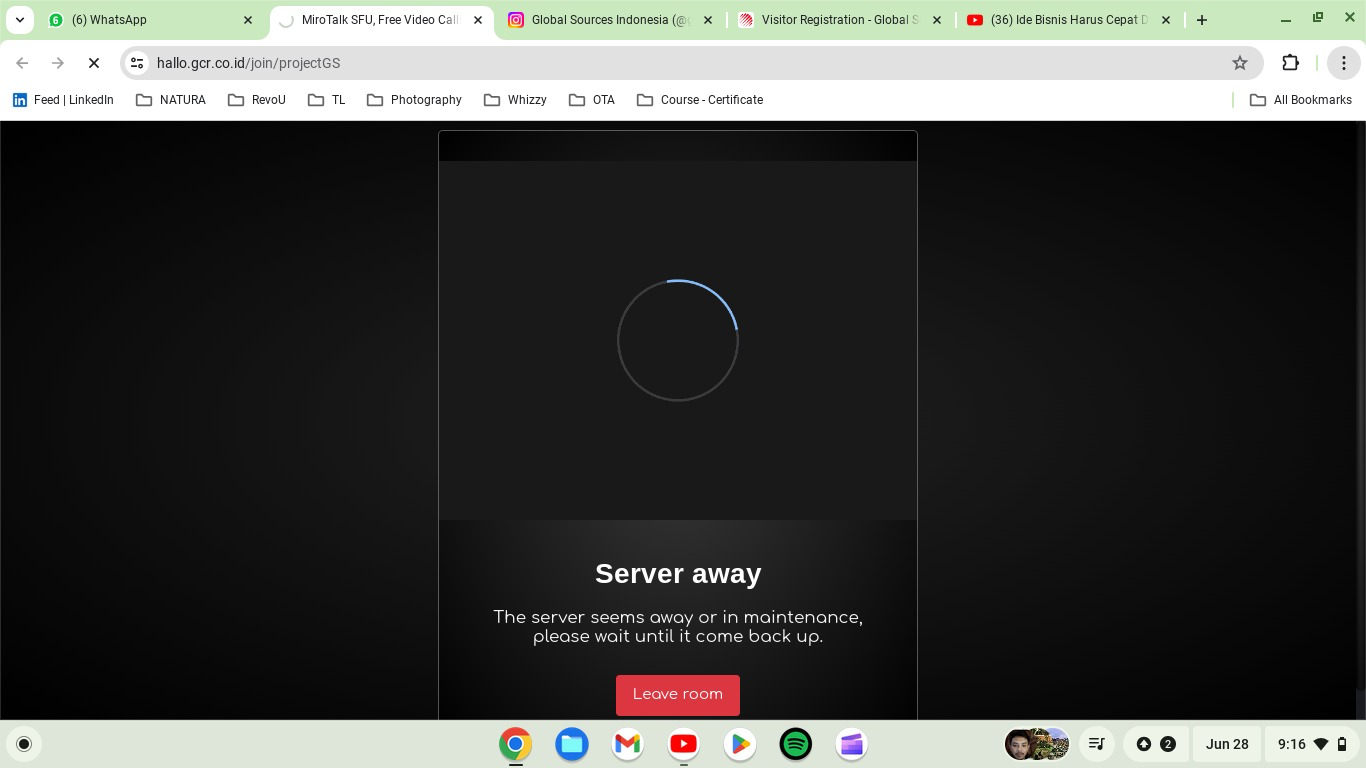
Hi, I am facing a problem with MiroTalk, when I talked with my friend using MiroTalk. I got an error notification that my server was away.

I checked my server resources like RAM and CPU however there's a lot of space for RAM and CPU. How to fix this problem? Have you experienced this problem?
-
Have you checked in the App Event Log if the app crashed with an out of memory message?
-
Hmm, I checked there's no information that apps is crashed or out of memory message
-
Hi @girish,
TheServerAwayevent occurs when the client socket disconnects from the MiroTalk SFU instance. This typically happens when a new release is deployed, necessitating aMiroTalk SFU restartto apply changes. As soon as the MiroTalk SFU comes back on (usually within a few seconds), all clients shouldautomatically reconnectto the MiroTalk SFU again. Cheers. -
@IniBudi next time this happens it may also be useful to understand then what the browser console logs and the networking tab shows.




Hello! It looks like you're interested in this conversation, but you don't have an account yet.
Getting fed up of having to scroll through the same posts each visit? When you register for an account, you'll always come back to exactly where you were before, and choose to be notified of new replies (either via email, or push notification). You'll also be able to save bookmarks and upvote posts to show your appreciation to other community members.
With your input, this post could be even better 💗
Register Login