
Missing HTML saved version and cookie popup in screenshots
-
Hello everyone,
I have been testing this application and noticed two issues:
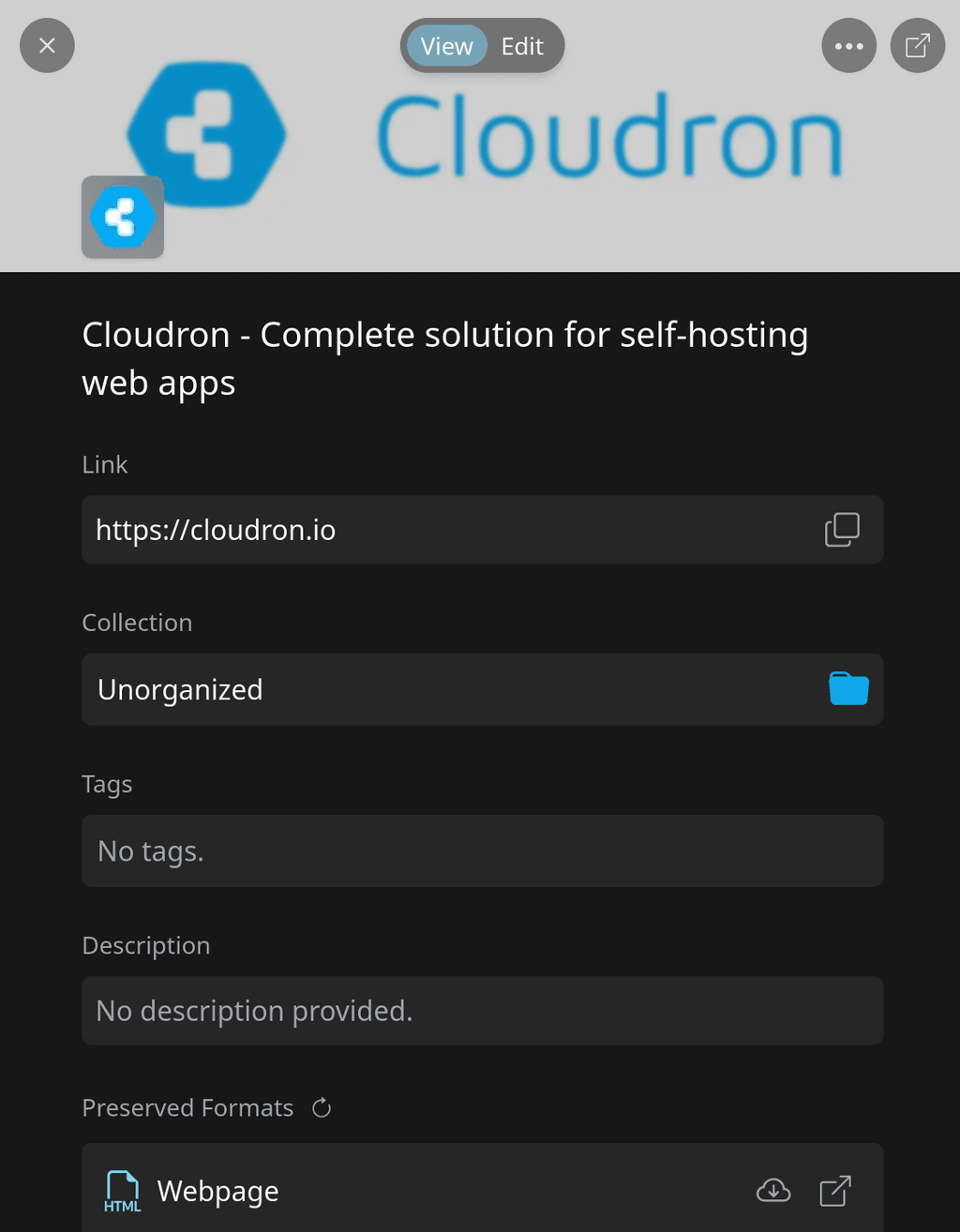
- According to the developer's website, the page should also include a saved HTML version. However, I have not been able to locate it. Could someone please provide guidance on where I might find this?
- Regarding the "screenshot" feature, I have observed that the captured screenshots include cookie banners. This can obscure important content, or, in some cases, not show any page. I was wondering if anyone has find any solution or workaround to prevent this issue.
Thank you for your help
-
-
An idea is to test it in the demo at https://linkwarden.app/
@joseph demo at https://demo.linkwarden.app/ has HTML version stored. Demo on Cloudron no.
Edit: I found HTML version stored also on Cloudron app.
About cookie popups banners, I could not test any website because https://demo.linkwarden.app/ is a "read only" demo...
Edit: As "workaround" to manage cookie popup screenshot, I installed Firefox extension to "upload" screenshot directly from browser, but it seems does not work...

Edit2: About previous edit, a quick update: I installed Linkwarden on a Cloudron live instance with adeguate resources and mentioned error is not present anymore. Maybe error is related to Cloudron demo instance.
About HTML missing, it seems to be related to any specific page: in some pages I can find, in others no.
@joseph you can mark this topic as "Solved"
 Thanks a lot
 -
-
Hello! It looks like you're interested in this conversation, but you don't have an account yet.
Getting fed up of having to scroll through the same posts each visit? When you register for an account, you'll always come back to exactly where you were before, and choose to be notified of new replies (either via email, or push notification). You'll also be able to save bookmarks and upvote posts to show your appreciation to other community members.
With your input, this post could be even better 💗
Register Login