
🚀 DbGate: community package now available
-
TL;DR: DbGate is a web-based SQL and NoSQL client, and Cloudron provisions PostgreSQL, MySQL and MongoDB for well over half the apps in both stores without giving you any way to look inside them. Now packaged for Cloudron and ready to install. Built and tested on Cloudron 9.x; unofficial and community-maintained.
 Headline features
- Thirteen bundled database engines in one client: PostgreSQL, MySQL, MariaDB, SQL Server, Oracle, MongoDB, Redis, SQLite, CockroachDB, ClickHouse, Cassandra, DuckDB, Firebird.
- Schema browser, query editor, an editable data grid, and CSV/Excel/NDJSON import and export.
- Cloudron single sign-on out of the box, with a generated local login for installs that skip SSO.
- A read-only MCP server (new upstream in the version this package ships), so AI agent tooling can browse and query your databases with a token, entirely optional.
- Point it at the same PostgreSQL, MySQL or MongoDB credentials Cloudron already generates for any other app's addon.
Links
 Project homepage: https://www.dbgate.io/
 Upstream repo: https://github.com/dbgate/dbgate
- 🧱 Cloudron package repo: https://github.com/OrcVole/dbgate-cloudron
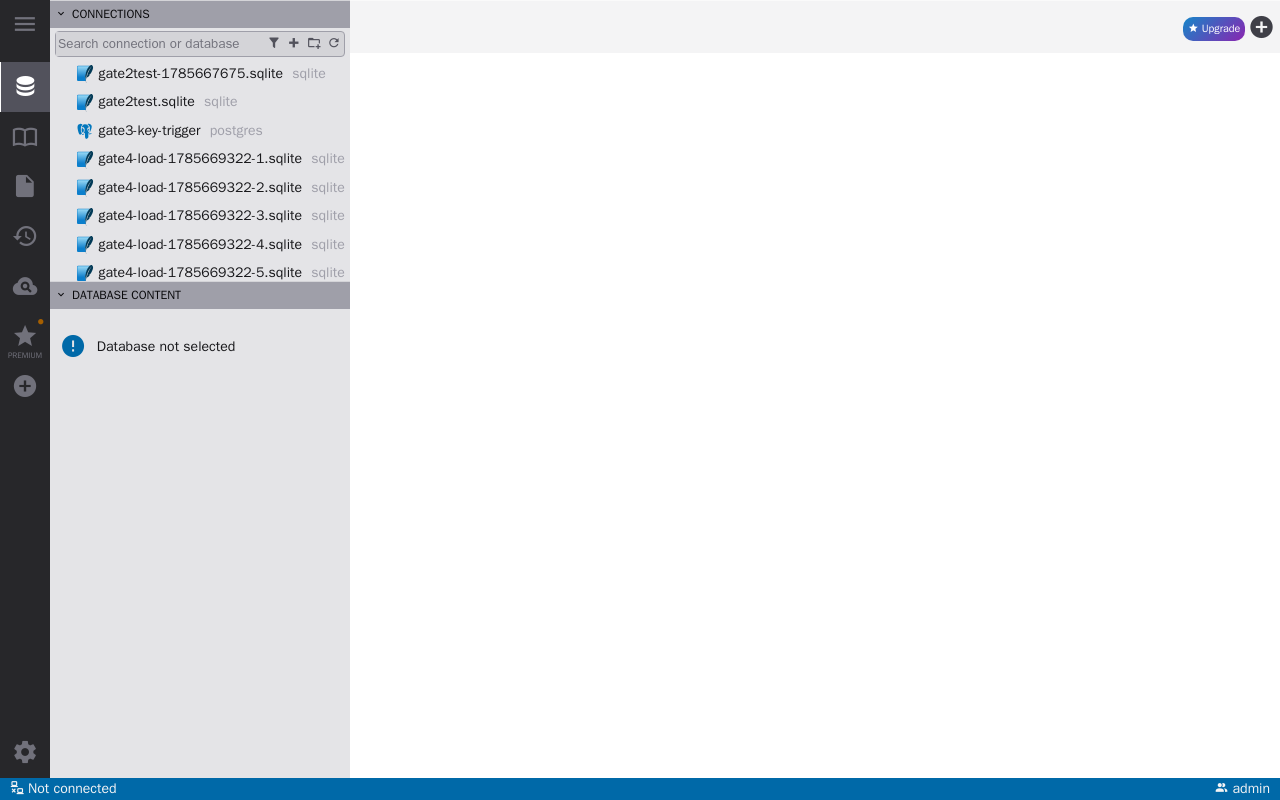
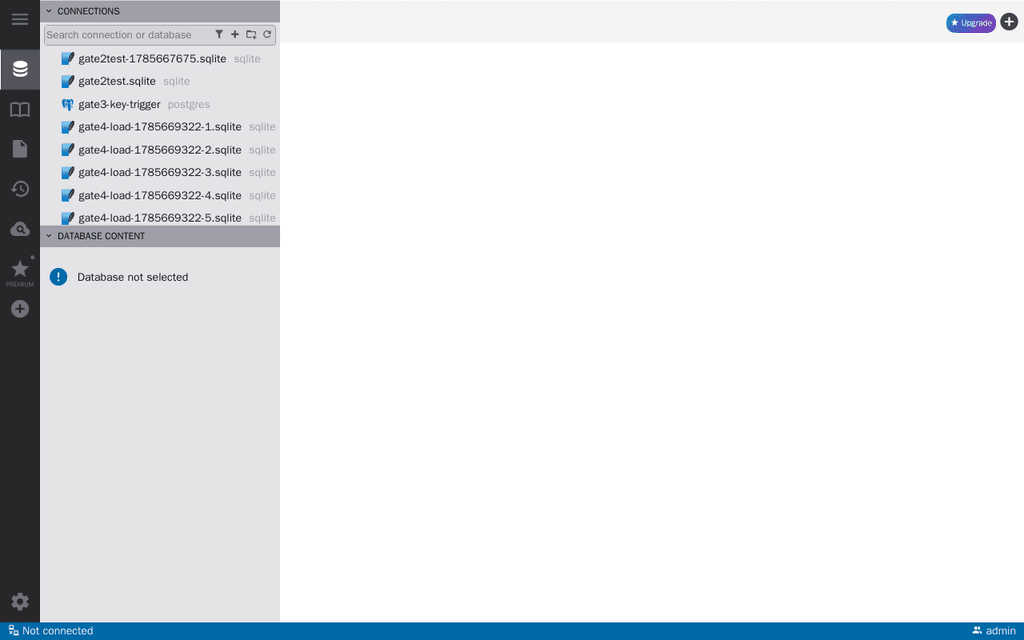
There's no separate demo; the UI is the app itself once installed, a schema browser and query editor over whichever connections you add.
 How to install
Read the generated admin credential (no-SSO installs) or sign in with Cloudron SSO (installs with SSO enabled) from the checklist item shown right after install.
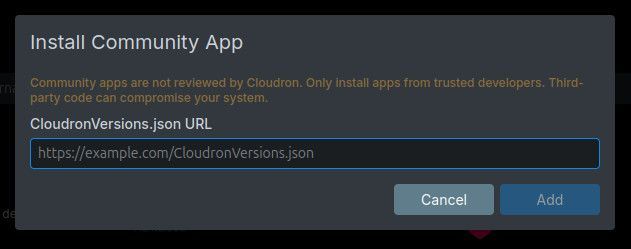
Click the Add custom app dropdown (top right in the App Store) and choose Community app, then paste this URL into the box that pops up. Apps installed this way receive automatic updates.
https://raw.githubusercontent.com/OrcVole/dbgate-cloudron/main/CloudronVersions.json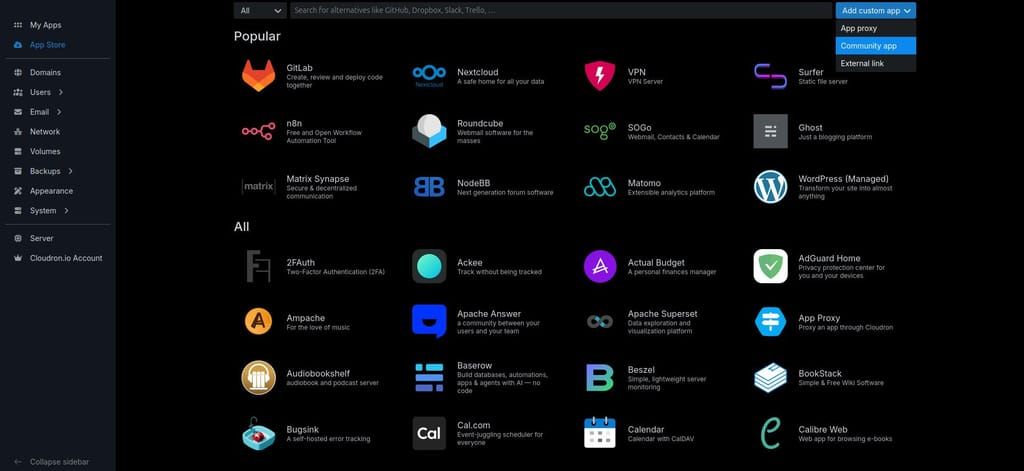
Or with the CLI:
cloudron install \
  --versions-url https://raw.githubusercontent.com/OrcVole/dbgate-cloudron/main/CloudronVersions.json \
  --location dbgate.example.com
Minimums: 1.5 GiB RAM,
localstorageandoidcaddons. No extra subdomain.First run: Cloudron single sign-on is the default; installs without SSO get a generated local login, readable from the app's checklist item.
 For users
Why try it: Cloudron hands you a PostgreSQL, MySQL or MongoDB addon for dozens of apps and no way to actually look inside any of them.
What you get: a real schema browser, an ad hoc query editor, and export to CSV or NDJSON, against any database you already have credentials for.
Cloudron wins: single sign-on, automatic backups of the connection list and its encrypted credentials, one-click updates, all state under
/app/data.Good fit if you want to poke at an addon database without shelling in; probably not if you need per-user access control inside the tool itself, which the community edition does not have (see the honesty note below).
🧰 For packagers: what we learned
What helped — the
oidcaddon mapped straight onto DbGate's own generic OAuth2 support, no discovery dance needed; the app's own/healthendpoint was already unauthenticated and ready-made.What was tricky — three real ones. DbGate's own connection-password encryption key is created lazily at mode 0644 the first time a connection with a password is saved, not at boot, so the usual every-boot
chown -Rsweep does not fix its mode; the entrypoint now re-asserts it explicitly. The community install validator wants a non-emptywebsitefield that is not in the manifest's own documented required-fields list, surfaced live by a failed dashboard install. And the base image's build step silently ignores theSHELLinstruction under OCI image format, which quietly defeated a bash-only build gate until it was rewritten in POSIX sh and negative-tested.Still rough — a colder path worth extra eyes: a fresh no-SSO install's very first login, and whether the generated credential file is easy enough to find from the dashboard File Manager for someone who has not read the checklist item closely.
 ️ For the Cloudron team
Maintenance burden: light. DbGate releases roughly weekly; the package tracks upstream's community Docker image unmodified, no patches carried.
Why it suits the App Store: real, measured demand: 147 of 257 apps across both stores wire a PostgreSQL, MySQL, MongoDB or Redis addon, and no SQL client existed in either store before this. The niche has been asked for in adjacent forms since 2018.
Friction worth knowing: the
websitemanifest field gate above; andcloudron execproved unreliable for longer or repeated calls during testing (multiple connection timeouts), whilesshplusdocker execon the box host was reliable throughout for the same checks. For DbGate's developers
Two small, low-effort things that would help future packagers:
WORKSPACE_DIRworks exactly as hoped but is not on the documented environment-variables page; and an environment-variable alternative to the--encryption-keyCLI flag would let a platform supply its own wrapping secret for the connection-password key without a command-line exposure trade-off. Package source: https://github.com/OrcVole/dbgate-cloudron. Happy to co-maintain or open an upstream issue if that is the more useful form for either of these. Unlocks
Now you can open a browser tab and run a real SQL query against the Postgres behind your Nextcloud, GitLab or Discourse install, or the MySQL behind WordPress or Vaultwarden, without a terminal.
 Synergies
147 of the 257 apps across the community and official stores wire at least one of the
postgresql,mysql,mongodborredisaddons.DbGate + Nextcloud: browse the PostgreSQL tables holding file metadata, shares and users, and run SQL to find orphaned shares or oversized accounts.
DbGate + WordPress (Managed): query the MySQL tables holding posts, pages and users, and export content or a user list to CSV without shelling in.
DbGate + GitLab: run SQL against the PostgreSQL tables holding projects, merge requests and CI metadata, and export what the admin UI will not.
DbGate + Vaultwarden: inspect the MySQL schema behind your password vault, run ad hoc queries, export tables to CSV.
DbGate + Rocket.Chat: browse the MongoDB collections holding channels, messages and users, and export message history to CSV for compliance records.
Feedback, bug reports, and "works on my install" confirmations all welcome below.

Hello! It looks like you're interested in this conversation, but you don't have an account yet.
Getting fed up of having to scroll through the same posts each visit? When you register for an account, you'll always come back to exactly where you were before, and choose to be notified of new replies (either via email, or push notification). You'll also be able to save bookmarks and upvote posts to show your appreciation to other community members.
With your input, this post could be even better 💗
Register Login