
Dolibarr SMTP configuration is not filled with Cloudron settings starting from package version 1.13.0
-
Dolibarr version: 23.X.X
Cloudron package version: 1.13.X, 1.14.XHi, I just discovered today that any install made from package version 1.13.X or higher will result in SMTP configuration in Dolibarr to be default configuration:
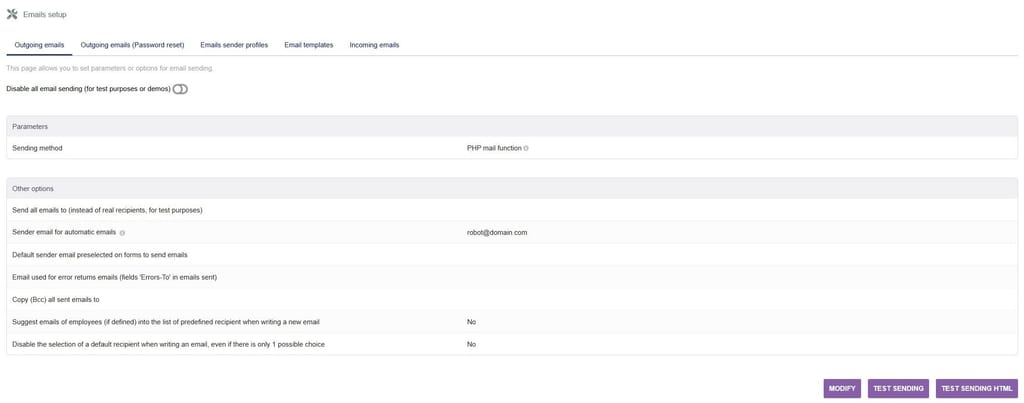
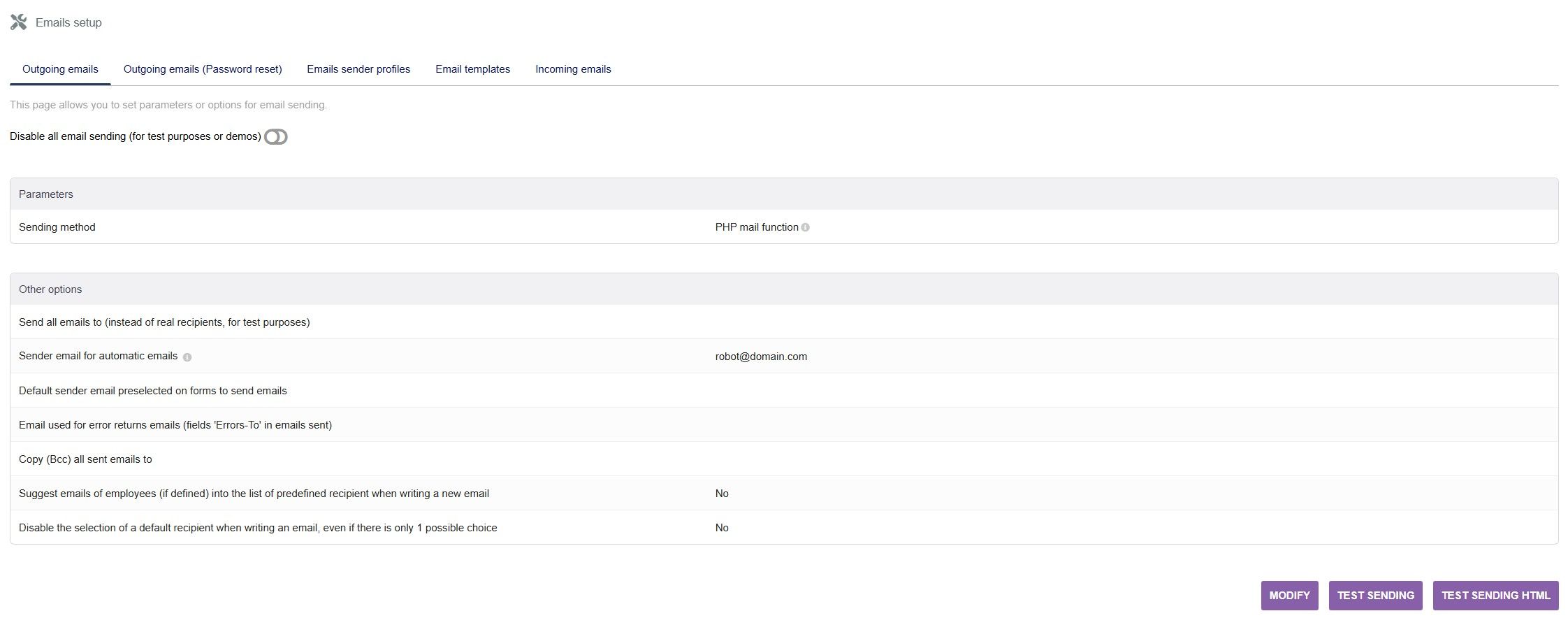
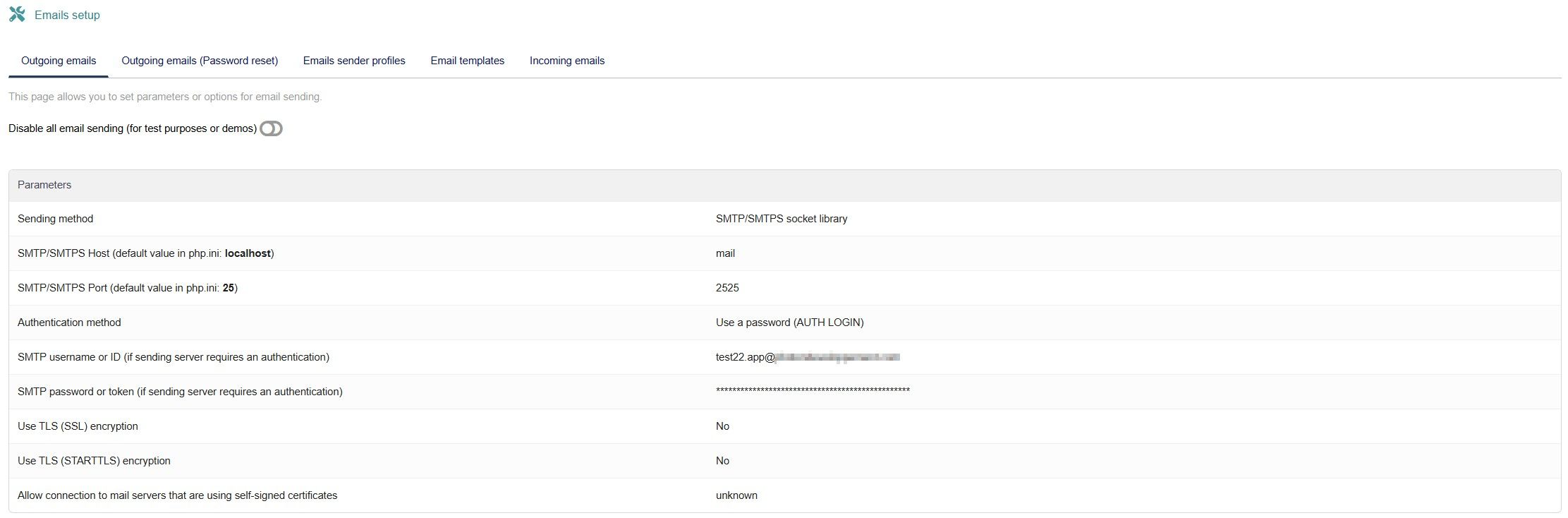
In previous package versions, installing Dolibarr would automatically fill SMTP configuration with Cloudron settings values ; but this behaviour does not work starting from package version 1.13.0 (Dolibarr 23.0.0)
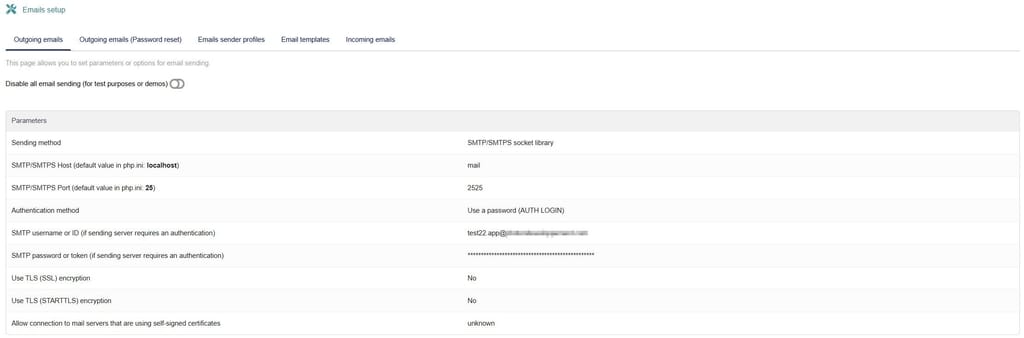
Here is a screenshot from fresh 1.12.0 install:
Without being Dolibarr-specific, how are we supposed to configure SMTP settings when Cloudron does not?
SMTP host and login is pretty straightforward (my.domain.com with appname.app@domain.com), but I have no clue where we can get the password for each app. Is there a way to get it?Thank you very much.
-
Dolibarr version: 23.X.X
Cloudron package version: 1.13.X, 1.14.XHi, I just discovered today that any install made from package version 1.13.X or higher will result in SMTP configuration in Dolibarr to be default configuration:
In previous package versions, installing Dolibarr would automatically fill SMTP configuration with Cloudron settings values ; but this behaviour does not work starting from package version 1.13.0 (Dolibarr 23.0.0)
Here is a screenshot from fresh 1.12.0 install:
Without being Dolibarr-specific, how are we supposed to configure SMTP settings when Cloudron does not?
SMTP host and login is pretty straightforward (my.domain.com with appname.app@domain.com), but I have no clue where we can get the password for each app. Is there a way to get it?Thank you very much.
Hello @oskarardolo
Is there a way to get it?
Yes, you can open the Web Terminal of any app and print all Cloudron environment variables.
For example getting mail environment variables:printenv | grep -i "mail" CLOUDRON_MAIL_SMTP_PASSWORD=-REDACTED- CLOUDRON_MAIL_STARTTLS_PORT=2587 CLOUDRON_MAIL_SMTPS_PORT=2465 CLOUDRON_MAIL_DOMAIN=cloudron.dev CLOUDRON_MAIL_FROM_DISPLAY_NAME= CLOUDRON_MAIL_SMTP_PORT=2525 CLOUDRON_MAIL_SMTP_USERNAME=lamp.app@cloudron.dev CLOUDRON_MAIL_SMTP_SERVER=mail CLOUDRON_MAIL_FROM=lamp.app@cloudron.devBut this should not be necessary.
I am looking into it why the automated configuration is not working. -
Hello @oskarardolo
We just published an app update for @dolibarr that fixes the automatic configuration of SMTP.
See: https://forum.cloudron.io/post/127982 -
 J james marked this topic as a question
-
J james has marked this topic as solved
Hello! It looks like you're interested in this conversation, but you don't have an account yet.
Getting fed up of having to scroll through the same posts each visit? When you register for an account, you'll always come back to exactly where you were before, and choose to be notified of new replies (either via email, or push notification). You'll also be able to save bookmarks and upvote posts to show your appreciation to other community members.
With your input, this post could be even better 💗
Register Login