Cloudron makes it easy to run web apps like WordPress, Nextcloud, GitLab on your server. Find out more or install now.


Skip to content

N8N

143 Topics 1.3k Posts
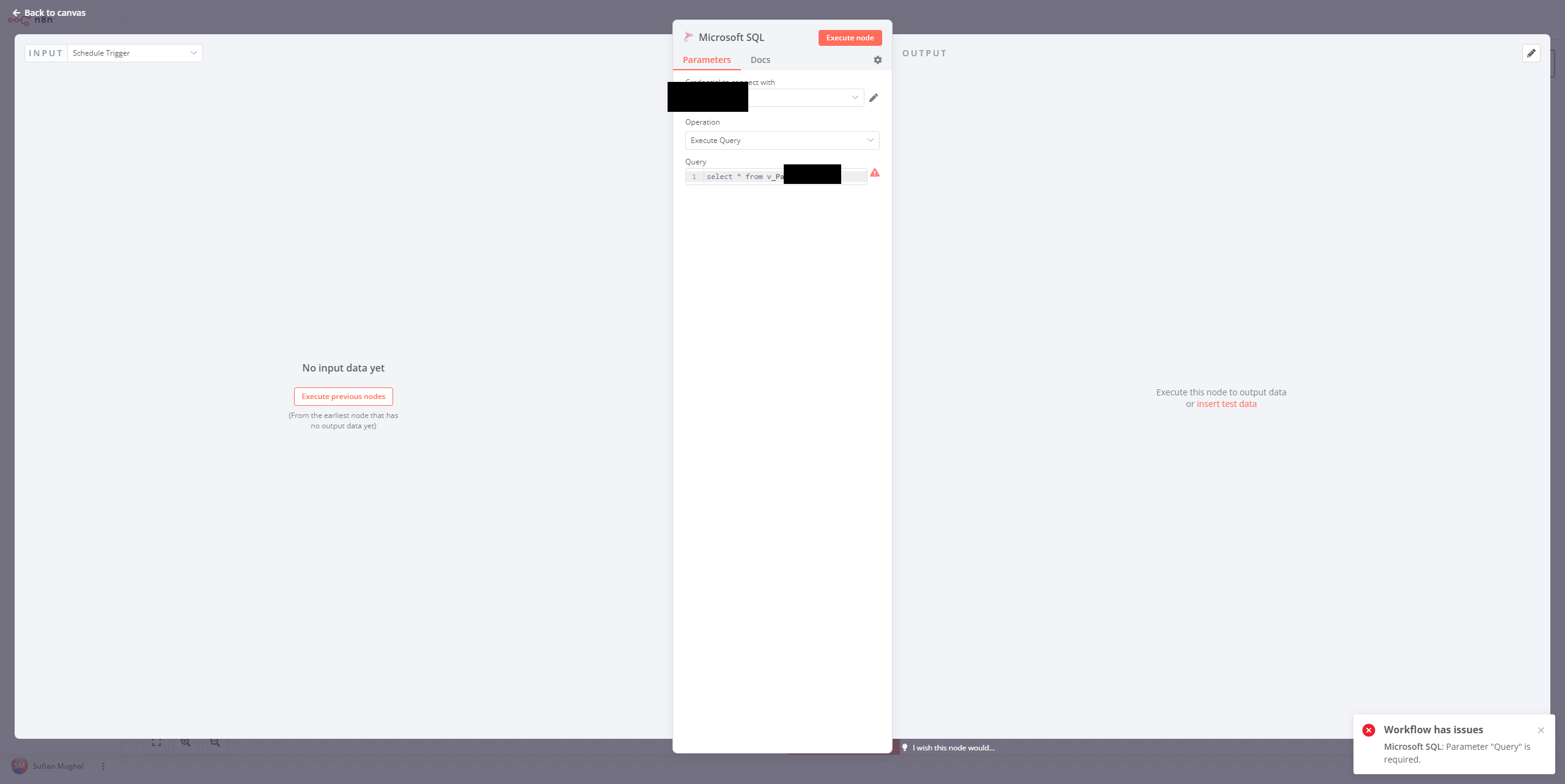
  • SQL related nodes error

    Moved Solved
    4
    1
    1 Votes
    4 Posts
    1k Views
    D
    @girish thank you problem solved
  • Change update stream to stable

    4
    3 Votes
    4 Posts
    1k Views
    JUVOJustinJ
    Perfect, thank you very much
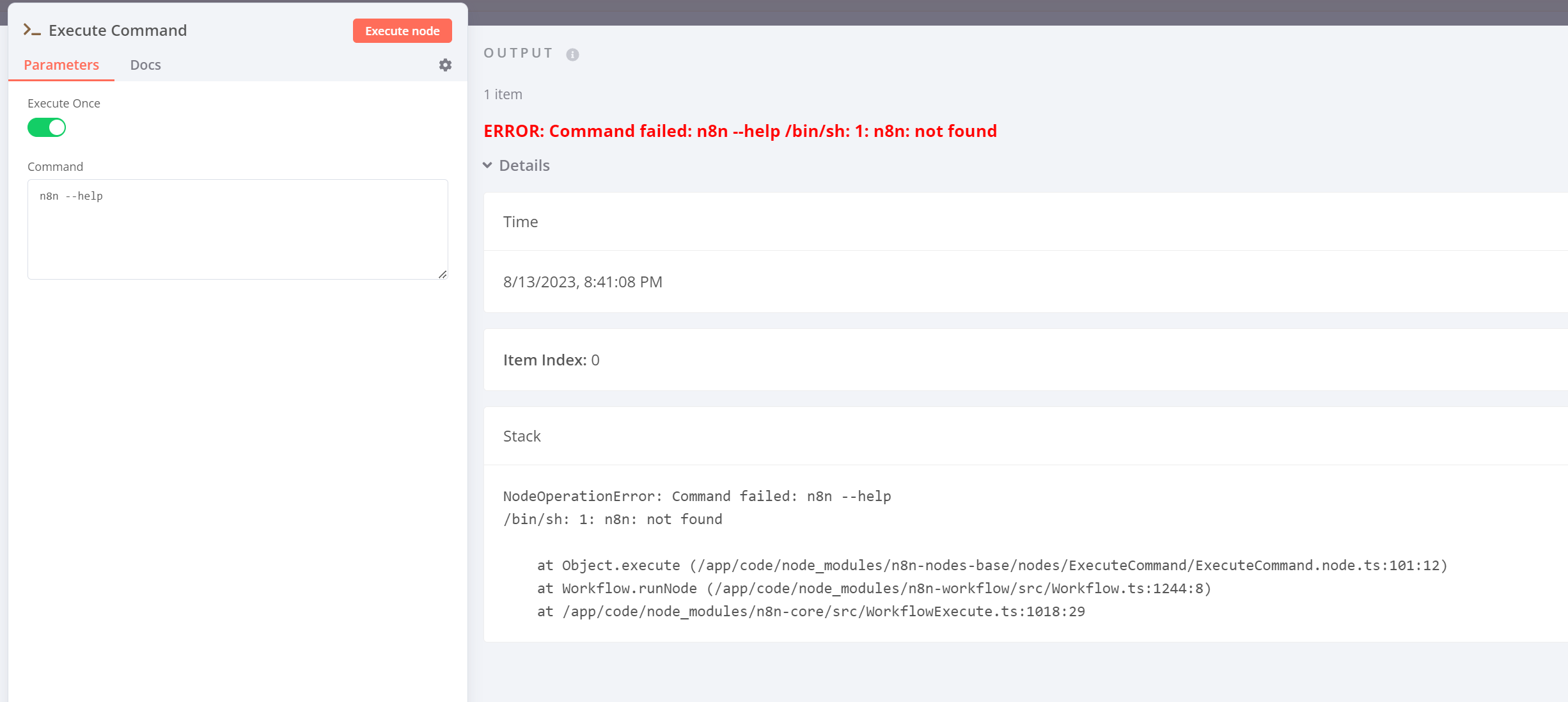
  • n8n CLI commands not working in Cloudron

    7
    1
    0 Votes
    7 Posts
    3k Views
    S
    Hi @girish Kindly also check this n8n team response related to this issue, in the context of Cloudron: https://community.n8n.io/t/cli-commands-not-working-in-v1-x-x/29309/3 Thanks.
  • n8n & Puppeteer - Error: Could not find Chromium (rev. 1095492)

    1
    2 Votes
    1 Posts
    965 Views
    No one has replied
  • Add new library, please

    Solved
    9
    1 Votes
    9 Posts
    3k Views
    K
    Oh, you have already updated the n8n package, forgive my inattention
  • Webhook domain resolve to localhost ?

    Solved
    7
    0 Votes
    7 Posts
    3k Views
    benborgesB
    All good !
  • trying to scale N8N

    n8n
    20
    2 Votes
    20 Posts
    7k Views
    girishG
    @zonzonzon Services view - https://docs.cloudron.io/services/#configure
  • Unable to retrieve data when running execute command

    3
    0 Votes
    3 Posts
    1k Views
    martinkbsM
    Hey @alwynispat Maybe you should use the SSH node instead of the Execute Command node. From what I understand the Whois package is installed on the server, so to run it you will have to call it via ssh command. The Execute Command node executes commands inside the cloudron n8n container, which by default will run in the /app/code path of your n8n container. That is the reason why it does not find the Whois package when running the Execute Command node.
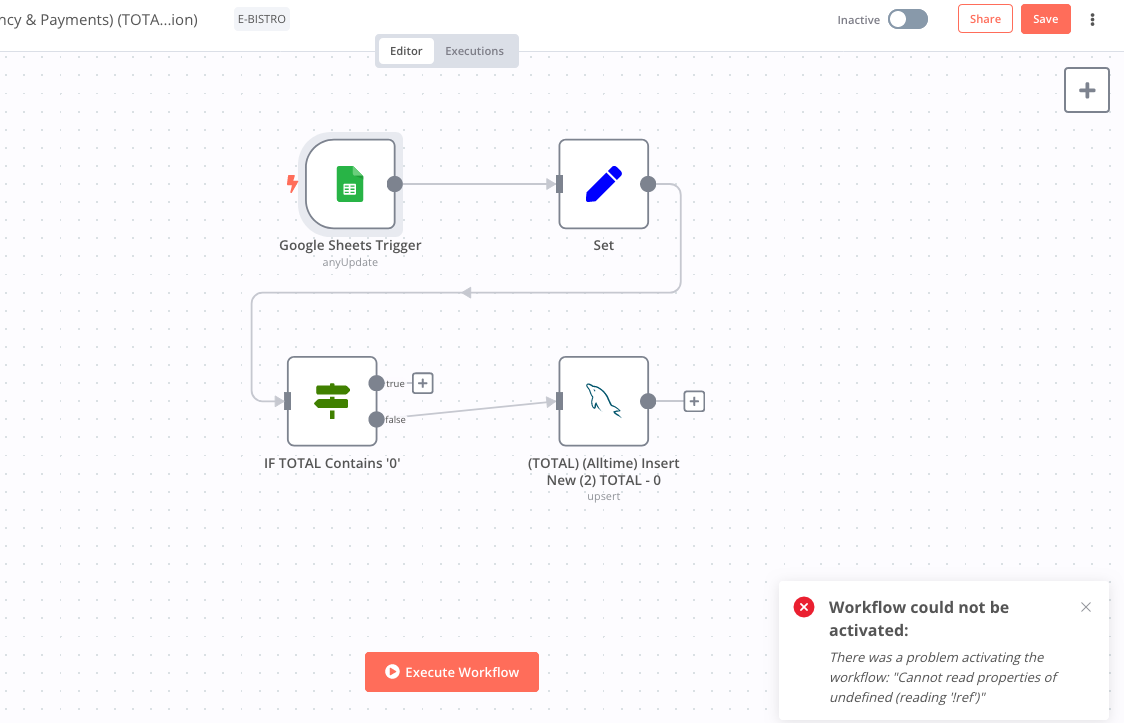
  • GoogleSheets "Append or Update" Error on N8N Cloudron

    6
    1
    1 Votes
    6 Posts
    2k Views
    K
    Solution (more of a workaround) : https://community.n8n.io/t/google-sheets-bug-cant-activate-workflow/27211/6 I believe it's a minor bug on the GoogleSheets Trigger Node
  • I contacted Vultr support and they said that the error is in Cloudron

    Moved
    2
    1 Votes
    2 Posts
    452 Views
    girishG
    @Matheus-0 what is the problem? Seems to be ok here. [image: 1686033715674-fa6fd4ed-60a0-4c6a-9666-e8e89f598a7a-image-resized.png]
  • Massively Inflated Backups

    4
    0 Votes
    4 Posts
    1k Views
    girishG
    @ericdrgn you can also check the du size on the server for the appdata.
  • Bug: CORS error

    Solved
    26
    0 Votes
    26 Posts
    6k Views
    S
    @girish https://forum.cloudron.io/topic/9021/capability-to-tweak-reverse-proxy-config-of-an-app
  • SSL Error

    Solved
    3
    1 Votes
    3 Posts
    754 Views
    S
    @girish I thought I had to activate the SSL/TLS toggle because of STARTTLS. I deactivated it and now it works.
  • Add the odoo-xmlrpc module

    4
    1 Votes
    4 Posts
    1k Views
    girishG
    @Lanhild happy to merge your change, push away.
  • How to increase Disk I/O

    4
    1
    1 Votes
    4 Posts
    1k Views
    fbartelsF
    @darsh_parsana said in How to increase Disk I/O: disk should be showing more than 250 kb Only because the y axis ends at 250 kB/s does not mean that this is the limit. The table dynamically grows, so if you have something that would cause more disk i/o the scale would adapt.
  • HEAD Requests to webhook URLs return 404

    4
    0 Votes
    4 Posts
    705 Views
    girishG
    I replied at https://community.n8n.io/t/respond-to-head-request-webhook/23586/15?u=girishcloudron
  • Installing External packages in n8n

    2
    0 Votes
    2 Posts
    850 Views
    nebulonN
    @samarvir for 1. are you referring to the app itself or some additional docker images alongside the app package? Community module installations should already work. Do you have a specific example which does not work?
  • Cannot set environment variables

    Solved
    7
    0 Votes
    7 Posts
    3k Views
    G
    @girish Thank you, I can corroborate it works even if it's showing an error in the node field.
  • Not Responding

    4
    1
    0 Votes
    4 Posts
    1k Views
    benborgesB
    @nebulon I'm getting Timing buffered disk reads: 906 MB in 3.01 seconds = 301.48 MB/sec this again seems to be a contabo issue more than anything else
  • How to use custom nodes?

    Solved
    2
    1 Votes
    2 Posts
    498 Views
    S
    Figured it out. Just uploaded my node's folder to the custom-extensions folder and restarted n8n.