
mysql for apps removing bad DB or app.
-
Hi everyone,
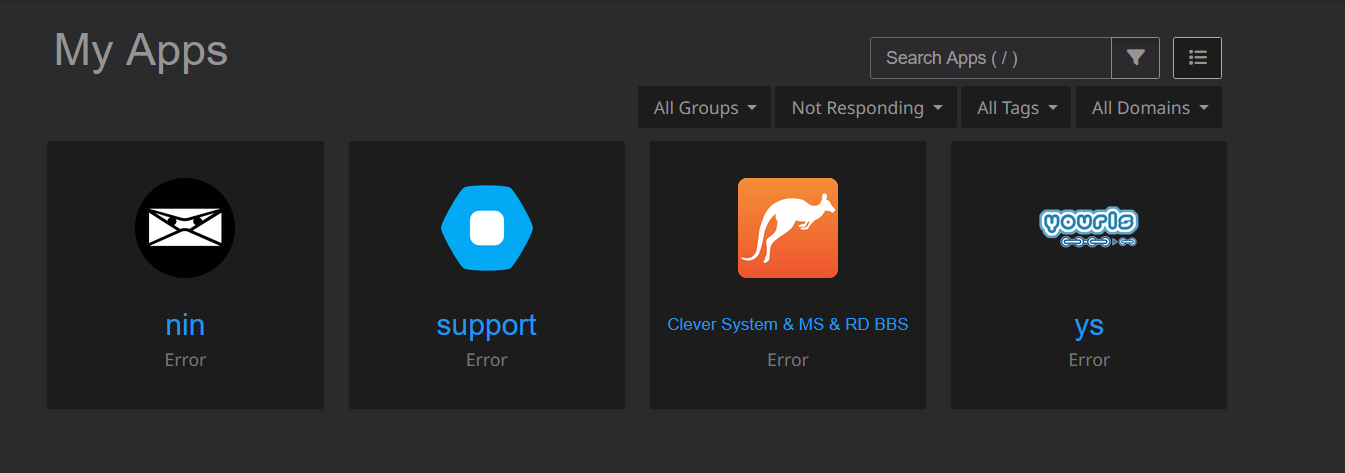
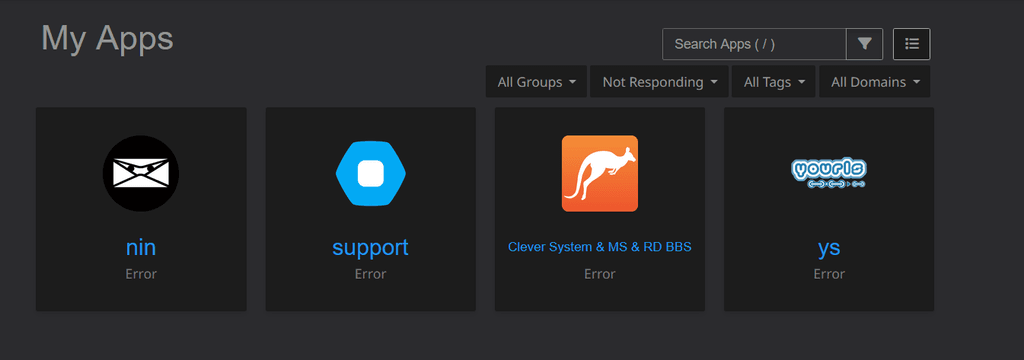
I have a MySQL database that I need to remove, but I'm not entirely sure how to do it. I've tried removing and reinstalling the app, even cloning it, but the database remains. I know which site it's associated with.
Can someone let me know the best way to fix this or properly remove the app that's not working?

-
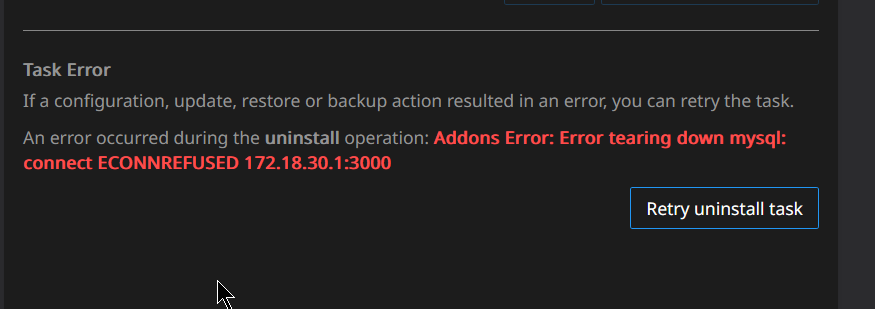
@Nozy uninstall the app will automatically remove the database. The issue in your case is that the mysql service is down and thus it's unable to remove the database.
Can you check the mysql logs ? The log button on the right side of your last screenshot. You can also try restarting the mysql service and check if that helps.
-
J joseph marked this topic as a question on
-
 N nebulon has marked this topic as solved on
Hello! It looks like you're interested in this conversation, but you don't have an account yet.
Getting fed up of having to scroll through the same posts each visit? When you register for an account, you'll always come back to exactly where you were before, and choose to be notified of new replies (either via email, or push notification). You'll also be able to save bookmarks and upvote posts to show your appreciation to other community members.
With your input, this post could be even better 💗
Register Login