Cloudron makes it easy to run web apps like WordPress, Nextcloud, GitLab on your server. Find out more or install now.


Skip to content
  • Categories
  • Recent
  • Tags
  • Popular
  • Bookmarks
  • Search
Skins
  • Light
  • Brite
  • Cerulean
  • Cosmo
  • Flatly
  • Journal
  • Litera
  • Lumen
  • Lux
  • Materia
  • Minty
  • Morph
  • Pulse
  • Sandstone
  • Simplex
  • Sketchy
  • Spacelab
  • United
  • Yeti
  • Zephyr
  • Dark
  • Cyborg
  • Darkly
  • Quartz
  • Slate
  • Solar
  • Superhero
  • Vapor

  • Default (No Skin)
  • No Skin
Collapse
Brand Logo

Cloudron Forum

Apps - Status | Demo | Docs | Install
  1. Cloudron Forum
  2. Cubby
  3. Bug: External Share Links - Files Cannot Be Viewed/Previewed in Browser

Bug: External Share Links - Files Cannot Be Viewed/Previewed in Browser


Scheduled Pinned Locked Moved Solved Cubby
7 Posts 2 Posters 11 Views 2 Watching
  • Oldest to Newest
  • Newest to Oldest
  • Most Votes
Reply
  • Reply as topic
Log in to reply
This topic has been deleted. Only users with topic management privileges can see it.
  • H Offline
    H Offline
    hakunamatata
    wrote last edited by
    #1

    Summary

    When a personal folder is shared via a public link, external recipients can view the folder structure and download files, but they cannot preview or open files within the browser. Attempting to do so triggers server errors, broken image links, or forced downloads.

    Environment

    Instance: Cubby 2.7.5
    Integration: Collabora Online 25.04.9.2.1
    OS: Mac OS Tahoe 26.3
    Browser: Safari / Brave Browser

    Steps to Reproduce

    • Create a new personal folder and upload various file types (PDF, Image, Excel).
    • Generate a public share link for the folder.
    • Open the link in an Incognito/Private browser window (simulating an external entity).
    • Attempt to open/view any of the files directly in the browser.

    Actual Results

    PDF Files: Fails to open with a JSON error:

    4c82a4f9-6394-4ff4-9789-436427329bc1-image.jpeg

    Images: The image fails to render, showing only a broken image/missing asset icon.

    0627a9f2-6f23-46bc-b907-d2155b67f796-image.jpeg

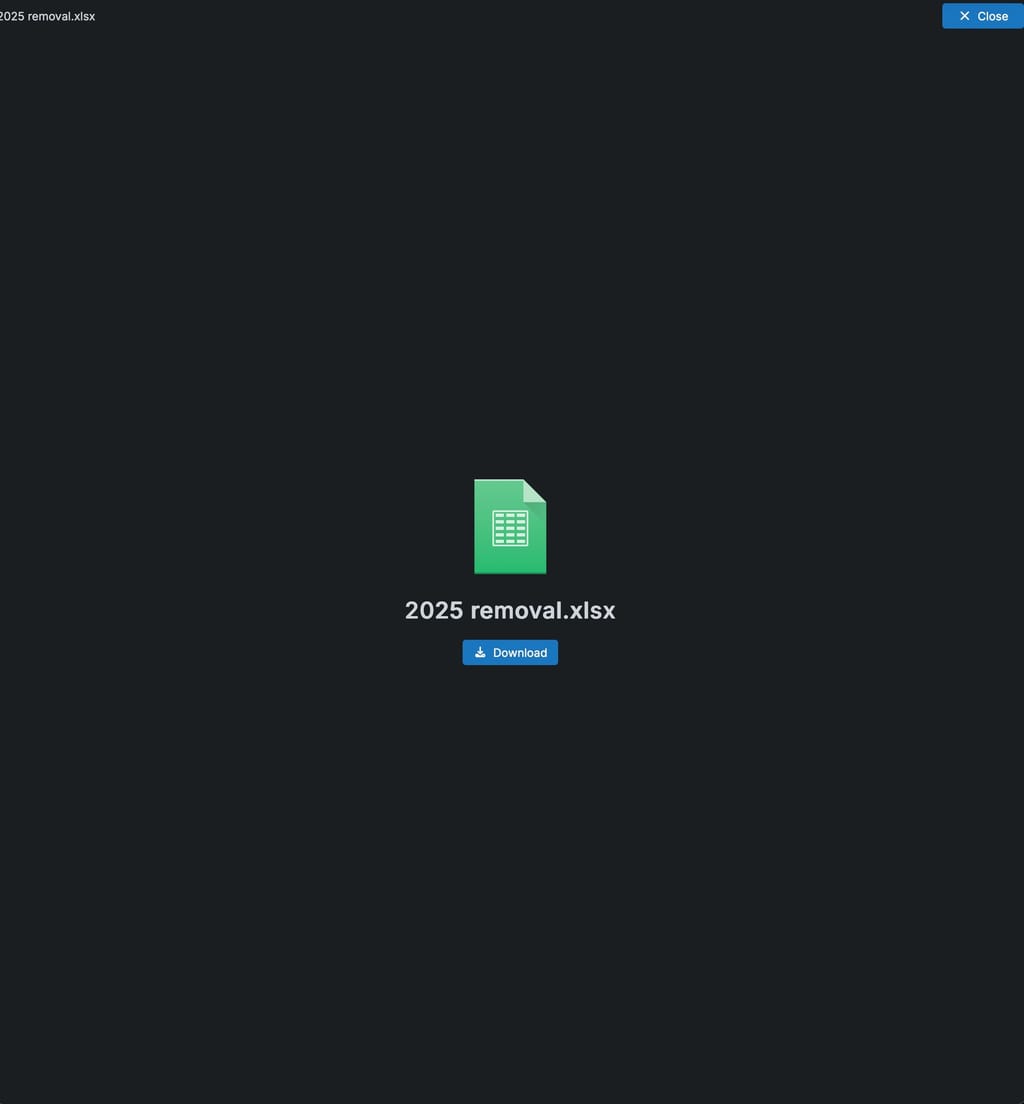
    Excel/Office Files: The browser prompts for a download immediately instead of opening the file in the connected Collabora instance.
    d0740c14-3fcc-48b6-9c1b-4e484ff47e6c-image.jpeg

    Expected Results

    External users should be able to preview PDFs and images directly in the browser and view Office documents via the Collabora integration without being forced to download them first.

    1 Reply Last reply
    0
    • nebulonN Offline
      nebulonN Offline
      nebulon
      Staff
      wrote last edited by
      #2

      Thanks for all the issue reports. So far the app was mostly developed for my own use-cases, but always with the intention to support a wide variety, so you are hitting those paths which I don't use. But we will fix all those.

      1 Reply Last reply
      2
      • nebulonN Offline
        nebulonN Offline
        nebulon
        Staff
        wrote last edited by
        #3

        This is mostly fixed now with https://git.cloudron.io/apps/cubby/-/commit/cc04b78f7117d32d2b019ab2849c5c8ef3c4483e

        Still fixing the ability for an external user to rename toplevel files in a share.

        1 Reply Last reply
        0
        • nebulonN Offline
          nebulonN Offline
          nebulon
          Staff
          wrote last edited by
          #4

          Currently sharing folders/files for external users via share link, always creates read-only shares. To add read-write ability I have created https://git.cloudron.io/apps/cubby/-/issues/101

          1 Reply Last reply
          0
          • nebulonN nebulon marked this topic as a question
          • nebulonN nebulon has marked this topic as solved
          • nebulonN Offline
            nebulonN Offline
            nebulon
            Staff
            wrote last edited by
            #5

            New package is published with those things fixed.

            1 Reply Last reply
            1
            • H Offline
              H Offline
              hakunamatata
              wrote last edited by hakunamatata
              #6

              Thanks for the quick turnaround! PDFs and image are working fine but office files are still prompting a download instead of opening. I wonder if this is a limitation of Collabora or if there is permission issue somewhere? I have tried both read only and read-write external share links.

              1 Reply Last reply
              0
              • nebulonN Offline
                nebulonN Offline
                nebulon
                Staff
                wrote last edited by
                #7

                good catch, haven't tested the collabora integration, but probably just an oversight. Will fix this also

                1 Reply Last reply
                0

                Hello! It looks like you're interested in this conversation, but you don't have an account yet.

                Getting fed up of having to scroll through the same posts each visit? When you register for an account, you'll always come back to exactly where you were before, and choose to be notified of new replies (either via email, or push notification). You'll also be able to save bookmarks and upvote posts to show your appreciation to other community members.

                With your input, this post could be even better 💗

                Register Login
                Reply
                • Reply as topic
                Log in to reply
                • Oldest to Newest
                • Newest to Oldest
                • Most Votes


                • Login

                • Don't have an account? Register

                • Login or register to search.
                • First post
                  Last post
                0
                • Categories
                • Recent
                • Tags
                • Popular
                • Bookmarks
                • Search