
Cloudron makes it easy to run web apps like WordPress, Nextcloud, GitLab on your server. Find out more or install now.


Skip to content
  • Categories
  • Recent
  • Tags
  • Popular
  • Bookmarks
  • Search
Skins
  • Light
  • Brite
  • Cerulean
  • Cosmo
  • Flatly
  • Journal
  • Litera
  • Lumen
  • Lux
  • Materia
  • Minty
  • Morph
  • Pulse
  • Sandstone
  • Simplex
  • Sketchy
  • Spacelab
  • United
  • Yeti
  • Zephyr
  • Dark
  • Cyborg
  • Darkly
  • Quartz
  • Slate
  • Solar
  • Superhero
  • Vapor

  • Default (No Skin)
  • No Skin
Collapse
Brand Logo

Cloudron Forum

Offical apps | Community apps | Demo | Docs | Install
  1. Cloudron Forum
  2. Support
  3. "User session inhibited" and issue with ip adress

"User session inhibited" and issue with ip adress
Scheduled Pinned Locked Moved Unsolved Support
3 Posts 2 Posters 76 Views 2 Watching
  • Oldest to Newest
  • Newest to Oldest
  • Most Votes
Reply
  • Reply as topic
Log in to reply
This topic has been deleted. Only users with topic management privileges can see it.
  • M
    M
    Mani
    wrote last edited by
    #1

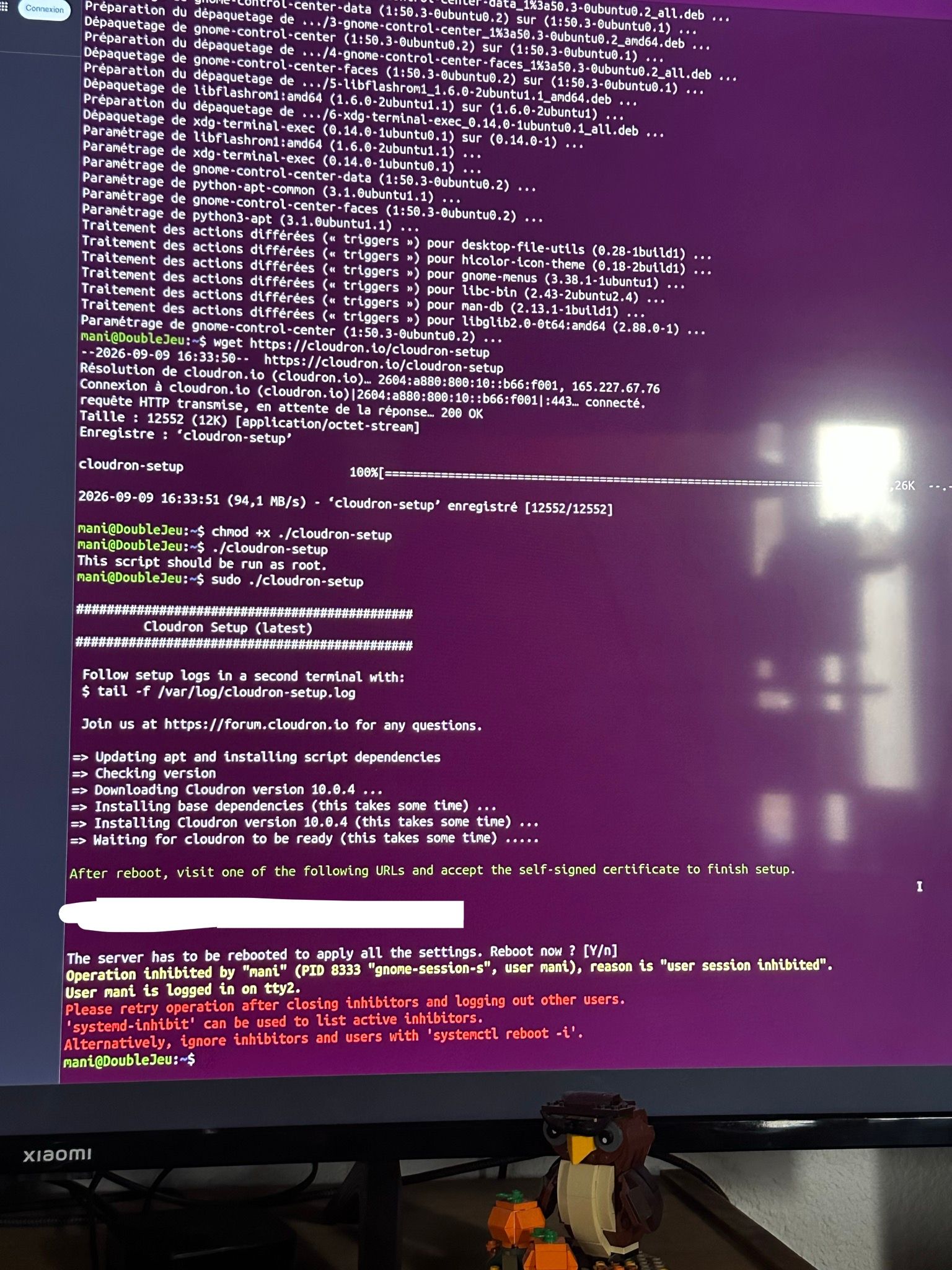
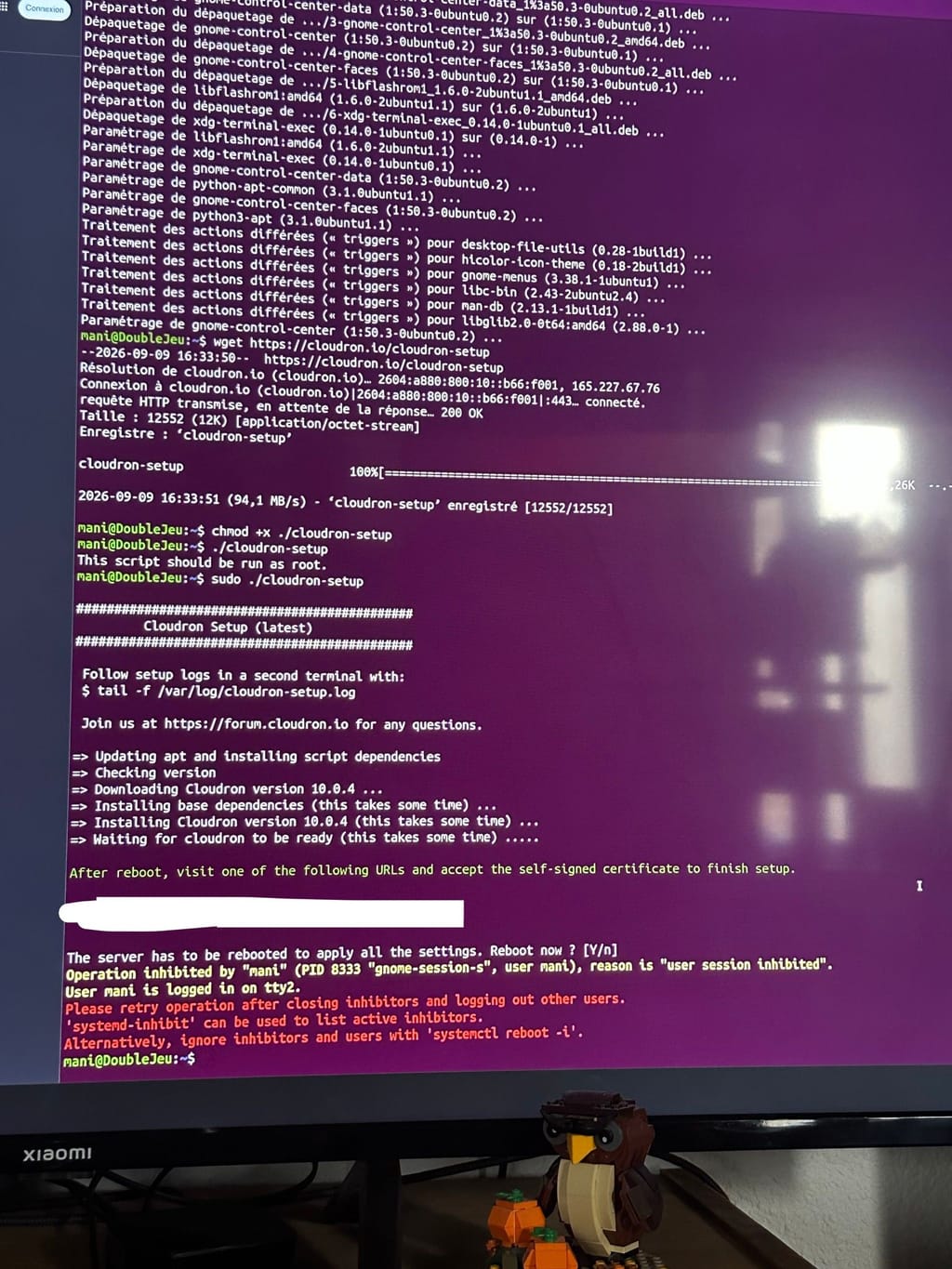
    Hello, begginer here. I want to install cloudron on a local computer, with ubuntu 26.04.1 LTS. When I install cloudron, it asks to reboot the server to apply the settings. When I say yes, it stops ands says:

    Operation inhibited by "mani" (PID 8333 "gnome-session-s", user mani), reason is "user session inhibited
    User mani is logged in on tty2


    I looged out manually, restarted the computer, and even rebooted via the command ligne "systemctl reboot -i" but i cannot access the online panel with the ip adress Cloudron gave me.

    Does anyone knows how to properly bypass or effectively reboot the server (directly via my terminal or an external computer ?)

    Thank you for your help,
    Mani
    signal-2026-09-09-171107.jpeg

    1 Reply Last reply
    1
    • jamesJ
      jamesJ
      james
      Staff
      wrote last edited by
      #2

      Hello @mani and welcome to the Cloudron forum

      From the message and picture you have taken I can tell that you have tried to install Cloudron on a Ubuntu Desktop system.
      Please read https://docs.cloudron.io/installation/
      Cloudron needs to be installed on a fresh Ubuntu server system.

      And that the user mani is not allowed to reboot would be fixed with running

      sudo reboot
      
      1 Reply Last reply
      1
      • M
        M
        Mani
        wrote last edited by
        #3

        Thank you for your help, I'll try this!

        1 Reply Last reply
        1

        Hello! It looks like you're interested in this conversation, but you don't have an account yet.

        Getting fed up of having to scroll through the same posts each visit? When you register for an account, you'll always come back to exactly where you were before, and choose to be notified of new replies (either via email, or push notification). You'll also be able to save bookmarks and upvote posts to show your appreciation to other community members.

        With your input, this post could be even better 💗

        Register Login
        Reply
        • Reply as topic
        Log in to reply
        • Oldest to Newest
        • Newest to Oldest
        • Most Votes


        • Login

        • Don't have an account? Register

        • Login or register to search.
        • First post
          Last post
        0
        • Categories
        • Recent
        • Tags
        • Popular
        • Bookmarks
        • Search
