Cloudron makes it easy to run web apps like WordPress, Nextcloud, GitLab on your server. Find out more or install now.


Skip to content
  • Categories
  • Recent
  • Tags
  • Popular
  • Bookmarks
  • Search
Skins
  • Light
  • Brite
  • Cerulean
  • Cosmo
  • Flatly
  • Journal
  • Litera
  • Lumen
  • Lux
  • Materia
  • Minty
  • Morph
  • Pulse
  • Sandstone
  • Simplex
  • Sketchy
  • Spacelab
  • United
  • Yeti
  • Zephyr
  • Dark
  • Cyborg
  • Darkly
  • Quartz
  • Slate
  • Solar
  • Superhero
  • Vapor

  • Default (No Skin)
  • No Skin
Collapse
Brand Logo

Cloudron Forum

Apps - Status | Demo | Docs | Install
  1. Cloudron Forum
  2. Ghost
  3. Ghost CMS - Settings not displaying

Ghost CMS - Settings not displaying
Scheduled Pinned Locked Moved Ghost
8 Posts 3 Posters 2.6k Views 3 Watching
  • Oldest to Newest
  • Newest to Oldest
  • Most Votes
Reply
  • Reply as topic
Log in to reply
This topic has been deleted. Only users with topic management privileges can see it.
  • jrl-abstract27J Offline
    jrl-abstract27J Offline
    jrl-abstract27
    wrote on last edited by
    #1

    Hi All,

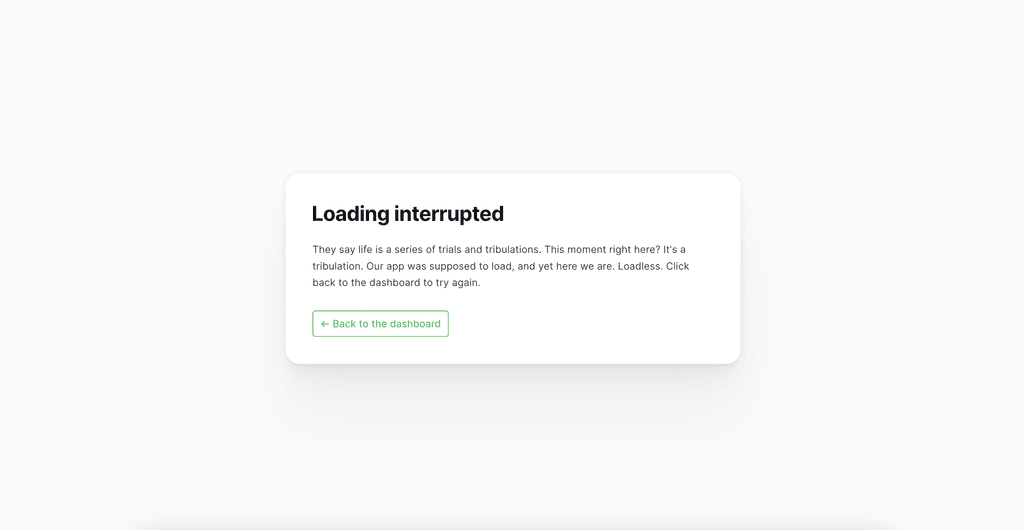
    I use the ghost app and the settings page is not displaying. The error is

    "GET /ghost/assets/admin-x-settings/index-3fd88924.mjs" 404 2ms
    Jan 25 15:16:58NotFoundError: Page not found
    

    It is the second time that it happen when i reinstall it is all coming back, but do you know why this index file is deleted ?
    CleanShot 2024-01-25 at 15.18.27@2x.png

    London Web Agency : https://abstract27.com/

    1 Reply Last reply
    1
    • girishG Offline
      girishG Offline
      girish
      Staff
      wrote on last edited by
      #2

      Just to double check: have you installed Ghost via Cloudron ?

      Is your app behind Cloudflare or some other proxy?

      1 Reply Last reply
      1
      • jrl-abstract27J Offline
        jrl-abstract27J Offline
        jrl-abstract27
        wrote on last edited by
        #3

        Hi @girish I did install it with Cloudron yes and yes i'm using BunnyCDN

        London Web Agency : https://abstract27.com/

        girishG 1 Reply Last reply
        0
        • jrl-abstract27J jrl-abstract27

          Hi @girish I did install it with Cloudron yes and yes i'm using BunnyCDN

          girishG Offline
          girishG Offline
          girish
          Staff
          wrote on last edited by
          #4

          @jrl-abstract27 Can you check if it works if you disable the CDN? Maybe some caching or CSP rule conflict is preventing loading.

          1 Reply Last reply
          0
          • matix131997M Offline
            matix131997M Offline
            matix131997
            wrote on last edited by
            #5

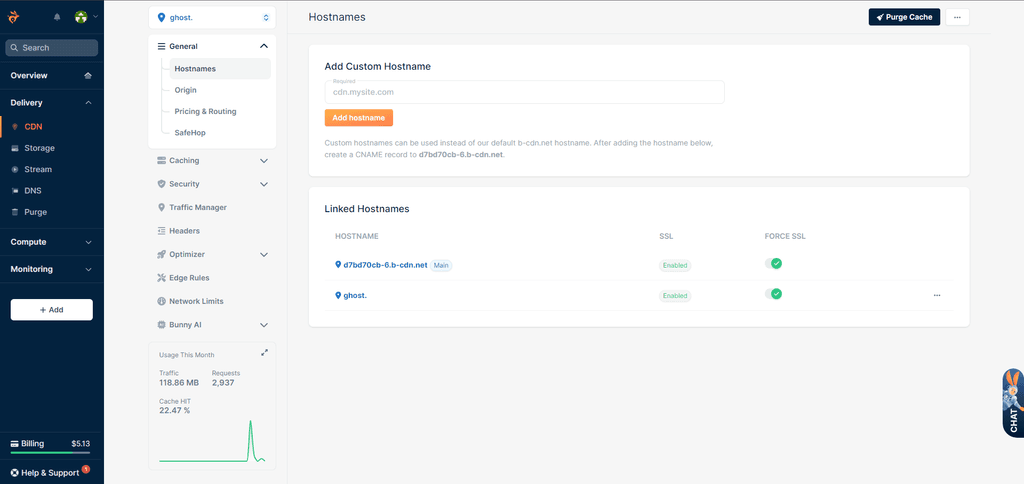
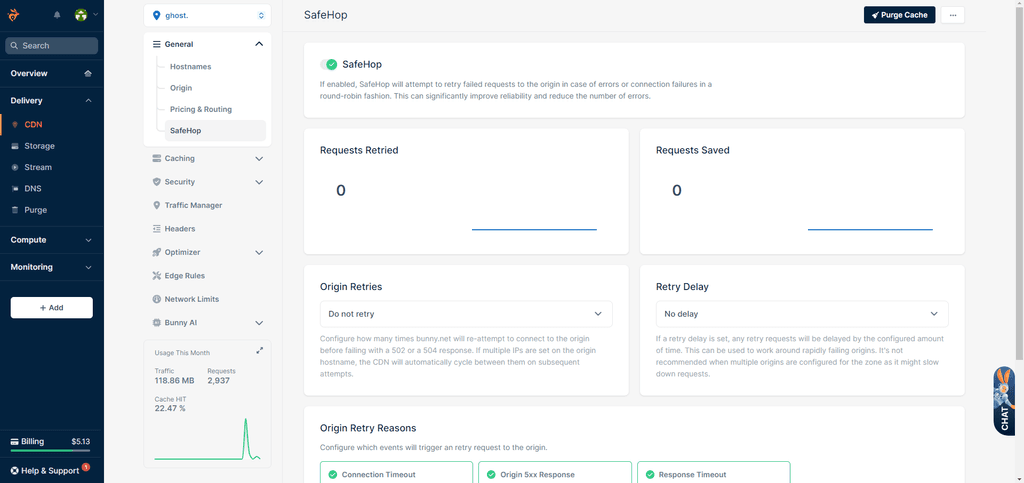
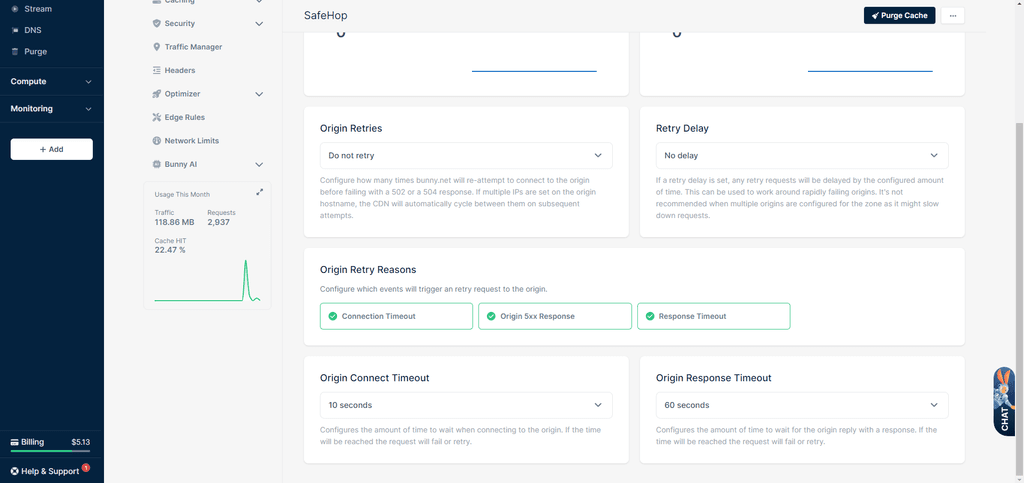
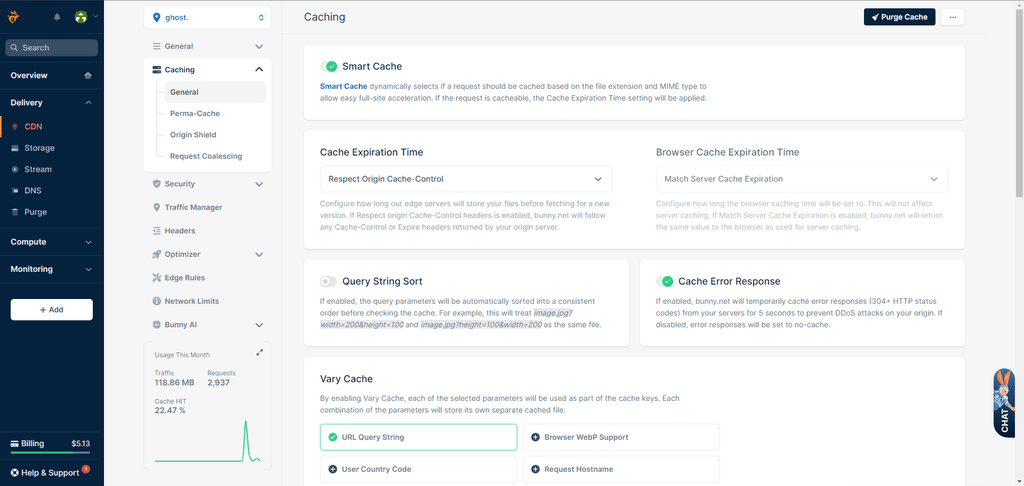
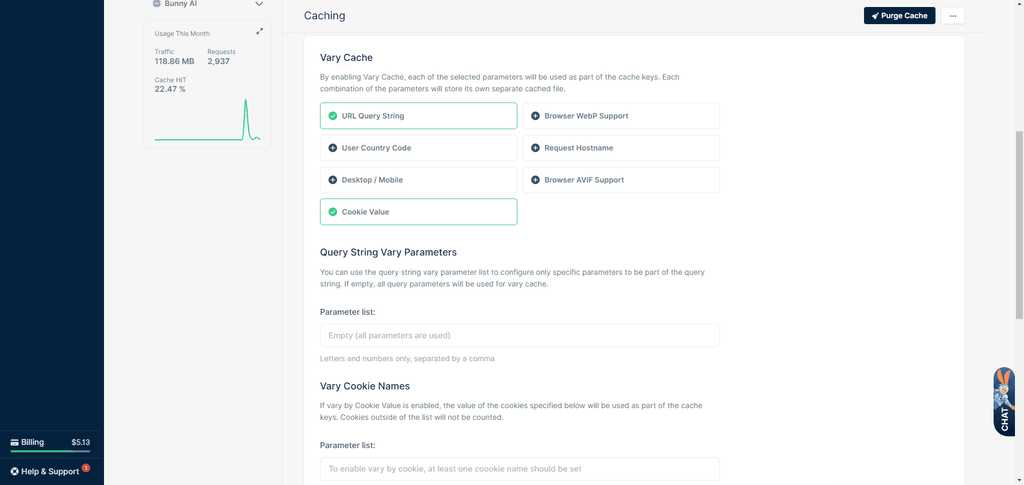
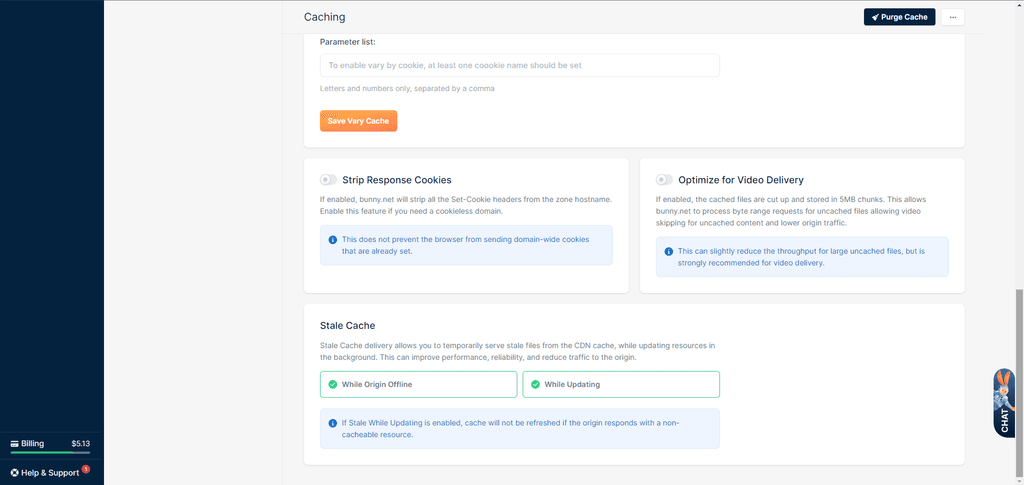
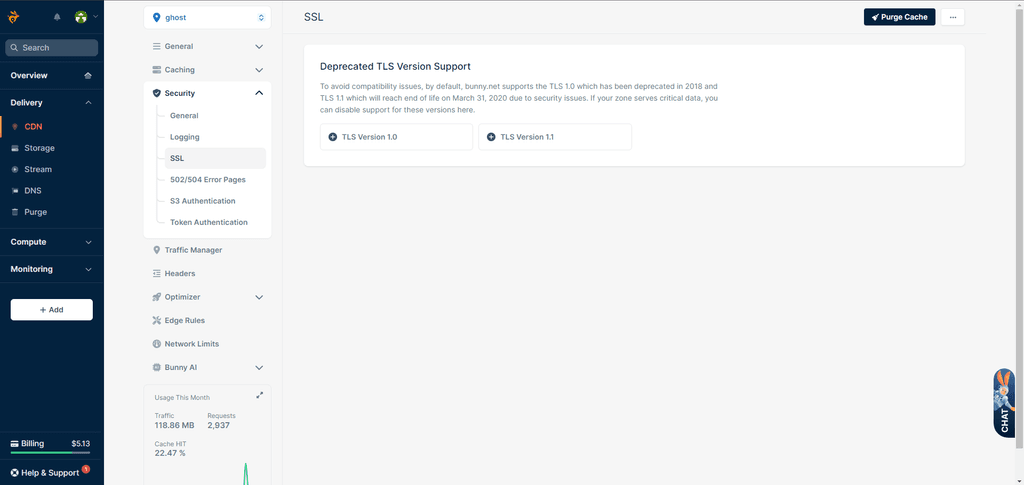
            While testing CDN in Bunny, I confirm the problem. You need to add a cofiguration to the nginx/apache config file in this case, so that the CDN does not take the "ghost" folder.

            I no longer remember if there is an option in the new version of the Bunny panel, where you can select what folders it should not take.

            The final solution as I wrote above add the config.
            https://www.keycdn.com/support/ghost-cdn-integration

            1 Reply Last reply
            3
            • matix131997M Offline
              matix131997M Offline
              matix131997
              wrote on last edited by
              #6

              Okay, I found the option in the new panel. I am currently testing this problem with ghost. So far nothing is happening, but I need to test it after setting the rules. This problem kept showing up hours later after running CDN Proxy

              1 Reply Last reply
              1
              • jrl-abstract27J Offline
                jrl-abstract27J Offline
                jrl-abstract27
                wrote on last edited by
                #7

                I did add rules the below rules.

                CleanShot 2024-01-27 at 07.47.21@2x.png

                What questions me is that i have other ghost apps that works perfectly but this one keep coming back. So i restore backup and it comes back to normal.

                I now disabled the CDN, i will see how it goes.

                London Web Agency : https://abstract27.com/

                1 Reply Last reply
                1
                • matix131997M Offline
                  matix131997M Offline
                  matix131997
                  wrote on last edited by
                  #8

                  I see you've found a solution, but you don't just add here, you need to change in other places too. I will add all the possible settings of what you need to set, so that other people know how to set it. Sorry that it took a long time. But my private life has been pounding me 🙂

                  1.png 2.png 3.png 4.png 5.png 6.png 7.png 8.png

                  1 Reply Last reply
                  3

                  Hello! It looks like you're interested in this conversation, but you don't have an account yet.

                  Getting fed up of having to scroll through the same posts each visit? When you register for an account, you'll always come back to exactly where you were before, and choose to be notified of new replies (either via email, or push notification). You'll also be able to save bookmarks and upvote posts to show your appreciation to other community members.

                  With your input, this post could be even better 💗

                  Register Login
                  Reply
                  • Reply as topic
                  Log in to reply
                  • Oldest to Newest
                  • Newest to Oldest
                  • Most Votes


                  • Login

                  • Don't have an account? Register

                  • Login or register to search.
                  • First post
                    Last post
                  0
                  • Categories
                  • Recent
                  • Tags
                  • Popular
                  • Bookmarks
                  • Search