
Cloudron makes it easy to run web apps like WordPress, Nextcloud, GitLab on your server. Find out more or install now.


Skip to content
  • Categories
  • Recent
  • Tags
  • Popular
  • Bookmarks
  • Search
Skins
  • Light
  • Brite
  • Cerulean
  • Cosmo
  • Flatly
  • Journal
  • Litera
  • Lumen
  • Lux
  • Materia
  • Minty
  • Morph
  • Pulse
  • Sandstone
  • Simplex
  • Sketchy
  • Spacelab
  • United
  • Yeti
  • Zephyr
  • Dark
  • Cyborg
  • Darkly
  • Quartz
  • Slate
  • Solar
  • Superhero
  • Vapor

  • Default (No Skin)
  • No Skin
Collapse
Brand Logo

Cloudron Forum

Offical apps | Community apps | Demo | Docs | Install
  1. Cloudron Forum
  2. Package development
  3. RomM App For Cloudron

RomM App For Cloudron
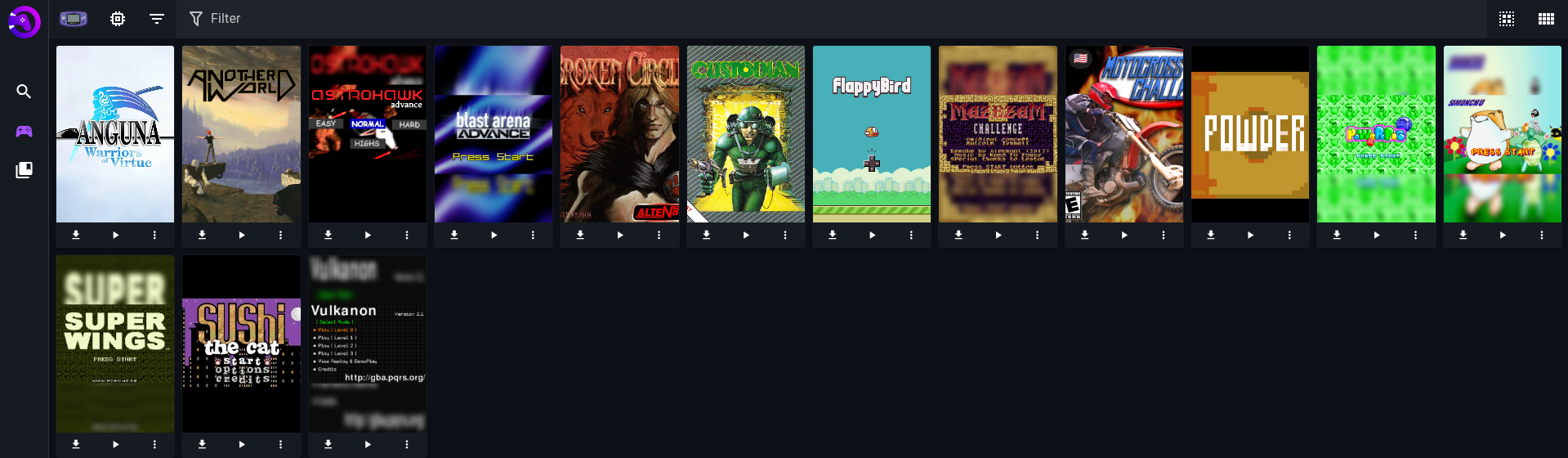
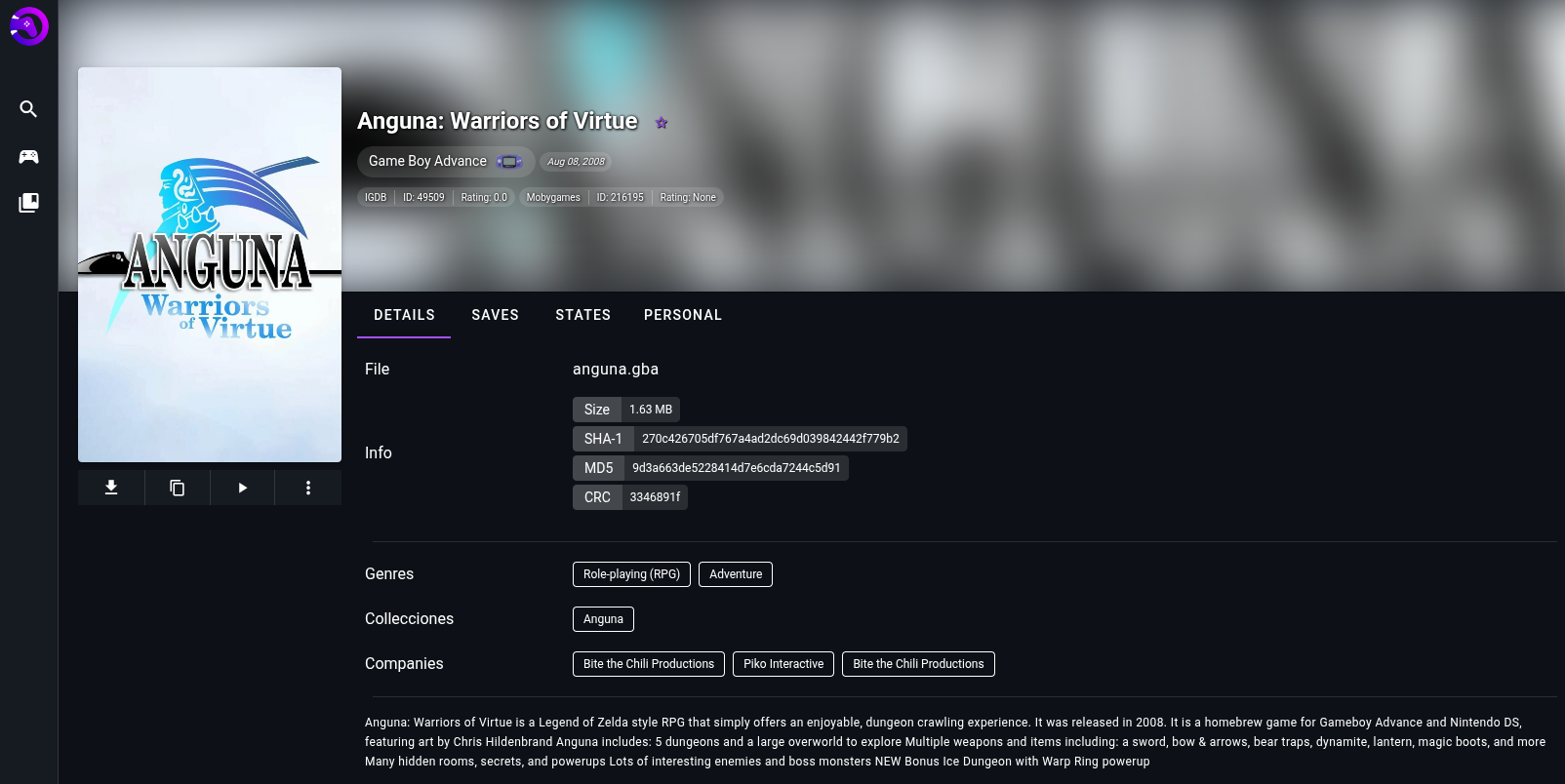
Scheduled Pinned Locked Moved Package development
24 Posts 5 Posters 8.3k Views 5 Watching
  • Oldest to Newest
  • Newest to Oldest
  • Most Votes
Reply
  • Reply as topic
Log in to reply
This topic has been deleted. Only users with topic management privileges can see it.
  • eyecreateE
    eyecreateE
    eyecreate
    App Dev
    wrote on last edited by eyecreate
    #15

    Okay, I made some progress since I last wrote: I fixed some bugs preventing app from working and found a way to get OIDC working too. Now I need to put some effort into using the app and make sure everything is working, especially the remote api services and fix my bad use of secret key.

    1 Reply Last reply
    2
    • eyecreateE
      eyecreateE
      eyecreate
      App Dev
      wrote on last edited by eyecreate
      #16

      Made some more progress today: I put some env vars in a file that can be written by user for api keys, added missing workers for jobs, and pulled in precompiled emujs and ruffle from release image. Some things are not set up right still so emujs doesn't work, but one step closer. I'll also look into adding the TURN support for netplay in latest version.

      1 Reply Last reply
      3
      • eyecreateE
        eyecreateE
        eyecreate
        App Dev
        wrote on last edited by
        #17

        Okay, I made some more updates today: one step back to take two steps forward. I realized there was another dockerfile in the romm github when trying to figure out why a number of things weren't working. That dockerfile was for production, unlike the one I was looking at. I decided to use more of the processes they have there to try and get the missing features: I needed to use nginx instead of the node dev server and compile some custom modules for nginx. While I was making these changes, I made other parts of the docker build process more mult-stage. The end result is downloading roms and using the emulator work now. Next I'll see what it'll take to get netplay working and check more features out. I feel like I've gotten close to finished!

        1 Reply Last reply
        3
        • eyecreateE
          eyecreateE
          eyecreate
          App Dev
          wrote on last edited by
          #18

          I reached out to Romm devs to try and figure out why I'm seeing a bug in my build but not official docker image.(rom with id of 1 won't work with emulator) In the meantime, I tested out netplay and it works! Will update once I hear back.

          1 Reply Last reply
          3
          • eyecreateE
            eyecreateE
            eyecreate
            App Dev
            wrote on last edited by
            #19

            Next release of romm should contain fixes for every issue I've found. I'd consider it usable at that point.

            1 Reply Last reply
            3
            • eyecreateE
              eyecreateE
              eyecreate
              App Dev
              wrote on last edited by eyecreate
              #20

              4.7.0 is released! I tested the rom patching and it seems to work now. I have nothing left to develop and get working now. Will do a polish pass on packaging, but hopefully this can either get into the cloudron app store or upcoming community app.

              1 Reply Last reply
              1
              • J
                J
                joseph
                Staff
                wrote on last edited by
                #21

                @eyecreate please consider making a community app - https://docs.cloudron.io/packaging/publishing/ . You can test it against the demo server (my.demo.cloudron.io), if you haven't updated to 9.1 release.

                1 Reply Last reply
                1
                • eyecreateE
                  eyecreateE
                  eyecreate
                  App Dev
                  wrote on last edited by
                  #22

                  I updated the metadata to support the community app format. Tested on the server you linked.

                  Install URL: https://git.cloudron.io/eyecreate/romm/-/raw/main/CloudronVersions.json

                  murgeroM 1 Reply Last reply
                  3
                  • eyecreateE eyecreate

                    I updated the metadata to support the community app format. Tested on the server you linked.

                    Install URL: https://git.cloudron.io/eyecreate/romm/-/raw/main/CloudronVersions.json

                    murgeroM
                    murgeroM
                    murgero
                    App Dev
                    wrote on last edited by
                    #23

                    @eyecreate amazing! I'll be installing this I think

                    --
                    https://urgero.org
                    ~ Professional Nerd. Freelance Programmer. ~

                    1 Reply Last reply
                    0
                    • humptyH
                      humptyH
                      humpty
                      wrote last edited by humpty
                      #24

                      do you HAVE to add metadata provider for it to work? I uploaded some NES games, ran a scan, restarted the app, and yet nothing shows in the library. Can't I use this in "offline" mode? As in no calls to third parties?
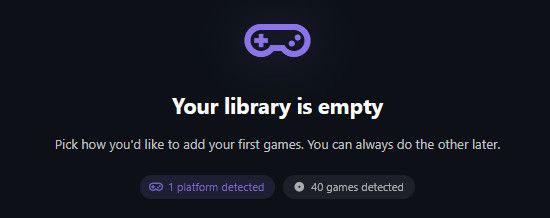
                      image.jpeg

                      Edit: created a screenscraper account, added the user/pass to the env.sh, and restarted the app. Some dev api error is showing up. I couldn't find a way to create a dev api anywhere on their site.


                      1 Reply Last reply
                      1

                      Hello! It looks like you're interested in this conversation, but you don't have an account yet.

                      Getting fed up of having to scroll through the same posts each visit? When you register for an account, you'll always come back to exactly where you were before, and choose to be notified of new replies (either via email, or push notification). You'll also be able to save bookmarks and upvote posts to show your appreciation to other community members.

                      With your input, this post could be even better 💗

                      Register Login
                      Reply
                      • Reply as topic
                      Log in to reply
                      • Oldest to Newest
                      • Newest to Oldest
                      • Most Votes


                      • Login

                      • Don't have an account? Register

                      • Login or register to search.
                      • First post
                        Last post
                      0
                      • Categories
                      • Recent
                      • Tags
                      • Popular
                      • Bookmarks
                      • Search
