
How to create an admin user?
-
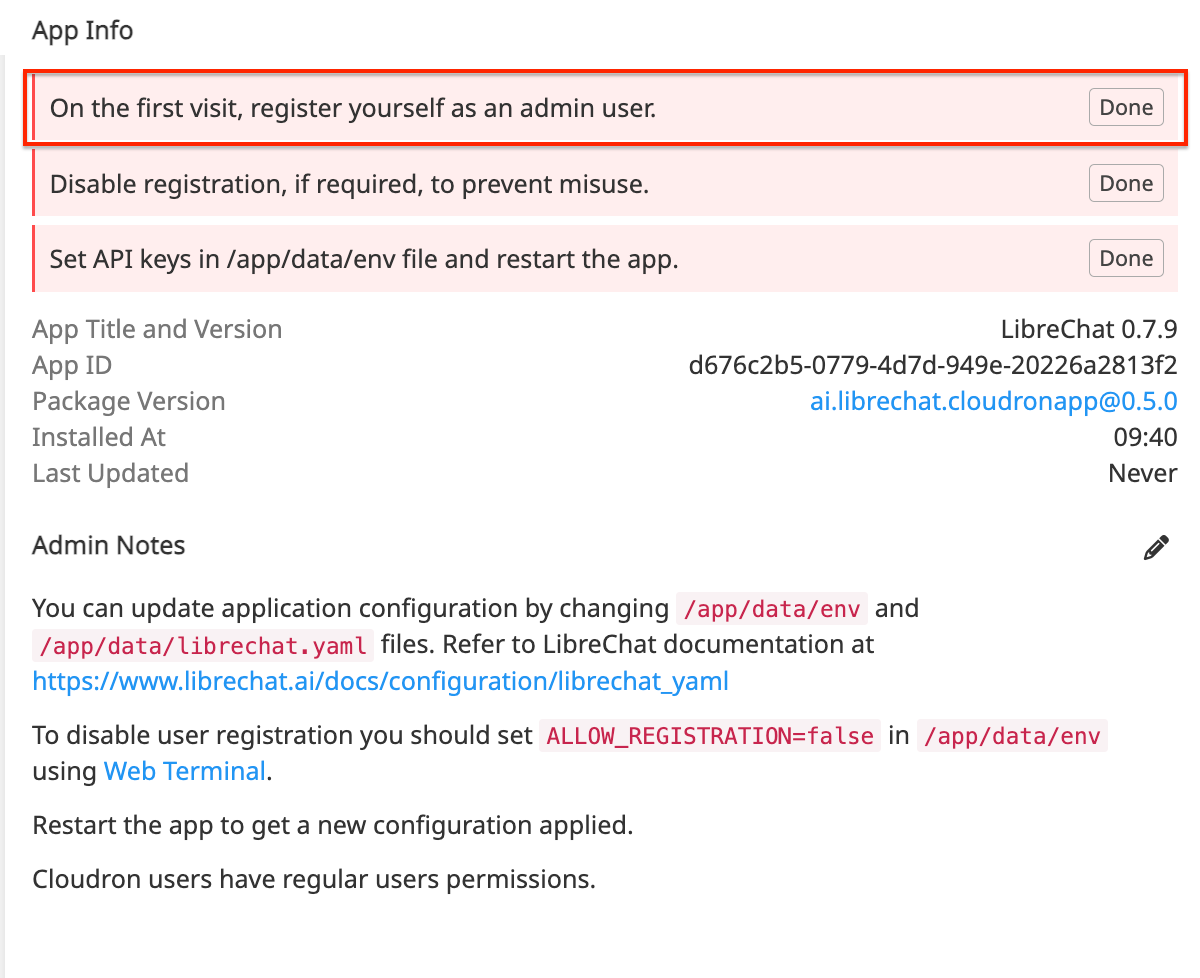
Hi all, just installed LibreChat and Im a bit confused about the instruction "On the first visit, register yourself as an admin user."
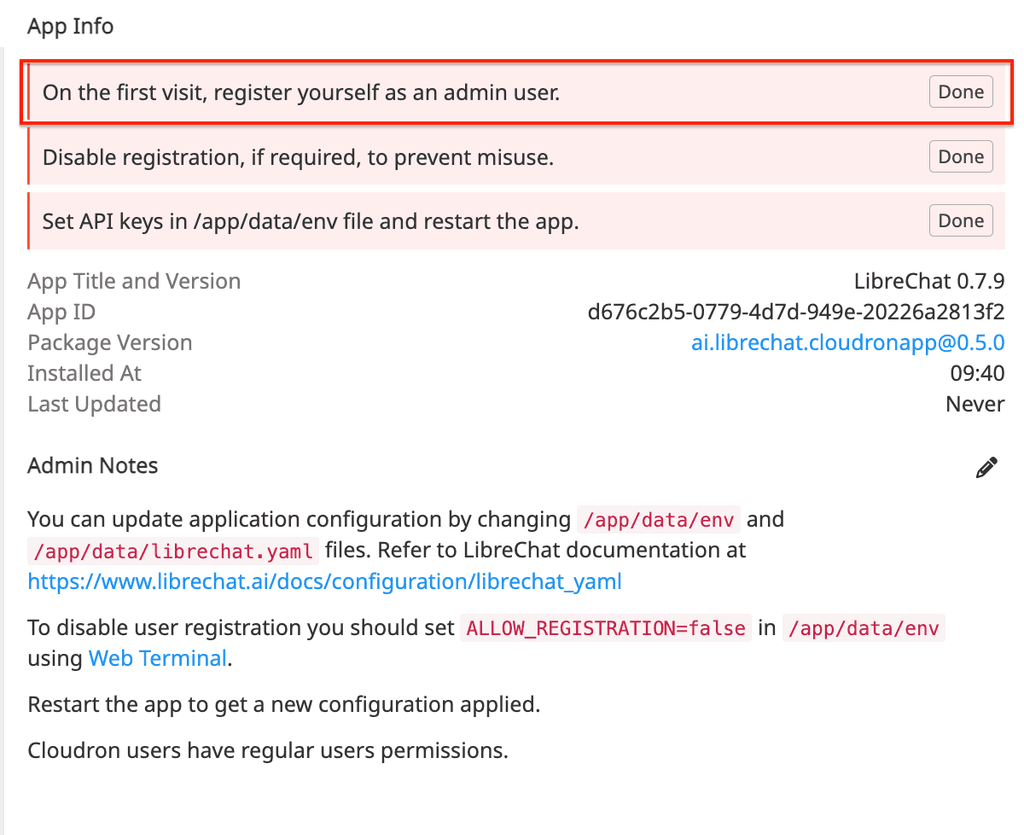
I can´t see any special option to register as an admin user.
On first visit it loads the login screen
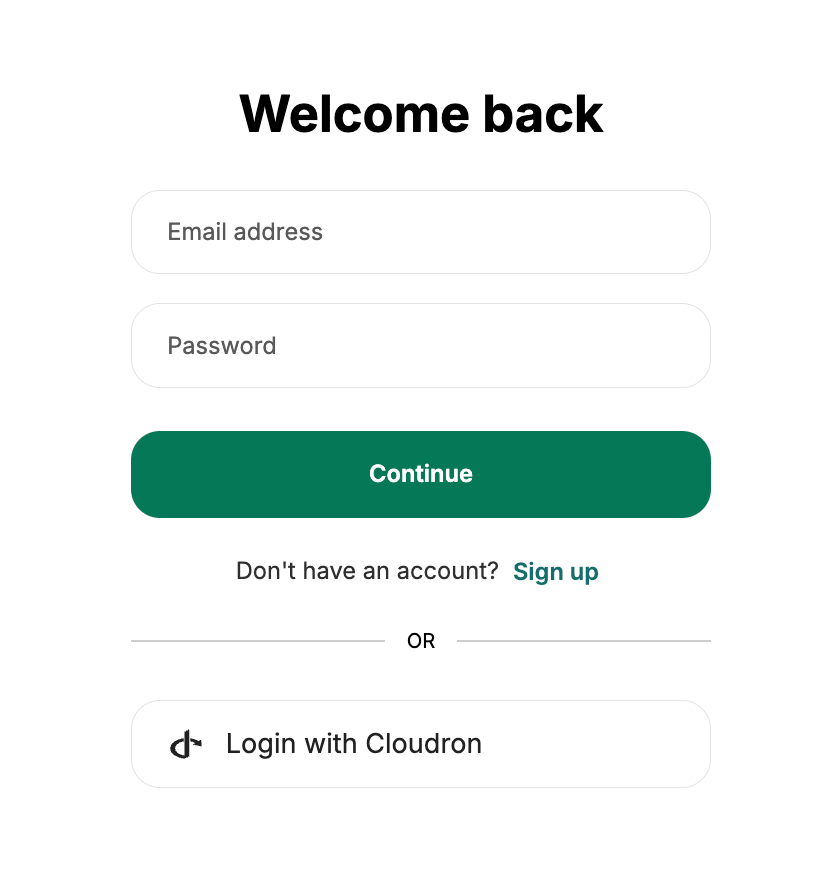
When I go to the signup page, I get a (I guess) regular signup form
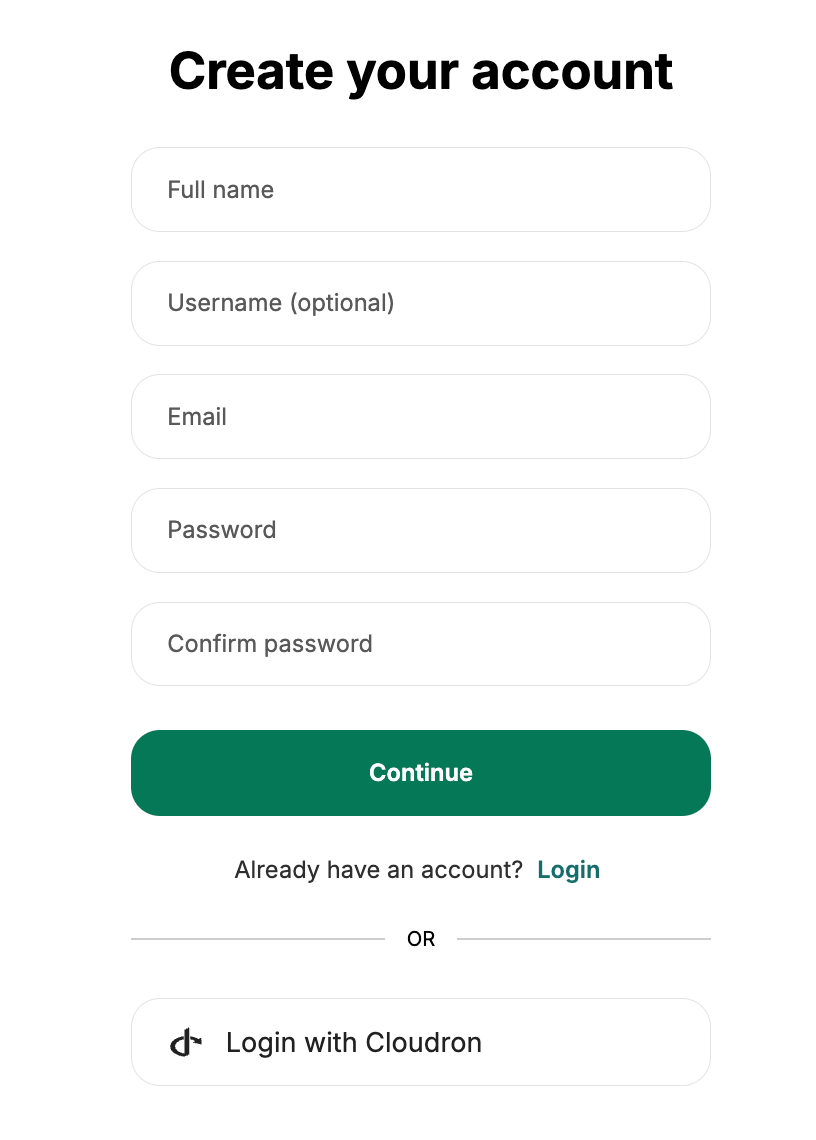
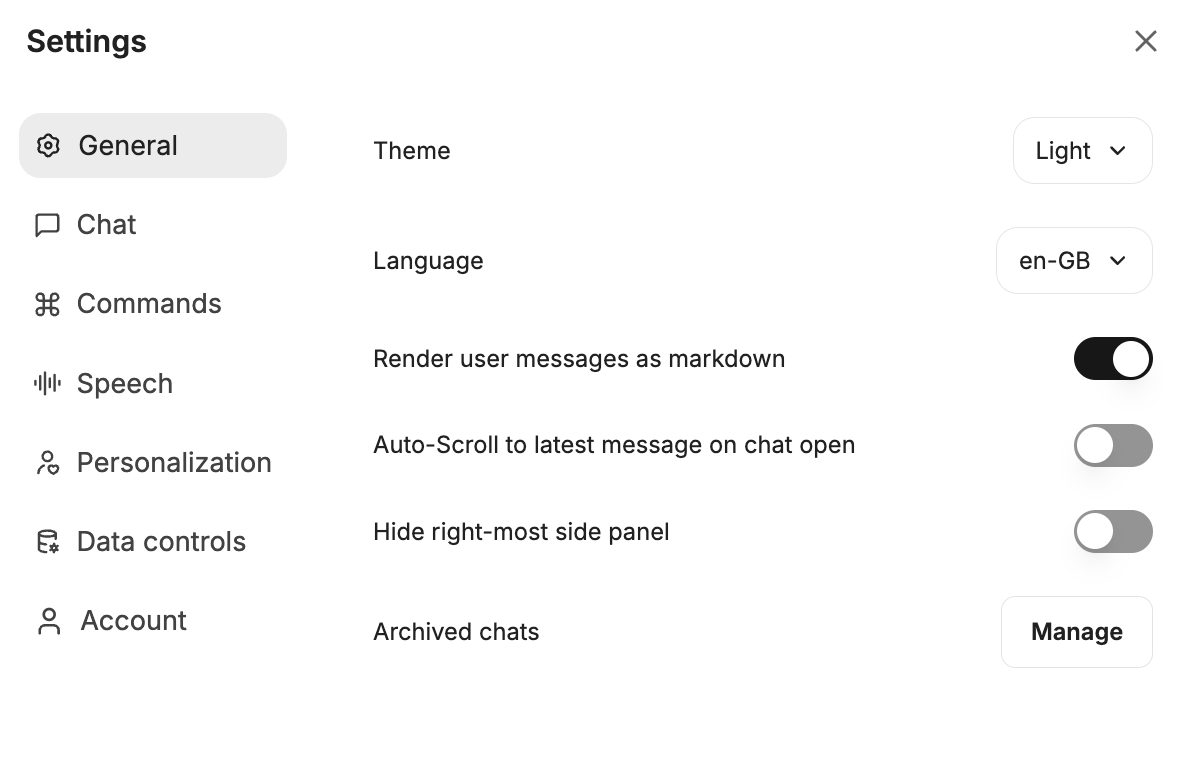
When I create a user there I can login, but it looks like regular user, no admin options (like eg user management)
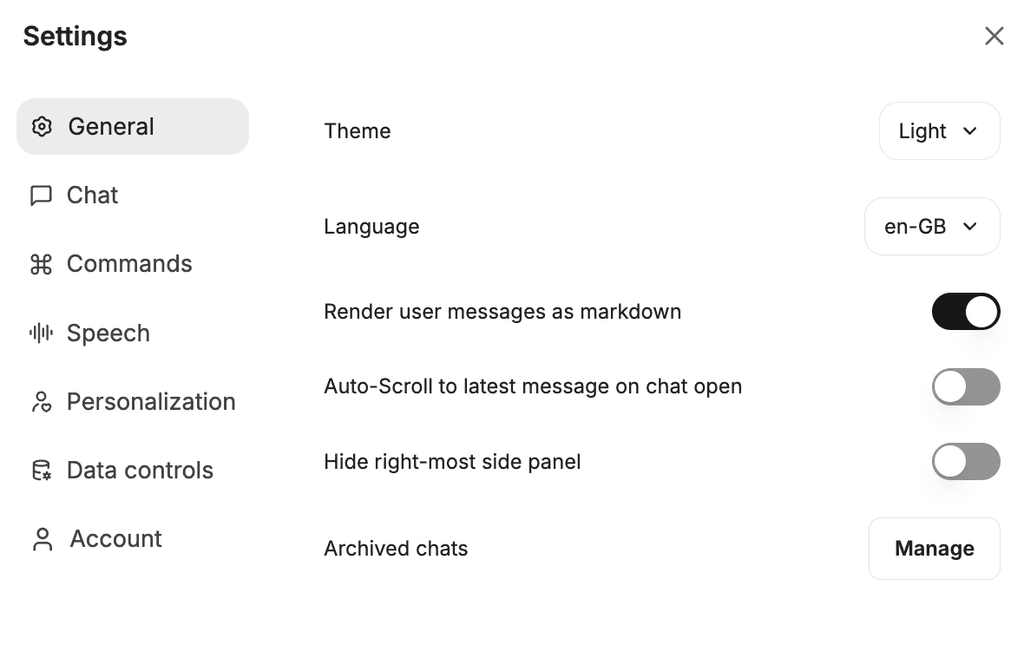
What am I doing wrong?
-
Ok, got it! I was not able to tell this is the/an admin user - saw no real "admin" capabilities such as eg user management. But I will try explore a bit more. Thanks!
@perelin agreed, it's not obvious. In that respect, Open WebUI is more obvious for regular and admin users.
-
When the instance in Cloudron is ready , the first user you create for Librechat will act as Admin
-
@firmansi Is this also true for the first user that logs in via Cloudron OpenID or only through the create account form?
-
The right combination:
- DON'T LOGIN WITH CLOUDRON the first time, instead create a user the "classic way" via mail & password --> This is the admin.
- After validation and setting up MFA, logout.
- Now log in via Cloudron, then you are the "normal user".
- If you want to block every login except via Cloudron, set up the
envas follows (took me some trial & error):
ALLOW_EMAIL_LOGIN=false
ALLOW_REGISTRATION=false
ALLOW_SOCIAL_LOGIN=true
ALLOW_SOCIAL_REGISTRATION=false
ALLOW_PASSWORD_RESET=false
# ALLOW_ACCOUNT_DELETION=true # note: enabled by default if omitted/commented out
ALLOW_UNVERIFIED_EMAIL_LOGIN=false
Note: "SOCIAL_LOGIN" means Cloudron LDAP. If new Cloudron User should be allowed, set
ALLOW_SOCIAL_REGISTRATIONtotrue





Hello! It looks like you're interested in this conversation, but you don't have an account yet.
Getting fed up of having to scroll through the same posts each visit? When you register for an account, you'll always come back to exactly where you were before, and choose to be notified of new replies (either via email, or push notification). You'll also be able to save bookmarks and upvote posts to show your appreciation to other community members.
With your input, this post could be even better 💗
Register Login