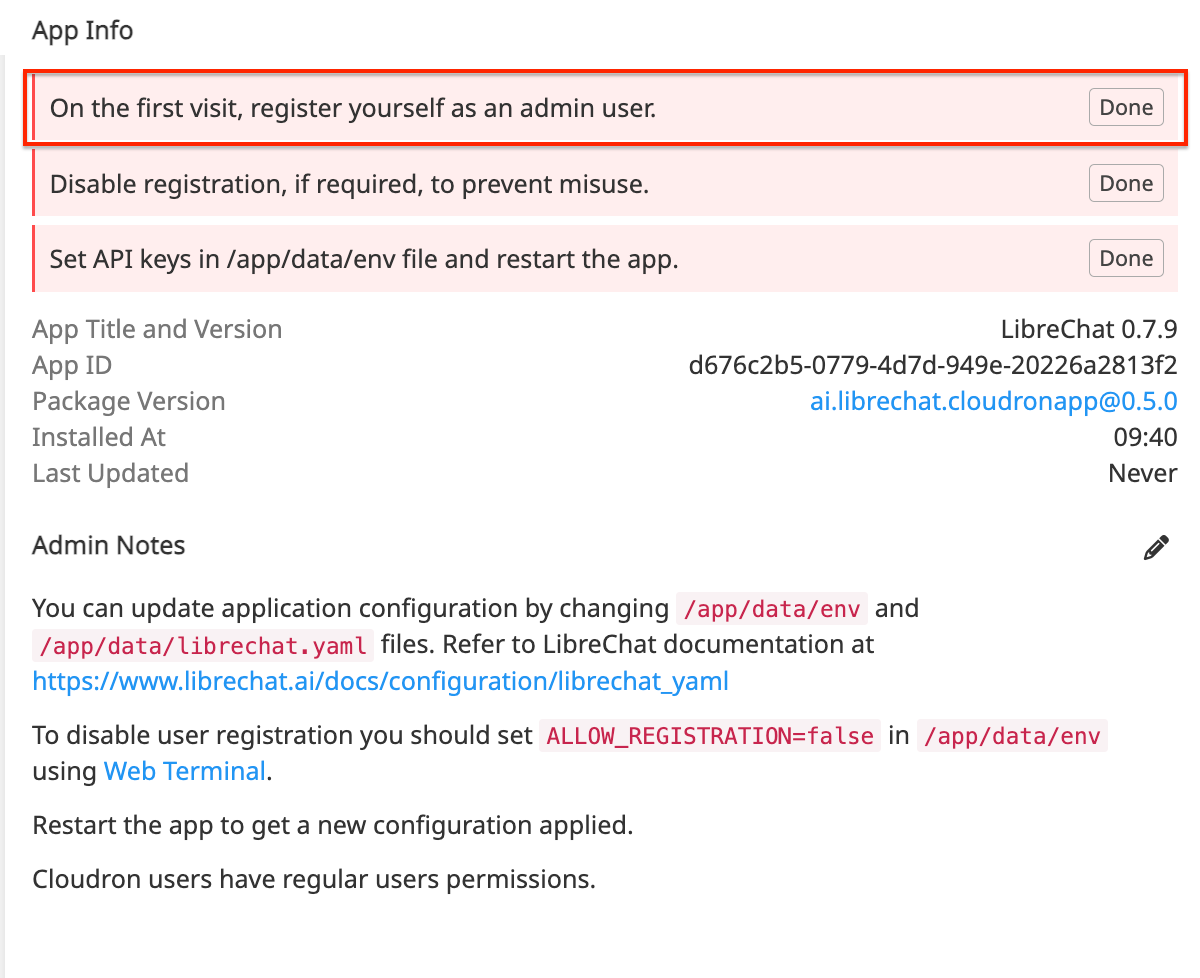
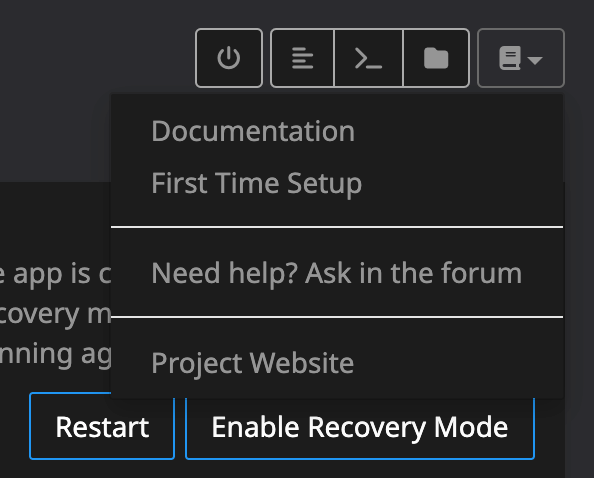
The right combination:
DON'T LOGIN WITH CLOUDRON the first time, instead create a user the "classic way" via mail & password --> This is the admin.
After validation and setting up MFA, logout.
Now log in via Cloudron, then you are the "normal user".
If you want to block every login except via Cloudron, set up the env as follows (took me some trial & error):
ALLOW_EMAIL_LOGIN=false
ALLOW_REGISTRATION=false
ALLOW_SOCIAL_LOGIN=true
ALLOW_SOCIAL_REGISTRATION=false
ALLOW_PASSWORD_RESET=false
# ALLOW_ACCOUNT_DELETION=true # note: enabled by default if omitted/commented out
ALLOW_UNVERIFIED_EMAIL_LOGIN=false
Note: "SOCIAL_LOGIN" means Cloudron LDAP. If new Cloudron User should be allowed, set ALLOW_SOCIAL_REGISTRATION to true