
Enabling Grist Enterprise does not work
-
Hello @chrisbol
Thanks for reporting this issue.
There is an alternative way of enabling grist enterprise, see: https://support.getgrist.com/self-managed/#how-do-i-enable-grist-enterprise
You can try to edit your/app/data/env.shfile and add:export GRIST_ACTIVATION=<activation-key-goes-here>save the file and restart the app.
Can you please try this method and report if this solves the issue?
-
Hi,
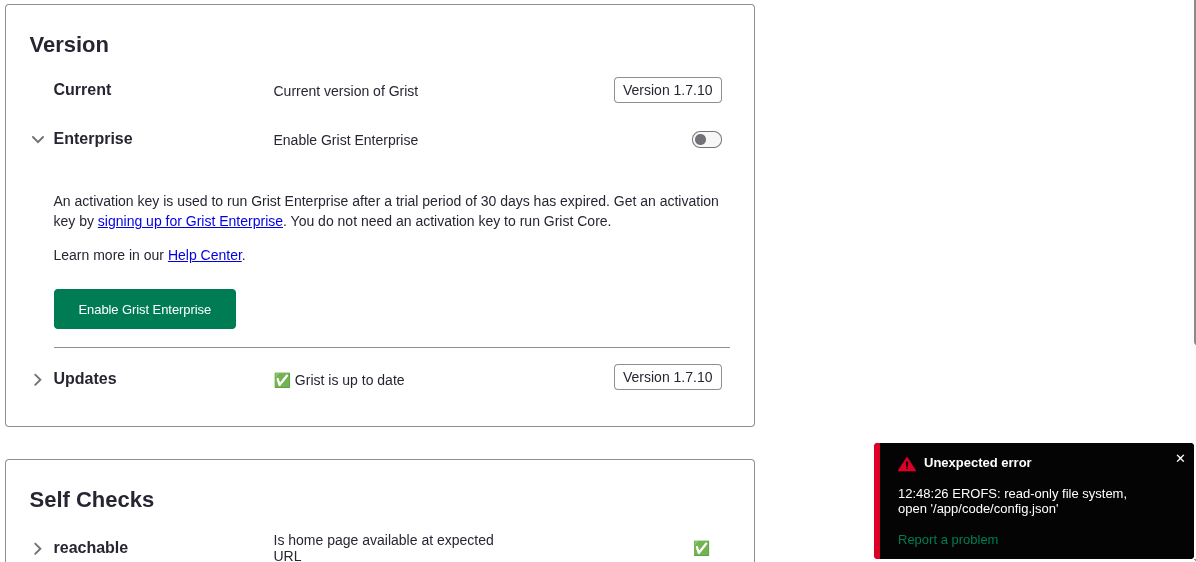
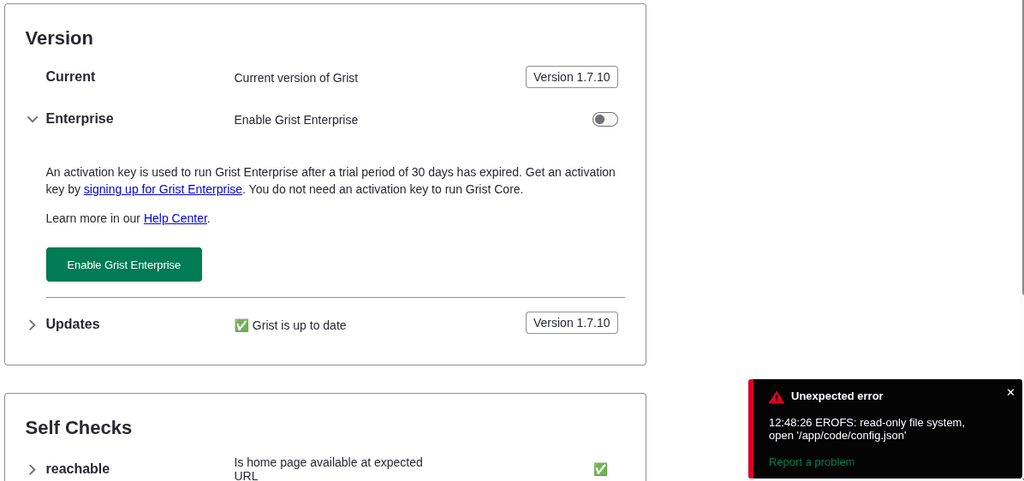
I have a problem with enabling Grist Enterprise.
When I toggle on this feature at [domain]/o/docs/admin I get the following error:Unexpected error
12:48:00 EROFS: read-only file system, open '/app/code/config.json'see screenshot
@chrisbol are you on the latest version? Because this update https://forum.cloudron.io/post/119223 was supposed to fix that, I thought.
-
@chrisbol are you on the latest version? Because this update https://forum.cloudron.io/post/119223 was supposed to fix that, I thought.
@jdaviescoates yes I am on version 0.4.0
-
The latest cloudron package symlinks the config.json into
/app/data. This allows to enable the enterprise edition mode. One thing to note is, that theenv.shfile needs the line withGRIST_DEFAULT_EMAILto be enabled and set to the users's email address. Otherwise the admin UI will not grant the user access. -
 N nebulon marked this topic as a question on
-
N nebulon has marked this topic as solved on
-
 J james referenced this topic on


Hello! It looks like you're interested in this conversation, but you don't have an account yet.
Getting fed up of having to scroll through the same posts each visit? When you register for an account, you'll always come back to exactly where you were before, and choose to be notified of new replies (either via email, or push notification). You'll also be able to save bookmarks and upvote posts to show your appreciation to other community members.
With your input, this post could be even better 💗
Register Login