
SSHFS "Failed to mount (inactive): Could not determine mount failure reason"
-
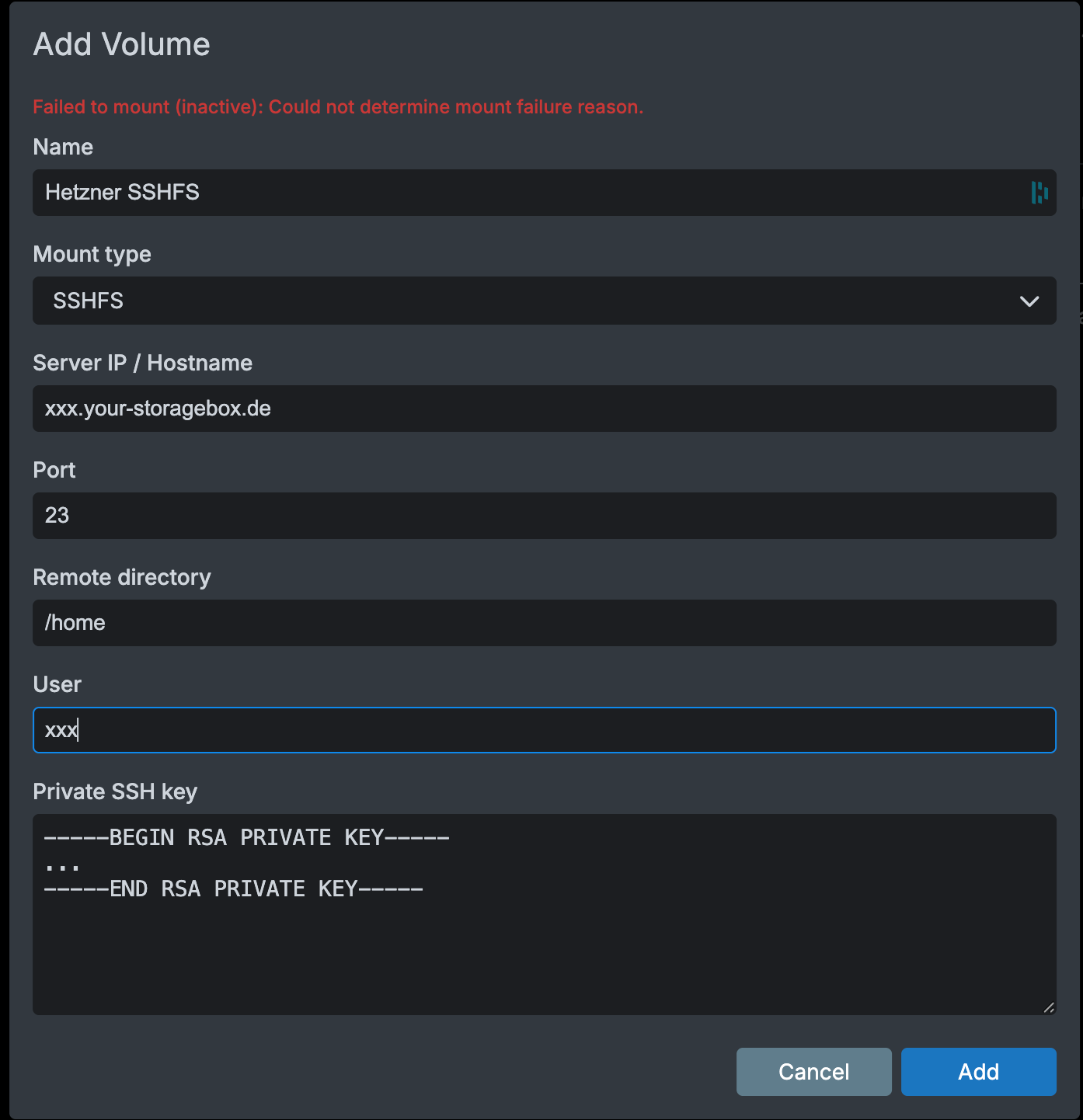
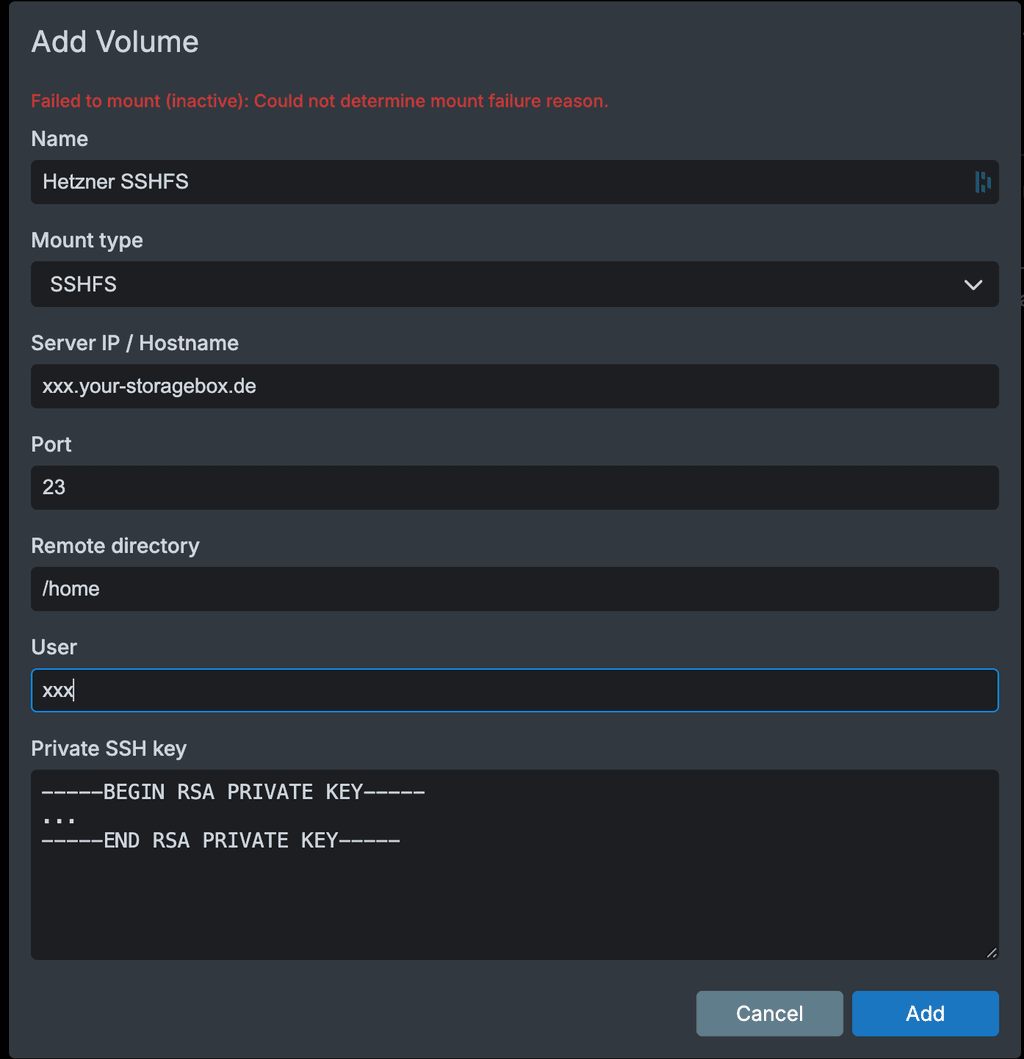
I'm trying to mount a SSHFS volume on my cloudron but if fails:
I'm able to access the server with ssh:
➜  ~ ssh -p23 xxx@xxx.your-storagebox.de
** WARNING: connection is not using a post-quantum key exchange algorithm.
** This session may be vulnerable to "store now, decrypt later" attacks.
** The server may need to be upgraded. See https://openssh.com/pq.html
xxx@xxx.your-storagebox.de's password:
Last login: Sun May 10 17:01:43 2026 from 2f02:8428:64d:8101:9108:cfc9:6531:db55
+------------------------------------------------------------------+
| Welcome to your Storage Box.                                     |
|                                                                  |
| Please note that this is only a restricted shell environment and |
| therefore some shell features like pipes and redirects are not   |
| supported.                                                       |
+------------------------------------------------------------------+
xxx /home >
However I have to enter a password. I don't see where in cloudron "Add volume" page I should add this password.
Is it what is blocking ? -
Hello @cylon
I assume you tested the ssh connection locally?The following line
xxx@xxx.your-storagebox.de's password:from your test tells me that the ssh key is not working correctly since you had to input your password.
When your Cloudron fails multiple times to mount with sshfs, hetzter puts your Cloudron IP on a fail2ban list for 30 minutes.
So you need to setup the ssh key correctly and then you can configure Cloudron.
There are many topics in our forum about this specific topic.
-
J joseph has marked this topic as solved on


 ️
️Hello! It looks like you're interested in this conversation, but you don't have an account yet.
Getting fed up of having to scroll through the same posts each visit? When you register for an account, you'll always come back to exactly where you were before, and choose to be notified of new replies (either via email, or push notification). You'll also be able to save bookmarks and upvote posts to show your appreciation to other community members.
With your input, this post could be even better 💗
Register Login