
🚀 Documize Conversion: community package for Documize's Word import / PDF export service
-
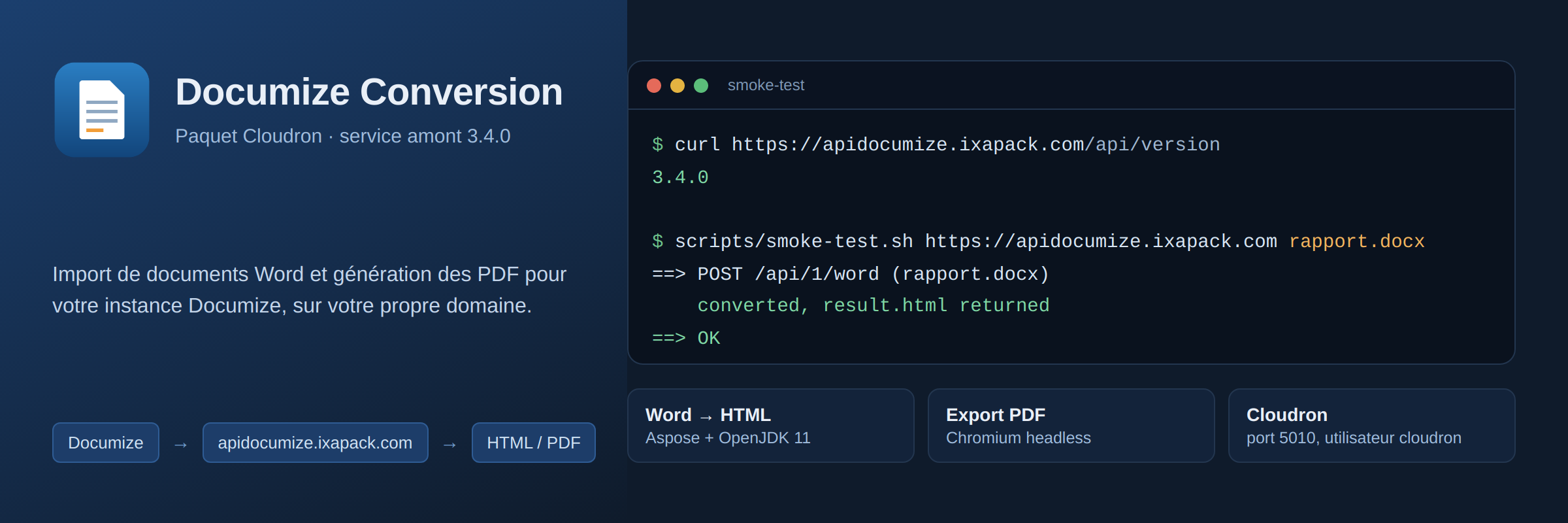
Documize Community delegates two things to a separate service: Word document import and PDF export. Out of the box it points at Documize's shared hosted endpoint, and upstream recommends self-hosting the documize/conversion container instead and changing the conversion endpoint URL to your own.
So here it is as a Cloudron app. No UI, no login — it just answers the API calls your Documize instance makes.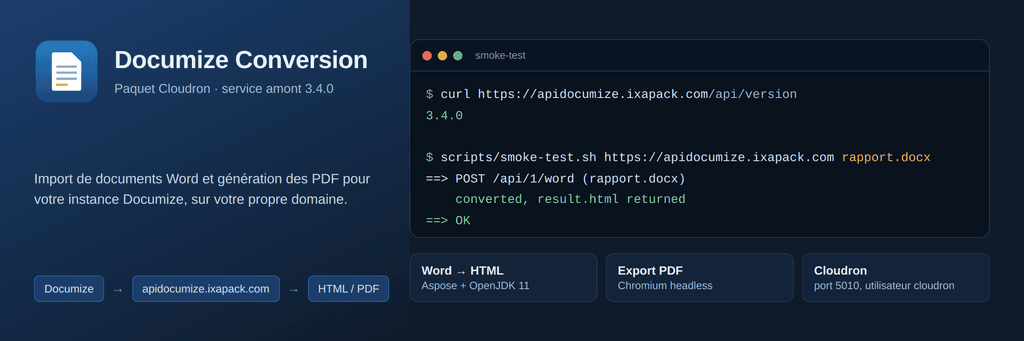
Repo: https://github.com/vitetj/documizeconversion-cloudron
Upstream version: 3.4.0Install
App Store → Install from URL:
https://raw.githubusercontent.com/vitetj/documizeconversion-cloudron/main/CloudronVersions.jsonor:
cloudron install --versions-url https://raw.githubusercontent.com/vitetj/documizeconversion-cloudron/main/CloudronVersions.json --location conversion --domain example.comThen, in Documize as an administrator, set the conversion endpoint to the app's origin. That's the whole setup.
Check it is alive withcurl https://<app-domain>/api/version→3.4.0.Packaging notes
Upstream publishes no source release, only the Docker image, so the Dockerfile lifts the artifacts out of
documize/conversion:3.4.0and re-assembles them oncloudron/base:5.1.0: the Go API binary, the Aspose/PlantUML jars (run with OpenJDK 11 from the Ubuntu archive),puppet.js+node_moduleswith the Chromium puppeteer bundles, and the upstream TrueType fonts — without those, Word→PDF layout drifts.
Two upstream quirks shaped the start script, in case they help anyone packaging something similar:- the API binary resolves
java/andpuppet.jsrelative to its working directory and writes a log there, so it can't run from the read-only/app/code— it starts from a writable/run/documizethat symlinks the code; - its scratch directory follows
TMPDIR, pointed at/app/data/tmp, because a large.docxwould blow through the small/tmptmpfs.
Other details:httpPort5010, health check/api/version,localstorageaddon, runs ascloudron(never root),memoryLimit2 GB because Word conversion spawns a JVM with-Xmx1000mon top of Chromium. The image is ~3.6 GB, mostly fonts and the bundled Chromium.
Heads up: the API is unauthenticated
That's how the upstream service works — Documize calls it server-to-server with no credentials, so the package can't put SSO or proxyAuth in front of it without breaking it. Anyone who knows the domain can submit a document for conversion. If the endpoint doesn't need to be public, restrict it at the firewall to your Documize server's IP.
Tested
Health check, a real
.docxconverted throughPOST /api/1/word(the Aspose/Java path), PDF rendering with the bundled Chromium as thecloudronuser, and a restart with existing app data. Feedback and issues welcome on the repo. - the API binary resolves
-
@vitetj you can publish your package at https://ca.cloudron.io/ for others to find it more easily

Hello! It looks like you're interested in this conversation, but you don't have an account yet.
Getting fed up of having to scroll through the same posts each visit? When you register for an account, you'll always come back to exactly where you were before, and choose to be notified of new replies (either via email, or push notification). You'll also be able to save bookmarks and upvote posts to show your appreciation to other community members.
With your input, this post could be even better 💗
Register Login