Cloudron makes it easy to run web apps like WordPress, Nextcloud, GitLab on your server. Find out more or install now.


Skip to content

OpenWebUI

76 Topics 706 Posts
  • OIDC Error with Openwebui Latest Update 0.6.11

    Moved
    31
    1
    2 Votes
    31 Posts
    7k Views
    firmansiF
    @canadaduane Glad I can help
  • How to Extend ProxyTimeout in Cloudron ?

    timeout
    4
    1 Votes
    4 Posts
    1k Views
    JOduMonTJ
    thanks for your return; as you expected; yes the issue is located somewhere else than Cloudron or Open-WebUI it's at a proxy level; which in my case CloudFlare
  • Bundle with Pipelines?

    9
    1 Votes
    9 Posts
    3k Views
    firmansiF
    @JOduMonT is the reranker using ollama or with Jina api?
  • Enable Gemini 2.5 Pro Function Install on Cloudron (needs google-genai)

    3
    2 Votes
    3 Posts
    1k Views
    G
    @BrutalBirdie Hey, thanks for the recovery mode tip for weekend tinkering! I gave it a shot: cloned the app, used recovery mode, and manually ran pip install google-genai in the terminal. That worked, and the Gemini function requiring it did become active in Open WebUI. Unfortunately, it turns out Google removed the "thoughts" feature via the API recently (see discussion here: https://github.com/googleapis/python-genai/issues/226), so that specific goal is moot now, it seems. However, this experiment confirms the underlying need. It would still be very valuable if Open WebUI's own mechanism for installing function dependencies (defined in frontmatter) could work correctly on Cloudron by targeting /app/data. This would allow other current or future functions needing packages (beyond just this specific Gemini one) to be installed seamlessly as intended by Open WebUI, without needing manual recovery mode workarounds. So, the original request to fix that installer path for the Frontmatter mechanism remains relevant for general function extensibility. Thanks again for the suggestion!
  • Tika Server

    4
    4 Votes
    4 Posts
    1k Views
    N
    It would be awesome if openwebui could use the Cloudron Tika server.
  • Accessing the OpenWebUI API

    api openwebui
    12
    1 Votes
    12 Posts
    5k Views
    JOduMonTJ
    @nebulon understood; it's just in my testing environment (home) I'm use to connect my container via container_name:port without exposing the port. such as OpenWebUI connect to my Searxng because --- services: open-webui: searxng: container_name: searxng Now I understand this is not viable into a multi-domains, multi-services environment Do you think something similar is possible and viable ?
  • Open web UI not responding

    Moved
    11
    1 Votes
    11 Posts
    3k Views
    A
    Perfect, thank you!
  • Transcribe YouTube videos

    4
    2 Votes
    4 Posts
    1k Views
    jdaviescoatesJ
    @ekevu123 said in Transcribe YouTube videos: this videos has captions, right? yes @ekevu123 said in Transcribe YouTube videos: Does it work for you? It doesn't work for me I don't currently have an instance running so can't check, sorry
  • Error tearing down postgresql

    Solved
    4
    1
    0 Votes
    4 Posts
    1k Views
    JOduMonTJ
    @nebulon thanks for the tips and do you mind looking at this one ? https://forum.cloudron.io/topic/13320/accessing-the-openwebui-api/5?_=1740050615827 I'm unable to use the APP ID to connect to it.
  • OpenWebUI + Anthropic / Claude

    Moved
    27
    2 Votes
    27 Posts
    26k Views
    robiR
    @timconsidine no, but you can get GPU servers with AI niceties from Koyeb. I think They have a Ollama installer.
  • LiteLLM removed from OpenWebUI, requires own separate container

    7
    1 Votes
    7 Posts
    5k Views
    R
    This would certainly be a very valuable addition to Cloudron. I have upvoted. That said, I guess that the configuration process could be challenging since there doesn't appear to be any point-and-click UI for that.
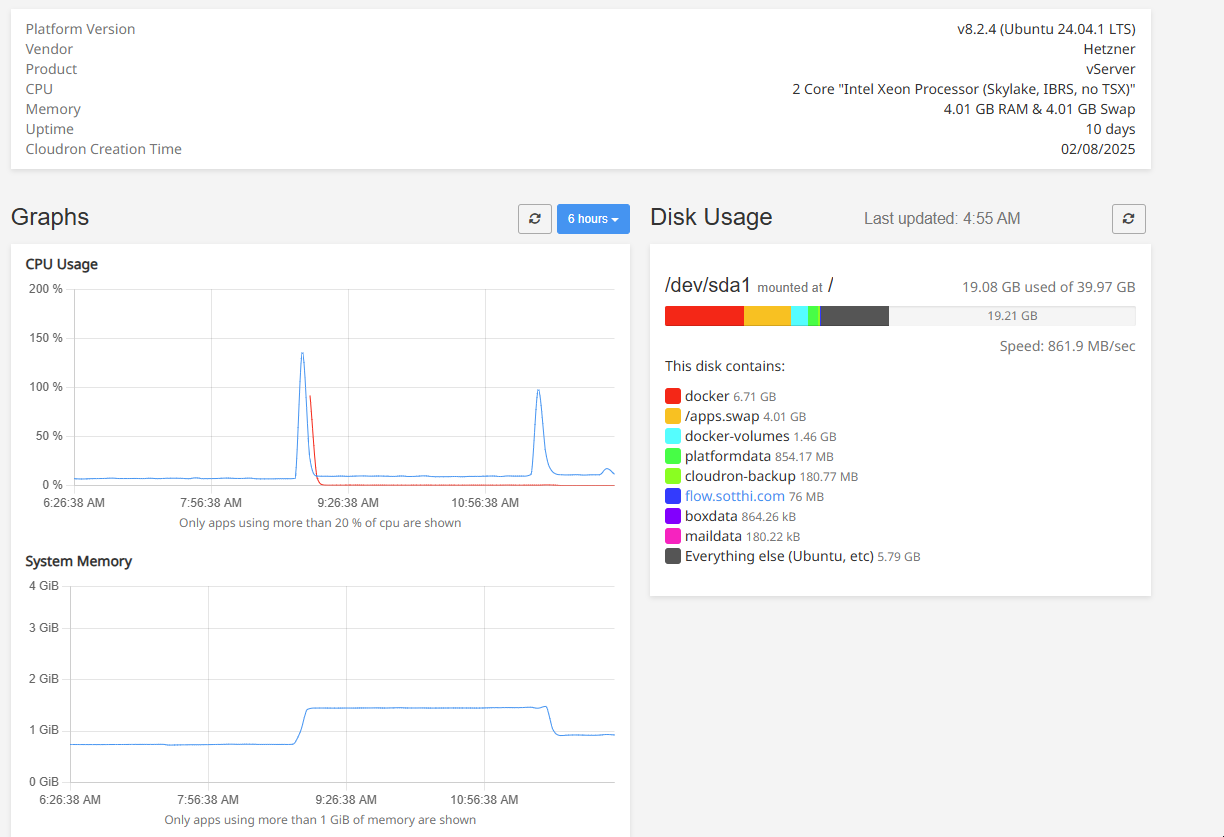
  • Real-world minimum server specs for OpenWebUI

    8
    1 Votes
    8 Posts
    3k Views
    R
    I forgot an important advantage: You're supporting open source.
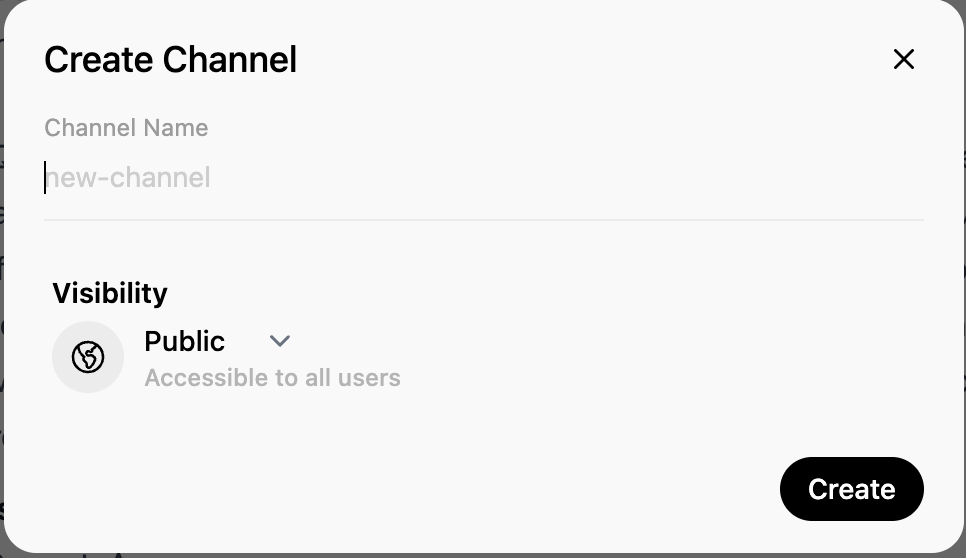
  • "Channels feature - adding bots"

    4
    4
    1 Votes
    4 Posts
    3k Views
    coniunctioC
    I have found some answers about the Channels feature on Github: Channels Discussion Q: "I've been trying the new Channels feature. I can create Channels, assign groups and use it like a chat between group members. For the life of me, I have not found how to send a message to the AI model." A: "Has to be externally hosted with https://github.com/open-webui/bot for now, but built-in integration will be added soon." Integrating AI bots to Channels This repository provides an experimental boilerplate for building bots compatible with the Open WebUI "Channels" feature (introduced in version 0.5.0). It serves as a proof of concept to demonstrate bot-building capabilities while highlighting the potential of asynchronous communication enabled by Channels. Key Highlights Highly Experimental: This is an early-stage project showcasing basic bot-building functionality. Expect major API changes in the future. Extensible Framework: Designed as a foundation for further development, with plans to enhance APIs, developer tooling, and usability. Asynchronous Communication: Leverages Open WebUI Channels for event-driven workflows. ️ Getting Started with Examples This repository includes an /examples folder containing runnable example bots that demonstrate basic functionality. To run an example, execute the corresponding module using the -m flag in Python. For example, to run the ai example: python -m examples.ai Note: Ensure that your current working directory (PWD) is the root of this repository when running examples, as this is required for proper execution. Replace ai in the command above with the specific example you’d like to execute from the /examples folder. Disclaimer This project is an early-stage proof of concept. APIs will break and existing functionality may change as Open WebUI evolves to include native bot support. This repository is not production-ready and primarily serves experimental and exploratory purposes. Future Vision We aim to introduce improved APIs, enhanced developer tooling, and seamless native support for bots directly within Open WebUI. The ultimate goal is to make building bots easier, faster, and more intuitive.

  • Installing Whisper

    11
    0 Votes
    11 Posts
    5k Views
    andreasduerenA
    BTW it seems to automatically recognize any audio file you throw at it. Either via Microphone or file upload and process TTS locally before passing it on to the selected model. Logs and graphs are pretty clear about this. Documentation however is not lol.
  • Do not allow open user registration

    2
    3
    2 Votes
    2 Posts
    558 Views
    J
    Are you referring to the Cloudron package? It is disabled by default in the Cloudron package in both Cloudron auth and non-Cloudron auth mode.
  • Still No Recent Update to Latest Version 0.5.3

    Solved
    4
    1 Votes
    4 Posts
    1k Views
    firmansiF
    thanks for the info ...have awesome wonderful job
  • AWS Bedrock Access Gateway for OpenWebUi

    1
    1 Votes
    1 Posts
    846 Views
    No one has replied
  • New account creation inconvenience

    11
    1 Votes
    11 Posts
    3k Views
    E
    I think I can clarify this. Let's summarise what we all should know: Open Web UI needs to create a user automatically as admin. Even if you use Cloudron for authentication, this user will only have user rights. You need to log in using the account with the demo credentials and give your Cloudron account admin rights. There is no way around this account. If you decide to use the automatically created account, you cannot change its e-mail address, at least not using the GUI. It probably could be done in the database. If you want to delete this automatically created admin user, you don't need external software. Within the cloudron app settings, you can go into the terminal and connect to postgres, then there is a user table. This is probably the best approach.
  • 1 Votes
    2 Posts
    390 Views
    girishG
    thanks, fixed.
  • Possibility to Change Text in Login button with Cloudron LDAP

    6
    0 Votes
    6 Posts
    688 Views
    girishG
    Yes, it's the same as branding - https://docs.cloudron.io/branding/#cloudron-name and https://docs.cloudron.io/user-directory/#openid-connect mention it.