@tonyfr I can reproduce this . This is an upstream limitation , so you have to report it at https://github.com/metabase/metabase/
But I need to use this user e-mail.
what do you mean by this?
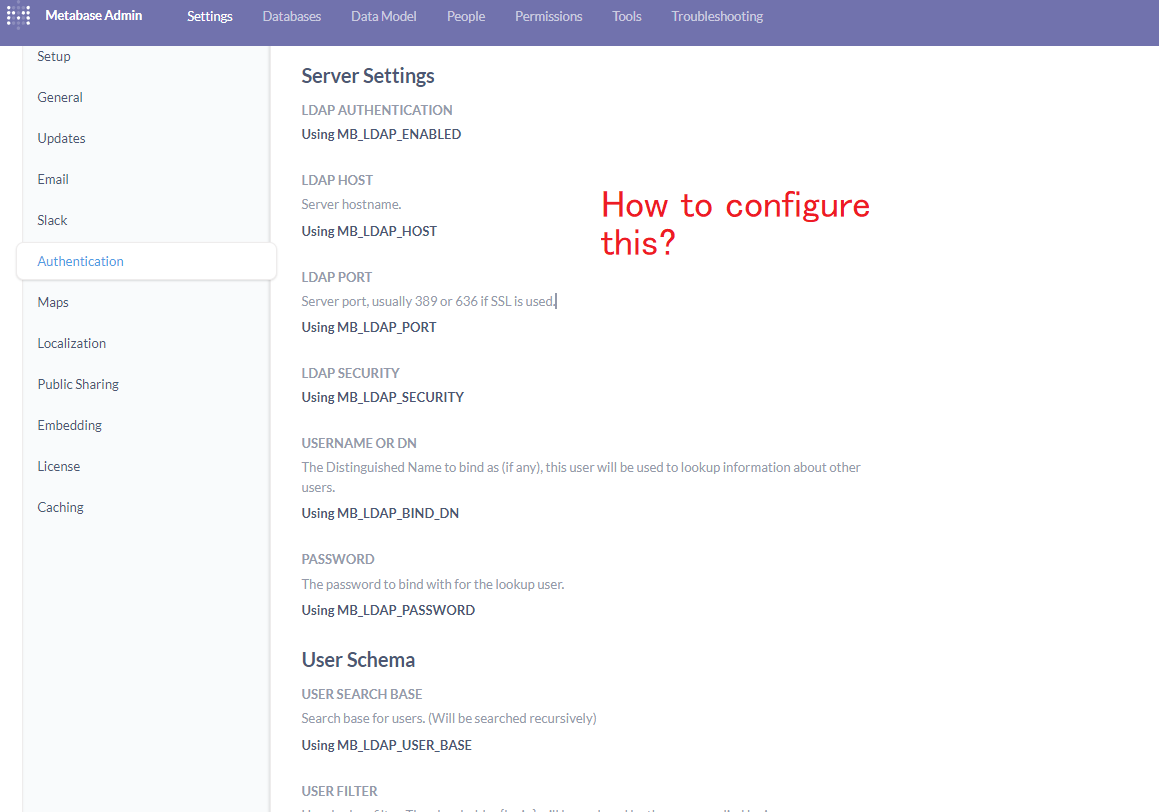
You can open a Web Terminal and check if CLOUDRON_LDAP_SERVER environment variable is defined (env | grep CLOUDRON_LDAP). If it defined, it means that the app was installed with Cloudron authentication.
I can suggest this: take a backup of the app, install a new Metabase without Cloudron auth, import the first backup into the app (Backups -> Import). This will migrate the app into non Cloudron auth mode.
@girish We were exploring the Pro plan, but didn't initially realize that it would require a separate Metabase app and a data migration path. If we were to move forward with this in the future, I could see migrating to the hosted metabase.com solution. I agree that it probably doesn't make sense for Cloudron to package.
@nebulon Thank you so much, I have deleted /app/code/plugins/csv.metabase-driver.jar, restarted metabase, and it is working as expected.
I did not correlate the migration failure with the csv driver being present as it didn't seem like the error came from that driver being initialized but instead came from liquidbase but removing it obviously worked, thank you!
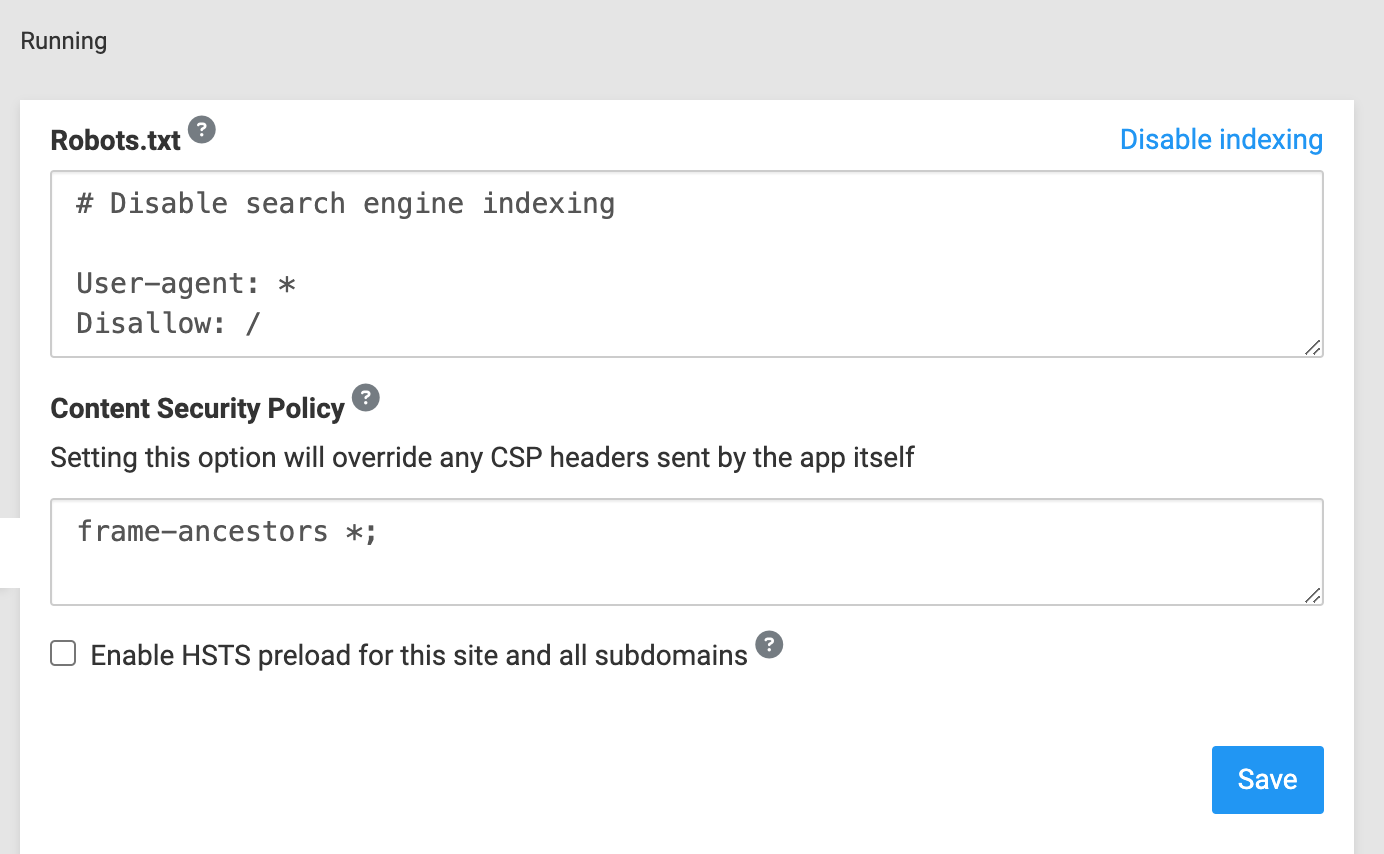
@girish Just closing out this discussion. For reference, here is when the change was introduced to Retool that caused the issue with loading the iframe:
https://docs.retool.com/releases/legacy/3.22#:~:text=Disabled Storage and cookies
Thanks again.
Thanks for looking into this. I've also logged in a bug with Metabase GitHub. I think the Metabase team is actively working on a resolution. Something did change after the upgrade from v0.48.3 that caused this issue with multiple customers using MySQL 8. Here is the link to the issue: https://github.com/metabase/metabase/issues/38499
OK, thanks. That's a bit overkill for this project. I was hoping MetaBase would connect directly to Google Sheets, kind of like how n8n does.
https://docs.n8n.io/integrations/builtin/app-nodes/n8n-nodes-base.googlesheets/
@alex-a-soto said in Metabase and Baserow:
I'm interested in using Metabase and Baserow together.
Just curious (aka learning) - is this more of a preference, or is there a specific advantage ?
Usually, this error is thrown when the Java Virtual Machine cannot allocate an object because it is out of memory, and no more memory could be made available by the garbage collector.
Therefore you pretty much have two options:
Increase the default memory your program is allowed to use using the -Xmx option (for instance for 1024 MB: -Xmx1024m)
Modify your program so that it needs less memory, using less big data structures and getting rid of objects that are not any more used at some point in your program
Increasing the heap sizeis a bad solution, 100% temporary. It will crash again in somewhere else. To avoid these issues, write high performance code:
Use local variables wherever possible.
Make sure you select the correct object (EX: Selection between String, StringBuffer and StringBuilder)
Use a good code system for your program(EX: Using static variables VS non static variables)
Other stuff which could work on your code.
Try to move with Multy Threading
After playing around with csv & metabase for a few hours, I searched for a better solution, because of performance and some limitations (some date filters doesn't work with csv).
This is a perfect little helper tool. https://github.com/rufuspollock/csv2sqlite
csv2sqlite.py myCSV.csv mySQLITE.sqlite
go to your metabase app
mkdir /app/data/sqlite
upload mySQLITE.sqlite to /app/data/sqlite/
go to admin -> add database
choose sqlite as the driver
choose /app/data/sqlite/mySQLITE.sqlite as filename
New important step:
go to admin/datamodel/data and choose your DB
choose the right TYPE for your column
Then the real magic happens
This is Cloudron. Self hosting. Including databases.
How do we make it easier to get data in, suck it into a database of choice and easily point Metabase and other tools at it?
If we do this right, we come up with our own data handling stack like LAMP is for the web.
Cloudron, RebaseData, Postgres, Metabase (CPRM)
Linux, RebaseData, Mysql, Metabase (LRMM)
etc.
It is already pre-configured using the env variables mentioned in the settings UI (MB_EMAIL_...)
Similar with many other apps, ideally we could hide/change that UI part in the settings page to not be as confusing.