
-
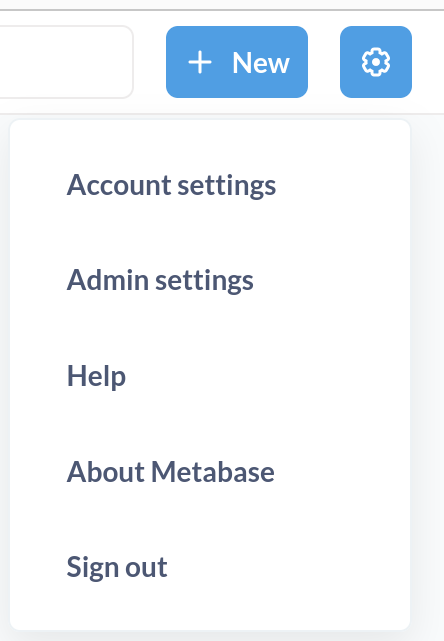
I can't see the admin settings in the gear menu. I've tried the following:
-
Added my Cloudron user as and Operator for the app. That user cannot see the admin settings.
-
According to these instructions: https://docs.cloudron.io/apps/metabase/
I ran the Reset Password commands and changed the password for the default admin user account admin@cloudron.local, then logged in with that. No admin settings are available.
I can't add databases and configure MetaBase because of this. What do I need to do?
-
-
 G girish moved this topic from Support on
-
 N nebulon forked this topic on
-
N nebulon marked this topic as a question on
-
N nebulon has marked this topic as solved on
Hello! It looks like you're interested in this conversation, but you don't have an account yet.
Getting fed up of having to scroll through the same posts each visit? When you register for an account, you'll always come back to exactly where you were before, and choose to be notified of new replies (either via email, or push notification). You'll also be able to save bookmarks and upvote posts to show your appreciation to other community members.
With your input, this post could be even better 💗
Register Login