
Not all volumes showing in Cloudron's System Info Page
-
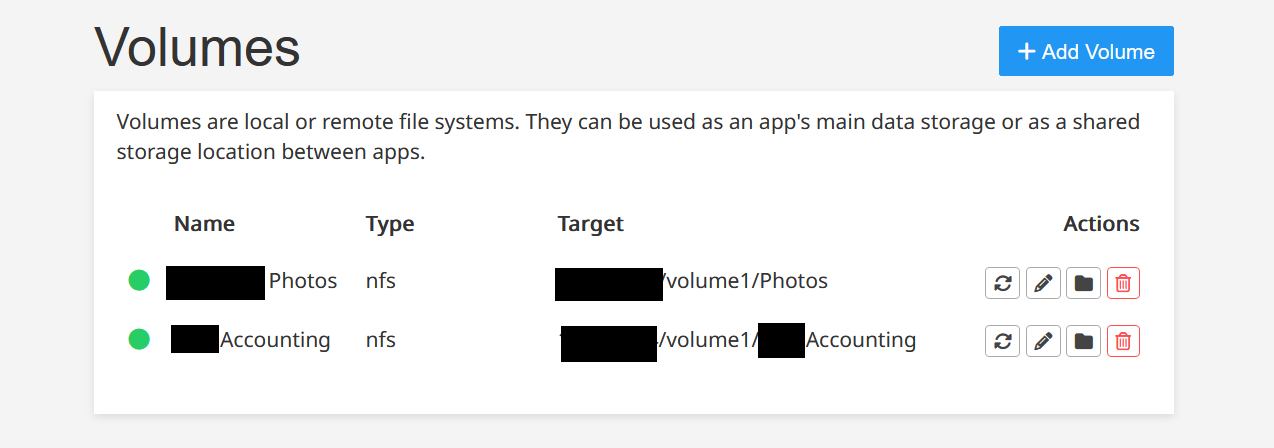
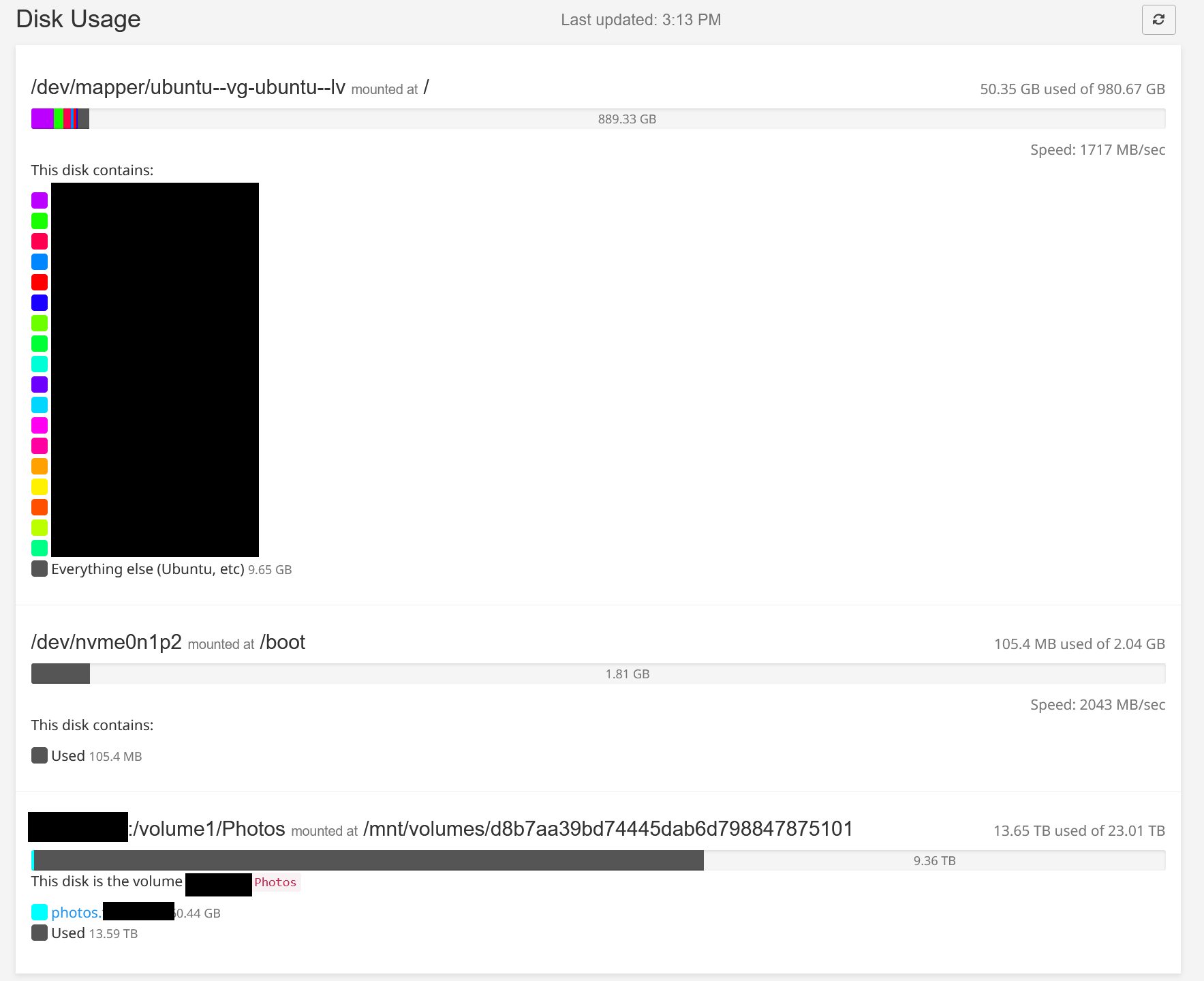
I have two NFS shares mounted as Volumes on my Cloudron server and the apps using them (Nextcloud, Immich) can read/write to them without any issues, folders are accessible via Cloudron's file manager. However only one of them shows up under Disk Usage in the system info page.
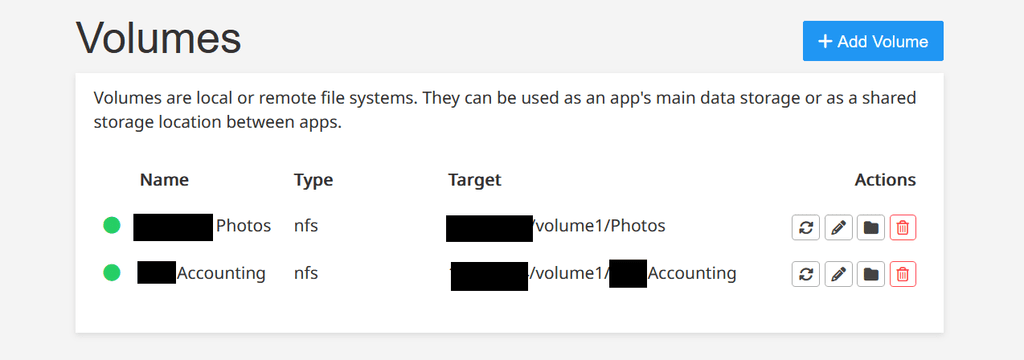
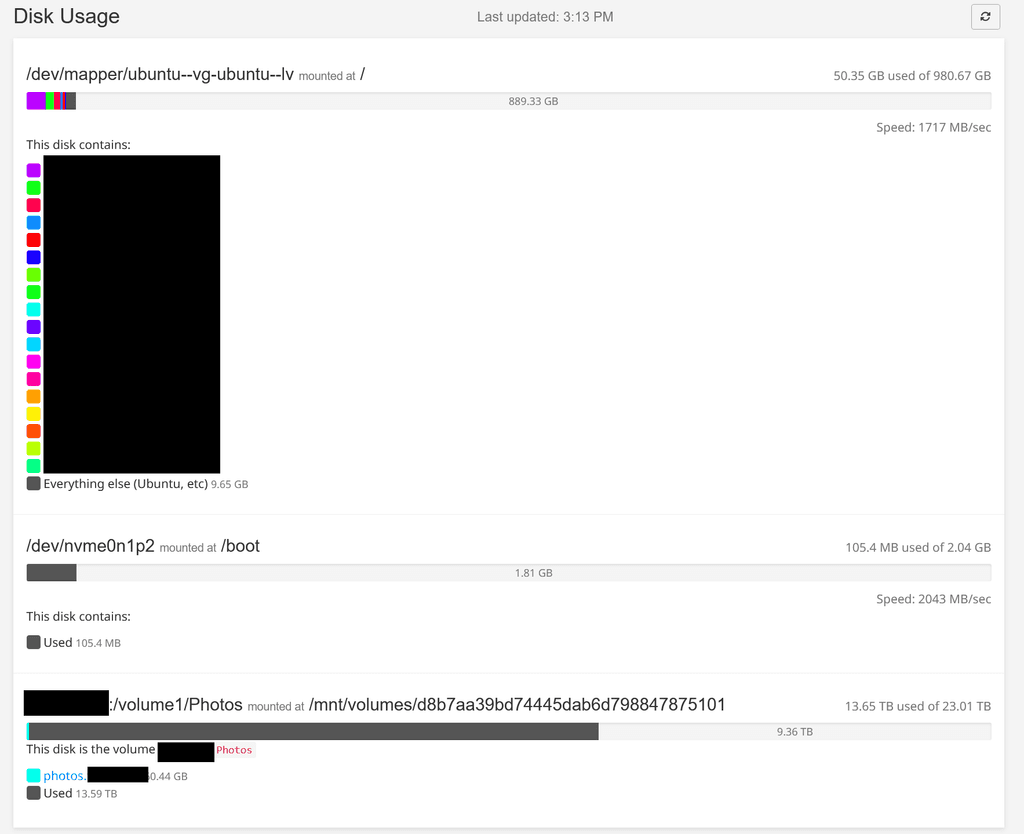
Maybe this is a bug? Either way, it isn't causing any issues on my server.
-
-
@james , yes both those volumes are connecting to my primary NAS via NFS. To test your theory, I created a new NFS share on my secondary NAS and mounted it as a volume on my Cloudron server, but same result - disk usage only shows a single volume. (the first volume that was mounted)
-
-
 J james has marked this topic as solved on
Hello! It looks like you're interested in this conversation, but you don't have an account yet.
Getting fed up of having to scroll through the same posts each visit? When you register for an account, you'll always come back to exactly where you were before, and choose to be notified of new replies (either via email, or push notification). You'll also be able to save bookmarks and upvote posts to show your appreciation to other community members.
With your input, this post could be even better 💗
Register Login