
HomePage
-
OK, I have a working custom app package
https://git.cloudron.io/timconsidine/homepage-cloudronThere is one install glitch that I simply cannot fathom (maybe it's just my environment).
But I have provided a solution which is detailed in POSTINSTALL.md in case it is not just me.Do let me know if it works 'out the box' for you - it might.
Otherwise follow the workaround.NB : there is an oddity in the app about mismatch of background image location.
Follow the POSTINSTALL.md details. -
since the .md links are not internet addressable as file, best to link to the actual repo location: https://git.cloudron.io/timconsidine/homepage-cloudron/-/blob/main/POSTINSTALL.md
-
I assumed people would just read it in the repo, so good point, thank you.
-
I have now populated my Homepage, and can give feedback that :
- the compact design allows rapid access to large number of links
- it is more compact than Heimdall or Flame or Shiori, and so more 'efficient' in screen space
- it supports tabs ! so even more can be achieved in a single (kinda) screen
- the YAML config needs a little mastering, but the reward is a lot of customisation possible
- more customisable than Cloudron dashboard (which has little choice)
- support for SimpleIcons, Material Design Icons and Dashboard icons makes configuring YAML much quicker
- background is of course customisable (design and opacity), or have none for maximum clarity
- inclusion of CPU, RAM and DISK stats is helpful keeping an eye on things
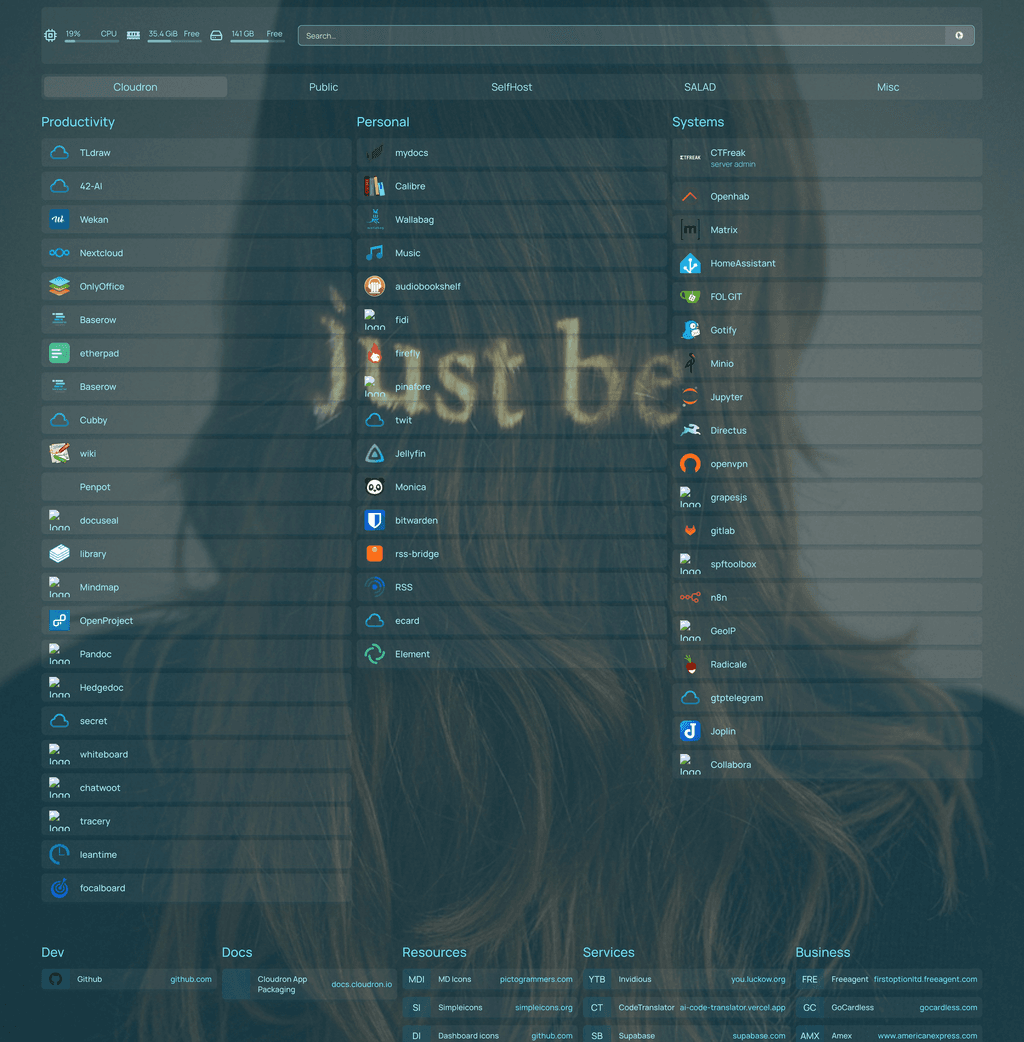
I can be disorganised physically and mentally, and am hoping this will make life easier.
EDIT : image is bit large so looks bad unless you open and zoom
-
I have resolved the issue around completing the installation.
A small step still needs to be done as detailed in instructions (restart the app then refresh the screen).
Seems this is a known node issue, so nothing more I can do about it.
Repo updated.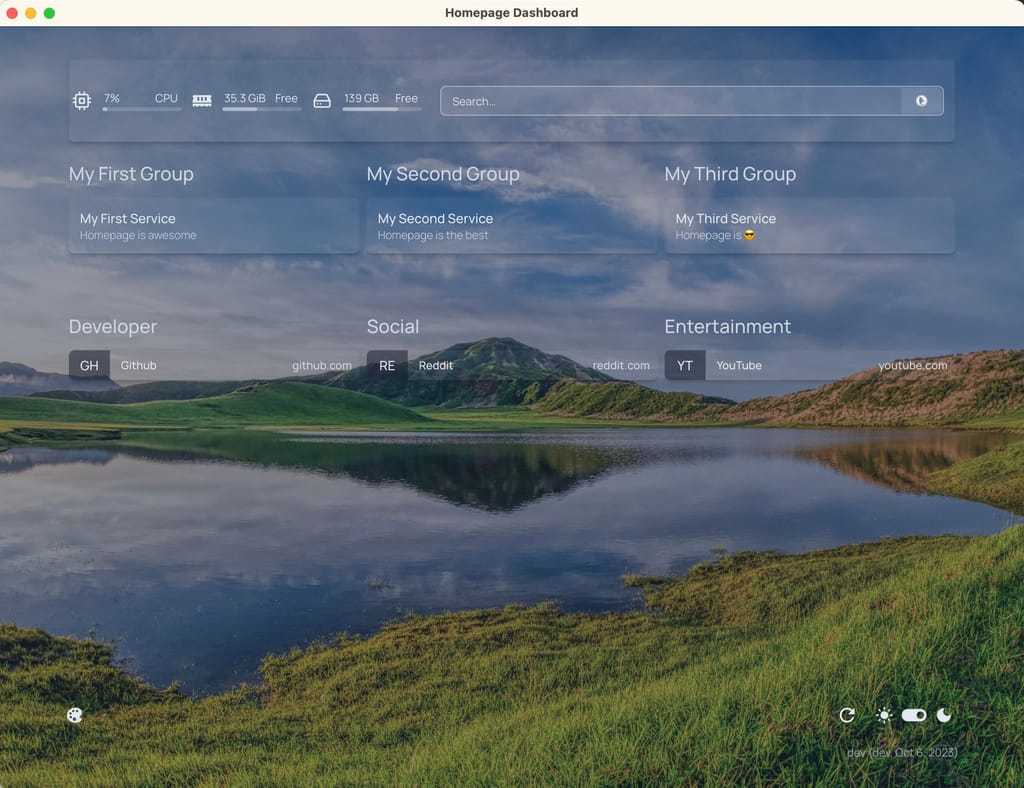
-
 J jdaviescoates referenced this topic on
-
I gave it a shot and tried packaging the Homepage app myself. The thing is, I don’t have much experience with app development, so I’ve been figuring things out through trial and error (with a bit of help from GPT
 ).
).The app installs and runs fine, but I’ve noticed a couple of things I can’t seem to fix:
- During installation, the app automatically creates a
kubernetes.yamlfile in/app/data. I couldn’t find a way to prevent that. - After logging into the app’s web interface for the first time, several additional files (from the skeleton folder) are generated in
/app/data. They just sit there even if they’re not needed — for example,docker.yaml.
For reference, here’s my repo: https://vgit.lvcl.ru/vladislav/homepage-cloudron (mirror: https://github.com/WiseMetalhead/homepage-cloudron)
Maybe I’ll fix this later, maybe not — for my personal use, the app works just fine.
- During installation, the app automatically creates a
-
I gave it a shot and tried packaging the Homepage app myself. The thing is, I don’t have much experience with app development, so I’ve been figuring things out through trial and error (with a bit of help from GPT
).The app installs and runs fine, but I’ve noticed a couple of things I can’t seem to fix:
- During installation, the app automatically creates a
kubernetes.yamlfile in/app/data. I couldn’t find a way to prevent that. - After logging into the app’s web interface for the first time, several additional files (from the skeleton folder) are generated in
/app/data. They just sit there even if they’re not needed — for example,docker.yaml.
For reference, here’s my repo: https://vgit.lvcl.ru/vladislav/homepage-cloudron (mirror: https://github.com/WiseMetalhead/homepage-cloudron)
Maybe I’ll fix this later, maybe not — for my personal use, the app works just fine.
@WiseMetalhead you should be able to remove the additional files from the cose skeleton dir so they are not coping over to /app/data
- During installation, the app automatically creates a
-
I gave it a shot and tried packaging the Homepage app myself. The thing is, I don’t have much experience with app development, so I’ve been figuring things out through trial and error (with a bit of help from GPT
).The app installs and runs fine, but I’ve noticed a couple of things I can’t seem to fix:
- During installation, the app automatically creates a
kubernetes.yamlfile in/app/data. I couldn’t find a way to prevent that. - After logging into the app’s web interface for the first time, several additional files (from the skeleton folder) are generated in
/app/data. They just sit there even if they’re not needed — for example,docker.yaml.
For reference, here’s my repo: https://vgit.lvcl.ru/vladislav/homepage-cloudron (mirror: https://github.com/WiseMetalhead/homepage-cloudron)
Maybe I’ll fix this later, maybe not — for my personal use, the app works just fine.
@WiseMetalhead well done on packaging - it's always a bit trial-and-error !
My memory of this app is vague and distant, but if files are not needed, they can be removed from /app/data by adding code for that to start.sh to get a tidy installation, but I'd be tempted to ignore them.
Indie app dev, huge fan of Cloudron PaaS, scratching my itches : communityapps.appx.uk
- During installation, the app automatically creates a
-
@WiseMetalhead well done on packaging - it's always a bit trial-and-error !
My memory of this app is vague and distant, but if files are not needed, they can be removed from /app/data by adding code for that to start.sh to get a tidy installation, but I'd be tempted to ignore them.
@timconsidine said in HomePage:
they can be removed from /app/data by adding code for that
I don’t think that’s possible, because almost all the YAML files appear in the
/app/datafolder only after I visit the Homepage. Before that, there’s just thelogsfolder,settings.yaml, andkubernetes.yaml. It looks like the app generatesservices.yaml,widgets.yaml, and the other files afterward.you should be able to remove the additional files from the cose skeleton dir
I haven’t tried removing the files from the
skeletonfolder yet. I thought that might cause an error, since when Homepage starts it tries to generate or copy those YAML files — and if they’re missing, it might fail. -
@timconsidine said in HomePage:
they can be removed from /app/data by adding code for that
I don’t think that’s possible, because almost all the YAML files appear in the
/app/datafolder only after I visit the Homepage. Before that, there’s just thelogsfolder,settings.yaml, andkubernetes.yaml. It looks like the app generatesservices.yaml,widgets.yaml, and the other files afterward.you should be able to remove the additional files from the cose skeleton dir
I haven’t tried removing the files from the
skeletonfolder yet. I thought that might cause an error, since when Homepage starts it tries to generate or copy those YAML files — and if they’re missing, it might fail.@WiseMetalhead one way to find out is to test it, another way is to read what the code does. Then we're in reality, despite what we both may think




Hello! It looks like you're interested in this conversation, but you don't have an account yet.
Getting fed up of having to scroll through the same posts each visit? When you register for an account, you'll always come back to exactly where you were before, and choose to be notified of new replies (either via email, or push notification). You'll also be able to save bookmarks and upvote posts to show your appreciation to other community members.
With your input, this post could be even better 💗
Register Login