
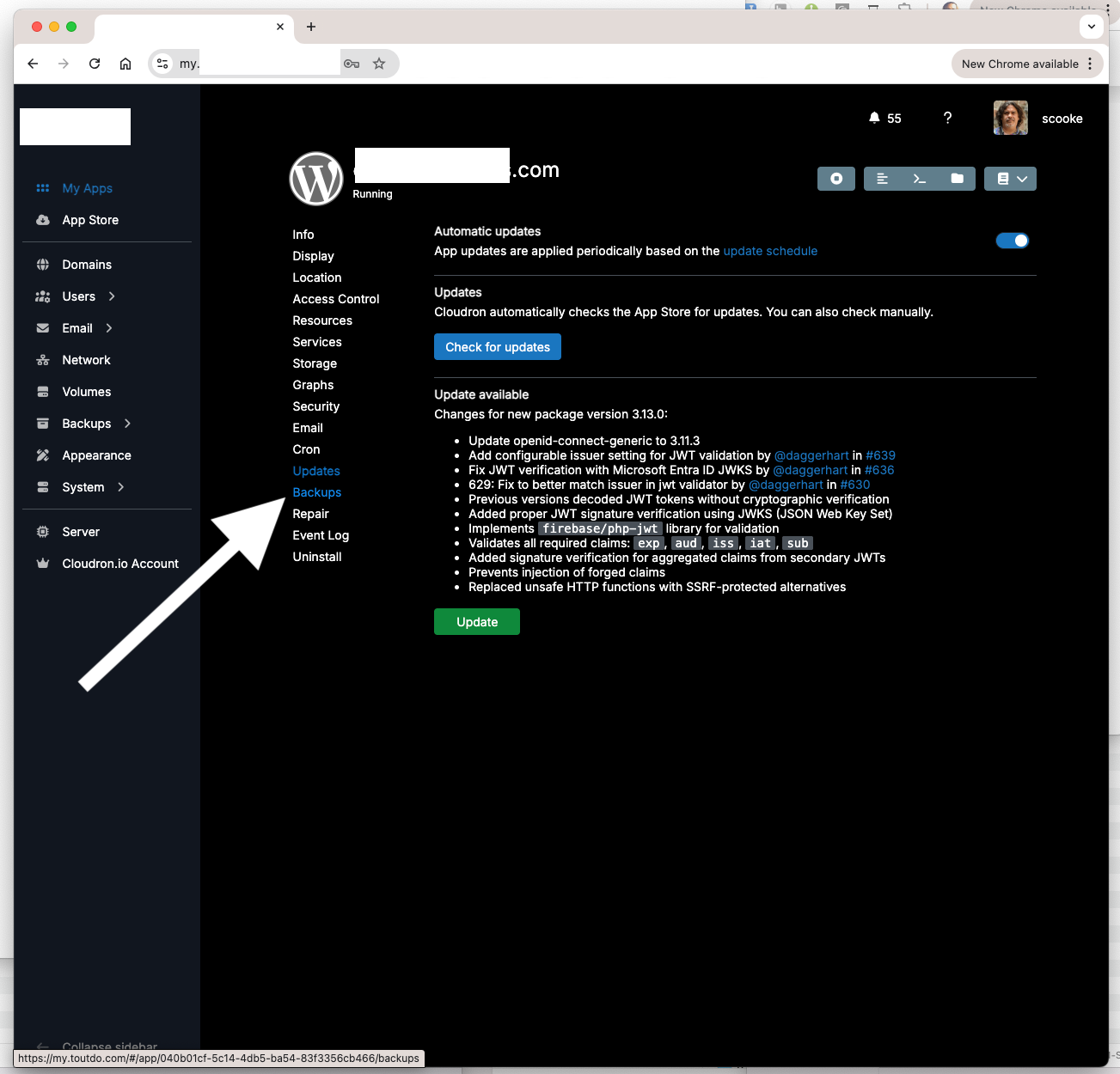
Popup over Backups to indicate most recent backup to help determine when to Update
-
I seem to have niche processes and requests, and this is the latest.
I have many of my apps set for manual update. When I do go to Update, I am always curious when the last backup was. This is because I juggle my backups often. So it's a bit of a pain to click the green arrow to manually update an app, but then have to click Backup to make sure there is a recent one, and once I see there is (or isn't so then I do make one), click back to Updates. Is it possible to have a pop-up appear when my mouse hovers over Backups to indicate at least the date of the most recent successful backup? I don't know how complicated that would be, and if it would be better to be an option only when in the Update panel, or all the time? Thank you.
-
-
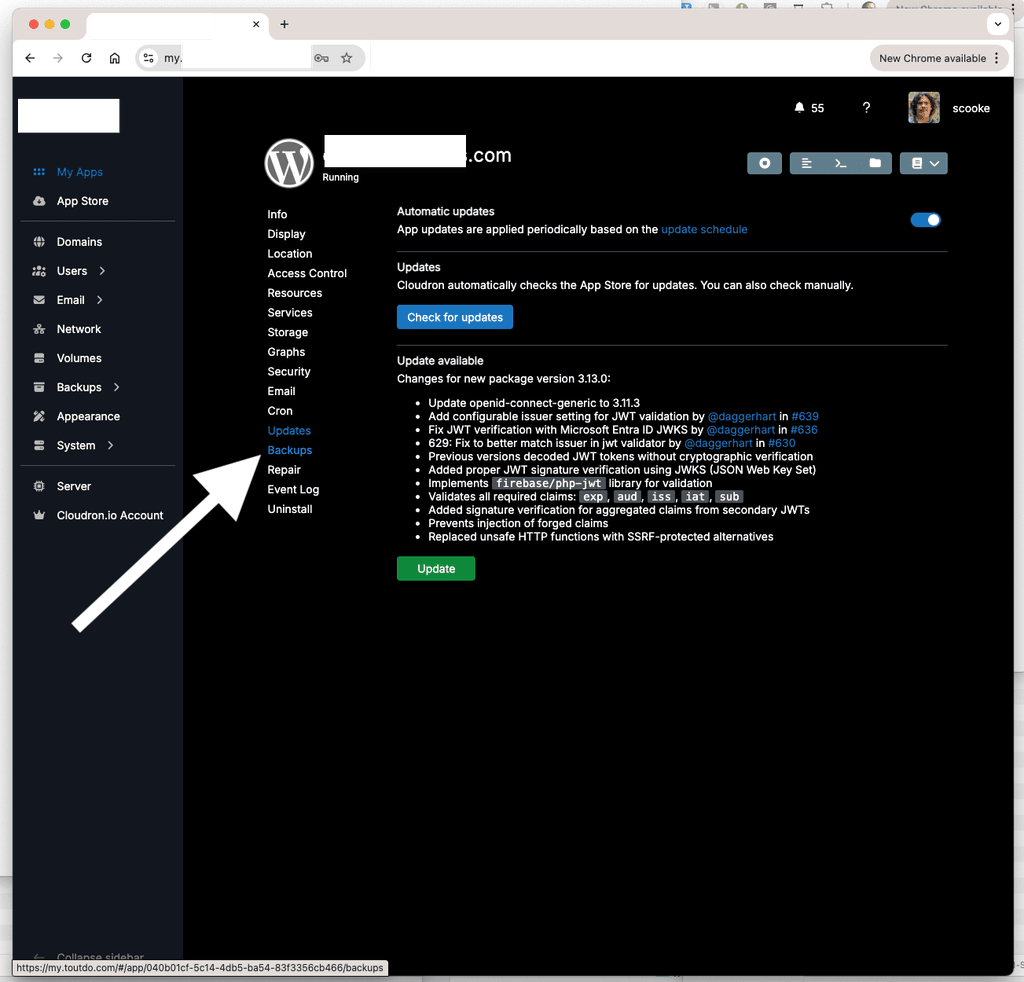
My storage is limited, so I keep fewer backups. I almost always click "Skip Backup" since I prefer manually backing things up. Since so much is manual, I tend to lose track of which might have been backed up recently. So, then I need to click on the Backups, wait for that to load, see when the most recent one was and if it's worth skipping the backup again or if I need to back up. If I need to back up, I actually also almost always do that separate from the Update process. Why? In the past it sometimes times out, or fails, or just something goes wonky. Is it my system? Maybe? But this is what I'm working with. After that back up I then need to click on Updates and finally update. So, it would save me some time to hover over Backups and see when the most recent one is.


Hello! It looks like you're interested in this conversation, but you don't have an account yet.
Getting fed up of having to scroll through the same posts each visit? When you register for an account, you'll always come back to exactly where you were before, and choose to be notified of new replies (either via email, or push notification). You'll also be able to save bookmarks and upvote posts to show your appreciation to other community members.
With your input, this post could be even better 💗
Register Login