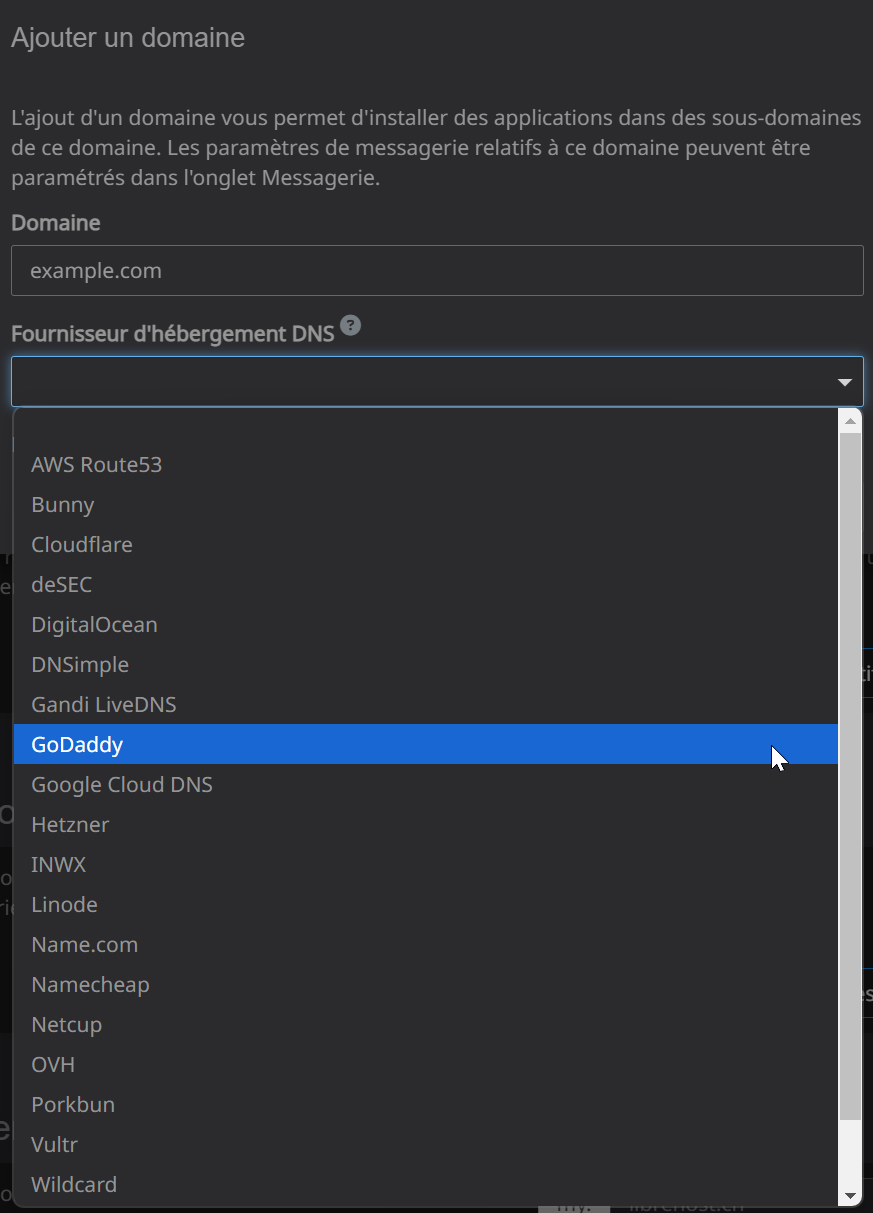
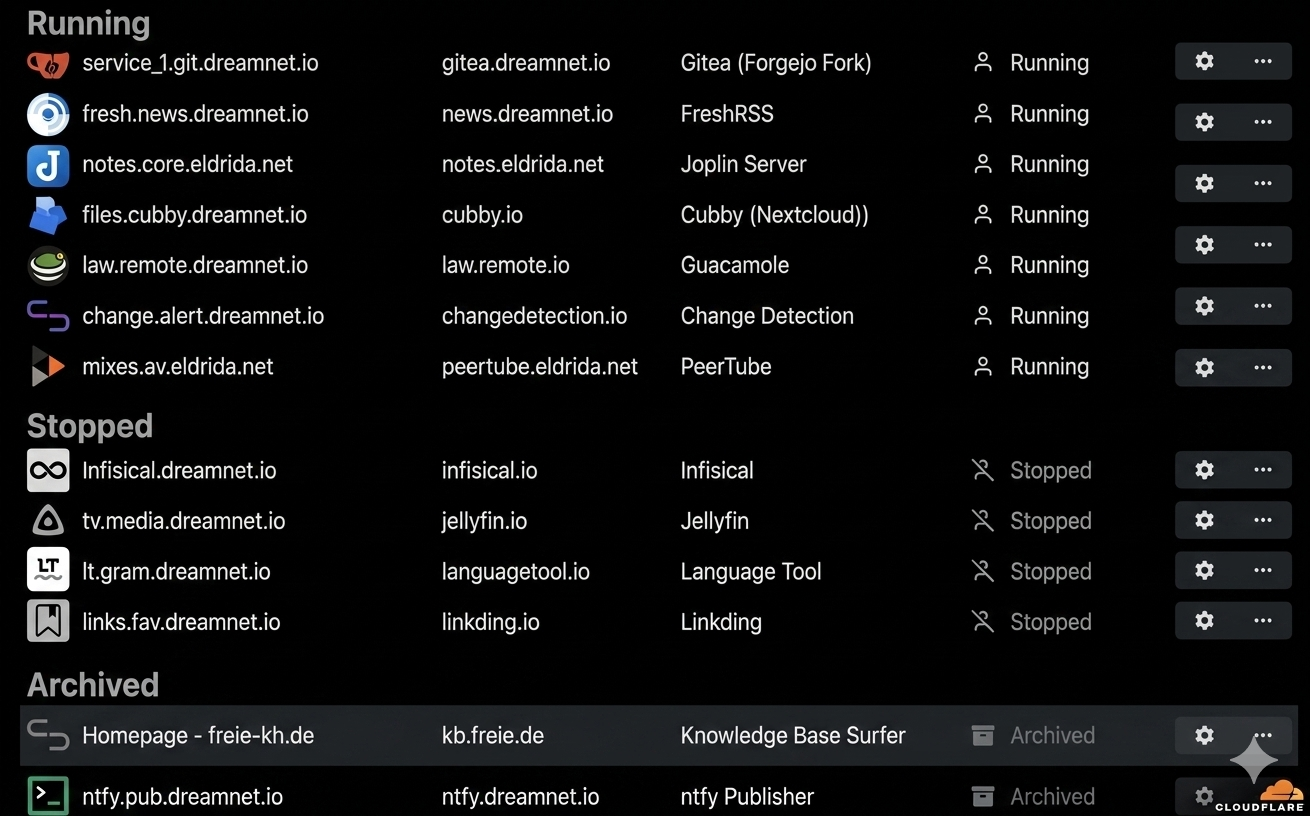
Hello @ekevu123
I understand the request but in my opinion adding "advanced" sections to the Cloudron dashboard will only lead to issues.
Someone who is less skilled will see the button and use it.
"Don't press the red button, it will wipe the DB server!"
"Oh! A red button!"
In your case, since you still need to use the terminal anyway, why not use the cloudron cli directly and have a bash alias ready to execute the interactive DB shell directly for an app?
This would even reduce your time spend getting there even further.
Instead of your mention steps 1>4 or future 3-dot sub menu, moving the mouse, clicking moving again yada yada, one command from the local shell, and you got what you need.
For example:
cloudron exec --tty --app $APPID -- sh -c 'mysql --user=${CLOUDRON_MYSQL_USERNAME} --password=${CLOUDRON_MYSQL_PASSWORD} --host=${CLOUDRON_MYSQL_HOST} ${CLOUDRON_MYSQL_DATABASE}'