
[Template] Flarum - Modern, fast & free community software
-

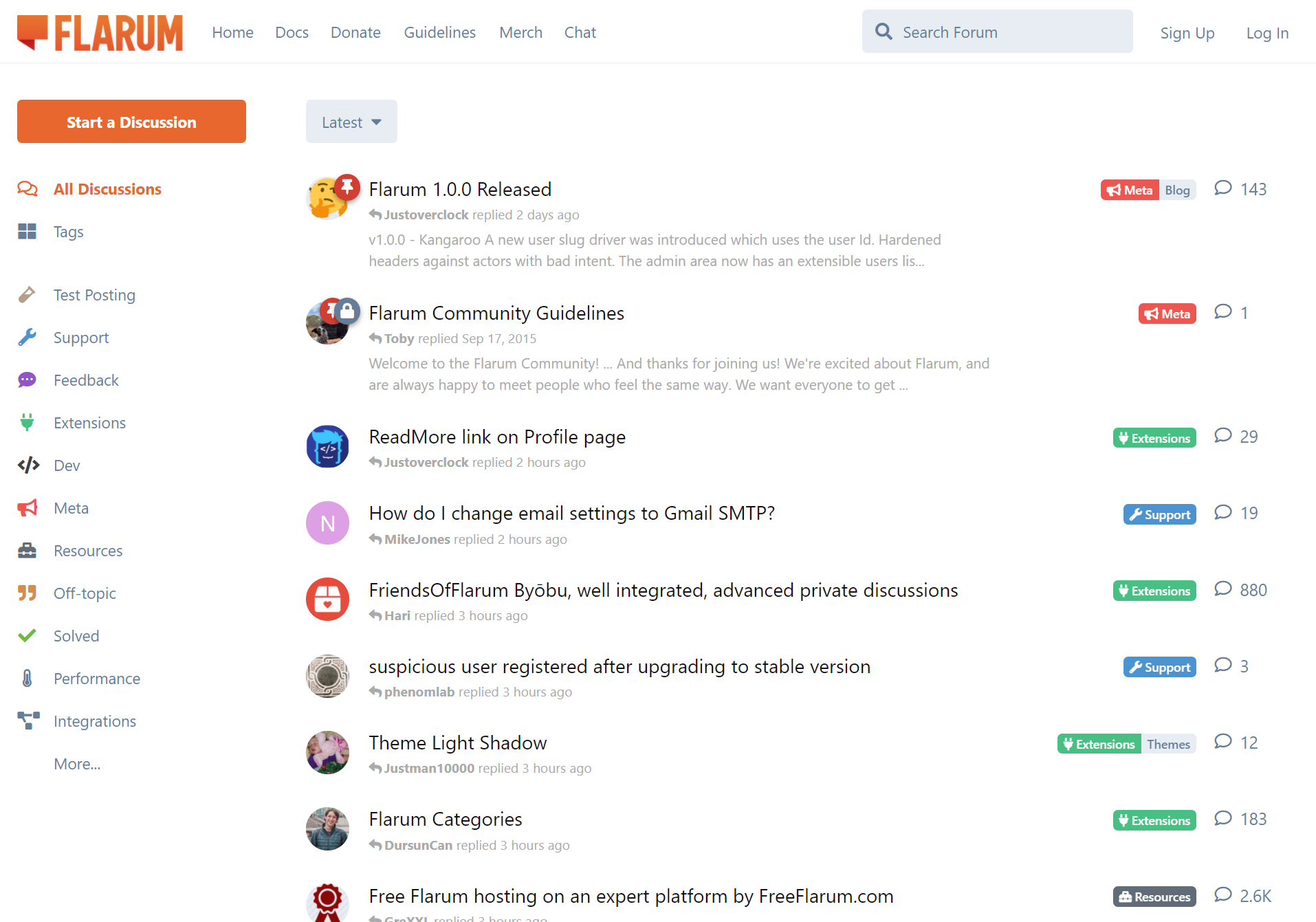
Flarum - The community framework for small to enterprise communities that is extensible, scalable and completely free!
########################################
Main Page: https://flarum.org/
Demo: https://flarum.org/software/demo
Community: https://discuss.flarum.org
Docs: https://docs.flarum.org
########################################Automatic Cloudron Parameters:
 Database
Location (URL)
REDIS: Use optional install comment
 ️ MAIL (only on first setup)
️ LDAP: Optional Setup
 App Updates (Done via UI or Composer)
Installation:
- Install LAMP App
- Open Terminal and run the Installation Command:
composer create-project --no-interaction flarum/flarum:^1.8.0 /app/data/flarum && sed -i 's|/app/data/public|/app/data/flarum/public|g' /app/data/apache/app.conf && cd /app/data/flarum && composer require flarum/extension-manager:"*" && (read -p "Admin-User: " username && read -p "Admin-Password: " password && read -p "Admin-Email: " email && read -p "Forum-Name: " forum_title && php -r "file_put_contents('flarum-config.json', json_encode(['debug' => false, 'baseUrl' => 'https://' . getenv('CLOUDRON_APP_DOMAIN'), 'databaseConfiguration' => ['driver' => 'mysql', 'host' => getenv('CLOUDRON_MYSQL_HOST'), 'port' => 3306, 'database' => getenv('CLOUDRON_MYSQL_DATABASE'), 'username' => getenv('CLOUDRON_MYSQL_USERNAME'), 'password' => getenv('CLOUDRON_MYSQL_PASSWORD'), 'prefix' => ''], 'adminUser' => ['username' => '$username', 'password' => '$password', 'email' => '$email'], 'settings' => ['forum_title' => '$forum_title', 'mail_driver' => 'smtp', 'mail_host' => getenv('CLOUDRON_MAIL_SMTP_SERVER'), 'mail_port' => getenv('CLOUDRON_MAIL_SMTP_PORT'), 'mail_encryption' => '', 'mail_username' => getenv('CLOUDRON_MAIL_SMTP_USERNAME'), 'mail_password' => getenv('CLOUDRON_MAIL_SMTP_PASSWORD'), 'mail_from' => getenv('CLOUDRON_MAIL_FROM')]], JSON_PRETTY_PRINT));" && php flarum install --file=flarum-config.json && sed -i -e "s/'host' => '.*'/'host' => getenv('CLOUDRON_MYSQL_HOST')/g" -e "s/'database' => '.*'/'database' => getenv('CLOUDRON_MYSQL_DATABASE')/g" -e "s/'username' => '.*'/'username' => getenv('CLOUDRON_MYSQL_USERNAME')/g" -e "s/'password' => '.*'/'password' => getenv('CLOUDRON_MYSQL_PASSWORD')/g" -e "s/'url' => '.*'/'url' => 'https:\/\/'.getenv('CLOUDRON_APP_DOMAIN')/g" config.php && rm flarum-config.json)- restart the app and open the website
Optional Settings:
LDAP (Install only - Setup in Admin UI) using credentials.txt from Cloudron File Manager:cd /app/data/flarum && composer require yippy/flarum-ext-auth-ldap && php flarum assets:publishREDIS (Install + Setup):
cd /app/data/flarum && composer require blomstra/flarum-redis:* && if grep -q "Blomstra\\\\Redis\\\\Extend\\\\Redis" /app/data/flarum/extend.php; then sed -i 's/new Blomstra\\Redis\\Extend\\Redis([^)]*)/new Blomstra\\Redis\\Extend\\Redis([\n "host" => getenv("CLOUDRON_REDIS_HOST"),\n "password" => getenv("CLOUDRON_REDIS_PASSWORD"),\n "port" => getenv("CLOUDRON_REDIS_PORT"),\n "database" => 1,\n ])/' /app/data/flarum/extend.php; else sed -i '/return \[/a \ \ \ \ new Blomstra\\Redis\\Extend\\Redis([\n "host" => getenv("CLOUDRON_REDIS_HOST"),\n "password" => getenv("CLOUDRON_REDIS_PASSWORD"),\n "port" => getenv("CLOUDRON_REDIS_PORT"),\n "database" => 1,\n ]),' /app/data/flarum/extend.php; fi -
S simong referenced this topic on
-
J joseph referenced this topic on

Hello! It looks like you're interested in this conversation, but you don't have an account yet.
Getting fed up of having to scroll through the same posts each visit? When you register for an account, you'll always come back to exactly where you were before, and choose to be notified of new replies (either via email, or push notification). You'll also be able to save bookmarks and upvote posts to show your appreciation to other community members.
With your input, this post could be even better 💗
Register Login