
Cannot click on app in Updating state
-
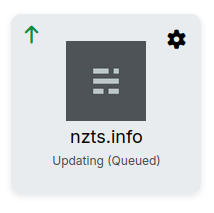
I cannot left click on this app in a Updating (Queued) state:
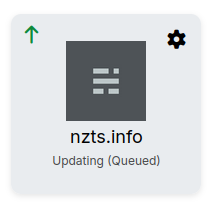
It correctly shows the url bottom left of my browser, and a middle click (I'm on linux) and right click both still work as usual, but something about it (I think probably something to do with the green Update arrow link) is stopping the left click work (same thing in both Firefox and Chrome).
(it is also unclear what it's waiting for/ why it is Queued - as far as I can tell there are no other backups nor updates running)
This is on Cloudron 9.0.17
-
I cannot click on the Update button shown here:
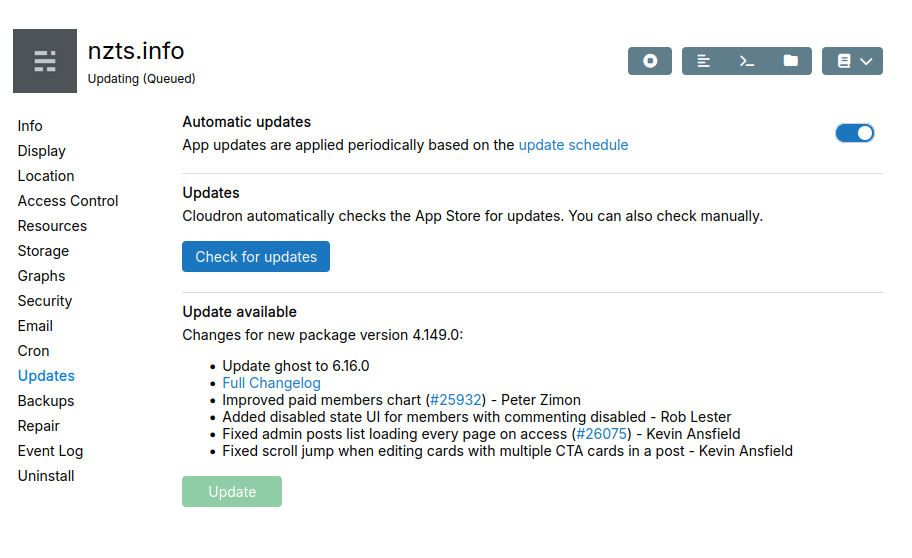
I was able to click Check for updates, but that didn't change anything.
I went to Repair and hit Restart, after which I could press the Update button and it updated, but something was/ is clearly amiss.
Cloudron 9.0.17
-
looks like the update job got stuck somehow. Can you try to run
systemctl restart boxvia SSH? This should resetup the queue.I said in Cannot click on app in Updating state:
I went to Repair and hit Restart, after which I could press the Update button and it updated
-
@jamie_casper pretty sure this is spam. You are just summarizing posts in all the threads. Can you confirm you are not a bot?
@girish agreed, all their posts look decidedly like "give me an upvote for this innocent looking post so I can come back and post spam links"



Hello! It looks like you're interested in this conversation, but you don't have an account yet.
Getting fed up of having to scroll through the same posts each visit? When you register for an account, you'll always come back to exactly where you were before, and choose to be notified of new replies (either via email, or push notification). You'll also be able to save bookmarks and upvote posts to show your appreciation to other community members.
With your input, this post could be even better 💗
Register Login