
How to Make Documents Public ?
-
Dear,
I setup "requireAuthentication": false, in settings.json to Make Documents Public. (https://docs.cloudron.io/apps/etherpad/)
but, not working.
if I uninstall cloudron plugin at plugin manager, then working.but, cloudron plugin installed again automatically.
would you please check ?
Best Regards,
-
Dear,
I setup "requireAuthentication": false, in settings.json to Make Documents Public. (https://docs.cloudron.io/apps/etherpad/)
but, not working.
if I uninstall cloudron plugin at plugin manager, then working.but, cloudron plugin installed again automatically.
would you please check ?
Best Regards,
-
@freetommy Will have to test this, it used to work but maybe something broke that flow in recent updates.
-
-
I just tried this and it seems to work as expected. Is it possible that you have not restarted the app after changing the configuration file?
-
@nebulon
To document public,
I need uninstall cloudron plugin, then work.
but, when app restart, the cloudron plugin installed automatically.
then back to login require again.@freetommy as far as I can reproduce, if the config file looks something like:
{
  "requireAuthentication": false,
  "ep_cloudron": {
    "admins": [
      "yourusername"
    ]
  }
}
Then direct links via https://pad.example.com/p/foobar will be publicly accessible.
-
@freetommy as far as I can reproduce, if the config file looks something like:
{
  "requireAuthentication": false,
  "ep_cloudron": {
    "admins": [
      "yourusername"
    ]
  }
}
Then direct links via https://pad.example.com/p/foobar will be publicly accessible.
-
@nebulon
Oh. Thanks you. I didn't know direct link that is public already.
I thought this page would appear instead login page. Is this setting possible ?
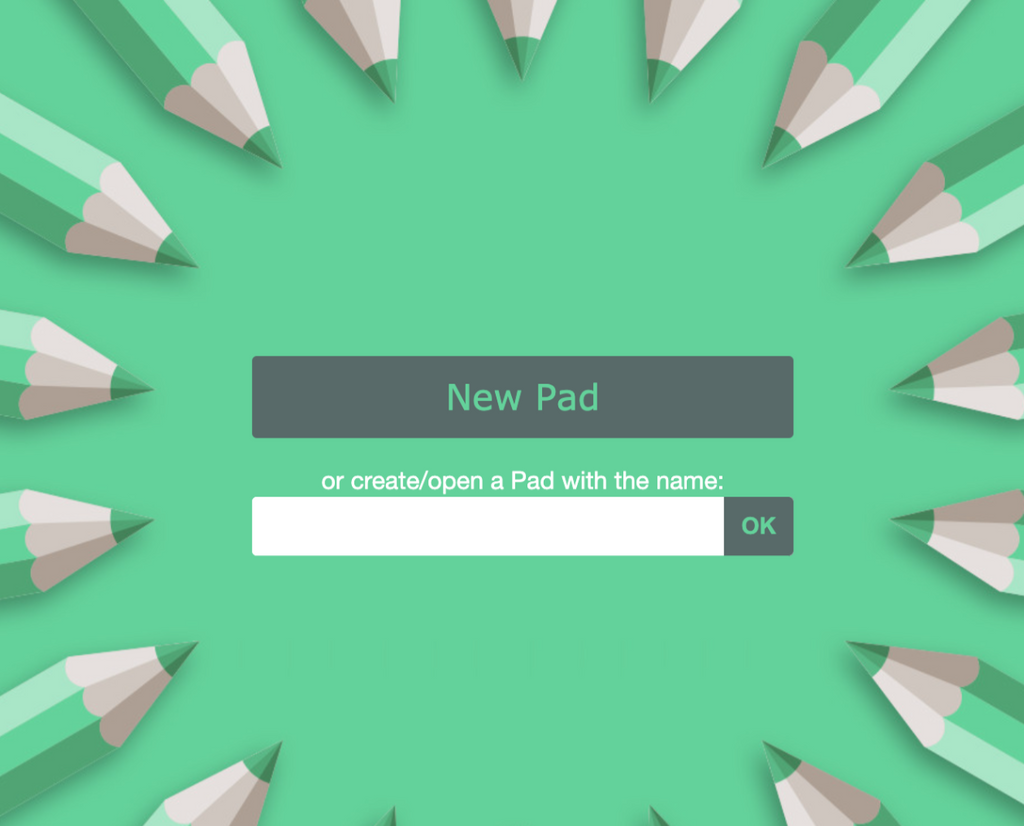
@freetommy said in How to Make Documents Public ?:
I thought this page would appear instead login page. Is this setting possible ?
That actually seems like a bug that it asks for authentication . Given that one can access https://pad.example.com/p/anyrandompadname and it doesn't authenticate aynway.
-
-
I created https://git.cloudron.io/cloudron/etherpad-lite-app/-/issues/17 to fix the plugin.
-
-
 J james marked this topic as a regular topic on

 many thanks for checking

Hello! It looks like you're interested in this conversation, but you don't have an account yet.
Getting fed up of having to scroll through the same posts each visit? When you register for an account, you'll always come back to exactly where you were before, and choose to be notified of new replies (either via email, or push notification). You'll also be able to save bookmarks and upvote posts to show your appreciation to other community members.
With your input, this post could be even better 💗
Register Login