Cloudron makes it easy to run web apps like WordPress, Nextcloud, GitLab on your server. Find out more or install now.


Skip to content
  • Categories
  • Recent
  • Tags
  • Popular
  • Bookmarks
  • Search
Skins
  • Light
  • Brite
  • Cerulean
  • Cosmo
  • Flatly
  • Journal
  • Litera
  • Lumen
  • Lux
  • Materia
  • Minty
  • Morph
  • Pulse
  • Sandstone
  • Simplex
  • Sketchy
  • Spacelab
  • United
  • Yeti
  • Zephyr
  • Dark
  • Cyborg
  • Darkly
  • Quartz
  • Slate
  • Solar
  • Superhero
  • Vapor

  • Default (No Skin)
  • No Skin
Collapse
Brand Logo

Cloudron Forum

Apps | Demo | Docs | Install
B

Beardmancer

@Beardmancer
About
Posts
8
Topics
3
Shares
0
Groups
0
Followers
0
Following
0

Posts

Recent Best Controversial

  • Restore one app's backup to another existing app?
    B Beardmancer

    @james said in Restore one app's backup to another existing app?:

    Yes, you first have to either move the destination to a different location e.g. from www.DOMAIN.TLD to www-old.DOMAIN.TLD (save route) or just deleted the destination.

    Thanks for that, I didn't consider just changing the subdomain of the main site to move it. I suspect that might leave me with Wordpress database errors, but I guess that wouldn't matter so much.

    Ultimately I cloned Main to a new subdomain, and since that clone worked without any issues, I went ahead and deleted the original and cloned staging to the bare domain. I was hoping to minimize downtime by overwriting directly to Main, but honestly the deletion and cloning was so fast it wasn't an issue.

    @robi said in Restore one app's backup to another existing app?:

    Another option would be to export the WP site using a plugin, and import it into a fresh WP install w/o all the dev/staging cruft (unless you need it for some reason).

    You can search the forum for "how to move wordpress" for more information.

    I've certainly done it that way before, but I was hoping to avoid extra steps this time and let Cloudron do it. I'm happy to not have to find and replace "staging.domain.tld" with a plugin like I've done on past migrations.

    I've used All-in-one WP Migration previously, and it was mostly fine other than the above issue with the database. It was fairly complete and I think any of my staging "cruft" would have been exported and imported. I'm curious to know what plugin you prefer? I'll put it on my list for next time.

    I did search the forum of course, but most results are about migrating to a Cloudron app from elsewhere.

    Support wordpress clone backup

  • Failed backups and email config issue since 8.0.3 upgrade
    B Beardmancer

    @Beardmancer said in Failed backups and email config issue since 8.0.3 upgrade:

    I decided to go ahead and try adding this to /etc/systemd/resolved.conf since it's easy enough to comment out.

    DNS=8.8.8.8 1.1.1.1
    

    After doing that and restarting the service with systemctl restart systemd-resolved, things seem to be working correctly. The file /etc/resolv.conf lists nameservers now and a manually-initiated backup just completed successfully. Thanks for the hlep @nebulon !

    In the future, is there anything I should look out for to avoid this? I don't know what caused it. Maybe it was the 8.0.3 upgrade, or maybe it was an Ubuntu update? I think I rebooted Cloudron for the latter recently. If there's a configuration I might have setup wrong, I'd love to correct it.

    Support backups email update issue

  • collectd inactive after Ubuntu 22.04 upgrade
    B Beardmancer

    Description

    My Cloudron server recently updated to 9.0.13, so I heeded the expected Ubuntu 22.04 notice and decided to upgrade. I've been successful with every step but one.

    When I run the command systemctl status collectd, it shows that collectd is "inactive (dead)". This persists after a system reboot.

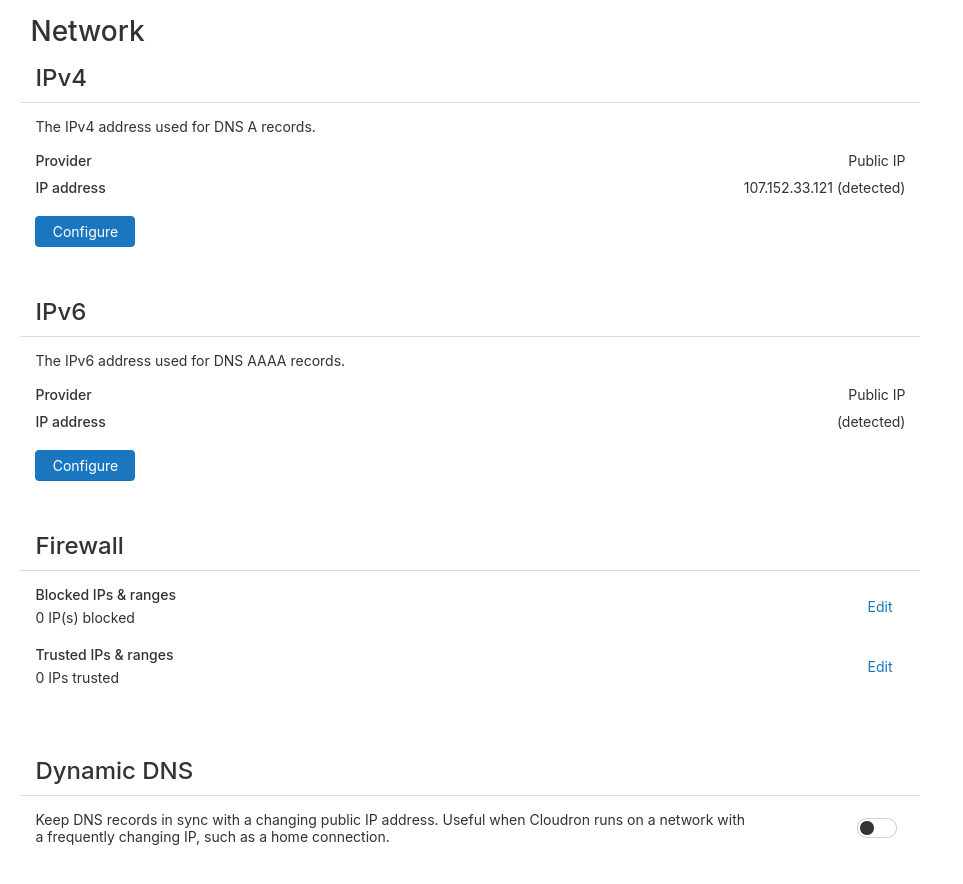
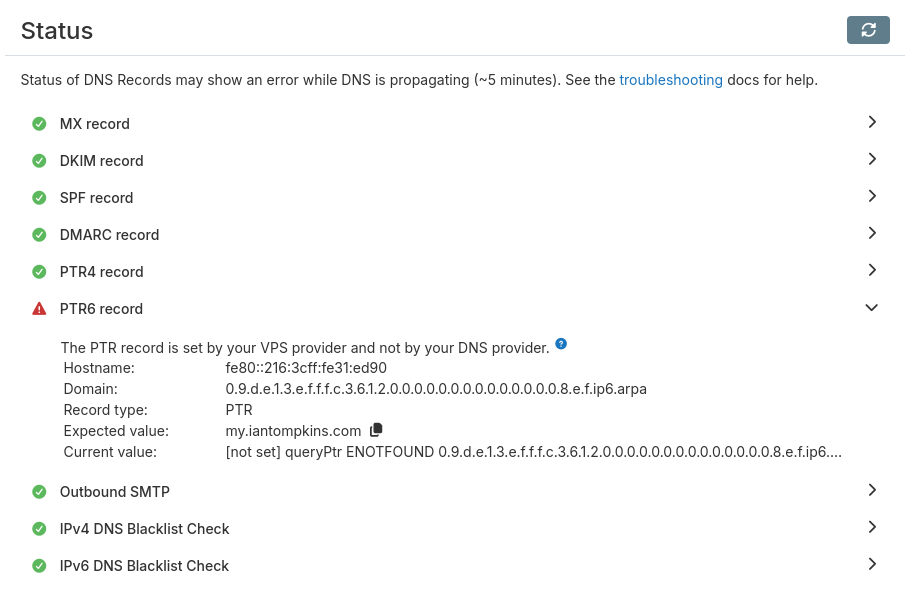
    Everything is working as far as I can tell. Should I ignore this, or should I do something to make collectd active? Based on cloudron-support --troubleshoot results below, maybe it's an issue with IPv6? That is currently over my head.

    Troubleshooting Already Performed

    I've restarted the server a few times with no change in behavior. I'm not sure what else to do.

    System Details

    Cloudron Version

    {
      "version": "9.0.13"
    }
    

    Ubuntu Version

    No LSB modules are available.
    Distributor ID: Ubuntu
    Description:    Ubuntu 22.04.5 LTS
    Release:        22.04
    Codename:      jammy
    

    Cloudron installation method

    Manual with ./cloudron-setup

    Output of cloudron-support --troubleshoot

    Vendor: Red Hat Product: KW
    Linux: 5.15.0-161-generic
    Ubuntu: Jemmy 22.04
    Processor' Intel(R) Xeon(R) CPU E5-2695 v4 H 2.10GHz x 4
    RAM: 4005200KB
    Disk: /dev/vda2 59G
    [OK] node version is correct
    [FAIL] Server has an IPv6 address but api.cloudron.io is unreachable via IPv6 (ping6 -q -c 1 api.cloudron.io) Instead of disabling IPv6 globally, you can disable it at an interface level. sysctl -w net.ipv6.conf.ethO.disable_ipv6=1
    For the above configuration to persist across reboots, you have to add below to /etc/syscti.conf net.ipv6.conf.ethO.disable_ipv6=1 
    
    Support collectd

  • collectd inactive after Ubuntu 22.04 upgrade
    B Beardmancer

    @necrevistonnezr @joseph Ah, got it, thank you for clarifying.

    For what it's worth, I was following the upgrade guide for Ubuntu 22.04 (https://docs.cloudron.io/guides/upgrade-ubuntu-22/) which indicates that it should be active. Probably a decent number of people will follow the same trail I did: Cloudron updates to 9.x --> Notification about 20.04 EOL --> Follow 22.04 upgrade guide. If none of these folks need to worry about the collectd step, it might be worth adding a note in the 22.04 guide. The 24.04 guide also mentions collectd.

    While it's fresh in my mind and I'm looking at it, is there any reason I should or shouldn't go ahead and upgrade to 24.04?

    Support collectd
  • Login

  • Don't have an account? Register

  • Login or register to search.
  • First post
    Last post
0
  • Categories
  • Recent
  • Tags
  • Popular
  • Bookmarks
  • Search