Cloudron makes it easy to run web apps like WordPress, Nextcloud, GitLab on your server. Find out more or install now.


Skip to content
  • Minio region issues after cloudron updates

    Unsolved Support minio backup update s3
    2
    0 Votes
    2 Posts
    7 Views
    jamesJ
    Hello @davejgreen said in Minio region issues after cloudron updates: Receive another Cloudron update and repeat. Do you mean this is the case for every Cloudron udpate, not only from Cloudron 8 to Cloudron 9?
  • Old system backups are not listed

    Unsolved Support update backup
    10
    1 Votes
    10 Posts
    292 Views
    J
    @archos said in Old system backups are not listed: and restoring an older app backup fails with the fsmetadata.json ENOENT error. Does this file exist in the storage?
  • Unable to update because low space is reported...

    Solved Support ubuntu disk space update
    9
    1 Votes
    9 Posts
    298 Views
    scookeS
    @Beardmann coffee. Drink coffee. Helps me.
  • Update from 8.3.2 to 9.0.x fails

    Solved Support update
    7
    1 Votes
    7 Posts
    286 Views
    D
    So turns out that potentially the issue is disk space. we ran the process again without changing anything - same result we clean up and enable at least 40 GB of space and relaunched the update process = successful update suggestions: better pre-update space check and verbose messaging about needed space for update
  • 1 Votes
    7 Posts
    453 Views
    perelinP
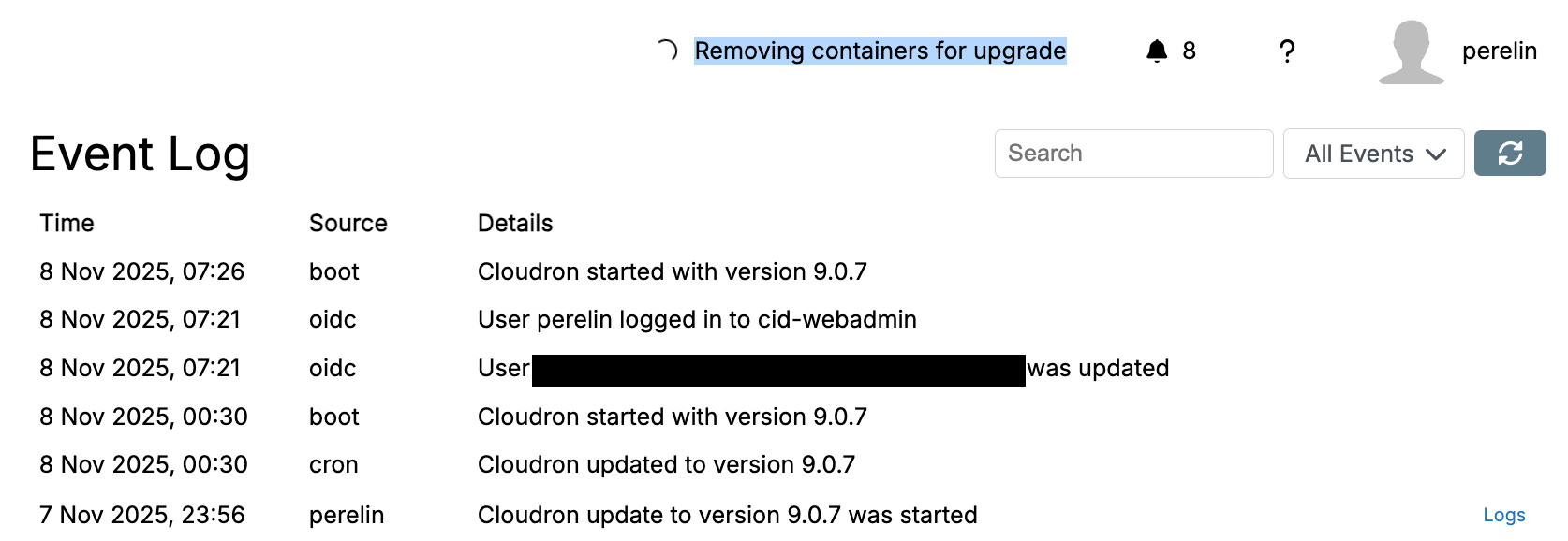
    Ok, based on the box.log file I got a LLM/Claude debug session going and it was pretty quick showing me, that there was a docker container (postgres) running that was attached to the Cloudron Network, but not managed by Cloudron. I think that was something I set up super early, before I understood how Cloudron works. Claude helped me dettaching it and now the update went through without issues and everything is running again. Thanks for the hint with the box.log file @joseph !
  • Why I am not getting cloudron updates

    Solved Support update
    2
    1
    1 Votes
    2 Posts
    130 Views
    J
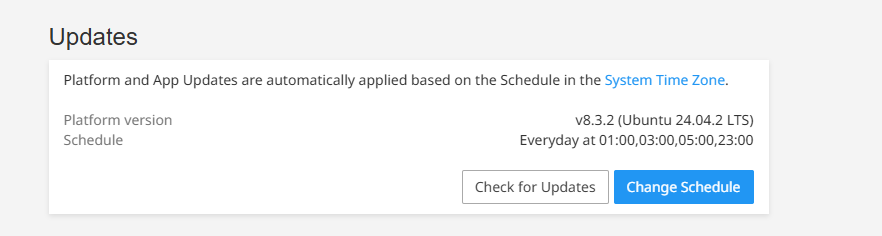
    @smitrparikh 8.3.2 is the latest stable version of Cloudron . If you are asking about Cloudron 9, it is being rolled out slowly. The update will appear in the coming weeks.
  • Update to v9 version

    Solved Support update
    2
    1 Votes
    2 Posts
    216 Views
    nebulonN
    Handled via support ticket
  • Update Cloudron to 9.0.5

    Solved Support update
    3
    2 Votes
    3 Posts
    266 Views
    nebulonN
    Done via support
  • Calls not working on updated instances past v2.2.22

    MiroTalk update loading
    10
    2 Votes
    10 Posts
    1k Views
    E
    I have just freshly reinstalled the app, because I ran into the issue. However, although the port has been set to 25000 automatically, I still have the issue.
  • Update status "requires manual update" via api

    Solved Feature Requests update
    5
    4 Votes
    5 Posts
    849 Views
    girishG
    This is implemented in https://git.cloudron.io/platform/box/-/commit/d7fdfd6d71c403f343f2e37dfc988f2c5a120898 . The app object now contains updateInfo . This has two fields isAutoUpdatable and manualUpdateReason (added in https://git.cloudron.io/platform/box/-/commit/84297ff473d6c0c100d2597e425c7edfe9481f8f)
  • Auto-update to 8.3 - various apps down - database issue

    Solved Support update postgresql pgvector
    27
    3 Votes
    27 Posts
    6k Views
    C
    @timconsidine You are so right. The best day for Team Cloudron is one in which there are no updates. I give @girish @nebulon @joseph an enormous amount of credit for the job they do. As someone who rolls out ~ monthly updates to users, every time that happens I pray that me and my team didn't miss something important. But it happens to all of us, despite good processes and best of intentions. But 8.3 will be replaced shortly with 8.3.1 and then 8.4 and then 9.0. And this difficult day will be replaced in everyone's memory by the great things that are yet to come!
  • 8.3.0: postgres upgrade failure

    Solved Support update postgresql
    5
    2 Votes
    5 Posts
    2k Views
    fbartelsF
    I could not let go if it, so I kept digging a bit. I had previously reset the memory limit back to its default, but bumped it to 6gb now for another test. This time the restore of Nextcloud went through. So now everything is operational again (and I also cleaned out some apps that had errors, but I was not using anyways anymore). To get back to a working state I needed to restore each up using a postgres database to the state from before the upgrade to 8.3.0. Else the app would have no data in their databases (Mastodon users and toots gone, Matrix rooms gone, for example).

  • Update to Cloudron 8.3 error

    Solved Support tasks crash update
    4
    1
    2 Votes
    4 Posts
    1k Views
    girishG
    I finally got to the bottom of this. Fixed in https://git.cloudron.io/platform/box/-/commit/fb39aa32bb0017b64af9c238fb81ba256862ecbb
  • 1 Votes
    74 Posts
    24k Views
    avatar1024A
    I use netcup too, I disabled IPv6 on the server entirely and since everything has been working with no issues. Though disabling IPv6 persistently on reboot was not straightforward and had to be done modifying netplan config, see above on the thread (https://forum.cloudron.io/post/102554).
  • 3 Votes
    4 Posts
    893 Views
    jdaviescoatesJ
    @joseph said in Two annoying issues after updating to 8.2.3 - seemingly both solved by rebooting my server: The second one is more confusing because the volume in use comes from db afaik (not sure how a reboot sorts db constraints!). The volume was in use. The problem was another volume just wouldn't mount. But as both the working in use mount and the not working mount were actually both mounts of the exact same Storage Box I thought perhaps removing the in use mount would help. It didn't. But after a reboot the non working mount mounted fine again. (although I guess it's conceivable this also had something to do with the other mount no longer existing - but I doubt it given both mounts seem to happily exist together pre update to 8.2)
  • 0 Votes
    3 Posts
    948 Views
    D
    Thanks, @nebulon—this worked!
  • 3 Votes
    2 Posts
    583 Views
    No one has replied
  • All Apps in Error state after updating to v8.0.6

    Solved Support update networking
    4
    1
    2 Votes
    4 Posts
    924 Views
    girishG
    node.js has a "happy eyeballs" quirk. This causes premature network errors when there is no ipv6 and ipv4 is slow. I have fixed this in https://git.cloudron.io/cloudron/box/-/commit/aefa481c43603d284346d58497b6ff5b462efd88
  • Is it okay to update SSH

    Solved Support update ssh ubuntu
    4
    1 Votes
    4 Posts
    1k Views
    nebulonN
    As far as I understand those CVEs they are not relevant in that context. For the first, we don't use those affected configs and the second is for the ssh-agent. Given that the Ubuntu team usually knows what they do and are working closely together with upstream projects, there seems no need here to go beyond their recommendations of versions they push out via security updates.
  • 1 Votes
    5 Posts
    898 Views
    hareenH
    @joseph , Running 'cloudron-support --recreate-containers' fixed the issue. Thank you.