
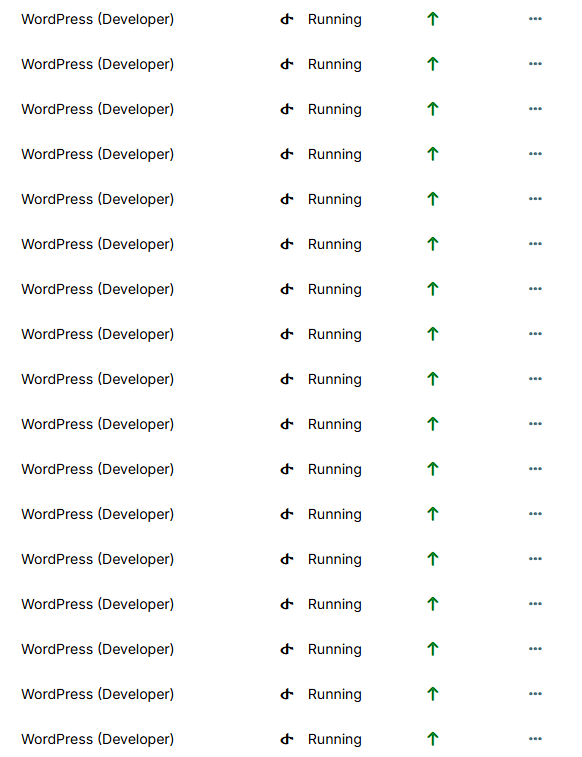
How do I mass update hundreds of my WordPress websites?
I can't select which ones to update by checking the boxes to perform a mass update.
 I
I
How do I mass update hundreds of my WordPress websites?
I can't select which ones to update by checking the boxes to perform a mass update.
@james it has been resolved due to small php memory
@p44 Yes, I tried this and it worked. The small PHP memory was causing the backup to always fail.
I have the same problem. I can't add my new domain. I usually use bunny to add domains, including the apikey from bunny and the domain from namecheap. Usually, propagation is quite easy and fast for namecheap. But it's been 2 days since I can't add my domain.
I'm using All in One WP Migration with the GDrive extension. However, when I schedule it, it doesn't work. I don't understand what the problem is. However, when I perform a manual backup, everything works fine. So, the problem lies with the scheduling.
Is this conflicting with the backups on Cloudron? However, I'm implementing Cloudron backups on Vulrt Storage. For WordPress migrations, I'm already comfortable and subscribe to All in One WP Migration, especially with the features it provides for storage issues across the various available storage servers.
@scooke I'm using All in One WP Migration by adding the GDrive extension. But when I schedule it, it doesn't work. I don't understand what the problem is. However, when I manually back up, it works fine. So the problem is when this is scheduled.
I’m experiencing an issue with my WordPress app on Cloudron. The site was running fine on version 6.7.2, but after an automated update attempt to WordPress 6.8, the app is no longer accessible.
The dashboard displays the following error:
"This app is currently not responding. Please try refreshing the page in a few minutes."
I’ve tried restarting the app from the Cloudron dashboard, but the problem persists.
Has anyone encountered a similar issue?
What’s the recommended way to recover the app or roll back the update?
Thanks in advance for any help!