I setup Matrix and have added my admin user via this (I did edit the username for my instance but do not include here):
PGPASSWORD=${CLOUDRON_POSTGRESQL_PASSWORD} psql -h ${CLOUDRON_POSTGRESQL_HOST} -p ${CLOUDRON_POSTGRESQL_PORT} -U ${CLOUDRON_POSTGRESQL_USERNAME} -d ${CLOUDRON_POSTGRESQL_DATABASE} -c "UPDATE users SET admin=1 WHERE name='@myuser@mydomain.com'"
I setup federation by adding the on the bare domain on port 443 in the well known locations in Cloudron, and it appears to work when I go to federationtester.matrix.org.

I have updated the yaml by placing these two lines in the end:
# By default an instance cannot be added for room discovery in other instances. To enable this feature to make public rooms discoverable, add the following to the config file at /app/data/configs/homeserver.yaml:
allow_public_rooms_over_federation: true
#MSC1772: Matrix Spaces support can be enabled by editing /app/data/configs/homeserver.yaml using the File Manager and adding the following line:
experimental_features: {spaces_enabled: true}
I have no identity server setup and don't know if I need one (please advise). I am trying to add some rooms back that I was a part of through my account on matrix.org (such as Linux Mint and Asahi Linux), but my search results are very limited. I see maybe 100 or so rooms on the public matrix.org listing.

I'm absolutely positive that this is user error, but how can I get access to the full list of public rooms available?
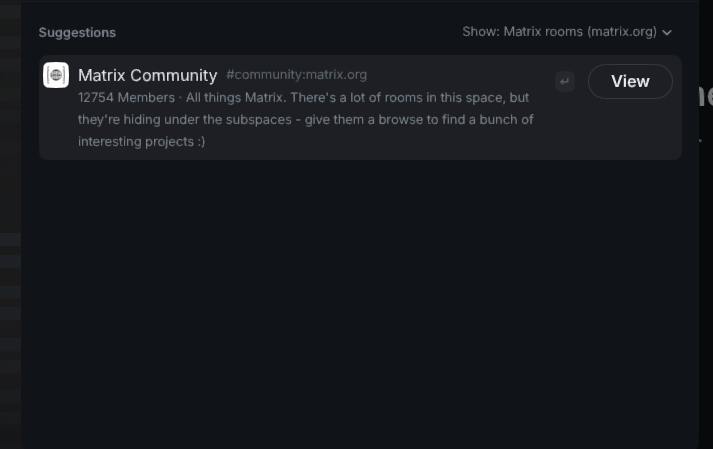
Public spaces is the same - I have one available to join:
Thanks in advance for any pointers on what I did wrong. Thanks