
Dual document editor
-
Increasingly I need to edit 2 documents at the same time, side by side, or at least edit one while reviewing the other (e.g. Dockerfiles from different projects, package.json from different projects).
But I can't find a GUI editor which supports that (on Mac). The best I can do is use tabs, and flip between them, but that's not side-by-side, or have multiple windows and clumsily tile them next to each other, which is bastard-ised side-by-side.
The only "solution" is to use a bloated RAM-hungry IDE or Scrivener (not bloated but heavyweight). These also tend to work best when the files are in the same project folder, but the whole point is they are usually not, and I do not want them to be, even temporarily.
Very grumpily, I've decided they're not really acceptable solutions, and I am not open to a "workaround".
So with
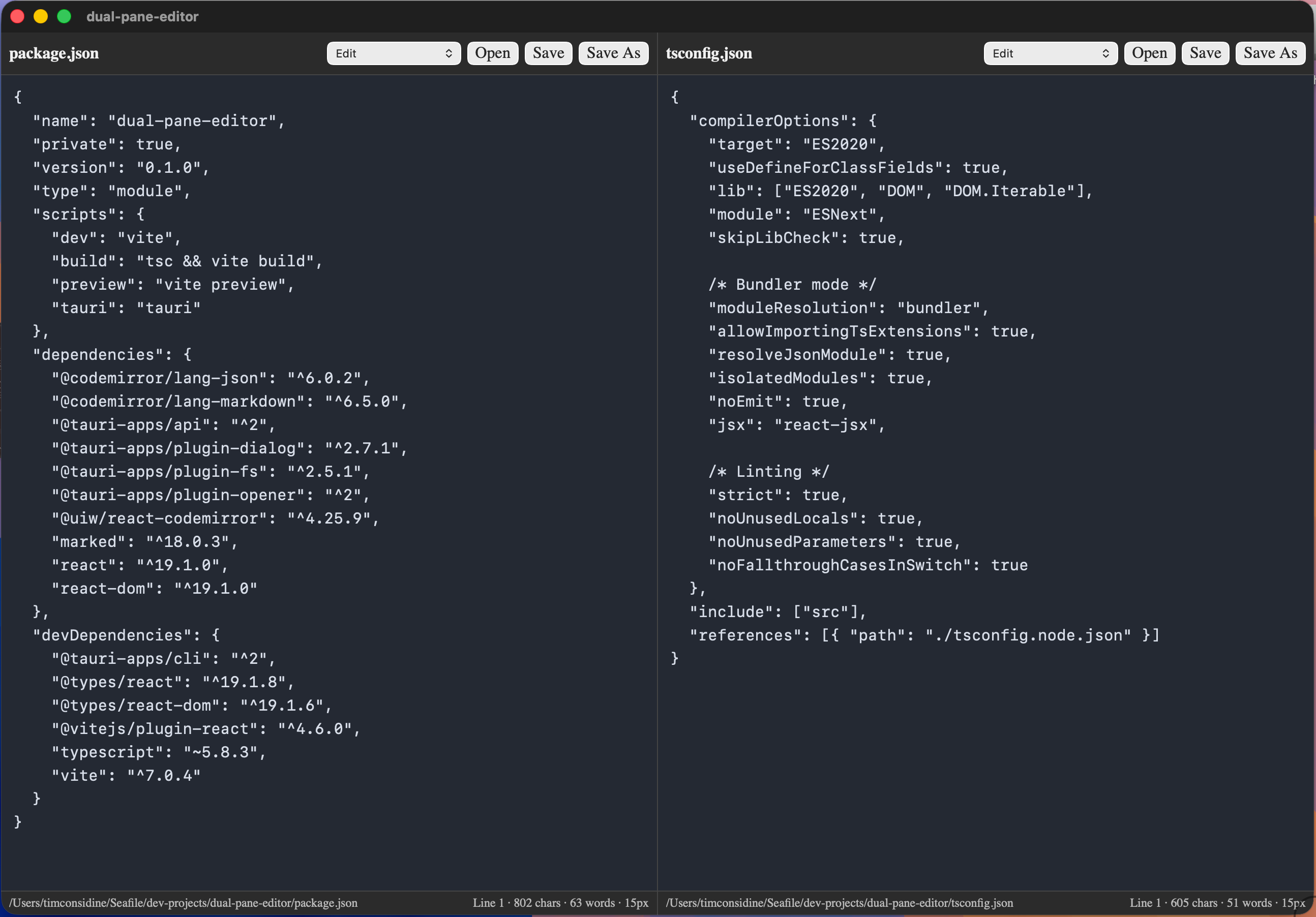
topshowing biggest resource-drain as "frustration" at 200%, I made my own lightweightdual-pane-editor: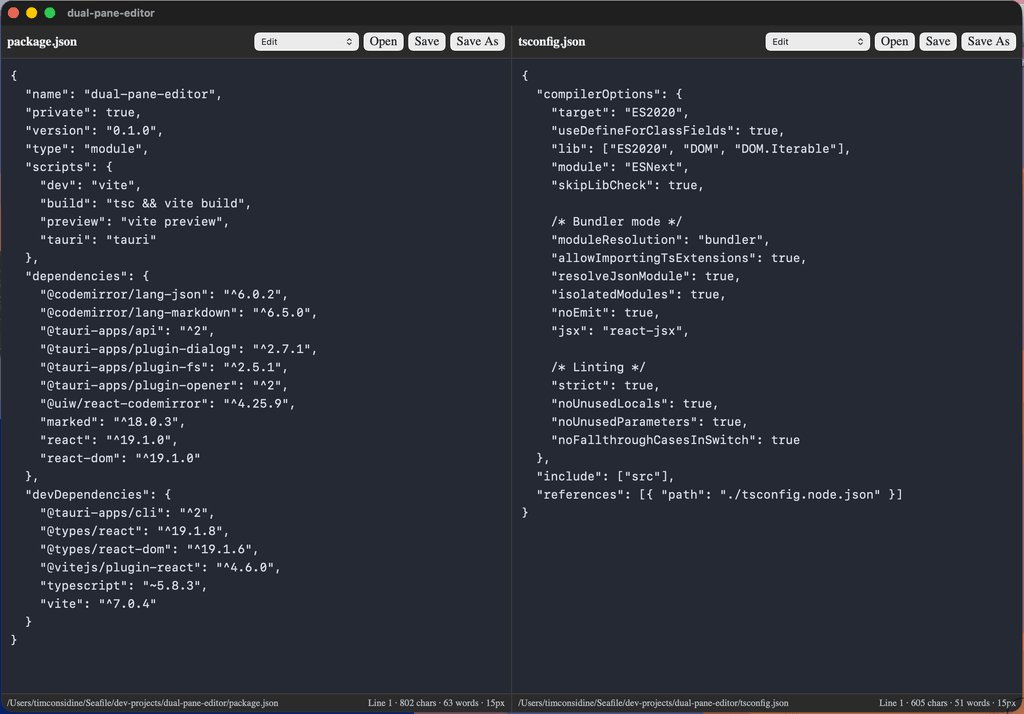
True lightweight side-by-side editing of unrelated documents, no tabs, no multiple windows, for .md, .txt, .json, .html or any other plain text files. Bonus : opensource and cross-platform.
topnow shows frustration as 0.0%, running app at ~1.0% and joy at 100%.Question(s) :
- is this worth sharing (GitHub or similar)?
- how do you clever Cloudronados address this issue ?
-
Very cool. FWIW, Phoenix Code can have two files open in panel view, side by side. You just need to turn off Live Preview to get that second panel. Also, even though it is the successor of Brackets, it has one odd requirement - all open files must live inside their respective Project folder. You can't just open a random file in a random folder, unlike Brackets.
Sublime Text can open two windows, costs USD 99, and you need to tile them by hand.
JEdit also has dual pane side by side.
Your solution is cool, and making it accessible on GH would attract attention. Do you have time for that?
-
BBEdit has a Split Text view, but that's stacked vertically and of the same file.
So you are on to something very useful, as the advanced desktop file managers/explorers did this for files across different dirs.
Why not for editing files?
If nothing else, publish it and we'll share it to get some FOMO out there and see if the other editor projects pick it up as a distinguishing feature.
-
BBEdit has a Split Text view, but that's stacked vertically and of the same file.
So you are on to something very useful, as the advanced desktop file managers/explorers did this for files across different dirs.
Why not for editing files?
If nothing else, publish it and we'll share it to get some FOMO out there and see if the other editor projects pick it up as a distinguishing feature.
-
Public Repo : https://github.com/slfhstr/dual-pane-editor
-
Nice! I'm using Nova which has this function. It's not open source though.
@andreasdueren thanks, I didn't know about Nova




Hello! It looks like you're interested in this conversation, but you don't have an account yet.
Getting fed up of having to scroll through the same posts each visit? When you register for an account, you'll always come back to exactly where you were before, and choose to be notified of new replies (either via email, or push notification). You'll also be able to save bookmarks and upvote posts to show your appreciation to other community members.
With your input, this post could be even better 💗
Register Login