
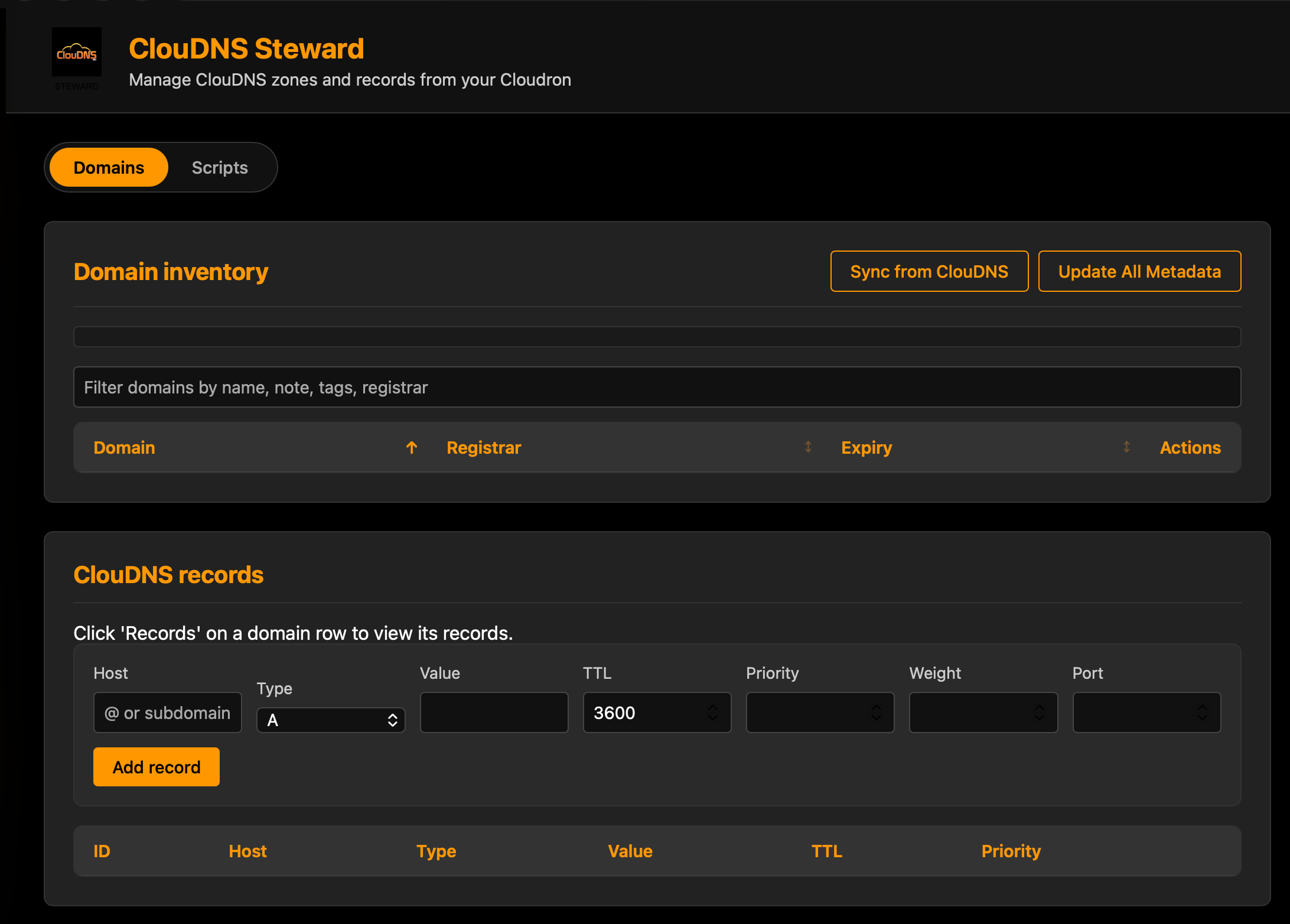
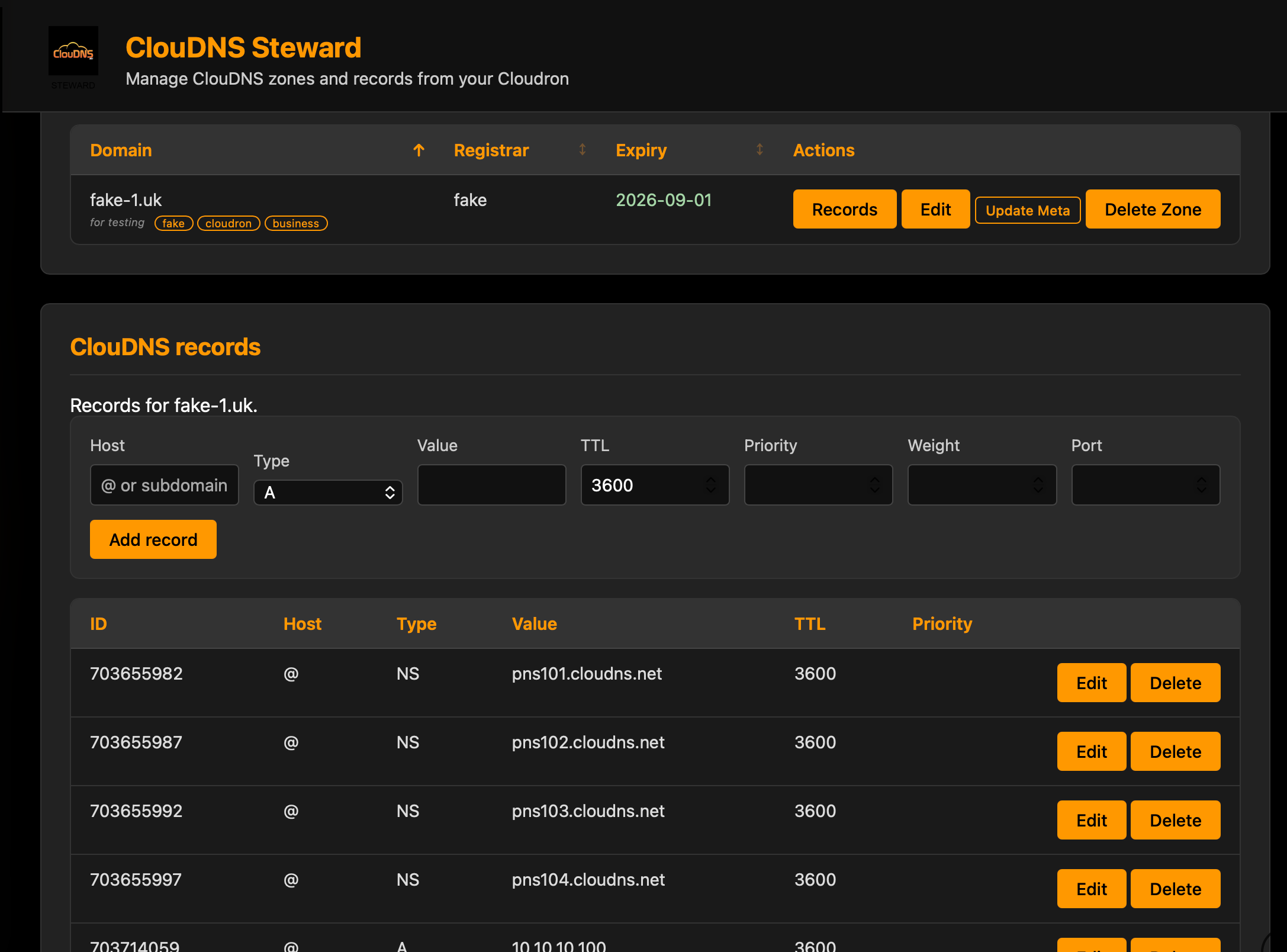
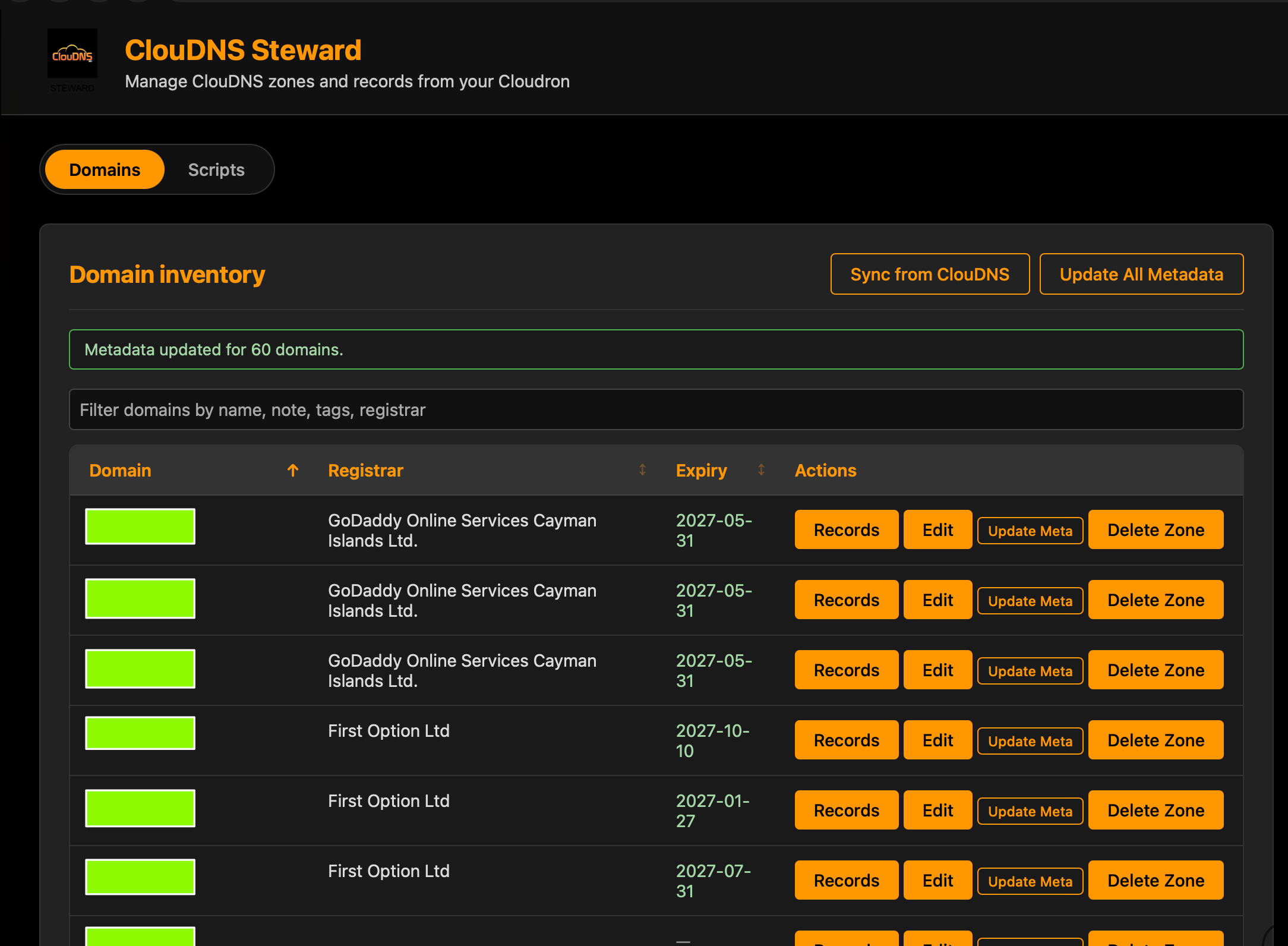
ClouDNS Steward - manage domains & ClouDNS config
-
I tried to install it with my private Cloudron CCAI instance, but I get this error:
[14:24:59] Repository URL provided: https://git.cloudron.io/timconsidine/cloudron-cloudns-steward
[14:24:59] Server will auto-detect default branch and construct manifest URL
[14:24:59] Starting installation process...
[14:24:59] Installation started. Streaming logs...
[14:24:59] ERROR: Failed to check installation status: The string did not match the expected pattern.
What string is it that I have to check?
@Kubernetes generally you don't have to check anything.
it is an internal check to deal with the fact that a custom app could come from GitHub, gitlab or gitea, and could be on main or master or even maybe another branch.Coincidentally I am actually at this precise moment working on an update to CCAI-P to deal with an inherited (legacy CCAI) auth issue.
Disappointingly I got same result as you when seeking to replicate deployment of cloudns-steward. Not cured by :
- restarting CCAI-P
- replacing
:latesttag with:v1.0.24
So give me a moment and I will look into it further.
-
@kubernetes I just successfully installed ClouDNS Steward using CCAI-P.
[14:07:09] Repository URL provided: https://git.cloudron.io/timconsidine/cloudron-cloudns-steward
[14:07:09] Server will auto-detect default branch and construct manifest URL
[14:07:09] Starting installation process...
[14:07:09] Installation started. Streaming logs...
[14:07:09] [2026-01-20 14:06:48] Verifying Cloudron credentials...
[14:07:09] [2026-01-20 14:06:49] Credentials verified successfully
[14:07:09] [2026-01-20 14:07:09] Cleaning up any existing installer directory...
[14:07:09] [2026-01-20 14:07:09] Creating temporary directory for installation files...
[14:07:09] [2026-01-20 14:07:09] Repository URL provided: https://git.cloudron.io/timconsidine/cloudron-cloudns-steward
[14:07:09] [2026-01-20 14:07:09] Server will auto-detect default branch and construct manifest URL
[14:07:09] [2026-01-20 14:07:09] Trying https://git.cloudron.io/timconsidine/cloudron-cloudns-steward/-/raw/main/CloudronManifest.json
[14:07:11] [2026-01-20 14:07:09] CloudronManifest.json downloaded successfully
......
I'm pretty sure it is the legacy CCAI-P issue on auth timeouts - bad search string was a red herring. Your logs did not show my auth confirmation. Fixing it now.
In the interim, you can press the logout button and then press the Connect button in middle of page, and you can proceed to install ClouDNS Steward
-
@kubernetes
timeout bug fixed in CCAI-P
new version pushed out
guess I should implement an update function as well as an install function.in the interim, as you are a dev and probably have cloudron cli installed, you can do :
cloudron update --app <yourappname.domain.tld> --image tcmbp132021/cloudron-customapp-installer-personal:latestThis will (should
 ) mean your CCAI-P stays logged in, no auth timeouts, until you press Logout.
-
Hm, instead of <yourappname.domain.tld> it should be the App Id, right?
However, it failed with error that the Manifest is missing...
I uninstalled and installed the CCAI-P App again on my cloudron, but now it fails when trying to install ClouDNS Steward with this error (in fact already after Login):Verification failed (code 1): (node:67) Warning: Setting the NODE_TLS_REJECT_UNAUTHORIZED environment variable to '0' makes TLS connections and HTTPS requests insecure by disabling certificate verification. (Use `node --trace-warnings ...` to show where the warning was created) Failed to list apps: Invalid token. Use cloudron login again. -
Hm, instead of <yourappname.domain.tld> it should be the App Id, right?
However, it failed with error that the Manifest is missing...
I uninstalled and installed the CCAI-P App again on my cloudron, but now it fails when trying to install ClouDNS Steward with this error (in fact already after Login):Verification failed (code 1): (node:67) Warning: Setting the NODE_TLS_REJECT_UNAUTHORIZED environment variable to '0' makes TLS connections and HTTPS requests insecure by disabling certificate verification. (Use `node --trace-warnings ...` to show where the warning was created) Failed to list apps: Invalid token. Use cloudron login again.@Kubernetes I never use the app id but that is an option
silly question : when you re-installed the app, did you populate the credentials in /app/data/config.json ?
If you did, then I'm confused and will have to investigate. But looks to me like CCAI-P can't find /app/data/config.json (installation / reinstallation provides /app/data/config.sample.json) or it find the file but it doesn't have the creds in it.
Indie app dev, scratching my itches : communityapps.appx.uk, portfolio at myca.appx.uk
-
@Kubernetes I never use the app id but that is an option
silly question : when you re-installed the app, did you populate the credentials in /app/data/config.json ?
If you did, then I'm confused and will have to investigate. But looks to me like CCAI-P can't find /app/data/config.json (installation / reinstallation provides /app/data/config.sample.json) or it find the file but it doesn't have the creds in it.
@timconsidine Yes, I did, and also did restart the App.
-
@timconsidine Yes, I did, and also did restart the App.
@Kubernetes sometimes I just hate IT

-
-
So @timconsidine do you use CloudDNS still? Was thinking of adding DNS integration to Cloudron.
@girish yes, I do !
I know there are other good ones out there, but ClouDNS does me very nicely.
Mostly interact with it through my app, not so much in their Dashboard. -



Hello! It looks like you're interested in this conversation, but you don't have an account yet.
Getting fed up of having to scroll through the same posts each visit? When you register for an account, you'll always come back to exactly where you were before, and choose to be notified of new replies (either via email, or push notification). You'll also be able to save bookmarks and upvote posts to show your appreciation to other community members.
With your input, this post could be even better 💗
Register Login