
How to set up backups after "noop" selected?
-
I had an expensive backup bill and selected "noop" to prevent data from going to my backup provider (digital ocean).
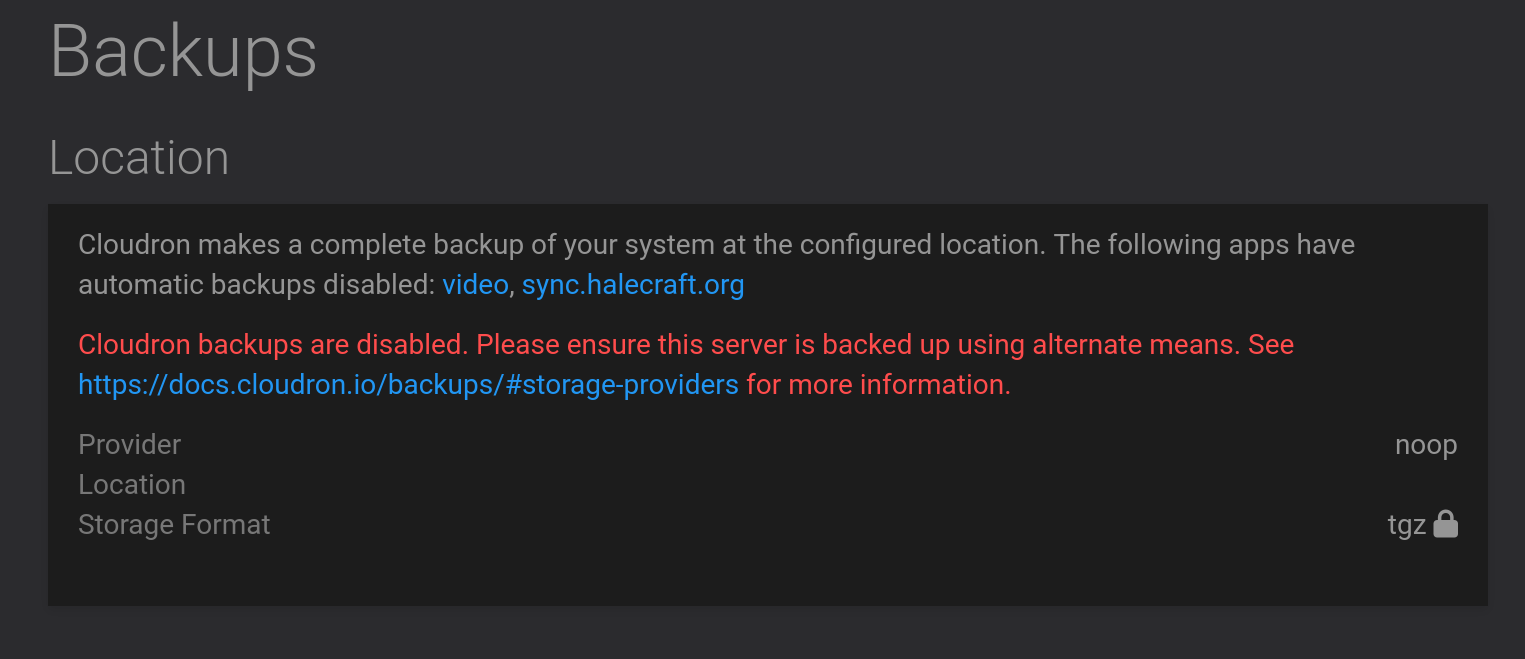
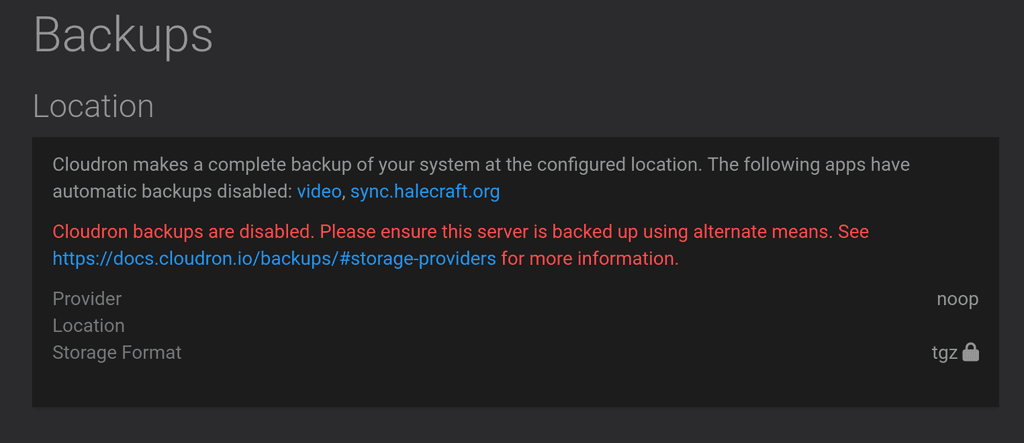
Now, however, I can't seem to choose anything to get it back to a working backup state. There used to be a dropdown menu (which is how I selected "noop") but now there is just a text message.
How do I configure my cloudron instance to do backups again?
-
While investigating this issue, I discovered a small bug in the "noop" code:
/home/yellowtent/box/src/backupformat/tgz.js:28If you'll note, at line 28,
fileTypeis not yet defined, and therefore throws an error.Unfortunately, this does not fix my issue. The dropdown box is still missing.
-
 N nebulon marked this topic as a question on
-
Thanks for the hint on that bug! Fixed with https://git.cloudron.io/cloudron/box/-/commit/340ea3fe9bfa16a1fb2e810acebc62d50223ea1a
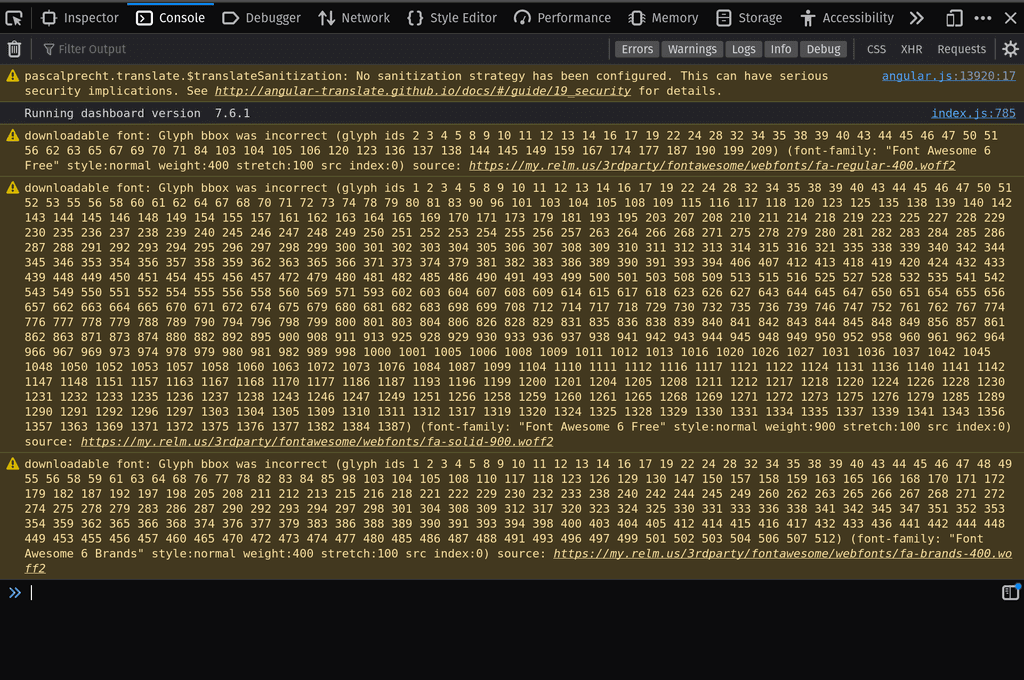
For the other issue, do you see any errors in the browser console?
-
BTW, for now, I have resorted to modifying the box db (settings table) directly in order to restore backup capability. The dropdown still does not show itself.
-
looks like its in some inconsistent state then if the UI does not show the appropriate fields. Also I noticed that in your initial screenshot the Location is empty, which seems like you hit a bug we had in the past. Maybe you could enable remote SSH support for us and send a mail to support@cloudron.io with the Cloudron details and we can check this directly.
-
looks like its in some inconsistent state then if the UI does not show the appropriate fields. Also I noticed that in your initial screenshot the Location is empty, which seems like you hit a bug we had in the past. Maybe you could enable remote SSH support for us and send a mail to support@cloudron.io with the Cloudron details and we can check this directly.
@nebulon said in How to set up backups after "noop" selected?:
Maybe you could enable remote SSH support for us and send a mail to support@cloudron.io with the Cloudron details and we can check this directly.
Done, thanks.
-
For the record, the resolution was that I had two accounts, one an admin and one a superadmin (both with a similar username). I believe that my logging into an app as the admin caused my current account in Cloudron to also become admin. This hid the "Configure" button in the Backup section--while admins can see the backup settings, only the superadmin can change them. Logging out of the admin account immediately gave me access to superadmin again.
-
 G girish has marked this topic as solved on

Hello! It looks like you're interested in this conversation, but you don't have an account yet.
Getting fed up of having to scroll through the same posts each visit? When you register for an account, you'll always come back to exactly where you were before, and choose to be notified of new replies (either via email, or push notification). You'll also be able to save bookmarks and upvote posts to show your appreciation to other community members.
With your input, this post could be even better 💗
Register Login