Cloudron 9.0 (beta) bug reports
-
Hello @d19dotca, @Neiluj and @Bedrijfstak14 - thank you for the detailed feedback.
Firstly, I am no web designer by any means, so all my opinions can be discarded if you have a better idea.
And please, share your ideas.
1. and 2. good point!
3. I can second your opinion. Maybe we should give the bar a visible border in the same blue color? Suggestions on styling are very welcome
4. Understand where you're coming from, like spreadsheets where you alternate between white and gray to faster separate each row.
There are many options to make tables more readable.
In my opinion to not clash with the aesthetic of the otherwise clean UI, maybe a visual cue based on hover over might be a good idea?
But the hover over might not be the best for mobile view then.
5. good point
@Neiluj
1. I see, you are missing the footer in the dashboard. Maybe this should be re-added. I know some Cloudron hosters that put
Need Help?there with a link to their internal support chat. Ah, reading further after your screenshot, you do the same.
2. Nice suggestion this might indeed be a good replacement for the old footer
3. good to think about it
4. good catch, should only be visible if the permission level matches
Thanks for the report, we are looking into it.
-
Hi there,
Cloudron v9 is amazing, and I really like the new interface.
However, I believe I have found a bug. I have created a test instance on AWS. When I add a domain for which the DNS is on Cloudflare, I cannot enable the proxying option (see error).
When I uncheck the "enable proxying" box, the domain gets added. I have tested this with multiple domains, but the result is the same.
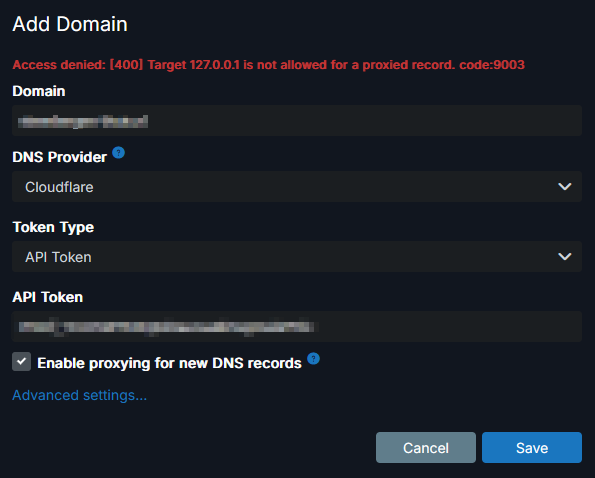
@Bedrijfstak14 thanks , that one was already fixed in 9.0.1 - https://git.cloudron.io/platform/box/-/commit/e9318d7f11e1198ab988825fed31b0f42e262718
-
Just use the demo Cloudron and love the UI updates, a nice refresh for sure!
 Kudos, and great job as always! I'm always proud of the work you guys do, and I hope you are as well.
With that said, I did want to offer some feedback (not bugs per-se but more feedback that I saw in a quick explore of the demo):
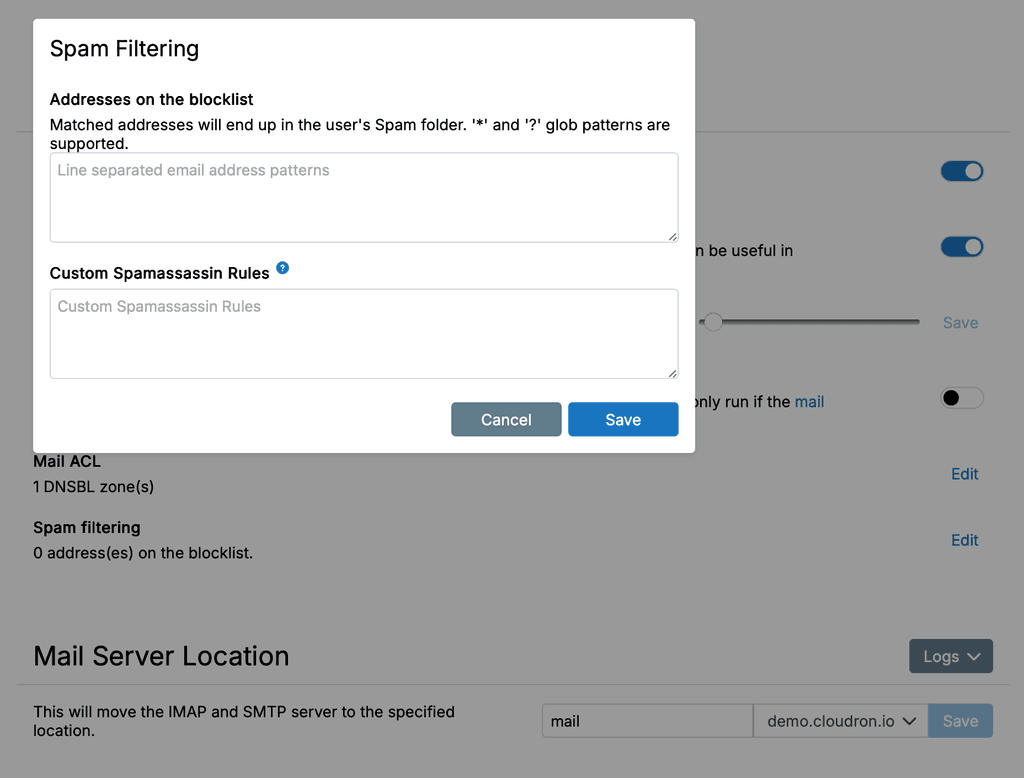
- The Spam Filtering box seems like it wasn't touched in the UI. I think it should be much larger (and the number of lines in each box should also be much larger, perhaps adapting dynamically to the viewport height), as right now it's sort of just a small window/pop-up in the upper left corner of the boxed page width.
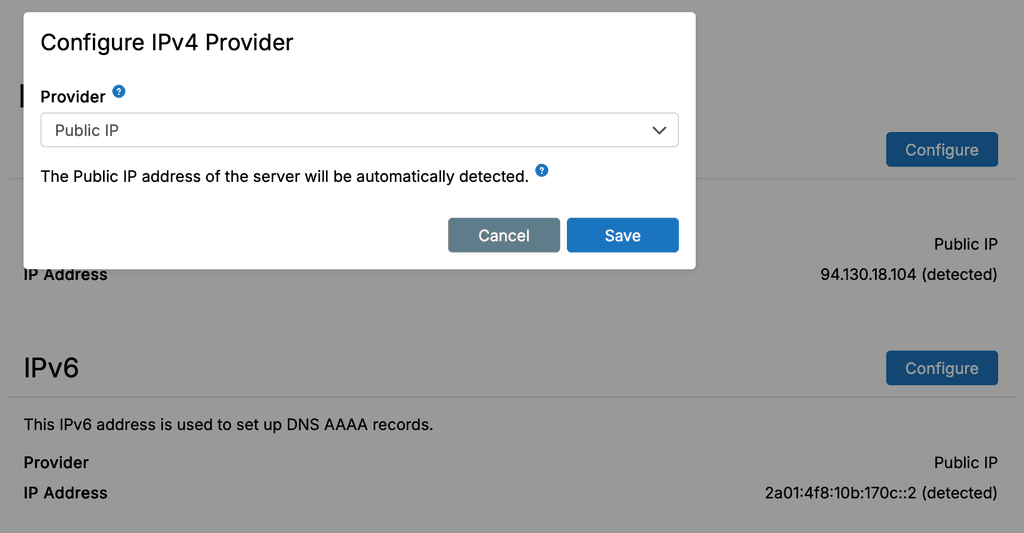
- Same as #1 but for the pop-ups for IPv4 and IPv6 provider configurations. This actually seems to go for many of the pop-ups/overlays.
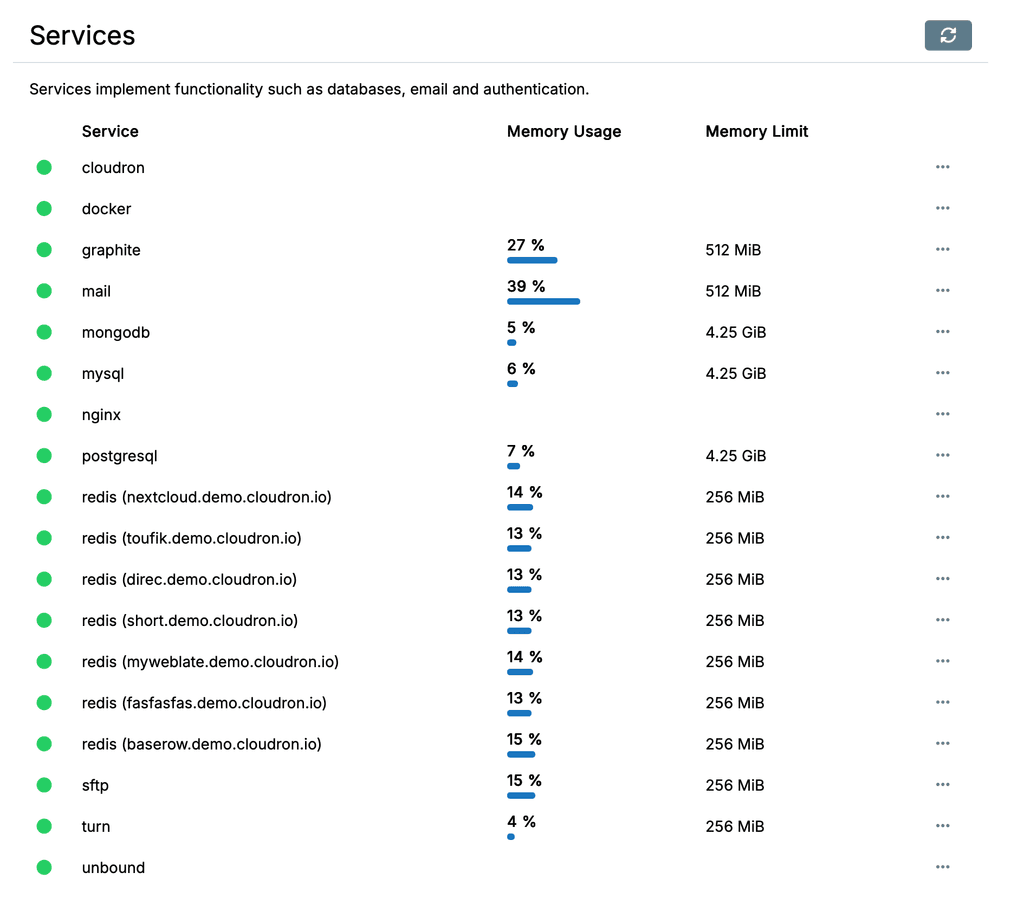
- The Services page memory usage column could probably use a bit of a start/end visual indicator, so that it's easy at a glance to see what is close to filling up. Maybe it's something I'll get used to, but since it's a percentage and visual for it, I'd normally anticipate having some sort of start & end lines so the percentage is much more visibly apparent in the bar part. Hopefully that makes sense, I may not be explaining that well.

4. If there is only one disk recognized, maybe make this full-width for the content box rather than only 50% of the width? Otherwise it feels unnecessarily cramped.Actually on second thought, maybe this one doesn't make sense, because then there may be too large a gap between the App name and Size columns which wouldn't be easy to follow unless each row was a different soft alternating background colour for example. So maybe it's fine the way it is?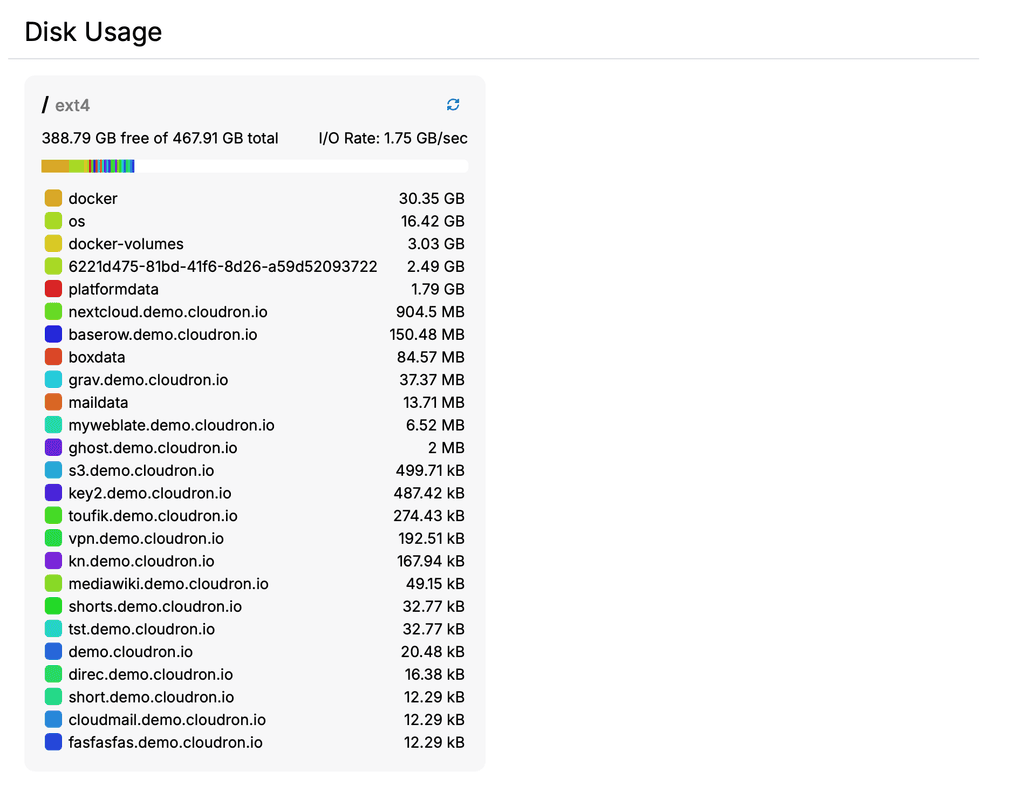
- The mailboxes list feels like it should be clickable rather than needing to click the three-dot menu to the right side. This would make it behave much like the mail domains page where the full domain is clickable. Right now the difference in those two pages feels a bit disjointed in behaviour. Same goes for the Users page and Domains page as well. Either that, or make the domains under Mail behave the same as all the other ones for consistency.
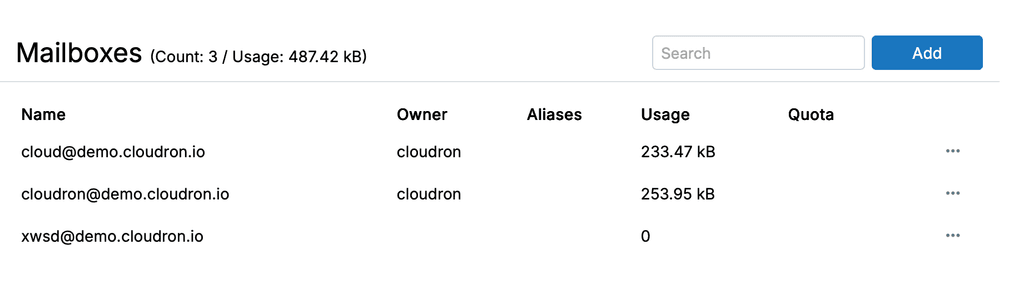
@d19dotca said in Cloudron 9.0 (beta) bug reports:
The mailboxes list feels like it should be clickable
For all the table views, the idea is to have some sort of "favorite"/"common action" buttons to the left of the "..." . And also some default action . We will have this for 9.1 most likely.
-
Hi there - thanks for the great work on v9.
For the little I played with, it looks and feels great so far.From the demo server, I will pinch in with a couple of questions/comments too:
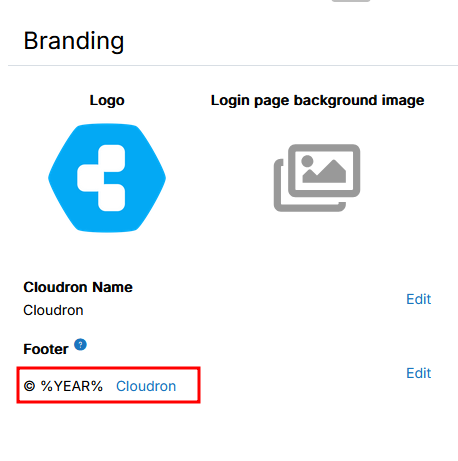
- 1 - Branding - Footer: This seems to be available only from the login page and not from the dashboard anymore. is this intended?
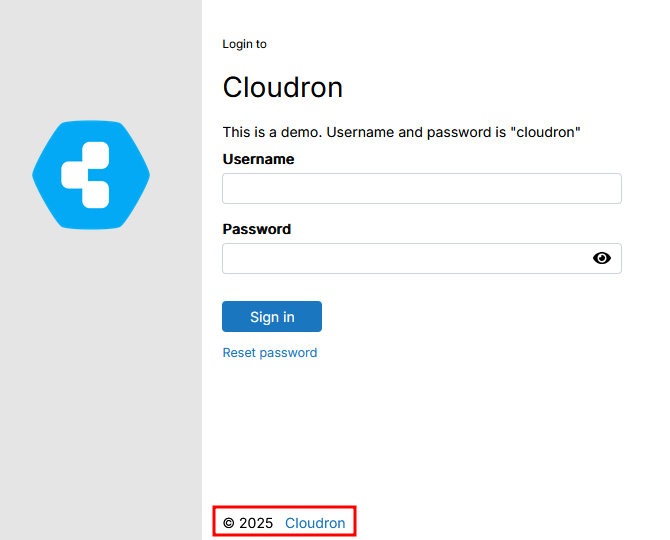
In v8, we store some references and links to internal help documentation etc in the footer. So I wonder if/what could replace this in v9?
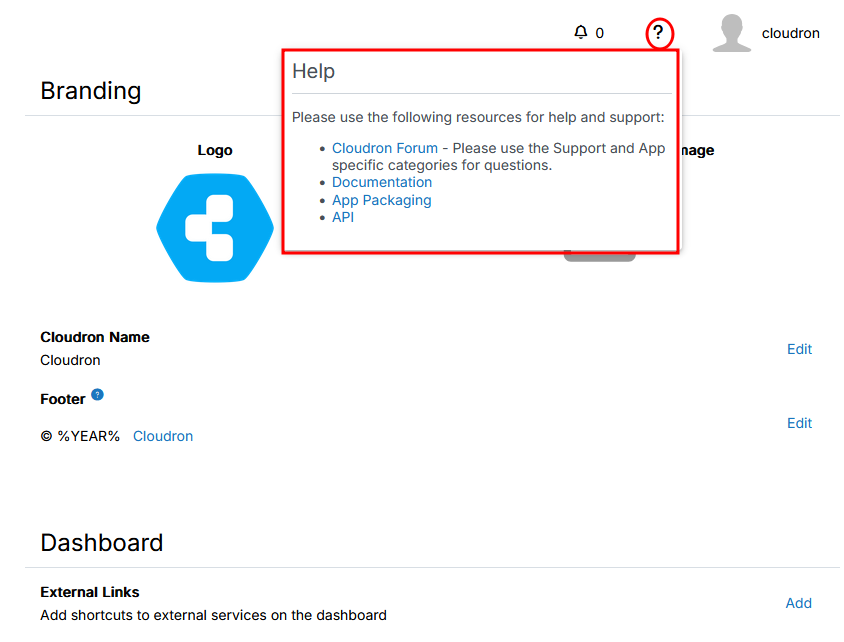
- 2 - The help menu:
Is this something visible to all users?No it is not, tried and saw.- Related to the point above, instead of the footer, potentially, I would love the opportunity to have such an help menu option for non-admin users, so long as the content is editable / amendable by admin. I hope that I make sense
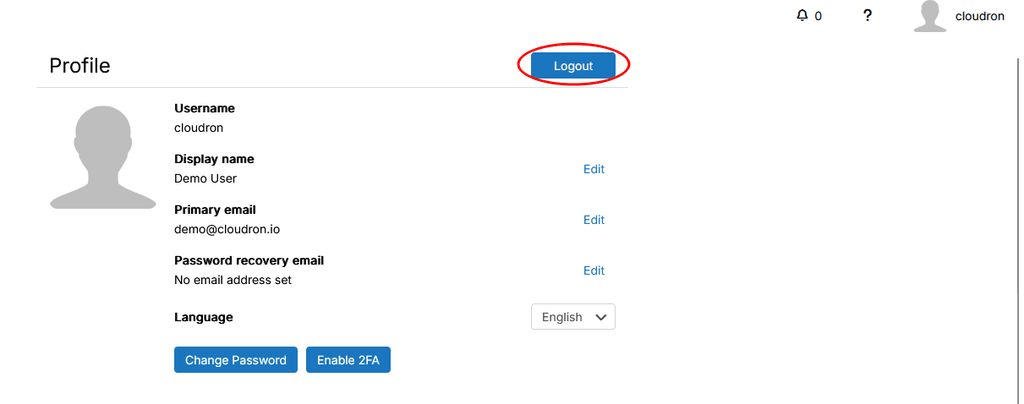
- 3 - Log out - This is for sure a matter of tastes and colour etc.. but since I got confused initially: working on a fairly big screen I looked for the logout button for longer than I believe I should. Instinctively (or maybe from previous version) I was looking for it below the username as I clicked on it.
Then I noticed it on the profile page.
Maybe it is only me, but should it remain there, then I would suggest potentially a change of colour, to something that pops up a little bit more.
- 4 - Menu item for user with User Manager priviledges (possibly this is not tied to v9 entirely)
At the moment, a user with a user manager role see the following menu items
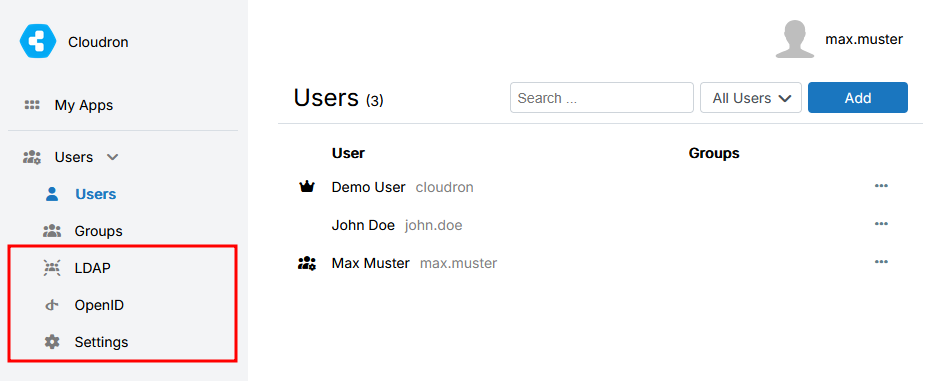
Clicking on the LDAP/OpenID/Settings option open the "My Apps" page.
While I think it is right that the User Manager does not have access to these options, I think that the options should simply not be visible, rather that to open another / different page. This is likely to create confusion.I hope that it makes sense.
Speaking personally, v9 gives already a very nice feeling.
This is it for now and my short play around - I might pop back in later on with more.
Many thanks for all the work and support in the background!@Neiluj said in Cloudron 9.0 (beta) bug reports:
While I think it is right that the User Manager does not have access to these options, I think that the options should simply not be visible, rather that to open another / different page. This is likely to create confusion.
Whoops, that's a bug. They should not appear at all indeed, fixed now. User Manager role just has ability to add/remove users and groups and that's about it.
-
Just updated to 9.0.1, /#/server still doesn't show stats and the trim error got replaced with this one, which is odd, because the disk stats are actually working when clicking on the "Details" button, but the rest of the graphs aren't:
box:metrics BoxError: Could not get disk stats
    at readDiskMetrics (/home/yellowtent/box/src/metrics.js:115:27)
    at async readSystemMetrics (/home/yellowtent/box/src/metrics.js:154:25)
    at async pipeSystemToMap (/home/yellowtent/box/src/metrics.js:425:21)
Browser console says this "Uncaught TypeError: can't access property "blockReadTotal", metric is undefined"
-
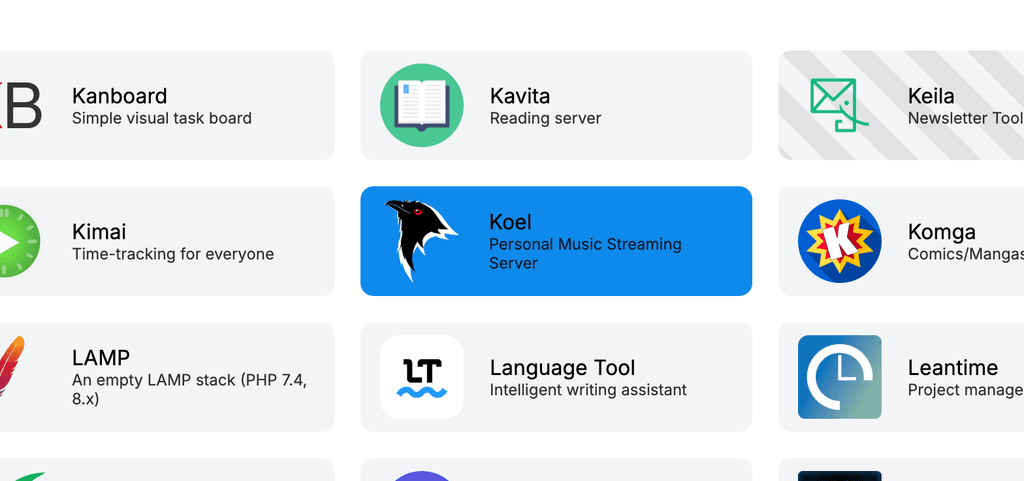
I'd suggest improving contrast on the app store cards for better visibility. Something like this with stronger highlight on hover.
-
Hi,
while testing version 9.0.1 i run into domain limit.
 Is this a new limit?
Greetings
Christian -
When in the
/#/system-updateview, while editing the values, the hours-dropdown doesn't show the current values and if I select one, it selects them all.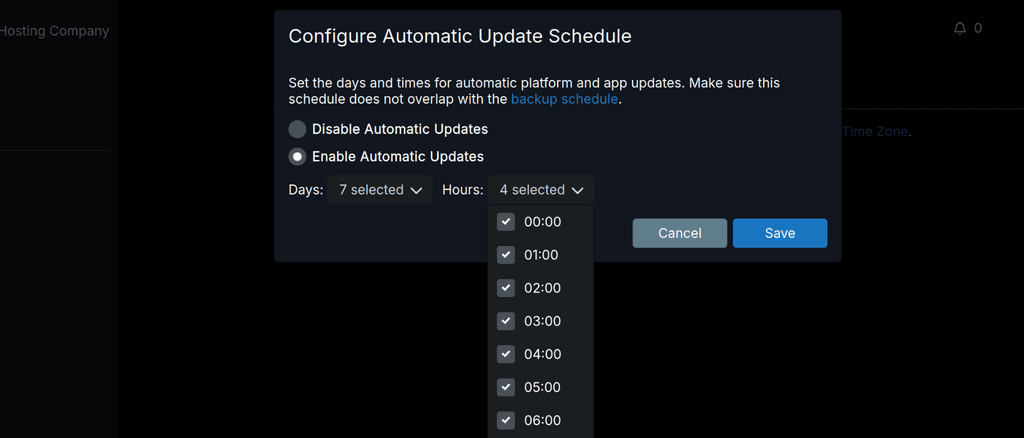
When trying to select a day, the dropdown just disappears and the console shows "TypeError: can't access property "value", item is undefined"
-
For these new notification settings it would also be nice to send an optional webhook or something. I am for example using ntfy for all kinds of notifications and would definitely prefer this channel over E-Mail.
-
Here is what I noticed is off:
- Looks sharp with a few caveats, speed of info being populated. The UI loads first, then the dynamic parts start coming in a few seconds later. Can this be cached? Feels slower than previous UX.
- The sidebar doesn't appear to be able to dock or minimize to the icons, or be adjusted in width. Makes everything on the right smaller.
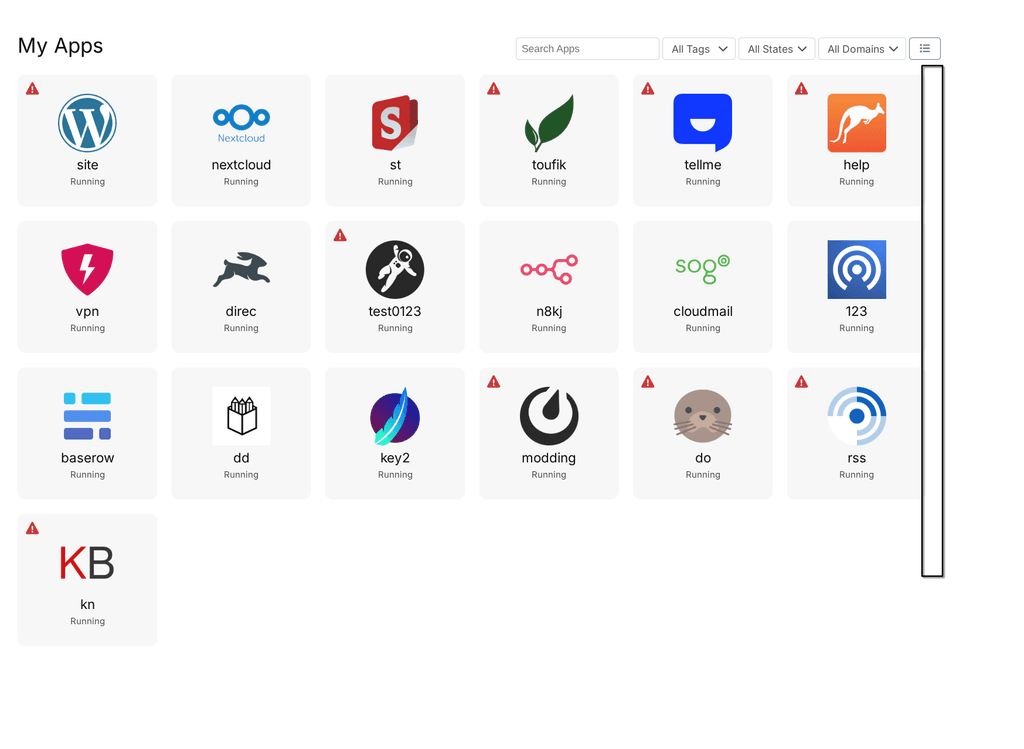
- Still no way to tell how many apps are running from a glance at the dashboard
- Still no keyboard navigation? Feels slower with the mouse and expanding menus vs old way. It's also off the screen requiring scrolling when all are expanded. Slower.
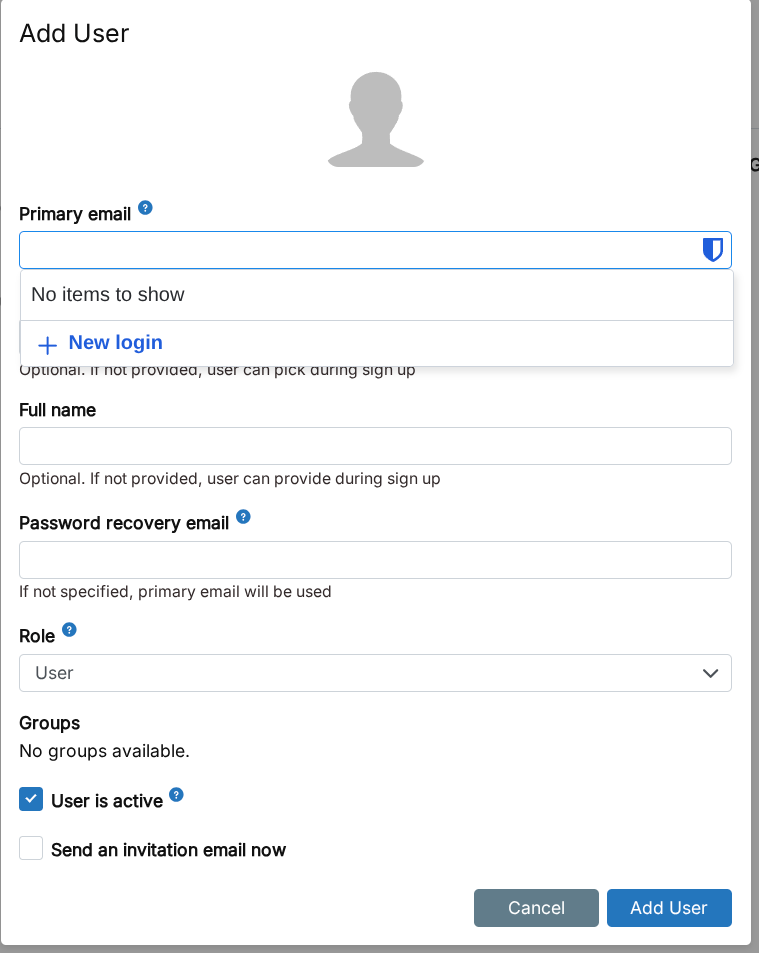
- Many dialogs can't be exited or cancelled by pressing escape. For ex: adding a new mailbox user, tab to highlight the domain then Esc doesn't work, same for the next tab down to the next field. Ties in with No 4.
- When initiating actions the confirmation dialog is way at the top, requiring more time travel mouse wise. Centering it on screen would be good, dynamically placing the dialog at the same level as the previous button on screen would be better, and turning off confirmations (as an option) would be best!

- While dialog buttons can be switched via tab and better visualized thanks to the white border styling (in dark mode) the highlighted button cannot be pressed/confirmed with space, only enter.
- In System > Services the cloudron service still has no restart button in the three-dot menu. Yet docker does? I think we should do away with the three dot menu, it's yet another click with no benefit. The instant icon/buttons were great and visually easy. The menu is visually mute and far away fom the previous column.
- When I click on Backups, I want to see backups, not a dropdown with more options that are not backups. Just include the app archive below the backup information and save space. Come to think of it, why have expanding menus at all? App config doesn't, it just moves to another inner menu with all the options closer to the action. Would be more consistent across the two modals.
- Server menu could use copy buttons for easier sharing of info during troubleshooting or vanity posts and better formatted. This is what it looks like pasting the last two lines:
Uptime
20 hours
Cloudron Creation Time
9 months ago
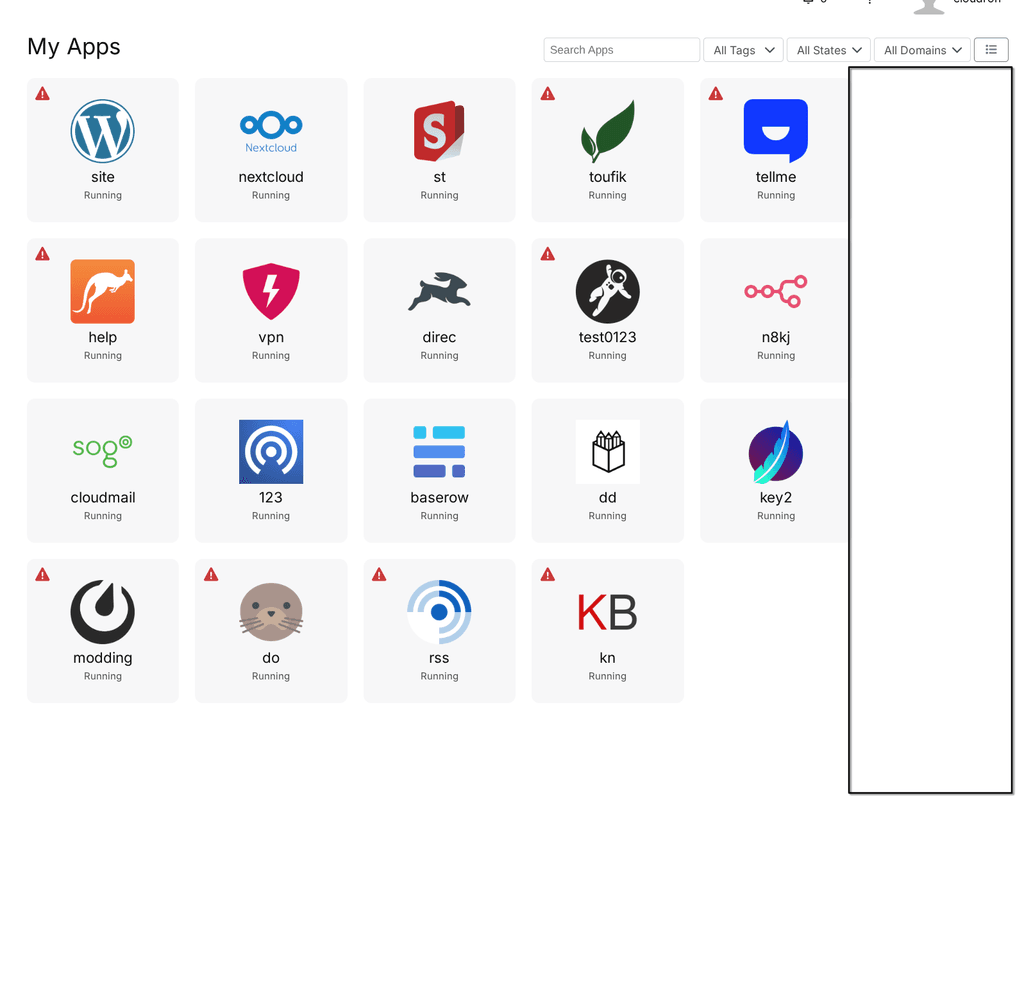
^^ O_O that is a human gestation time.. and if you just installed Cloudron 9.. oh wait you upgraded. Nevermind. - The size of all the tiles is smaller. It might be nice to have a zoom/size feature to help visually if on larger screens.
- Almost thought we lost branding, but it's under Appearance. Okay? Why do external links on the dashboard have anything to do with Appearance? It could be a single button +[-∞-] on the Dashboard itself. Move Branding to System.
- The tile/list toggle button is nice, but then we have the burried three dot menu again. Icons not hidden by the menu are so much better.
- Why is the label and the location linking to the same external link? Let the label go to the config page and location go to the external link.
- The list view sort by reverse App Title is a bit broken as it separates lowercase and upper case letters, sorting each as a group, not as a whole list. Ignore the case.
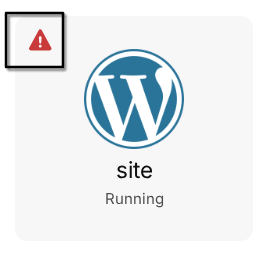
- There don't appear to be hints hovering the mouse over the red triangles.
- It would be nice if the Event Log would have a button or links to the app config in question.
- In the Server menu, why hide the beautiful app list and file sizes? If you don't want to load it every time because of the graphs, have a cached version that updates. The list is not clickable, and I'd want to go to the App settings if I do. An enhancement would be to pull out the Backup Enabled setting for each app, as this view is often what I stare at trying to figure out why my backups are so large.
- Since there were no notifications, I couldn't test those, but I hope the same pattern applies with links to the App Config being more useful than the external subdomain.
- Mattermost App tile icon is almost entire invisible in dark mode, and completely invisible on mouseover :-0