
Linkding: Disable login, force OIDC

-
FYI: The latest version, already available on Cloudron, allows to hide the login form.
- The PR: https://github.com/sissbruecker/linkding/pull/1269
- The docs entry: https://linkding.link/options/#ld_disable_login_form
How to on Cloudron:
- Edit
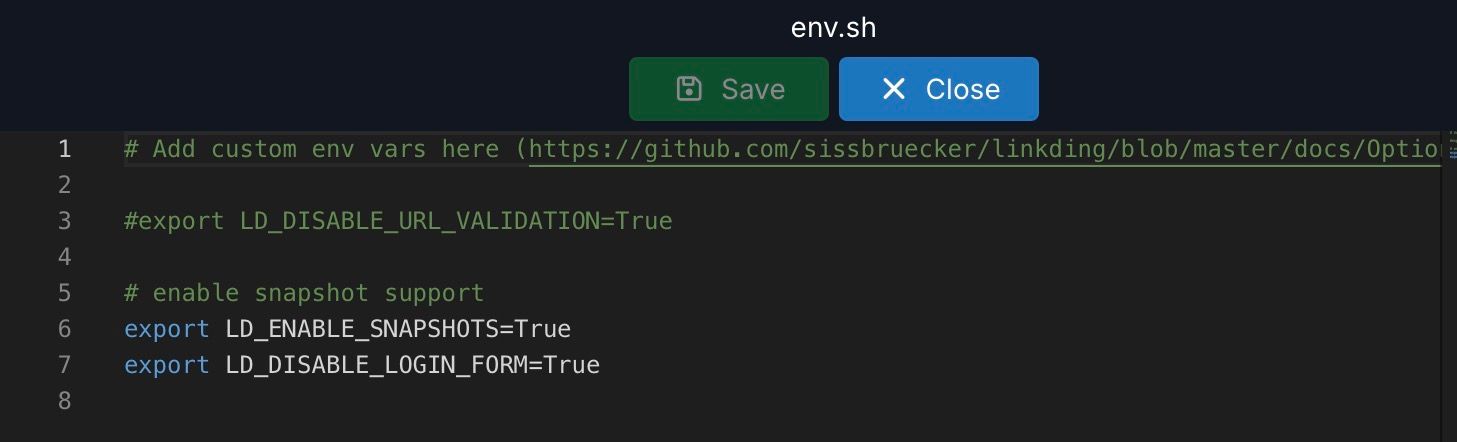
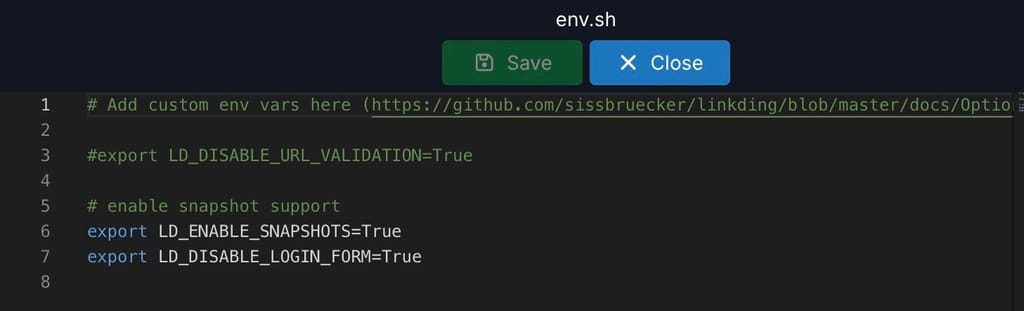
env.shin the file manager - add
export LD_DISABLE_LOGIN_FORM=True - Restart app
Screenshots:

-
Is there anything to do to migrate from "local" linkding users to Cloudron Users?
-
Hello @Kubernetes
Currently only on app installation it is possible to select if the app should use Cloudron Users or self-manage.
To migrate, you have to install the app on a new location and import the latest backup of your current running version. -
Hello @necrevistonnezr
Thanks for sharing this.
Do you think we should set this initially when OIDC is selected by the User?
But a soft configuration so a user can override it?@james said in Linkding: Disable login, force OIDC:
Hello @necrevistonnezr
Thanks for sharing this.
Do you think we should set this initially when OIDC is selected by the User?
But a soft configuration so a user can override it?I think that’s a good idea as it avoids confusion in such case





Hello! It looks like you're interested in this conversation, but you don't have an account yet.
Getting fed up of having to scroll through the same posts each visit? When you register for an account, you'll always come back to exactly where you were before, and choose to be notified of new replies (either via email, or push notification). You'll also be able to save bookmarks and upvote posts to show your appreciation to other community members.
With your input, this post could be even better 💗
Register Login