
Hi James, please refer below, thanks.

@james said in how to configure Ollama in OpenWebUI:
Hello @harryz
How much RAM does your server have?
How much RAM is used already?In the ollama web temrinal run:
free -hand post the output please.
Hi James, please refer below, thanks.
@james said in how to configure Ollama in OpenWebUI:
Hello @harryz
How much RAM does your server have?
How much RAM is used already?In the ollama web temrinal run:
free -hand post the output please.
My Ollama app has 12GB Memory. 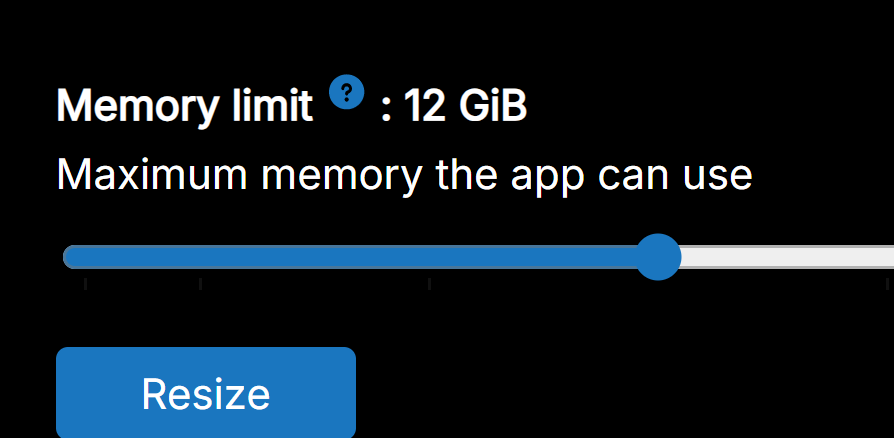
said in how to configure Ollama in OpenWebUI:
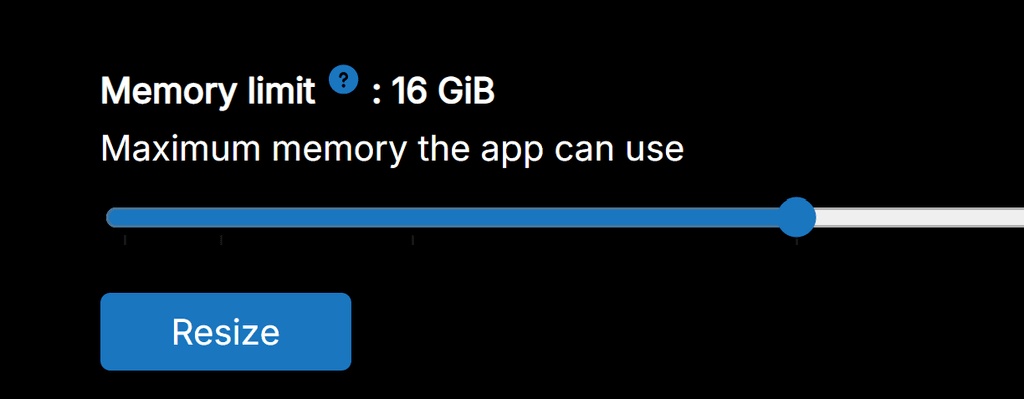
Thank you, James. You saved my day. However, how can I increase system memory for OpenWebUI. I already resize Memory Limit for OpenWebUI app to 16GB but system memory in this case is a different setting?
Thank you, James. You saved my day. However, how can I increase system memory for OpenWebUI. I already resize Memory Limit for OpenWebUI app to 16GB but system memory in this case is a different setting?
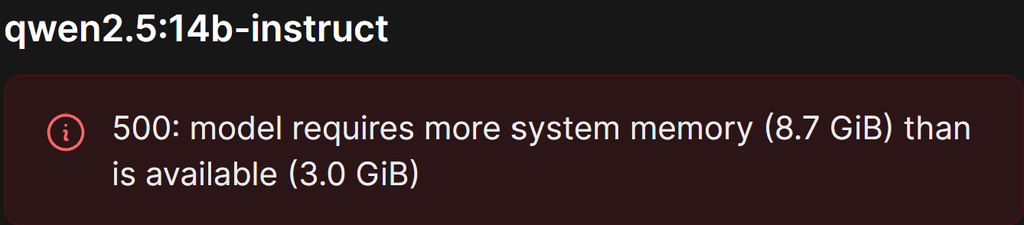
Hi guys,
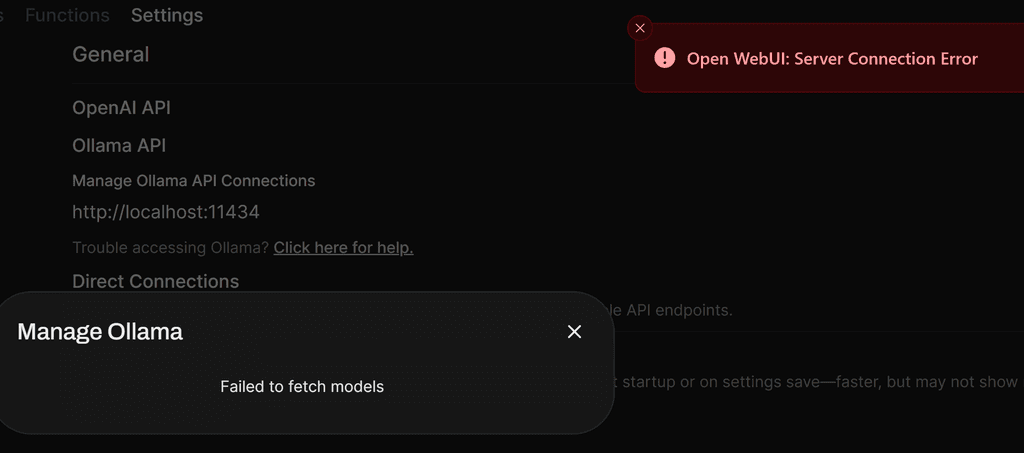
Could you please guide me how to configure Ollama in OpenWebUI so that I can download a model to test?
I am having below error after I installed OpenWebUI.
I tried to change localhost to my OpenWebUi domain but still same error. My OpenWebUI domain is behind cloudflare proxy.
@joseph said in screen recording configuration in Apache Guacamole:
Are you refering to https://guacamole.apache.org/doc/gug/configuring-guacamole.html#graphical-recording ? Is that documentation saying we have to record using a CLI tool?
I am referring to this and I like to record both rdp and ssh sessions then view in the playback in browser: https://guacamole.apache.org/doc/gug/recording-playback.html
May I know how to configure screen recording in Apache Guacamole?
and how to install screen recording extension?
Hi there,
Any plan to implement password protection for the shared link from cubby in the near future?
It will be very useful and that is the only missing feature for me to use cubby.
Hi there,
I installed Snipe-IT with Cloudron user management but it is not working. Login page only show Snipe-IT local user login and no Cloudron user login.
Hi there,
I installed paperless-ngx with Cloudron user management to make use of Cloudron user 2FA feature but it is not working. I did see "sign in via Cloudron" at login page but when I click it, it is showing "Server Error 500". Can anyone help? thanks.
Hi support,
Is there any way to change user management to Cloudron from app management for the installed app?