@robi kinda similar to regular surfer
/app/data/public : files for main (default) site
/app/data/publi-<sitename2> : files for 2nd site
/app/data/publi-<sitename3> : files for 3rd site
Yes, editable in File Manager in the normal way.
Aliases are working fine for me currently.
Moved 10 of my individual Surfer deployments into a single Surfer with the Site facility.
I haven't found a "smart" may to move content : I just download the individual deployment public folder, then uninstall the deployment, then create the alias and the site in the multi-domain deployment and re-upload the files from individual public dir into the new location. Manual but it gives me the chance to review/curate as I go.
Well, thanks for catching that. There was a broken migration in 7.1 that was causing this. Hopefully, not many updated to 7.1 since I only made the release some 2-3 hours ago. I have revoked it.
The new surfer has a concept of sites where alias domains can serve up different pages (like alpha.xx, beta.xx). I will make a separate post to explain this.
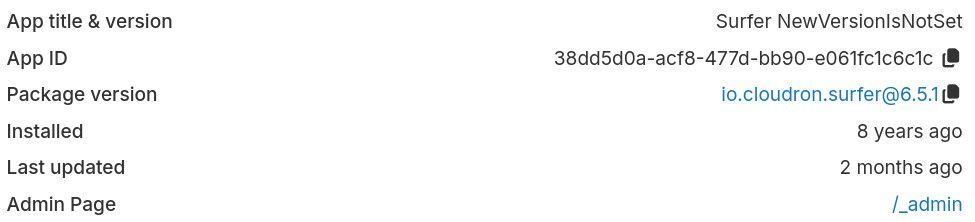
Oh indeed, that is apparently a bug in the release script for the apps we develop on our own. Thanks for raising that issue. The upstream and package versions for those apps like surfer should always be in sync.
do you happen do see any other error on the surfer server side app logs while trying the failing command? I wonder if something errors and the Invalid token message is just a side effect then.
@insuusvenerati if you use one of the automated DNS providers, you can keep your server completely private just like you have now as well. No change in setup needed, don't even have to open port 80/443 ...