Cloudron makes it easy to run web apps like WordPress, Nextcloud, GitLab on your server. Find out more or install now.


Skip to content
  • Categories
  • Recent
  • Tags
  • Popular
  • Bookmarks
  • Search
Skins
  • Light
  • Brite
  • Cerulean
  • Cosmo
  • Flatly
  • Journal
  • Litera
  • Lumen
  • Lux
  • Materia
  • Minty
  • Morph
  • Pulse
  • Sandstone
  • Simplex
  • Sketchy
  • Spacelab
  • United
  • Yeti
  • Zephyr
  • Dark
  • Cyborg
  • Darkly
  • Quartz
  • Slate
  • Solar
  • Superhero
  • Vapor

  • Default (No Skin)
  • No Skin
Collapse
Brand Logo

Cloudron Forum

Apps - Status | Demo | Docs | Install
  1. Cloudron Forum
  2. Support
  3. SSL does not work normally

SSL does not work normally
Scheduled Pinned Locked Moved Solved Support
certificatescloudflare
7 Posts 3 Posters 2.5k Views 3 Watching
  • Oldest to Newest
  • Newest to Oldest
  • Most Votes
Reply
  • Reply as topic
Log in to reply
This topic has been deleted. Only users with topic management privileges can see it.
  • bangden07B Offline
    bangden07B Offline
    bangden07
    wrote on last edited by girish
    #1

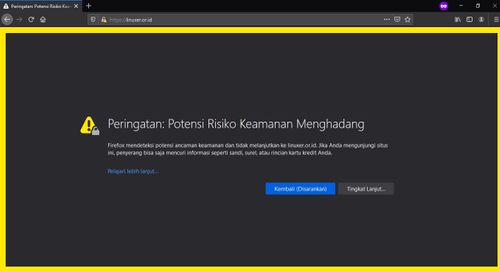
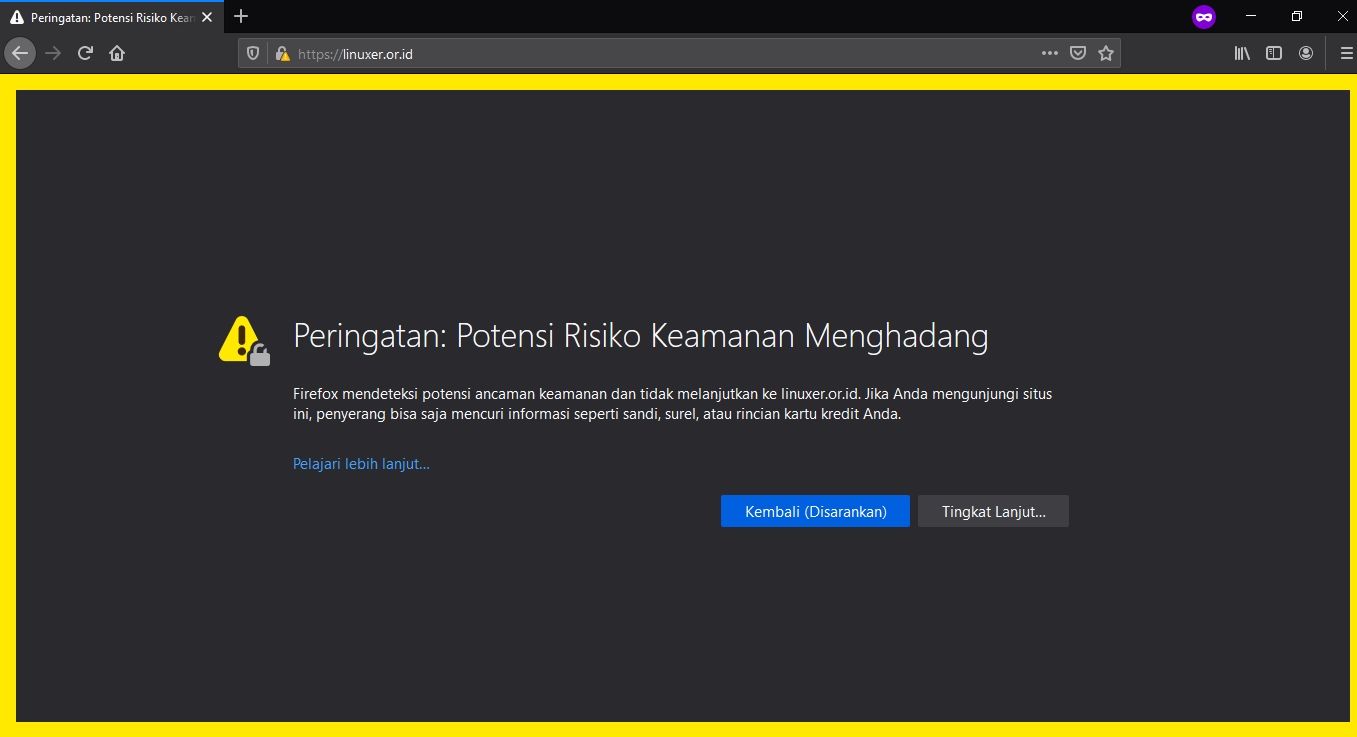
    Either this is a bug or a mistake from me.
    SSL installation failed for my domain.
    But from my side. I only installed the application using the root domain correctly. If it's an error from the cloudron side then please help me to resolve this.

    <screenshot with email redacted>

    Screenshot_14.jpg

    1 Reply Last reply
    0
    • nebulonN Offline
      nebulonN Offline
      nebulon
      Staff
      wrote on last edited by
      #2

      I think the error code of 429 indicates a LetsEncrypt rate-limit issue for that domain. Is this possible in your case?

      bangden07B 1 Reply Last reply
      1
      • nebulonN nebulon

        I think the error code of 429 indicates a LetsEncrypt rate-limit issue for that domain. Is this possible in your case?

        bangden07B Offline
        bangden07B Offline
        bangden07
        wrote on last edited by
        #3

        @nebulon I am not sure. Because my domain renew 3x.
        If it exceeds the limit. How long is the limit released or renewed again?

        1 Reply Last reply
        0
        • nebulonN Offline
          nebulonN Offline
          nebulon
          Staff
          wrote on last edited by
          #4

          The various rate-limits are explained at https://letsencrypt.org/docs/rate-limits/
          It could also be a temporary issue on LetsEncrypt side, if you believe so, you can renew the certificates manually from the Cloudron dashboard's domain view.

          1 Reply Last reply
          1
          • girishG Offline
            girishG Offline
            girish
            Staff
            wrote on last edited by
            #5

            @bangden07 If you install/uninstall & try many apps in different subdomains, it's best to get a Let's Encrypt wild card cert. On Cloudron, you will get a wild card cert automatically, if you move to a supported DNS provider (like DO, Cloudflare, Route53 etc). Is that an option for you? When you get wildcard certs, you only get 1 cert and that' it.

            Also, if possible, please paste the raw logs instead of a picture next time. The reason is that it's better for SEO purposes and also I can redact stuff a bit better (for example, in the screenshot, you forgot to clear out your gmail info in one place, so I have removed the pic for now).

            1 Reply Last reply
            0
            • bangden07B Offline
              bangden07B Offline
              bangden07
              wrote on last edited by
              #6

              Waiting for the limit from Let's Encrypt is too long. Must wait 7 days to be able to create a new certificate. Okay, that doesn't matter, I've worked around this by using Universal SSL from Cloudflare and this works.

              1 Reply Last reply
              0
              • girishG Offline
                girishG Offline
                girish
                Staff
                wrote on last edited by
                #7

                @bangden07 Ah, that's a smart work around! I just noticed that you had SSL issues on the root domain. The wildcard cert only covers subdomains i.e *.foo.com but not foo.com. Cloudron still has to get normal certs for foo.com. I guess after a week, you can remove the cloudflare proxy.

                1 Reply Last reply
                0

                Hello! It looks like you're interested in this conversation, but you don't have an account yet.

                Getting fed up of having to scroll through the same posts each visit? When you register for an account, you'll always come back to exactly where you were before, and choose to be notified of new replies (either via email, or push notification). You'll also be able to save bookmarks and upvote posts to show your appreciation to other community members.

                With your input, this post could be even better 💗

                Register Login
                Reply
                • Reply as topic
                Log in to reply
                • Oldest to Newest
                • Newest to Oldest
                • Most Votes


                • Login

                • Don't have an account? Register

                • Login or register to search.
                • First post
                  Last post
                0
                • Categories
                • Recent
                • Tags
                • Popular
                • Bookmarks
                • Search